We are living in a fast-paced world where everything is happening too soon, too often. Organizations have to work tirelessly and endlessly to keep up with the changing times, technologies, and needs, all the while keeping costs and productivity in mind. This is where RPA or robotic process automation emerges as a powerful solution. RPA tools aid in automating time-consuming and repetitive tasks, which in turn enable employees to focus on more skill-centric and value-adding activities. There are various tools for robotic process automation, and in this blog, we are going to discuss the 6 best RPA (Robotic Process Automation) tools.
RPA or Robotic Process Automation software is a technology that employs software robots, generally called bots, for automating repetitive processes and tasks. These tools replicate human actions as they interact with multiple applications and systems.
These include decision-making, screen scraping, and data entry. There are numerous RPA advantages, including improved accuracy, scalability, increased efficiency, and cost savings. This technology is being used on a global level across all leading industries like healthcare, insurance, manufacturing, retail, and banking.
The global RPA market is expected to grow at a CAGR of 24.31% between the forecast period of 2022-2028. The value is expected to go from USD 3758.53 million in 2022 to USD 13871.72 million by 2028. This data is as per the Robotic Process Automation (RPA) Market Insight Report by 2023.
Let us take a look at the 6 best RPA tools that are ruling the current market, and are expected to keep at it too. These best RPA software names that are transforming businesses with their features and benefits.
One of the top robotic process automation tools, Blue Prism, supplies tools that aid in automating clerical back-office processes, usually done by humans. This UK-based product development company is the inventor of RPA.
There are two components of Blue Prism-
A) Process Studio- The process studio is where the key process is created. It uses a robot's logic to facilitate object calls, control loops, business logic, and variables.
B) Object Studio- This is where a visual business object is created to interact with other apps.
Related Article - Blue Prism Tutorial
Automation Anywhere is among the best RPA robotic process automation tools with the prowess to change how an enterprise operates. This feature is combined with properties like reading any unstructured data and natural language understanding.
There are three components of Automation Anywhere-
A) Control Room- This server aids in working with the Automation Anywhere bots. This is where the code for the bot gets stored and the developer's license is checked.
B) Bot Creator- Desktop-based RPA tools are used for creating bots. Different developers create bots, which can be merged and executed at once.
C) Bot Runner- This is a machine where the bots run. Multiple bots can also be run at the same time, making it the best RPA Robotic Process Automation tool of all.
Related Article- How To Learn RPA UiPath?
UiPath is a Windows desktop tool containing various activities that aid in reducing the number of repetitive tasks. It works on sequence, framework, and flowcharts.
There are three components of UiPath-
A) UiPath Studio- Pre-built activities are used to build automation workflows.
B) UiPath Robot- Workflows designed in UiPath Studio are executed here.
C) UiPath Orchestrator- The workflows or projects executed earlier are published here. This ensures that the automation works on various systems simultaneously.
Explore igmGuru's UiPath online training program to advance your career in Robotic process automation (RPA).
Kofax has emerged as a leading tool with various cutting-edge offerings, namely Kofax TotalAgility and Kofax RPA. Kofax facilitates in automating information processing to help drive better employee productivity, reduce costs, deliver key insights, and increase operational efficiency.
Pega RPA delivers on three main fronts. These include automating all repetitive work, transforming digitally, and bridging the gap between systems. It offers a unified platform that takes care of both the front and back office, along with automating tasks.
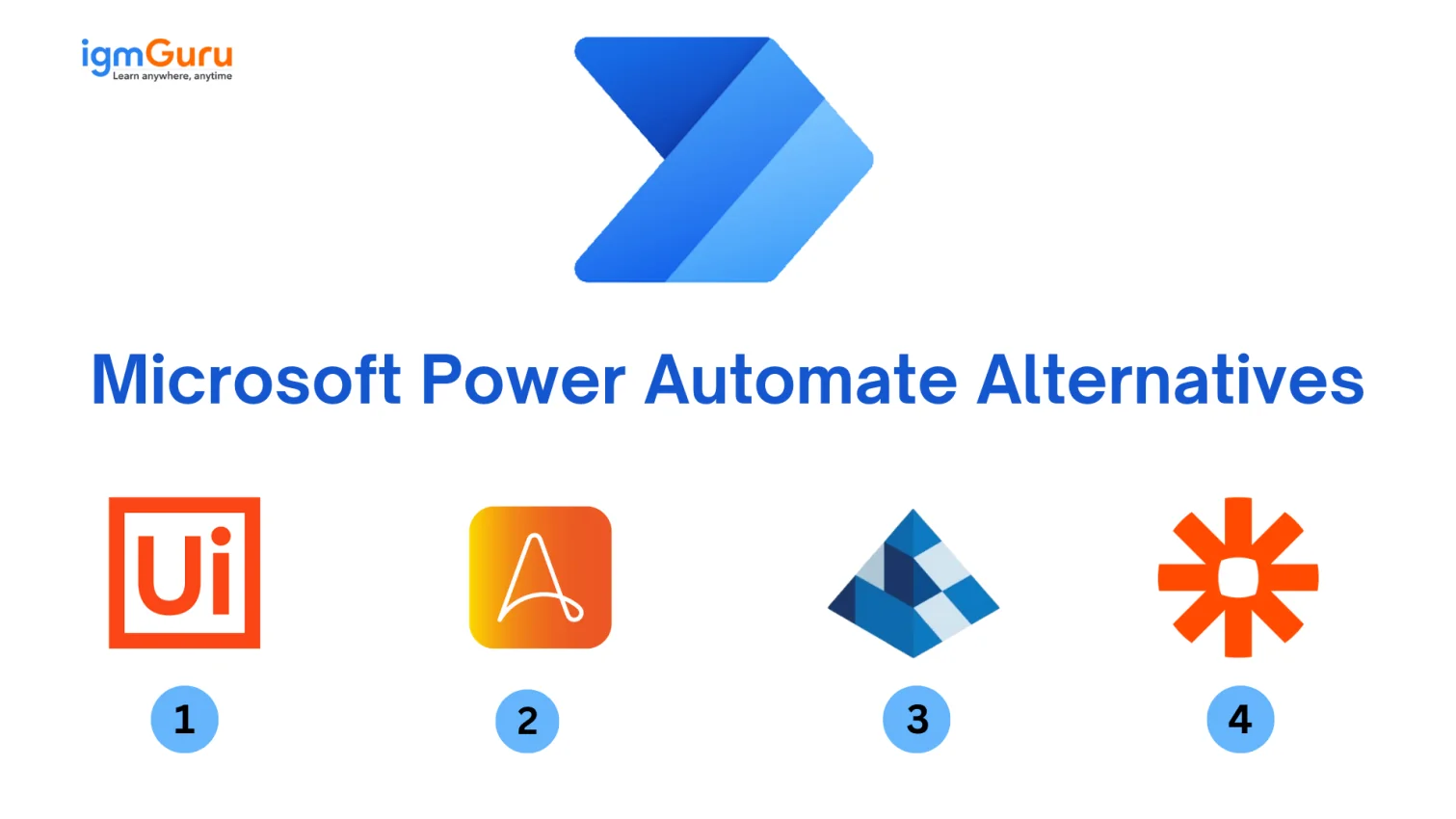
Microsoft Power Automate is an automation tool that is used to automate all kinds of workflows across different services and applications. This includes anything from something as simple as push notifications to complicated business processes.
There are four components of Microsoft Power Automate -
A) Connectors - They connect Power Automate to services and applications for executing tasks and exchanging data.
B) Actions - This includes tasks like sending an email, file updates or building a record in CDs.
C) Flow Designer - A simple interface to manage and build workflows.
D) Triggers - This includes conditions that initiate workflows, like receiving emails or changes in data.
Related Article- Why Businesses Need Robotic Process Automation?
When it comes to choosing the right robotic process automation tools, there are no fixed answers. This is because every RPA tool out there offers a unique set of features and hence, different benefits. What really matters is whether those features are useful for your business or not. Here is a list of a few criteria you can consider when choosing a robotic process automation tool.
Robotic process automation is transforming how a business operates by automating repetitive tasks to eventually improve overall efficiency. There are a lot of RPA tools in the market, but it is important you pick the best one. We hope this list of the best RPA tools and how to choose the right one helps you move ahead in your career.
Ans. One of the easiest RPA tools to learn is UiPath.
RPA is a good career choice as the future lies in automation. This is a great career choice for those who hold strong problem-solving and analytical skills.
No, RPA does not need coding knowledge.
It typically takes 2 to 6 weeks to learn RPA tools, depending on prior experience and the complexity of the tool.



Top Advantages And Disadvantages of Artificial Intelligence (AI)
October 16th, 2026
File Handling in Python: Understand Step-by-Step With Examples
October 16th, 2026