


ArchiCAD is Graphisoft's BIM authoring platform, used by architecture firms worldwide for parametric design and multi-discipline coordination. This course skips the button-by-button tutorials and focuses on how practicing architects actually work: building a firm-ready template, managing renovation phases, running IFC coordination with structural and MEP teams, and producing a construction document set that would survive a real project review. You'll also learn exactly where Graphisoft's official certification tracks fit into your next steps.
No prior ArchiCAD or BIM experience is required for the foundation track. A basic comfort with computers and an interest in architectural drawing or building design is enough to get started. If you've already used AutoCAD, SketchUp, Revit, or another CAD or BIM tool, you'll move through the early modules faster, but it isn't mandatory. Architecture and civil engineering students, along with working professionals moving from 2D drafting into BIM, typically start from Module 1 without any trouble.
This course is built for people who need to use ArchiCAD professionally, not just understand it in theory.
By the end of this course, you should be able to take a blank ArchiCAD file to a coordinated, issue-ready document set on your own.
An ArchiCAD certification tells an employer you can take a project from concept to construction documents without hand-holding. Past learners from this course have moved into roles such as:
igmGuru has trained architecture and BIM professionals across multiple countries, and this course is built around that hands-on focus.

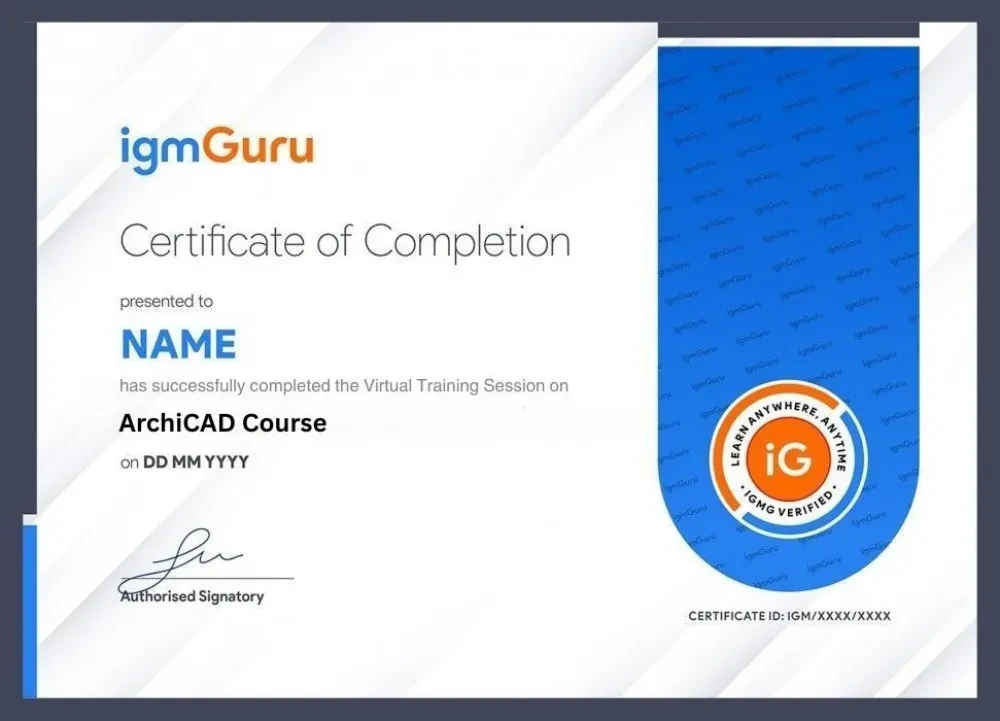
On completing this course, you'll receive an igmGuru Course Completion Certificate for ArchiCAD certification training, based on your module assessments and capstone project. This is a training-provider certificate and is separate from Graphisoft's own vendor certification exams.
Alongside it, this course prepares you to sit for Graphisoft's official certifications directly through Graphisoft Learn:
We recommend attempting the BIM User assessment immediately after completing this course, and the BIM Author certification once you have gained experience working on a few live projects.
Yes. The course starts from the interface and basic modeling tools, so no prior BIM or CAD experience is required.
Yes, the course is built around ArchiCAD 29, including its AI Assistant, MEP Designer, and IFC 4.3 workflows.
Yes. You'll receive an igmGuru Course Completion Certificate, and the course also prepares you for Graphisoft's own BIM User and BIM Author exams.
No. igmGuru's certificate confirms that you completed the course; Graphisoft's certifications are separate exams taken directly through Graphisoft Learn.
Yes. Sessions are recorded, so you can revisit lectures, labs, and project files at your own pace.
No. Prior CAD experience helps you move faster, but the course is designed for BIM beginners too.
You'll model a residential unit, convert it into a renovation project, build a firm-style template, and complete a full capstone documentation set.
Both are BIM authoring tools. ArchiCAD is known for its integrated 2D/3D workflow and strong architectural detailing, while Revit has wider adoption in some regions and disciplines. Employability tends to depend more on your project portfolio than on which tool you learned first.
The course gives you portfolio-ready projects and career guidance, though actual job outcomes depend on your existing experience, location, and the roles you target.
You get lifetime access to recorded sessions, project files, and templates used throughout the training.








