Container orchestration is the future of modern application development and deployment. With the capability of automating the management, streamlining the lifecycle and scaling the application, it has become mainstream for many businesses globally. Therefore, organizations are actively seeking experts who can effectively manage container orchestration platforms like Kubernetes (K8s). Are you interested in grabbing this opportunity?
This Kubernetes tutorial is strategically created for individuals like you. It will explain different concepts of Kubernetes from its architecture and installation process to basic and advanced concepts with examples. By the end, you will be confident enough to get started with this container orchestration platform. Let's start with a basic introduction.
TL;DR
This Kubernetes tutorial is designed to help beginners understand and work with Kubernetes, a leading container orchestration platform used to deploy, manage, and scale containerized applications. It is especially useful for aspiring DevOps engineers, cloud professionals, developers, and IT administrators who want to build expertise in modern application deployment and infrastructure management. The tutorial covers Kubernetes architecture, installation, core concepts, essential commands, application deployment, service discovery, load balancing, and configuration management. By learning Kubernetes, professionals can automate operations, improve application scalability and reliability, and enhance their career opportunities in cloud computing and DevOps.
Kubernetes is a powerful tool that streamlines and automates the deployment, scaling and management of containerized applications in application development. It packs all the information, dependency and code of the application in small units called containers.
These containers help to automate the deployment process with different features and functionalities. They also provide great scalability and versatility, helping organizations to work in different areas. Its automation, scalability and versatility are the major reasons behind its popularity.
Now that you have a basic knowledge of K8s, Let's dive into its technical concepts, starting with the Kubernetes installation guide.
Read Also: Kubernetes Interview Questions and Answers
Kubernetes has many distributions on offer and the choice of the best depends on your preference. Most of the developers use packaged products like K3s, Minikube, Kind and MicroK8s.
We are discussing one of the most used, K3s, in this Kubernetes tutorial. It is an ultra lightweight distribution that bundles the Kubernetes components in a single binary. It also involves the Kubectl CLI that is used to publish different commands.
Step 1. Use the command given below to start the installation:
| $ curl -sfL https://get.k3s.io | sh - ... [INFO] systemd: Starting k3s |
This command will automatically download the currently available version of K3s and register the system service accordingly.
Step 2. Run the command given below to replicate the auto generated Kubectl configuration file into the .kube directory.
| $ mkdir -p ~/.kube $ sudo cp /etc/rancher/k3s/k3s.yaml ~/.kube/config $ sudo chown $USER:$USER ~/.kube/config |
Step 3. Now inform K3s to use this configuration file by running the command given below:
| $ export KUBECONFIG=~/.kube/config |
You can also add this line to their ~/.bashrc or ~/.profile file for automatically applying the modification performed after login.
Step 4. Finally, run this command:
| $ kubectl get nodes NAME STATUS ROLES AGE VERSION v1.24.4+k3s1 Ubuntu22 Ready Control Plane, Master 102s v1.24.4+k3s1 |
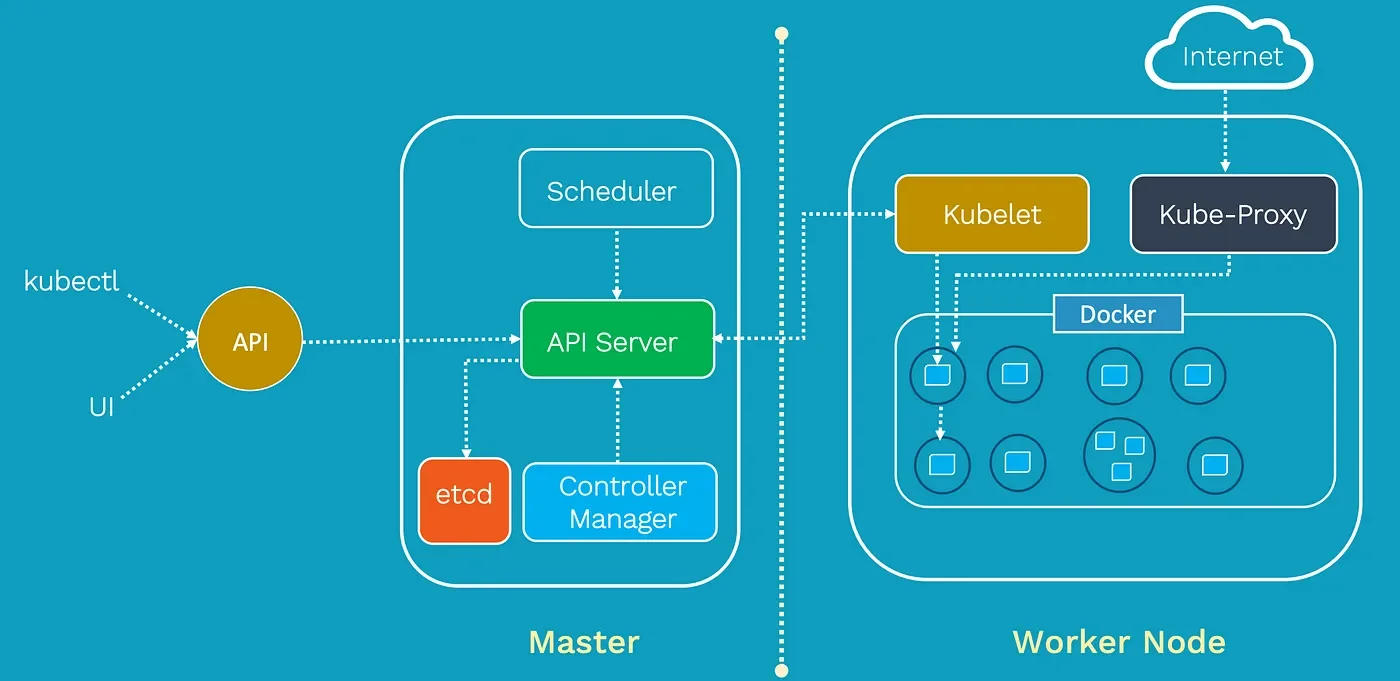
Understanding the Kubernetes architecture is primary to managing containerized applications effectively. It has a simple architecture that consists of two nodes including:
The master node is the heart of Kubernetes architecture. This node works as a control panel for the complete cluster and handles their state. It is responsible for deciding when to schedule new pods, monitoring the health of pods and nodes and scaling apps based on requirements. Key components of the master node include:
Worker Node is a kind of machine where containers/pods are run and scheduled. These nodes form the data plane for the cluster for executing the real workloads. Each of the Worker Nodes runs different components. Some of them are listed below -
Explore igmGuru's top Cloud Computing Certification Courses to learn more.
You may have noticed many terms throughout the article. Having a basic understanding of these concepts will familiarize you with the applications and functionalities of K8s. These are:
The commands are the only way to interact with clusters to task them. This container orchestration platform uses kubectl as its command-line interface. Here are some essential commands to know:
It lists all Pods in the default namespace. You can also specify a different namespace using -n <namespace-name>.
It lists all Deployments in the default namespace.
It lists all Services in the default namespace.
This section explains the deployment of an application on Kubernetes. This example will give you real-time experience of how K8s work. It involves the following steps:
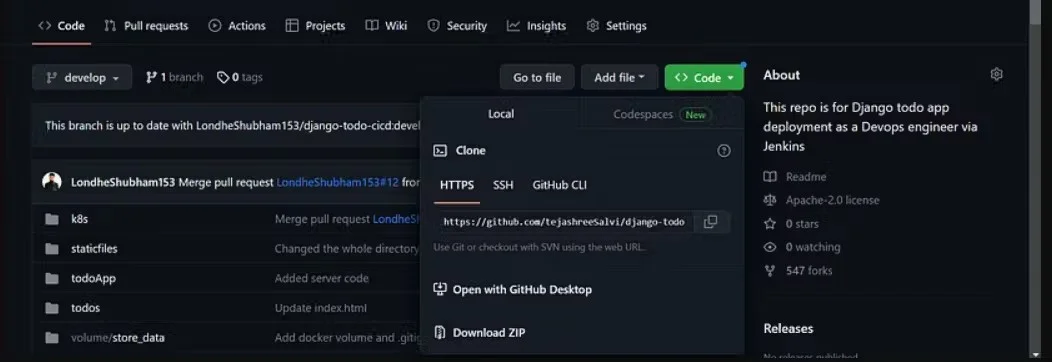
You can use the source code available on GitHub.
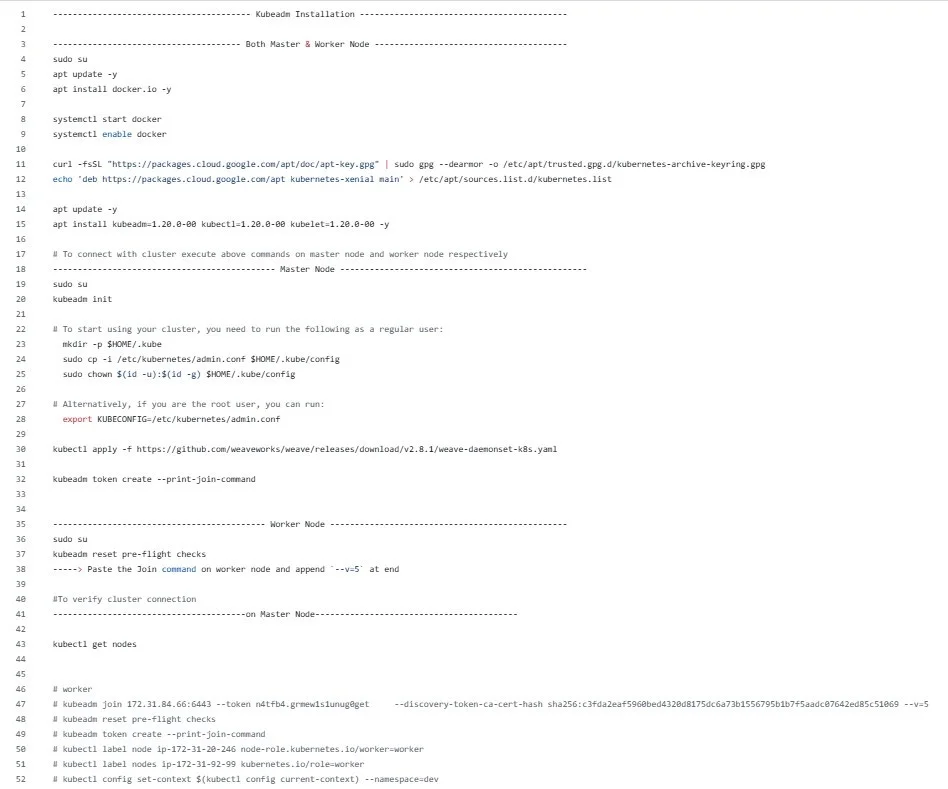
Use the following commands to clone the repository:
| $ git clone https://github.com/shreys7/django-todo.git |
FROM python:3 WORKDIR /data RUN pip install django==3.2 COPY . . RUN python manage.py migrate EXPOSE 8000 CMD ["python","manage.py","runserver","0.0.0.0:8000"] |

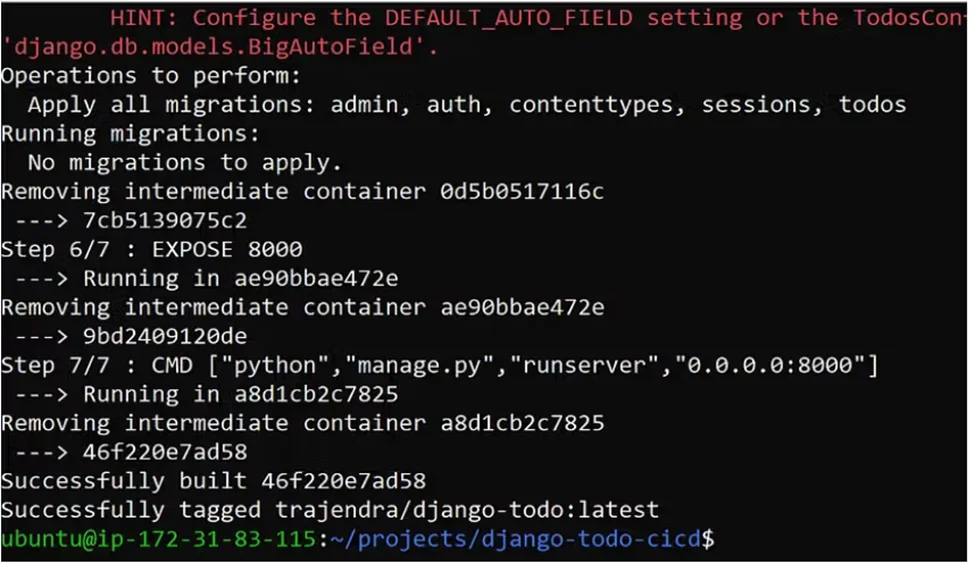
Use the command given below in the cd django-todo repository to build an image from Dockerfile.
| docker build . -t trajendra/django-todo:latest |
docker login
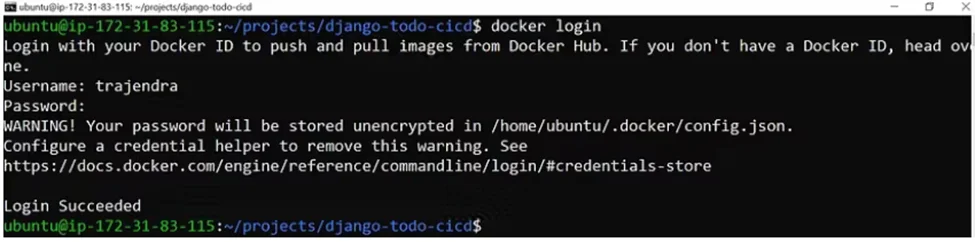
| docker push trajendra/django-todo:latest |
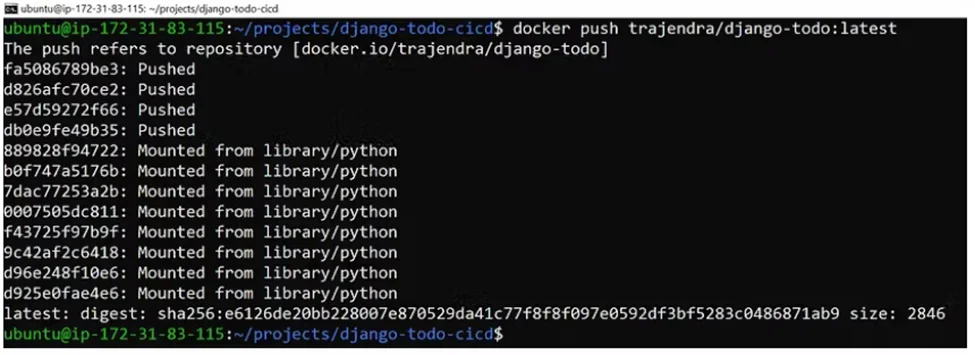
Now that we have created the image, it is time to craft the deployment. It tells K8s how to run the image. Save this as django-deployment.yaml:
apiVersion: apps/v1 kind: Deployment metadata: name: django-deployment labels: app: django-todo # Label to help us find this Deployment later spec: replicas: 3 # Run three copies of our app selector: matchLabels: app: django-todo # Tells the Deployment which Pods to manage template: metadata: labels: app: django-todo # Labels applied to the Pods themselves spec: containers: - name: django-container image: trajendra/django-todo:latest # Our Docker image! ports: - containerPort: 8000 # The port our Django app listens on |
Use Service to inform K8s how to access the app from outside the cluster. It is another YAML file. It exposes the application.
apiVersion: v1 kind: Service metadata: name: django-service spec: selector: app: django-todo # Selects the Pods with this label ports: - protocol: TCP port: 80 # The port we want to expose *outside* the cluster targetPort: 8000 # The port our container is listening on type: LoadBalancer # Expose the service via a cloud load balancer (if available) |
Use kubectl to apply the configurations.
kubectl apply -f django-deployment.yaml kubectl apply -f django-service.yaml |
Check if the app is running.
kubectl get deployments kubectl get pods kubectl get services |
There are two ways to manage an application instance on this platform including kubectl and dashboard. kubectl allows experts to deploy, inspect and manage applications running on the cluster. K8s Dashboard is a web-based interface that deploy, monitor and troubleshoot applications.
Kubectl provides various commands for application management, here are some of them:
The dashboard helps to manage the application without using any commands. Here are some of its common uses:
Services provide a stable way to access the application. This container orchestration platform automatically handles service discovery, which allows Pods to find and communicate with each other using the Service name. When you expose a Service with a type like LoadBalancer or use mechanisms like NodePort or port-forward locally, it distributes traffic across the Pods associated with that Service.
Configuration management defines and manages the state of resources like deployments, services and pods. This is typically done through declarative manifests (YAML files) that describe the desired state of the cluster. It helps to ensure that clusters are in the defined state. This platform has four types of configuration management approaches including:
It is one of the easiest and least flexible approaches. It replicates an existing, valid definition that can be modified to suit the requirements at hand. In this approach, one has to rework the customized copies to reflect the changes. Therefore, it is typically considered an impractical approach.
Parameterized templating involves creating reusable templates for deployments. These reusable templates can be customized for different environments or scenarios. This approach reduces redundancy and makes it easier to manage multiple deployments with a few variations. The Helm package manager is an instance of this approach.
Overlay configuration helps to modify base configurations without directly customizing them. With this approach, one can enable environment-specific changes and promote reusability. This is often achieved using tools. Kustomize is one such tool and uses a layered method with base and overlay directories.
The programmatic configuration defines and applies customizations using code. It involves using dedicated languages or general programming languages. Using this approach, one can achieve dynamic, automated and reusable configuration definitions. It uses programming constructs like conditionals, loops and functions. This approach is mostly preferred in scenarios requiring customization or integration with other systems.
Related Article- Kubernetes vs Docker: Key Differences
Kubernetes is one of the best container orchestrators. This Kubernetes tutorial for beginners has explored its installation process, architecture, key concepts, and working. Understanding it will significantly enhance your ability to deploy and manage modern applications efficiently and reliably. There are endless possibilities for further exploration and mastery, where additional sources like online courses and training programs will help.
Ans - Kubernetes tutorial for beginners is basically a guide for individuals who want to start a career on the platform. It equips the required knowledge to master and start learning this platform. This tutorial has also included many aspects of this tool.
Ans - Learning this platform may seem challenging for beginners who are new to container orchestration. There are many resources available for them to get familiar with this technology. They can use tutorials, blogs or documents. It will give them a good start in learning this platform.
Ans - This depends on your goals and working profession. Kubernetes will be the best platform to learn if you want to maintain and run multiple containerized apps. Knowledge of Docker is a must if you are or want to work as a developer.
Kubernetes helps manage containers efficiently, ensures high availability and automatically scales applications based on demand.
Auto-scaling automatically increases or decreases the number of Pods based on traffic or resource usage.
Course Schedule
| Course Name | Batch Type | Details |
| Kubernetes Training | Every Weekday | View Details |
| Kubernetes Training | Every Weekend | View Details |