


Are you also looking for the best Business Intelligence Tools? Then you have come to the right place. Ever since the data volumes are growing so fast, it's not just me but even the companies are relying on business intelligence tools. These BI tools have helped me understand trends, find patterns and make raw data into strong outputs. They support both tactical and making smart conclusions.
In this blog, I have introduced you with the best Business Intelligence tools, so that you don’t go through the same frustration as I did. So let us begin.
The business intelligence tools gather, process and analyze huge amounts of structured and non-structured data through internal and external systems. Data sources involve documents, files, images, emails, videos, journals, social media posts and much more.
These business intelligence tools locate this information via queries which showcase the data in formats which are user-friendly. It uses formats like reports, dashboards, charts and graphs. These tools can showcase functions like data mining, data visualization, performance management, analytics, reporting, text mining and much more.
| BI Tool | Best For | Pricing Kind | Biggest Pros |
| Microsoft Power BI | Businesses making use of Microsoft products. | Free and paid plans. | Excel integration and affordability. |
| Tableau | Data visualizing and reporting | Paid and customized plans. | Strong visual analytics |
| Qlik Sense | Data exploration and self-service BI. | Paid and customized plans. | Associative data exploration |
| Google Looker | Enterprise analytics and data governance. | Customized pricing | Continuous business metrics. |
| ThoughtSpot | AI-powered analytics. | Paid and customized plans. | Natural language data search. |
| Zoho Analytics | Small and mid scale businesses | Free trial and paid plans. | Affordability and ease to use. |
| SAP Analytics Cloud | Enterprise planning and predicting. | Trial and paid plans | BI combined with business planning |
| Sisense | Embedded analytics and software products. | Customized pricing | Developer-friendly integration |
| Dundas BI | Customized dashboards and reporting | Customized pricing | Flexible customization |
| Domo | Data connectors, magic ETL and instant dashboards. | Customized pricing | Vast data collection over 1000 sources |
Once you begin with these business intelligence tools then there is no going back. Business Intelligence tools are trustworthy for understanding performance, finding trends and making decisions. Let us know why are business tools useful?
These BI tools change raw data into clear, actionable insights via data integration, dashboards which are interactive and user friendly.
As we know that the Business intelligence tools make data accessible. The fact that what once needed specialized analysts, can now be done through business users via dashboards, visualisations and self service analytics.
Research says: The worldwide $41.16 billion in 2026 and is predicted to reach $62.38 billion by 2031 and is run by the rise in data generation, cloud adoption and demand for instant outputs.
Basically these business intelligence tools aid companies to:
Here are the best business intelligence tools you should consider:
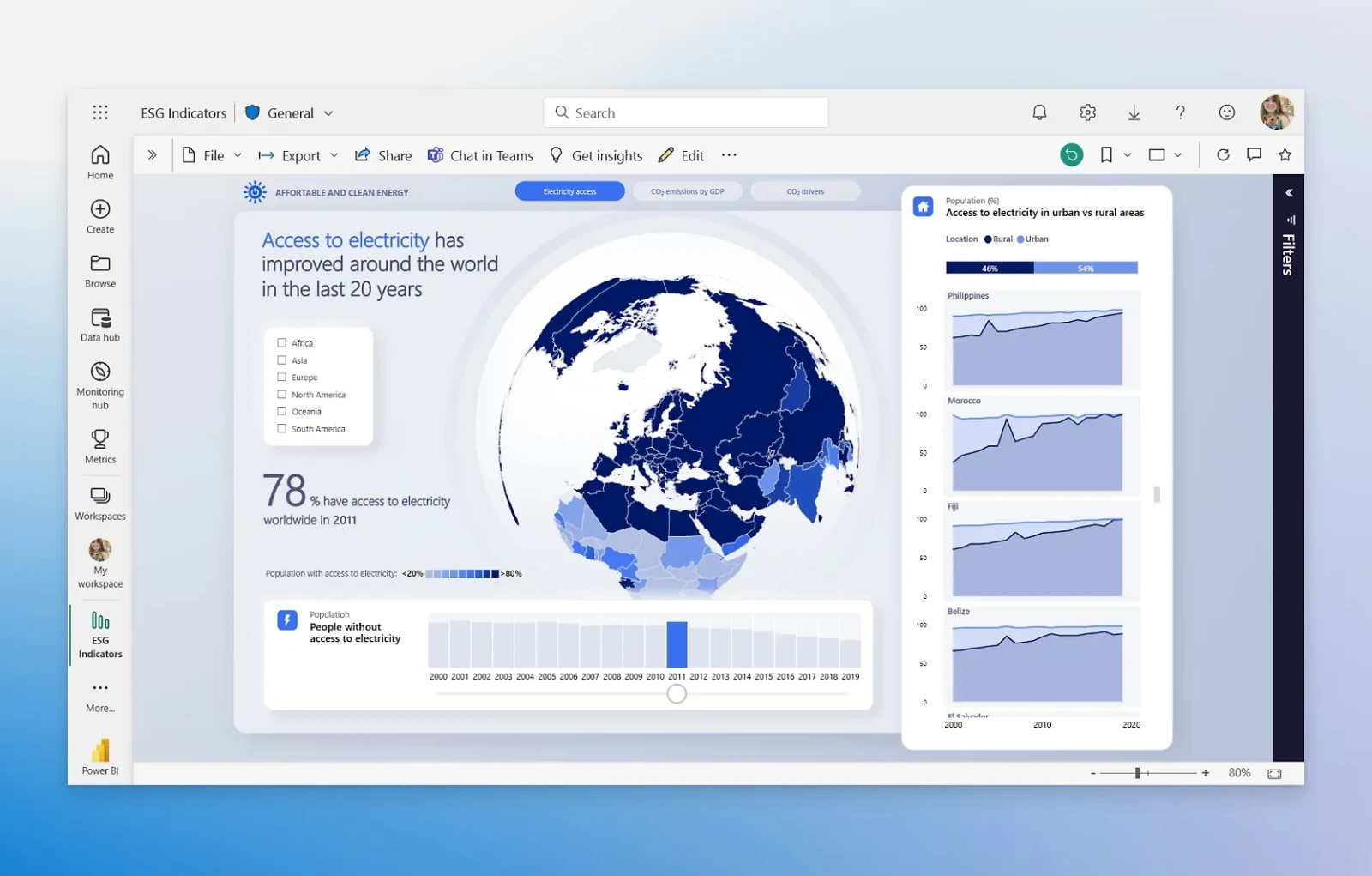
Microsoft Power BI is among the most famous business intelligence tools and Power BI is a software giant. Its downloadable software lets you run analytics on the web or in a reporting server.
This user friendly tool syncs with platforms like Facebook, Oracle and more for generating reports and dashboards in minutes. Power BI involves building AI abilities, Excel integration and data connectors. This tool also provides an end to end data encryption and instant access monitoring.
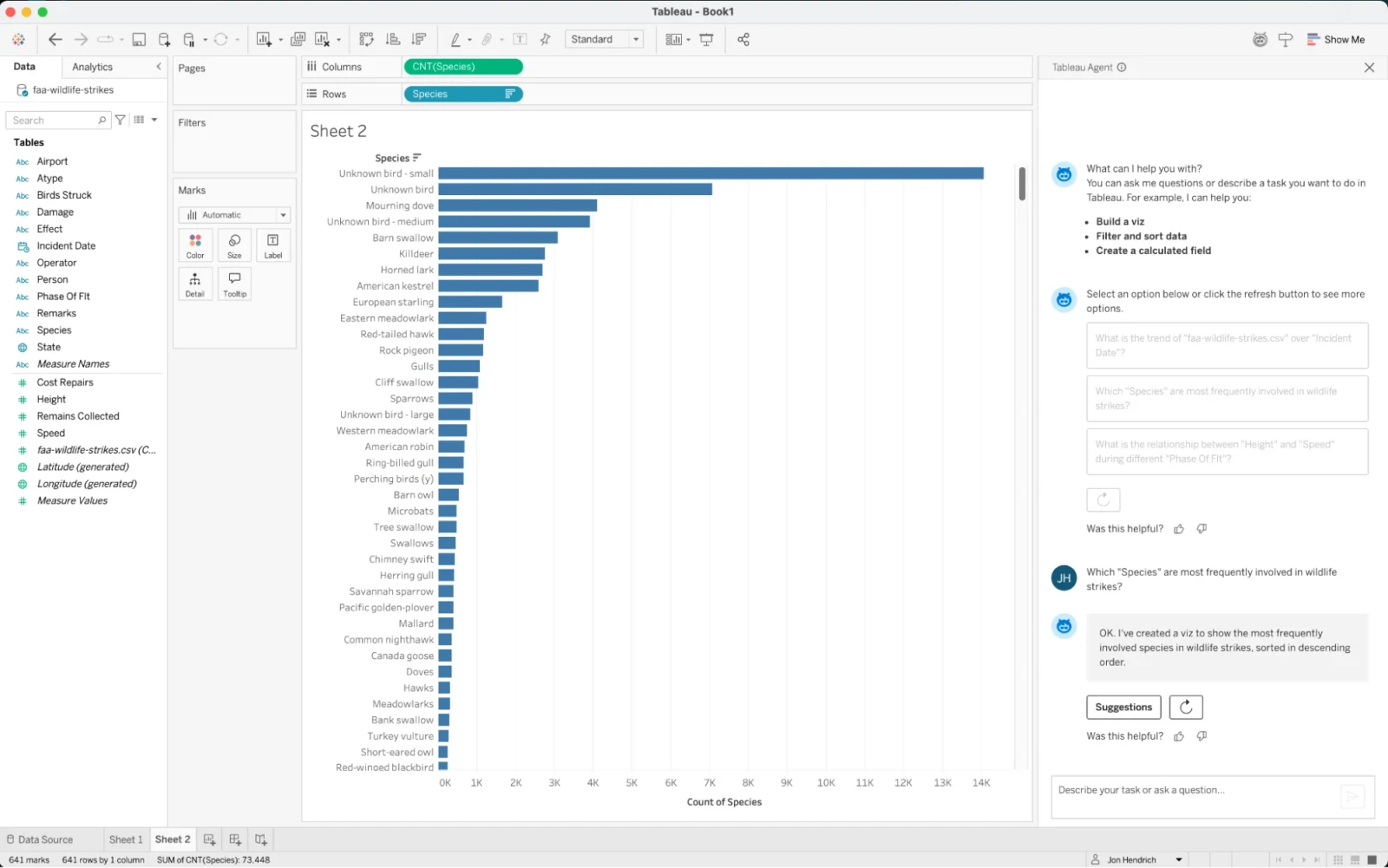
The Tableau business intelligence tool is well known for being user friendly data visualization abilities but it can do much more than just pretty charts. Its offerings involve live visual analytics, an interface which lets users drag and drop buttons to locate trends in data fastly.
This business intelligence tool supports data sources like Microsoft Fabric, Box, PDF files, Google Analytics and much more. Tableau’s resourcefulness expands to being able to contact most databases.
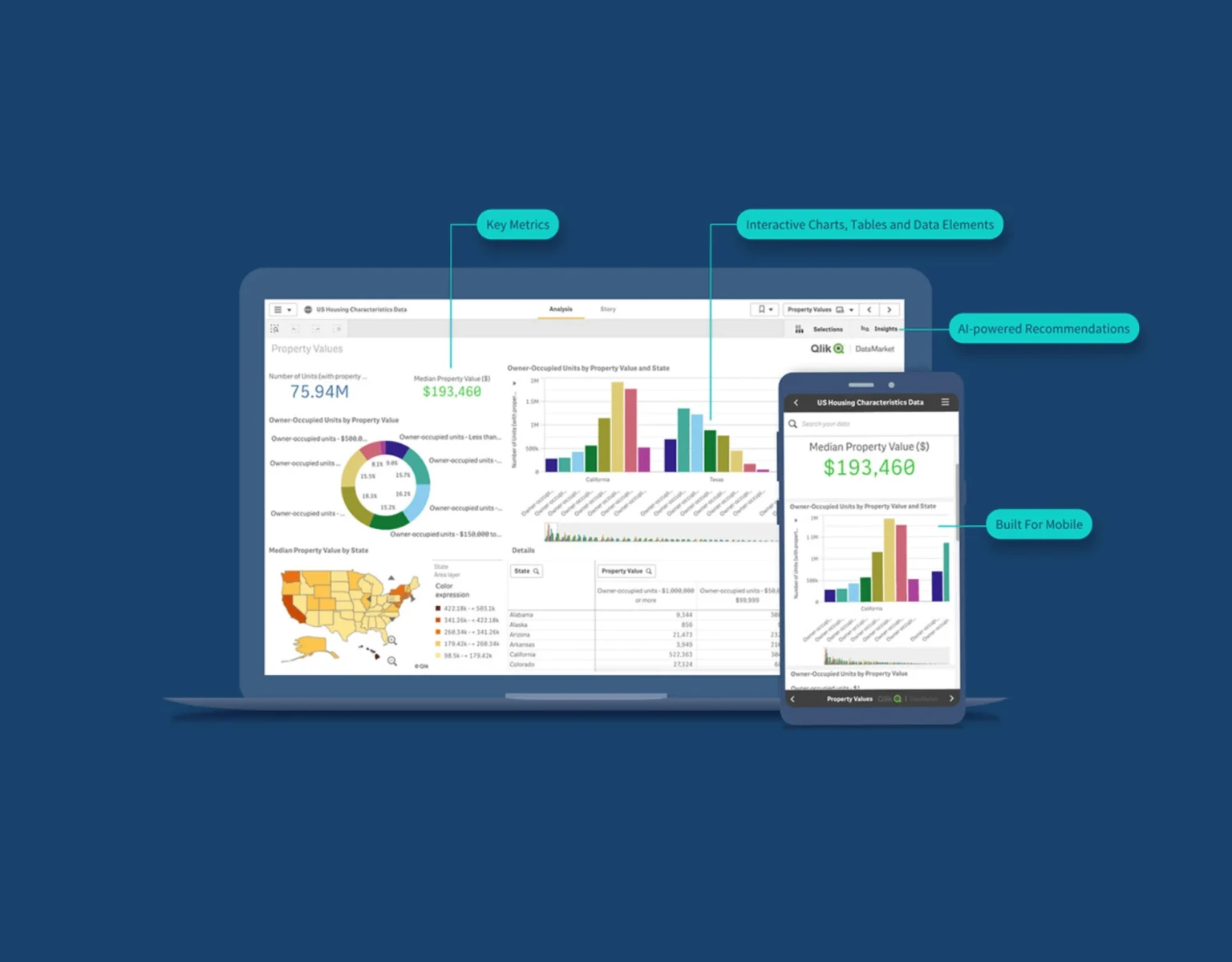
The QIik Sense business intelligence tool is more of a self service approach. This BI tool has a user friendly interface made for touchscreens, sophisticated AI and high performance websites.
Qlik Sense’s associated exploration ability, Qlik Cloud Analytics lets users ask queries and draw out actionable results. This helps in the rising data literacy for beginners in business intelligence tools.
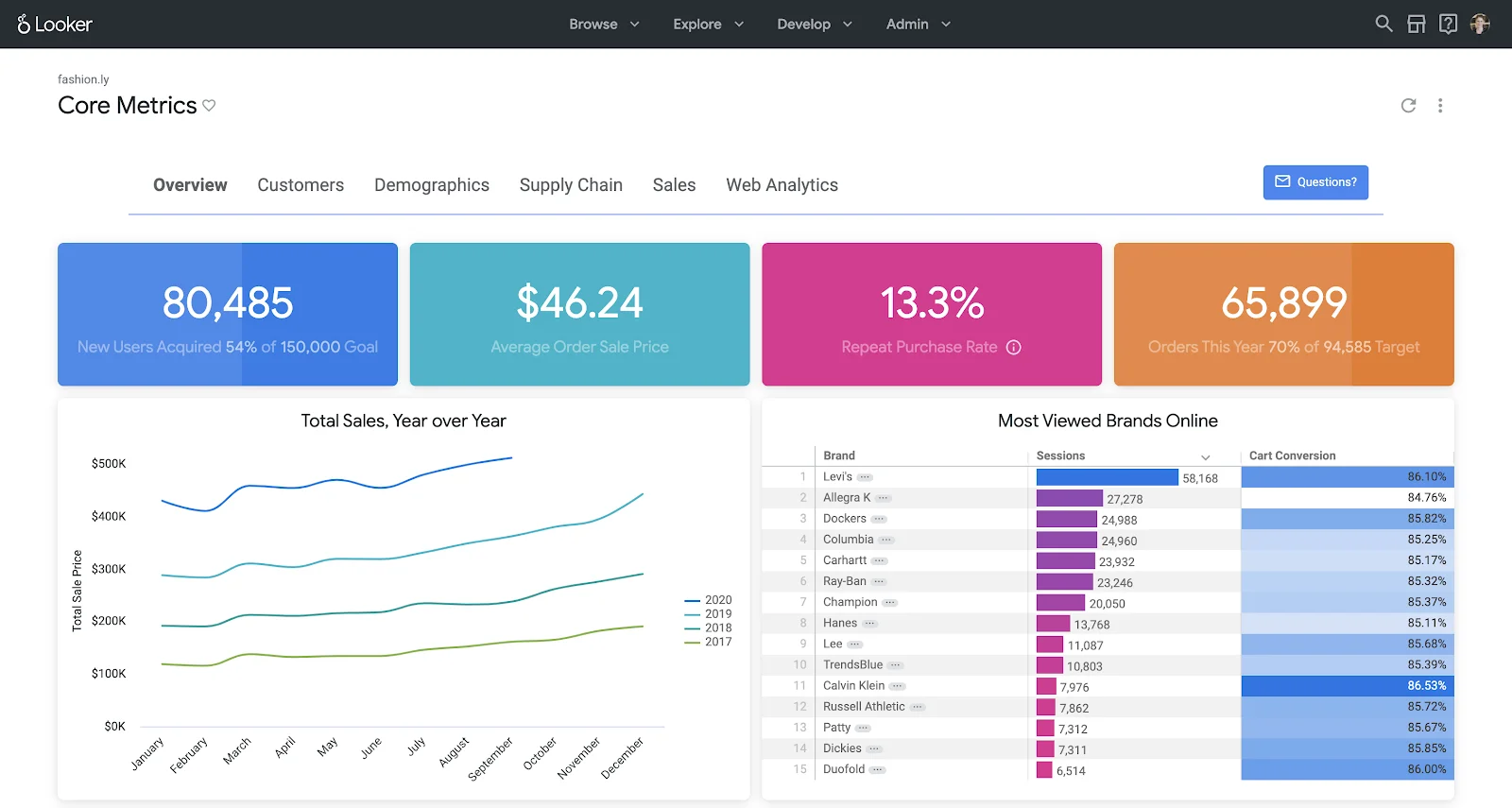
The Google Looker business intelligence tool and data analytics platform is run by the Google Cloud ecosystem. This BI tool is developed around a governed semantic layer in LookerML. Google Looker blends reusable business metrics, dashboards, self service exploration, embedded analytics, APIs and Gemini run conversational study.
This business intelligence tool’s analytic engineers explain business relationships, dimensions and measures in LookM. Then they reuse those definitions all over Explores, dashboards, scheduled reports, immersed experiences and conversational analytics.
Its architecture is especially attractive for organizations. These organizations want finance, sales, product and operations teams for using the same metric definitions.
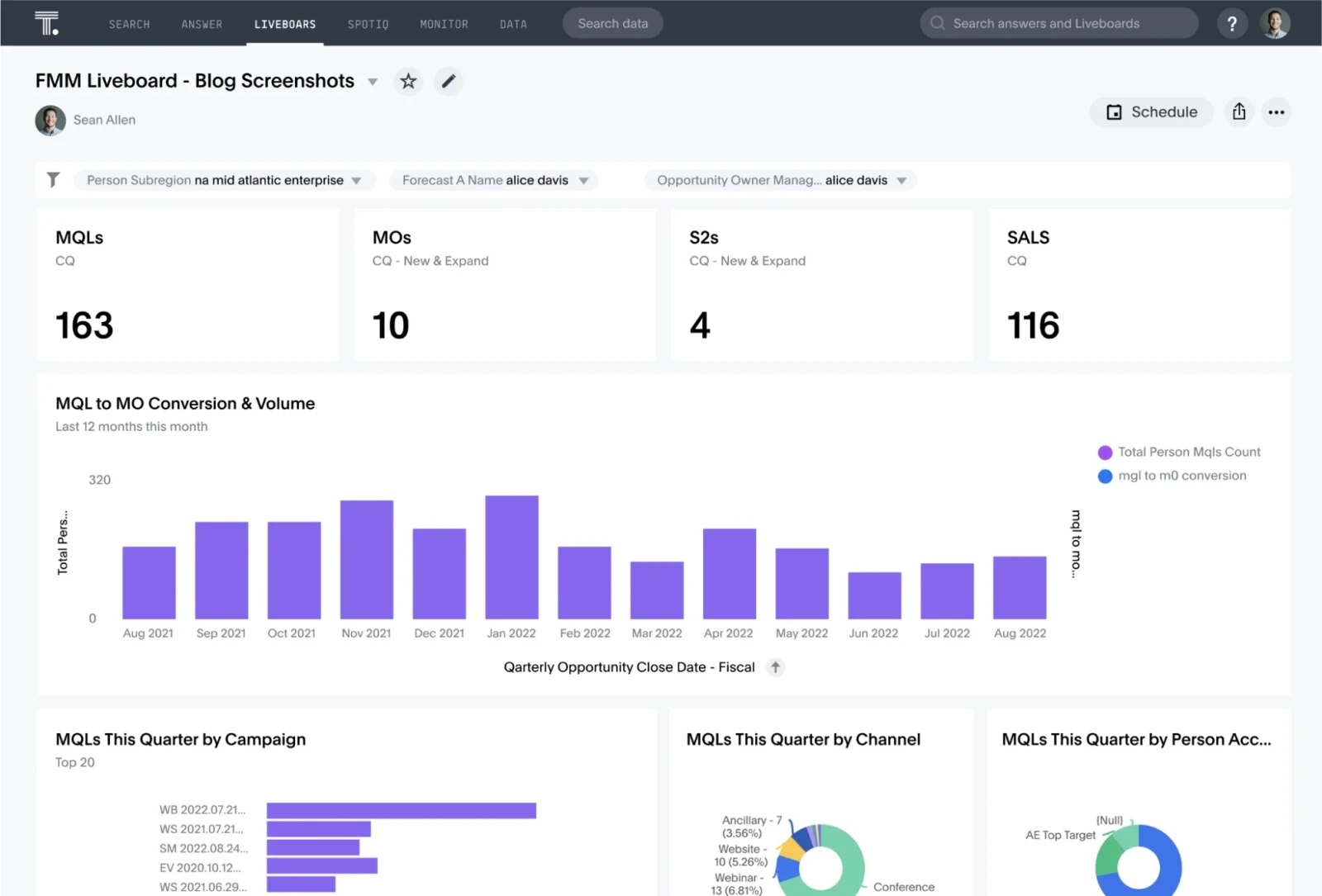
The ThoughtSpot business intelligence tool is an AI based platform made around natural language search and automated data discovery. ThoughtSpot was founded in 2012 and is among the youngest data analytics alternatives to giants like Tableau, Power BI.
This business intelligence tool aids businesses in analyzing, exploring and visualizing their data. Whether it is small scale businesses or enterprise companies, all of them use ThoughtSpot for making data driven decisions according to the data they gather and store.
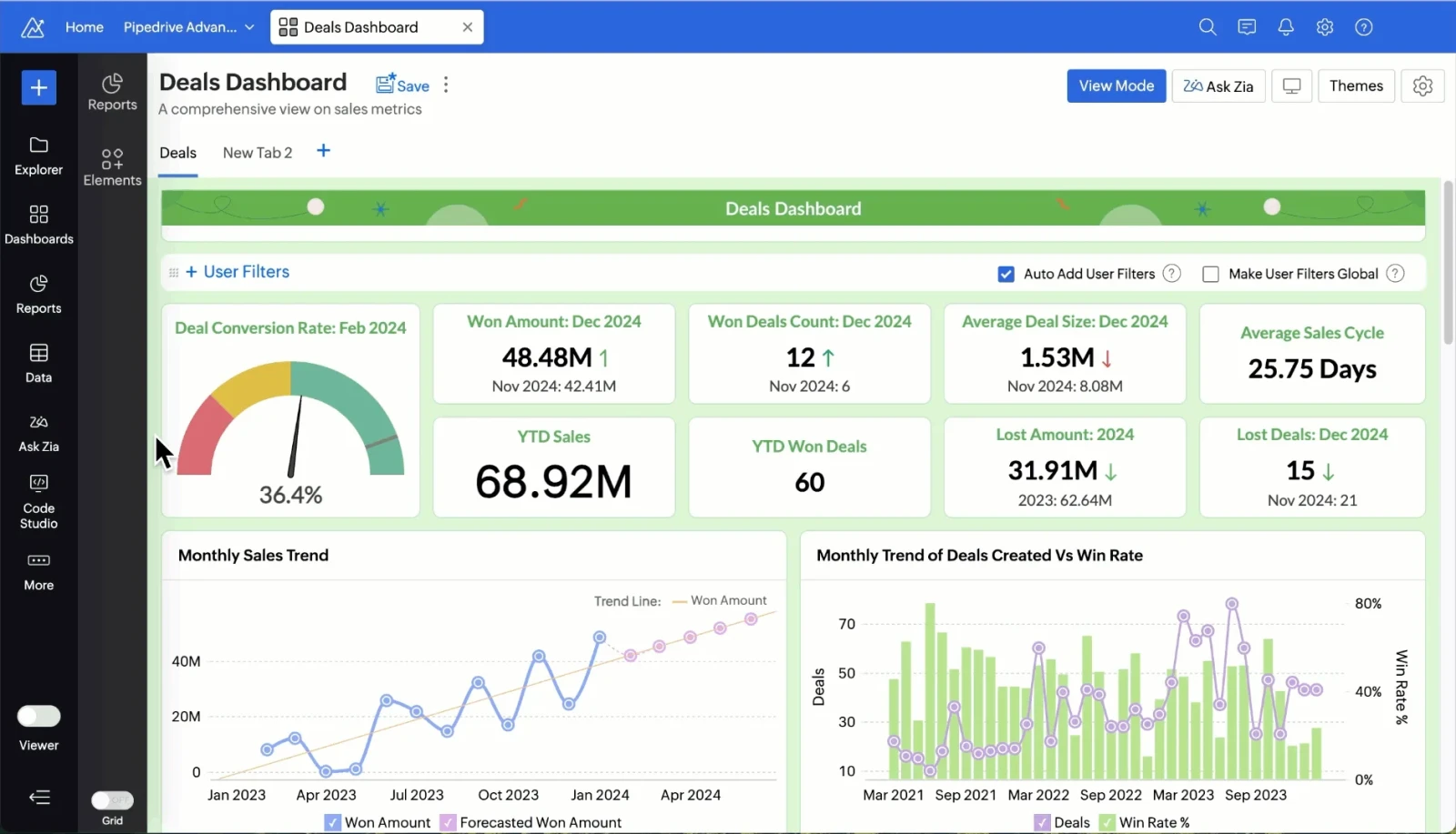
The Zoho Analytics business intelligence tools is basically a self service BI and reporting platform. This BI tool turns raw enterprise data into visual dashboards and strong results. Zoho Analytics is for the teams which need to connect various data sources, make dashboards and share reports. This business intelligence tool prioritizes flawless integration with given Zoho tools.
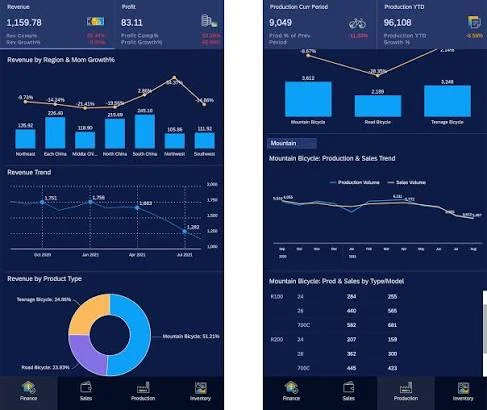
The SAC business intelligence tool is an all in one Software-as-a-Service (SaaS) tool from SAP. This BI tool blends business intelligence, enterprise planning and predictive analytics. The enterprise planning focused on budgeting and predicting. Whereas, predictive analytics focuses on one cloud platform.
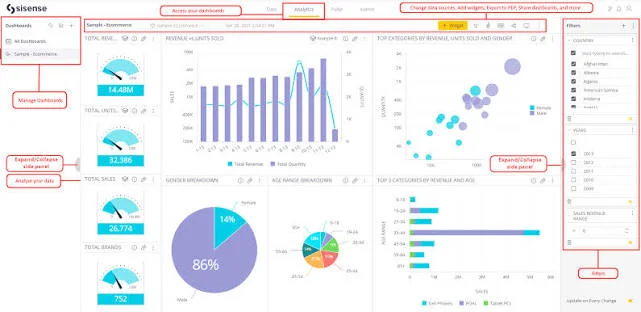
The Sisense business intelligence tool is run by AI made to derive data insights directly in products, apps and everyday workflows. It blends interactive dashboards and visualizations with self service analytics, data modelling and insights assisted by AI. Through low code, no code and developer- focused merging options.
This business intelligence tool is suitable for software companies and product teams. Teams who are looking for integrating customized analytic experiences in their own apps.
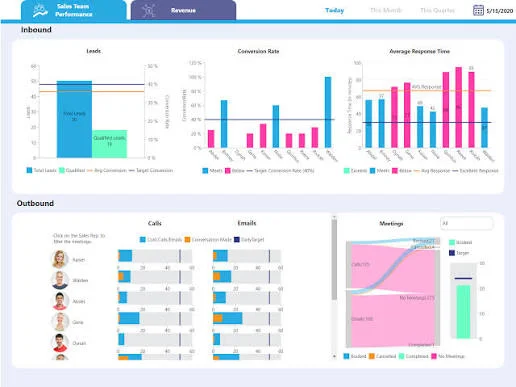
Dundas BI is a net based business intelligence tool which has been around for 25 years. Just like Tableau, this BI tool also features a drag-and- drop function, letting users analyze data freely. Dundas BI is famous for its simplicity and adaptability via interactive dashboards, reports and visual analytics.
Ever since its inception as a data visualization tool in 1992, this business intelligence tool has changed into an end-to-end analytics platform which can compete with the new BI tools.
Domo is a net based business intelligence tool and a data experience platform. This business intelligence tool/ platform lets companies connect, change and visualize live data from all over 1000 sources. And that too without the need for heavy IT and coding support. This BI tool connects data all over business systems which prepares it for analytics and AI. It brings data like dashboards, apps, workflows, customer feedback, AI assistants and making decisions, right on your daily work.
| BI Tools | Key Features | Pricing | Pros | Cons |
| Microsoft Power BI | Power Query, DAX, AI insights, interactive dashboards, Excel integration, Microsoft Fabric | Pro: $14 monthly, Premium: $24 monthly, free trial, customized pricing | Excel familiarity, strong Microsoft integration, flexible pricing, robust security | Steep DAX learning curve, complex licensing, dataset size limits, Windows-only desktop app |
| Tableau | Advanced data visualization, drag-and-drop analytics, data connections, AI tools, collaborative dashboards | Standard: $15 monthly Enterprise: $35 monthly custom Cloud+ pricing | Excellent visualizations, user-friendly interface, large ecosystem, strong CRM integration | Expensive, costly scaling, steep advanced learning curve, data preparation challenges |
| Qlik Cloud Analytics / Qlik Sense | Self-service analytics, AI Insight Advisor, natural language processing, ETL, drag-and-drop exploration, hybrid deployment | Starter: $300 monthly Standard: $825 monthly Premium: $2.75K monthly Customized Enterprise pricing | Powerful data exploration, strong big-data performance, flexible cloud and hybrid deployment | Steep learning curve, high cost, complex capacity and resource management |
| Google Looker | LookML semantic modeling, Gemini AI, conversational analytics, governed metrics, APIs, embedded analytics | Customized pricing, base platform is $3K monthly | Single source of truth, Google Cloud integration, customizable embedded analytics, governed self-service reporting | Expensive, complex learning curve, potential performance issues, limited visualization flexibility |
| ThoughtSpot | Natural language search, AI-powered insights, Liveboards, cloud data warehouse integration, embedded analytics, security controls | Standard: $25 monthly, Pro: $50 monthly, customized Enterprise pricing | Easy for nontechnical users, fast insights, direct cloud data exploration | Needs upfront data modeling, potential cost escalation, limited visualization customization, complex integrations |
| Zoho Analytics | Self-service reporting, Zia AI assistant, data blending, dashboards, Zoho ecosystem integration | Free trial, Basic: $30 monthly, Standard: $60 monthly, Premium: $145 monthly Enterprise: $575 monthly | Fresher friendly, affordable entry options, strong Zoho integration, AI assistance, data blending | Performance limitations with huge datasets, advanced features require learning, higher-tier plans can be costly |
| SAP Analytics Cloud (SAC) | BI dashboards, enterprise planning, predictive analytics, SAP connectivity, scenario simulation, AI-assisted analytics | 30 day free trial, reported base pricing: 24 to 36 monthly | All-in-one analytics and planning, strong SAP integration, built-in financial planning, governance and security | Steep learning curve for complex tasks, non-SAP integration challenges, licensing complexity, performance bottlenecks |
| Sisense | Data preparation, embedded analytics, Compose SDK, AI/ML insights, interactive dashboards, flexible deployment. | Customized pricing, cost of $40K yearly. | Powerful embedded analytics, developer customization, ElastiCube performance, self-service exploration | Potentially expensive, steep learning curve, rigid layouts, slower performance under heavy workloads |
| Dundas BI | Interactive visualizations, self-service analytics, built-in ETL, machine learning, APIs, mobile dashboards, multi-tenancy. | Customized pricing, starting cost of $2.5K monthly. | High customization, developer-friendly integration, unified analytics platform, flexible data refreshes | Tough learning curve, high cost, potential performance lags |
| Domo | Net based BI tool and data experience ecosystem. Letting companies connect, change and visualize live data. | Free trial and $75K to $120K yearly. | More than 1000 in built connectors for databases, cloud apps, spreadsheets and social platforms. Collaborative, AI assistants and much more. | Is costly, has a tough learning curve and has lags in performance. |
You can say these business intelligence tools are amazing at analyzing and visualizing given data. These tools focus on internal and behavioural data and don't collect direct customer review. You can choose the best and most suitable business intelligence tool which satisfies your needs.
Microsoft PowerBI, ThoughtSpot, Tableau, Qlik Sense, Google Looker, Claude AI, Databricks AI/BI.
Microsoft Excel, Power BI, Tableau and Google Analytics.
Microsoft Power BI, Tableau, Looker, Qlik Cloud Analytics and ThoughtSpot.


