Businesses are now collecting data from almost everywhere, including customer applications, databases, APIs, cloud platforms, websites, and internal systems. The problem is that this data does not always arrive in a clean or usable format. It may be stored in different systems, use different structures, or contain duplicate and inconsistent information.
This is where ETL (Extract, Transform, and Load ) becomes important. It is a process that extracts data from different sources, transforms it into a consistent format, and loads it into a target system such as a data warehouse. This gives analysts and data teams cleaner and more reliable data for reporting, analytics, and decision-making.
But managing ETL workflows manually can become difficult as the amount of data and number of sources increase. You also need to consider factors such as real-time processing, cloud integration, scalability, security, automation, and the technical skills of your team. This is why there are so many ETL tools available today, each designed to solve different data integration problems.
The challenge is choosing the right one. In this article, I will explain the best ETL tools in 2026, including their key features, strengths, ideal use cases, and the type of team or organization they are best suited for. I will also compare popular ETL tools and explain the factors you should consider before choosing one for your data workflow. Let’s begin!
| Tool | Type | Best For | Ease of Use |
| Informatica PowerCenter | Commercial ETL | Large enterprises | Complex |
| Talend | Open-source / Commercial | Small to mid-sized businesses | Moderate |
| Azure Data Factory | Cloud-based ETL | Azure ecosystem users | Moderate |
| AWS Glue | Cloud-based ETL | AWS big data workloads | Moderate |
| Fivetran | No-code ETL | Marketing and analytics teams | Easy |
| Matillion | Cloud-native ETL | Cloud data warehouses | Easy |
| Apache Airflow | Open-source orchestration | Data engineers | Complex |
| Pentaho Data Integration | Open-source ETL | Budget-conscious projects | Moderate |
| Hevo Data | No-code ETL | Real-time analytics | Easy |
| Airbyte | Open-source ETL | Modern data stacks | Moderate |
ETL stands for Extract, Transform, and Load. It is a process used to convert raw data into a usable format. This process includes three steps:
The main purpose of ETL is to make raw data accurate, consistent, and ready for analysis.
An ETL tool is software that extracts raw data from various sources, cleans and transforms it into a standard format, and loads it into a central data warehouse or database for business analysis. It helps in handling large volumes of data efficiently by reducing manual effort and errors.
It also ensures that data is consistent, accurate, and ready for analysis. This saves time, improves data quality, and enables faster and more reliable decision-making for businesses.
Choosing the right ETL tool is critical because it directly affects how efficiently your data is processed and used. The ideal tool depends on your data size, business needs, and technical capabilities. Before you select a tool, it is important to evaluate the tool on the following key factors:
ETL tools are not all the same. They are designed for different use cases. It depends on factors like data volume, speed requirements, budget, and technical expertise. Understanding the main types of ETL tools helps a lot in selecting the right one based on your specific needs.
| Type | Description | Example |
| Open-source ETL Tools | These tools are free to use and highly customizable. This makes them ideal for developers and teams with technical expertise. They allow flexibility in modifying workflows and integrating with different systems. Yet, they may require more setup and maintenance. | Talend Open Studio, Airbyte |
| Commercial ETL Tools | These are paid tools that offer advanced features, strong support, and high reliability. They are widely used by large enterprises for handling complex data integration tasks and ensuring performance, security, and governance. | Informatica PowerCenter |
| Cloud-based ETL Tools | It is designed specifically for cloud environments. These tools can easily integrate with cloud storage and services. They offer scalability, flexibility, and reduced infrastructure management. This makes them suitable for modern data systems. | AWS Glue, Azure Data Factory |
| Real-time ETL Tools | These tools process and transfer data instantly as it is generated. They are useful for applications that require immediate insights, such as live dashboards, monitoring systems, or real-time analytics. | Hevo Data |
| Batch ETL Tools | Batch ETL tools process data in large chunks at scheduled intervals instead of in real time. They are suitable for tasks like daily reports or periodic data updates where instant processing is not required. | Pentaho Data Integration |
| No-code/Low-code ETL Tools | These tools provide drag-and-drop interfaces with minimal or no coding required. They are ideal for non-technical users or teams that want to build data pipelines quickly without deep programming knowledge. | Fivetran |
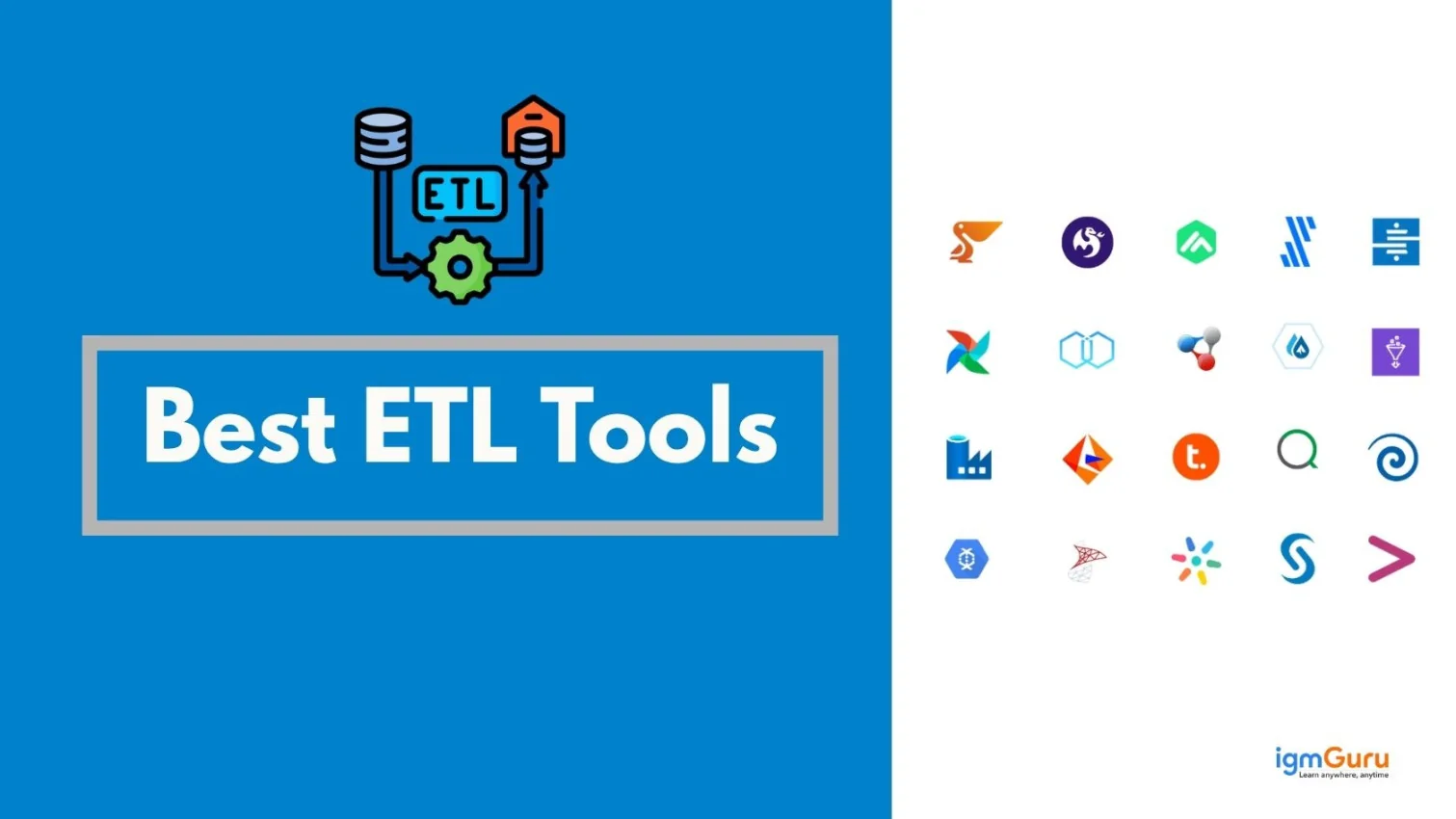
Today, there are so many ETL tools available. Therefore, choosing the right one can feel confusing. Each tool is built for different use cases, from enterprise data warehouses to simple no-code pipelines. Below are some of the best ETL tools that are widely used for their performance, scalability, and ease of use.
Informatica PowerCenter is one of the most established ETL tools used by large enterprises. It provides strong data integration capabilities and supports complex data processing at scale. The tool is known for its reliability, high performance and advanced data governance features. It works well in environments where data quality and compliance are critical.
Large organizations handling complex data workflows and requiring high reliability. It is especially suitable for industries like banking, healthcare, and finance.
Informatica PowerCenter uses enterprise-oriented pricing, and the exact cost depends on factors such as deployment requirements, data volume, infrastructure, and licensing needs. Informatica does not provide a simple fixed public price for PowerCenter. Organizations generally need to contact Informatica for a customized quote based on their requirements.
Talend is a popular ETL tool that offers both open-source and enterprise versions. It provides a flexible environment for data integration, data quality and data governance. The drag-and-drop interface makes it easier to design workflows. Yet, it still allows customization for advanced users.
Teams looking for a balance between flexibility and ease of use. It works well for small to mid-sized businesses and hybrid data environments.
Talend pricing depends on the selected product edition, deployment model, data integration requirements, and organization size. The platform is now part of Qlik, and enterprise customers generally need to contact the sales team for a customized quote. Pricing can vary based on the features and scale required.
Azure Data Factory is a cloud-based ETL service by Microsoft. It allows users in creating and managing data pipelines. It integrates well with other Azure services and supports both ETL and ELT processes. The platform is designed for scalability and automation in cloud environments.
Organizations already using the Microsoft Azure ecosystem. It is ideal for cloud-based data integration and large-scale data processing.
Azure Data Factory uses a pay-as-you-go pricing model rather than a fixed monthly subscription. Costs depend on factors such as pipeline orchestration, data movement, integration runtime usage, and data flow execution. Microsoft also provides a pricing calculator to estimate costs based on your expected workload.
AWS Glue is a serverless ETL tool that simplifies data preparation and integration. It automatically discovers data, creates schemas and manages pipelines. It does not even require infrastructure setup. This makes it highly scalable and efficient for handling large datasets.
Businesses using AWS cloud services and dealing with big data workloads. It is ideal for teams that want minimal infrastructure management.
AWS Glue follows a usage-based pricing model. The cost depends on the AWS Glue resources and processing capacity used by your jobs, crawlers, and other components. This makes the overall price dependent on workload size, processing time, and the services used in your data pipeline.
Fivetran is a modern ETL tool focused on automated data integration. It offers pre-built connectors. These connectors make it easy to move data from various sources into data warehouses. The tool requires minimal setup and maintenance by making it highly efficient.
Organizations that want quick and easy data integration without heavy technical involvement. It is great for marketing and analytics teams.
Fivetran offers a Free plan for low-volume data workloads with limits on monthly active rows and transformation runs. Its paid plans provide additional capabilities and higher usage limits. Fivetran uses usage-based pricing, so the total cost depends on the amount of data processed and the services used.
Matillion is a cloud-native ETL tool designed for modern data warehouses. It works seamlessly with platforms like Snowflake, Amazon Redshift and Google BigQuery. The tool provides a user-friendly interface along with powerful transformation capabilities.
Data teams working with cloud data warehouses. It is suitable for analysts and engineers who want strong transformation capabilities in the cloud.
Matillion uses consumption-based pricing for its data platform, with costs depending on the resources and workloads used. Its pricing can vary based on the product, deployment model, and scale of data operations. Organizations with larger or more advanced requirements may need to contact Matillion for a customized quote.
Apache Airflow is an open-source platform. It is used for orchestrating data workflows. This is not like a traditional ETL tool. It helps manage and schedule complex data pipelines. It uses Python code by giving developers full control over workflows.
Developers and data engineers who need control over complex workflows. It is ideal for managing advanced data pipelines.
Apache Airflow is an open-source platform and does not charge a software license fee when self-hosted. However, organizations still need to account for infrastructure, cloud resources, maintenance, monitoring, and engineering costs. Managed Airflow services from cloud providers or third-party platforms may have separate charges.
Pentaho Data Integration is also known as Kettle. It is an open-source ETL tool used for data extraction and transformation. It provides a visual interface along with scripting capabilities. This makes it flexible for different use cases.
Organizations looking for a cost-effective ETL solution. It is suitable for small to mid-sized data integration projects.
Pentaho Data Integration pricing depends on the edition, deployment requirements, support needs, and organization size. Enterprise deployments generally use commercial licensing and support, while pricing for enterprise requirements is typically provided through a customized quote rather than a single public subscription price.
Hevo Data is a no-code ETL platform designed for real-time data integration. It allows users to move data from multiple sources into a data warehouse without writing code. The platform focuses on simplicity, speed and reliability.
Startups and teams that want quick and simple data pipelines. It is ideal for real-time analytics and marketing use cases.
Hevo Data offers a Free plan for limited data volumes, while its paid plans use consumption-based pricing. The current plans include Free, Starter, Professional, and Business Critical options. The Starter plan starts at $299 per month, while Professional starts at $849 per month when billed monthly; actual costs depend on the number of events processed.
Airbyte is a modern open-source ETL tool. It has gained popularity for its flexibility and large number of connectors. It allows users to build custom data pipelines and supports both cloud and self-hosted deployment.
Teams that need customizable and scalable data pipelines. It is ideal for startups and developers building modern data stacks.
Airbyte offers both self-managed and fully managed options. Its Core self-managed edition is free and open source. The managed Standard plan starts at $10 per month based on data volume, while higher-level plans use different pricing models and may require contacting sales. The final cost depends on deployment, data volume, sync requirements, and advanced features.
The table below highlights key differences across popular tools based on usability, features, and ideal use cases. This will help you make a more informed decision.
| Tool Name | Open-source | Cloud Support | Ease of Use | Integrations | Key Features | Ideal Use Case |
| Informatica PowerCenter | No | Yes | Complex | High | Enterprise-grade, strong governance | Large enterprises |
| Talend | Yes | Yes | Moderate | High | Data integration + quality tools | Mid-large businesses |
| Azure Data Factory | No | Yes | Moderate | High | Cloud pipelines, automation | Azure ecosystem users |
| AWS Glue | No | Yes | Moderate | High | Serverless, auto schema detection | AWS-based big data |
| Fivetran | No | Yes | Easy | High | Automated pipelines | Marketing & analytics teams |
| Matillion | No | Yes | Easy | High | Cloud-native transformations | Cloud data warehouses |
| Apache Airflow | Yes | Yes | Complex | Medium | Workflow orchestration | Data engineers |
| Pentaho | Yes | Yes | Moderate | Medium | Open-source ETL | Budget projects |
| Hevo Data | No | Yes | Easy | High | Real-time no-code pipelines | Startups, real-time analytics |
| Airbyte | Yes | Yes | Moderate | High | Custom connectors | Modern data stacks |
| Stitch | No | Yes | Easy | Medium | Simple data pipelines | Small teams |
| IBM DataStage | No | Yes | Complex | High | Enterprise ETL, scalability | Large enterprises |
| Oracle Data Integrator | No | Yes | Complex | High | High-performance ELT | Oracle users |
| SAP Data Services | No | Yes | Complex | High | Data quality + integration | SAP environments |
| Google Cloud Dataflow | No | Yes | Moderate | High | Stream + batch processing | GCP users |
| Snowflake (ELT) | No | Yes | Easy | High | ELT processing, cloud warehouse | Data warehousing |
| Databricks | No | Yes | Moderate | High | Big data + ML integration | Advanced analytics |
| StreamSets | No | Yes | Moderate | High | Data pipeline monitoring | Continuous data flows |
| Keboola | No | Yes | Easy | Medium | Data operations platform | SMBs |
| Meltano | Yes | Yes | Moderate | Medium | Open-source ELT pipelines | Developers |
| Alooma | No | Yes | Easy | Medium | Real-time pipelines | Cloud analytics |
| Rivery | No | Yes | Easy | High | SaaS ETL automation | Business users |
| Singer | Yes | Yes | Complex | Medium | Open-source connectors | Custom pipelines |
| Blendo | No | Yes | Easy | Medium | Simple integrations | Small businesses |
| Xplenty (Integrate.io) | No | Yes | Easy | High | Low-code ETL platform | Non-technical teams |
Choosing the right ETL tool is not just about features. It depends on your data needs, team capabilities and long-term goals. A practical approach helps you avoid costly mistakes and select a tool that actually fits your workflow.
First, you need to start by understanding how much data you are working with and how fast it is growing. Some tools handle small datasets well but struggle with large-scale data. If your business deals with big data or real-time streams, then you need a tool built for high performance. Choosing based on data volume ensures smoother processing and avoids future bottlenecks.
Decide whether your data is stored on the cloud. Like on-premise or in a hybrid setup. Cloud-based ETL tools are easier to scale and require less infrastructure management. On-premise tools offer more control and security but need maintenance. Your existing infrastructure should guide this decision to avoid compatibility issues.
ETL tools come with different pricing models. It includes subscriptions, usage-based pricing or one-time licenses. Look beyond the initial cost and consider maintenance, upgrades and scaling expenses. A cheaper tool may cost more later if it lacks important features. Choose a tool that balances cost with long-term value.
Check how well the tool connects with your existing data sources like databases, APIs, cloud platforms and third-party apps. A tool with strong integration support reduces manual effort and simplifies data flow. Limited integrations can slow down processes and require extra development work.
Your team’s technical expertise plays a big role in tool selection. No-code or low-code tools are better for non-technical users, while advanced tools may require programming knowledge. Choosing a tool that matches your team’s skill level improves efficiency and reduces the learning curve.
Think about future growth, not just current needs. The ETL tool should be able to handle increasing data volumes, more users and additional workflows over time. A scalable tool ensures that you do not have to switch systems later. It saves both time and cost in the long run.
ETL tools play a key role in converting raw and scattered data into structured, reliable information. So that businesses can actually use it. They simplify data integration, improve data quality and make it easier to generate insights for better decision-making. As data continues to grow, the use of the right ETL tool becomes even more important for efficiency and accuracy.
There is no one-size-fits-all solution. The best ETL tool depends on your data volume, infrastructure, budget and team expertise. If you will understand the types, features and differences between tools, then you can definitely choose a solution that not only meets your current needs but also supports future growth.
The best ETL tools for beginners are Fivetran, Hevo Data, and Talend. They offer simple interfaces and require less coding.
Yes, ETL is still widely used as businesses continue to rely on structured and clean data for analytics and decision-making.
In ETL, data is transformed before loading. While in ELT, data is loaded first and then transformed within the target system.
Some ETL tools are free and open-source like Airbyte and Talend Open Studio. Yet, some are still paid and offer advanced features.