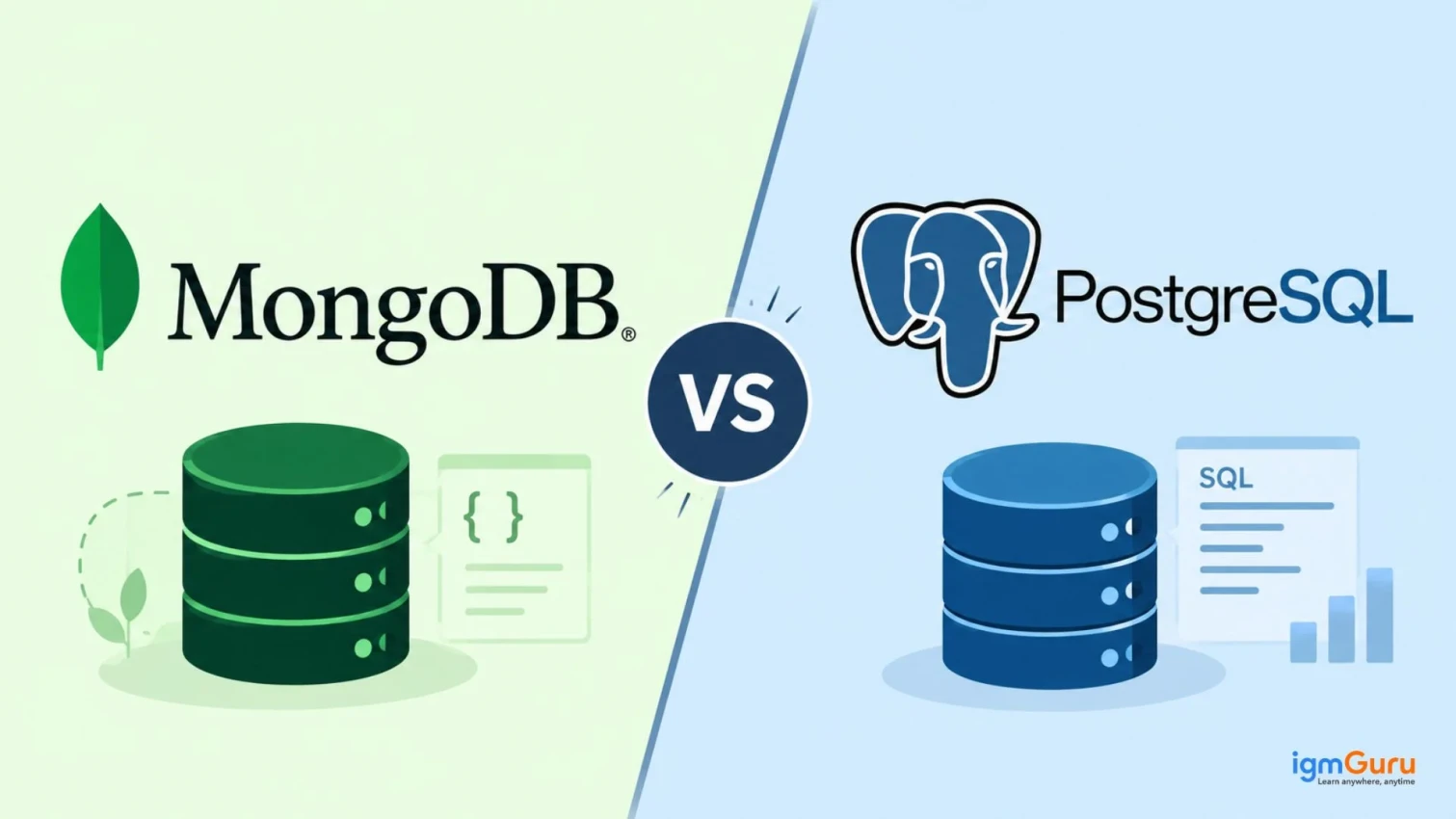
Choosing a database is one of the first big decisions in any project. A wrong choice can slow your team and raise your costs later. That is why the MongoDB vs PostgreSQL question comes up so often.
MongoDB stores data in flexible documents. PostgreSQL stores data in structured tables. Both databases are widely used and trusted by large companies. They solve problems in different ways.
In this guide, you will learn how MongoDB and PostgreSQL differ in data models, performance, scalability, query language, transactions, indexing and security. You will also see their pros and cons, real use cases and a simple way to choose between them.
MongoDB is an open source NoSQL database that stores data in flexible documents rather than traditional tables and rows. It uses a document-based format similar to JSON which makes it easier to store and manage different types of information.
MongoDB is useful for applications that handle large amounts of data and require flexibility as their data requirements change.
Learn MongoDB database design, document management, queries, indexing, and aggregation through practical training.

PostgreSQL is an open source, relational database management system (RDBMS) that stores data in structured tables that contains rows and columns. It uses SQL (Structured Query Language) to store, manage and retrieve information.
Learn PostgreSQL database management, SQL queries, data modeling, indexing, and performance optimization through practical training.

PostgreSQL is known for its reliability, data accuracy and ability to handle complex queries and relationships across different datasets.
The main difference between MongoDB and PostgreSQL is the data model. MongoDB is a document database. PostgreSQL is a relational database.
MongoDB favors flexibility and easy horizontal scaling. PostgreSQL favors structure, strong consistency and powerful queries. The sections below compare both databases in detail.
| Feature | MongoDB | PostgreSQL |
| Database type | NoSQL, document-oriented | Relational (SQL) |
| Data unit | Document in a collection | Row in a table |
| Schema | Flexible by default | Fixed and enforced |
| Query language | MongoDB Query API and aggregation pipeline | SQL |
| Main scaling method | Horizontal scaling with sharding | Vertical scaling, plus replicas and partitioning |
| Transactions | Single-document atomicity, plus multi-document transactions | Full ACID from the start |
| Best for | Changing, nested and large datasets | Structured data and complex queries |
| Also called | Mongo | Postgres |
Read Also: MongoDB vs MySQL
MongoDB groups documents into collections. A single document can hold nested fields and arrays. For example, one order document can include the customer, the items and the delivery address. You can read the whole order in one request.
PostgreSQL splits the same data across tables. One table holds customers, another holds orders and another holds items. Foreign keys link these tables. You use joins to bring the data back together.
| Features | MongoDB | PostgreSQL |
| Data Model | Uses a document-based data model to store information. | Uses a relational data model to store information. |
| Data Structure | Stores data in documents, similar to JSON objects. | Stores data in rows and columns within tables. |
| Schema | Has a flexible schema which allows documents in the same collection to have different structures. | Uses a predefined schema which means that the structure of tables and columns is generally defined before storing data. |
| Data Storage | Organizes data into databases, collections and documents. | Organizes data into databases, tables, rows and columns. |
| Relationships | Handles relationships using embedded documents and references. | Handles relationships using primary keys and foreign keys. |
| Best For | Works well with unstructured, semi-structured and frequently changing data. | Works well with structured data that requires clear relationships and consistency. |
| Example | Stores customer information as individual documents. | Stores customer information in a table with separate columns for name, email and phone number. |
MongoDB gives you speed in design. PostgreSQL gives you structure and clear rules from day one.
Also Explore: MongoDB Tutorial
There is no single database that is faster in every situation. Performance depends on your data, your queries, your indexes and your hardware. A well designed schema matters more than the brand name.
MongoDB performs well when your app reads and writes whole documents. Embedded data removes the need for joins, so one read can return everything. PostgreSQL performs well when your queries join many tables, filter heavily, or run complex aggregations.
| Workload | Often a better fit |
| Reading a full document in one request | MongoDB |
| High-volume writes of varied data | MongoDB |
| Complex joins across many tables | PostgreSQL |
| Reports and analytical queries | PostgreSQL |
| Many concurrent updates that need strict consistency | PostgreSQL |
Test both databases with your own data before you decide. A small benchmark on real queries will tell you more than any general claim.
MongoDB was built with horizontal scaling in mind. Sharding splits your data across several servers. Replica sets copy data to other servers for high availability.
PostgreSQL scales up well on a single powerful server. It also supports read replicas, table partitioning and logical replication. For true horizontal scaling, teams often add extensions such as Citus or use a managed distributed service.
Flexibility works similarly. MongoDB lets you add new fields at any time. You can also set schema validation rules when you need them. PostgreSQL asks you to change the table structure first, but it also offers JSONB columns for flexible fields.
| Area | MongoDB | PostgreSQL |
| Horizontal scaling | Built in with sharding | Possible with extensions and managed services |
| Vertical scaling | Supported | Strong and common |
| High availability | Replica sets | Streaming and logical replication |
| Schema changes | Easy, no migration needed | Needs ALTER TABLE or migrations |
| Semi-structured data | Native | JSONB support |
Also Read: PostgreSQL Tutorial For Beginners
Develop skills in PostgreSQL database administration, backup and recovery, performance tuning, security, and database management.

MongoDB uses its own query API, which feels natural to JavaScript developers. PostgreSQL uses SQL, which is a global standard. Many analysts and engineers already know SQL.
Here is the same simple query in both databases.
1. MongoDB code
| // MongoDB db.users.find({ city: "Mumbai" }); |
2. PostgreSQL code
| -- PostgreSQL SELECT * FROM users WHERE city = 'Mumbai'; |
Basic create, read, update and delete (CRUD) operations look like this.
| Operation | MongoDB | PostgreSQL |
| Create | insertOne() | INSERT |
| Read | find() | SELECT |
| Update | updateOne() | UPDATE |
| Delete | deleteOne() | DELETE |
For advanced work, MongoDB uses the aggregation pipeline. It lets you filter, group and reshape data in stages. PostgreSQL handles the same work with joins, subqueries, window functions and common table expressions. SQL is usually stronger for complex reporting.
PostgreSQL has supported full ACID (Atomicity, Consistency, Isolation, Durability) transactions for many years. It also enforces rules with foreign keys, unique constraints and check constraints. This keeps your data accurate.
MongoDB always keeps a single-document written atomic. Since version 4.0, it also supports multi-document ACID transactions on replica sets. Later versions extended this to sharded clusters. These transactions can add overhead, so MongoDB works best when you model related data inside one document.
| Area | MongoDB | PostgreSQL |
| Single-record atomicity | Yes | Yes |
| Multi-record ACID transactions | Yes, with extra overhead | Yes, built in |
| Data integrity rules | Optional schema validation | Foreign keys, unique and check constraints |
| Consistency control | Tunable read and write concerns | Strong consistency by default |
If your app moves money or tracks inventory, PostgreSQL gives you a simpler and safer path.
Read Also: How to Create a Collection in MongoDB?
Indexes help both databases find data faster. Without them, each query must scan every record. Both databases also offer an explain tool that shows how a query runs.
| Index type | MongoDB | PostgreSQL |
| Single field | Yes | Yes (B-tree) |
| Compound | Yes | Yes (multicolumn) |
| Text search | Text indexes | Full-text search with GIN |
| Arrays and JSON | Multikey and wildcard indexes | GIN indexes on JSONB |
| Geospatial | 2dsphere indexes | GiST indexes with PostGIS |
| Automatic expiry | TTL indexes | Not built in |
| Large ordered tables | Not applicable | BRIN indexes |
PostgreSQL also supports partial indexes and expression indexes. These give you fine control over what the database indexes. Do not add too many indexes, because each one slows down writes.
Both databases offer strong security when you configure them well. Most real breaches come from open ports and weak passwords, not from the database itself.
| Feature | MongoDB | PostgreSQL |
| Authentication | SCRAM, x.509 certificates and enterprise options such as LDAP and Kerberos | SCRAM-SHA-256, certificates, LDAP, Kerberos and more |
| Access control | Role-based access control | Roles and privileges, plus row-level security |
| Encryption in transit | TLS | TLS |
| Encryption at rest | Available in Enterprise and Atlas, plus client-side field level encryption | Use disk encryption or extensions such as pgcrypto |
| Auditing | Enterprise and Atlas features | pgAudit extension |
Turn on authentication, limit network access and keep your version updated. These steps matter for both databases.
Also Read: How to Get MongoDB Certification
Develop skills in MongoDB database administration, performance optimization, backup, recovery, and security.

MongoDB and PostgreSQL are both popular database management systems, but they work differently. Each has its own advantages and disadvantages depending on the type of project and the amount of data being handled.
MongoDB is useful when you need flexibility in storing data, while PostgreSQL is a good choice when you need a structured database with strong data accuracy and relationships.
Also Explore: Data Types in MongoDB
MongoDB and PostgreSQL are used for different types of applications depending on how data needs to be stored, managed and accessed.
Choosing between MongoDB and PostgreSQL depends on your application's requirements and the type of data you want to manage.
Choose MongoDB when:
Choose PostgreSQL when:
In simple words: Choose MongoDB when flexibility is your priority. Choose PostgreSQL when structured data, relationships and data consistency are more important.
Also Read: How to Install MongoDB on Windows?
Yes! You can use MongoDB and PostgreSQL together in the same application. Both databases can handle different types of data based on their strengths.
For example, consider an e-commerce application:
In this setup, MongoDB handles flexible data, while PostgreSQL manages structured data that requires strong consistency.
Using both databases can make an application more flexible, but it also increases development and maintenance work because developers need to manage two different database systems.
If your choice is to use MongoDB and PostgreSQL side by side, you should follow some good practices to ensure smooth operation of your application.
In a nutshell: MongoDB and PostgreSQL can work together when an application has different data storage requirements. However using both is not always necessary. You should choose one or both based on your project's complexity, performance needs and business requirements.
Also Explore: MongoDB MCQs
The MongoDB vs PostgreSQL choice depends on your data, your queries and your team. MongoDB gives you flexibility and easy horizontal scaling. PostgreSQL gives you structure, strong consistency and powerful SQL.
Choose MongoDB for changing, document shaped data and fast growth. Choose PostgreSQL for related data, strict transactions and complex queries. If you need both strengths, you can run them together.
Before you commit, build a small test with your own data and your most common queries. The results will show you which database fits your project best.