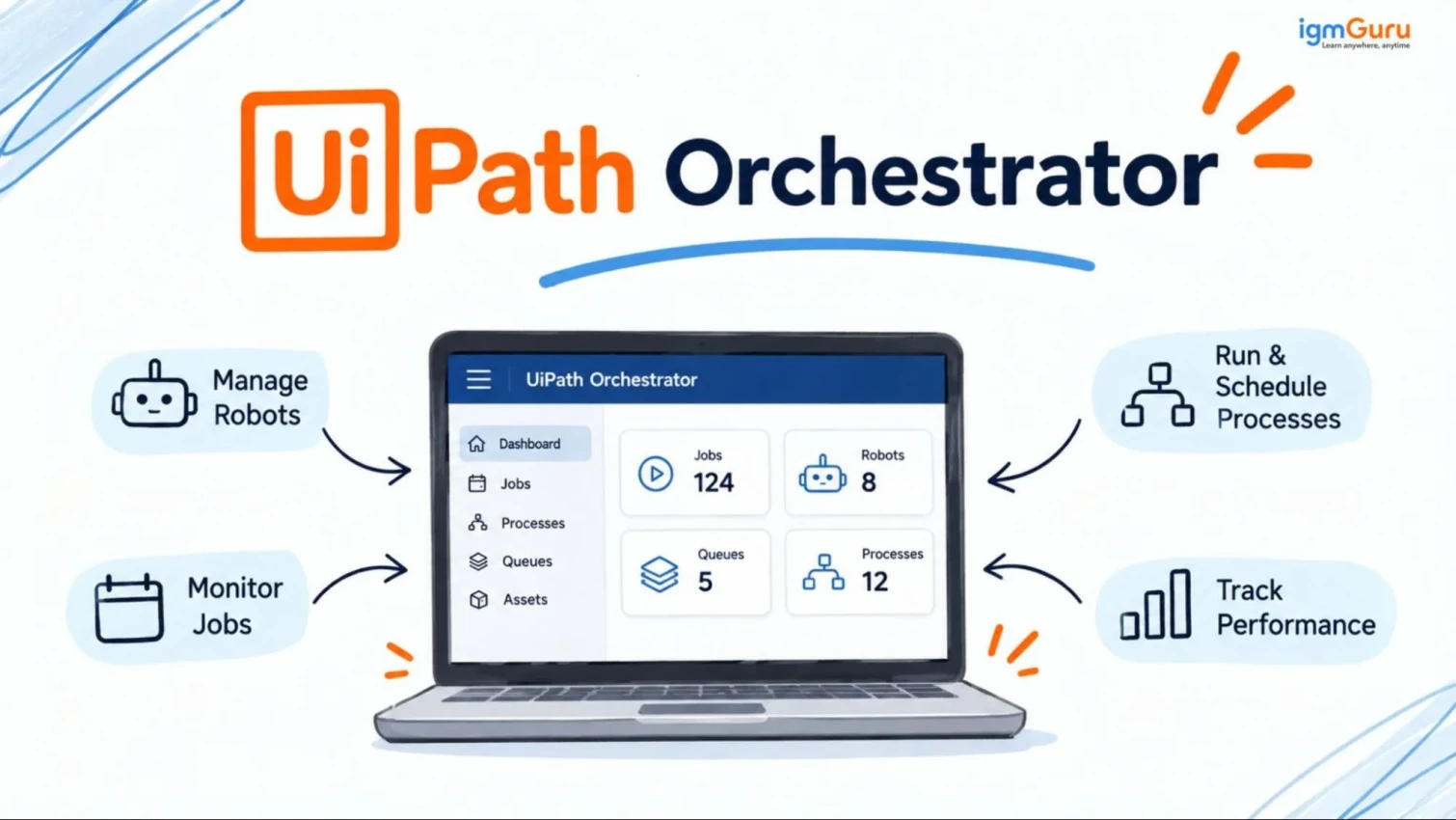
UiPath Orchestrator plays an important role in managing and controlling robotic process automation (RPA) workflows. It helps organizations manage multiple software robots, schedule automated tasks, monitor their performance, and ensure that business processes run smoothly.
With its centralized platform, users can deploy automation workflows, assign tasks to robots, track their execution, and review results from a single place.
In this guide, we will explore what UiPath Orchestrator is, how it works, its key features, components, types of robots, practical use cases, and benefits.
Also Explore: UiPath vs Power Automate: A Comparison Guide
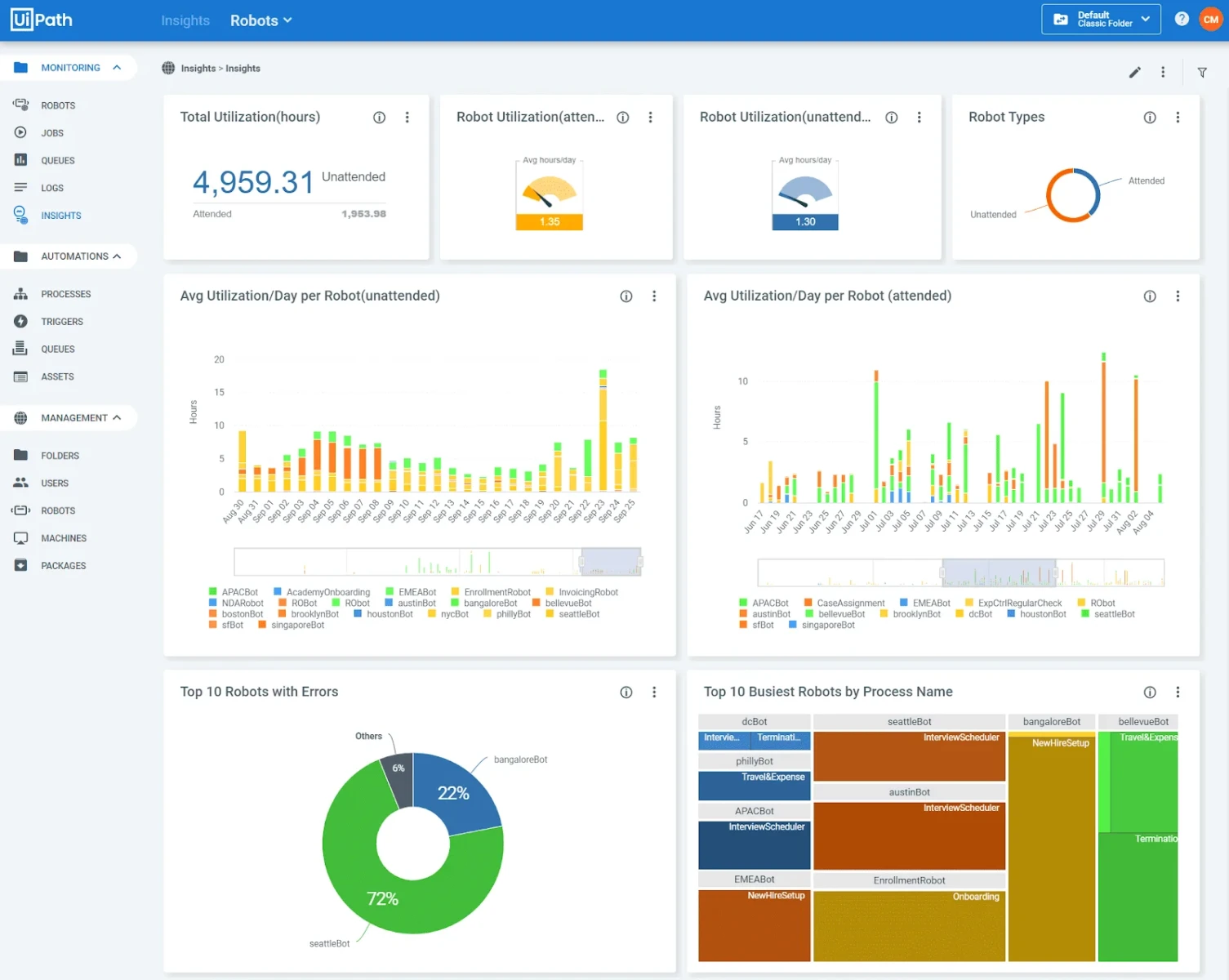
UiPath Orchestrator is a centralized, web-based platform designed to oversee the deployment, scheduling, management, and monitoring of automated workflows executed by UiPath robots. It serves as a central management hub for coordinating both attended (human-assisted) and unattended (background) automation processes throughout an organization.
Think of it as a manager or control room for automation robots.
Just like a manager assigns tasks to employees, checks their work, and monitors their progress, UiPath Orchestrator manages the tasks performed by UiPath robots.
To understand how UiPath Orchestrator works, it is important to become familiar with its core components. Each component has a specific role in managing and executing automation workflows.
The following table explains the main components in simple terms.
| Component | What It Does |
| Robots | Execute automation workflows and perform assigned tasks. |
| Machines | Represent the host computers or execution infrastructure where robots run. |
| Processes | Define the published automations that robots can execute. |
| Packages | Contain the published automation workflows and related files. |
| Jobs | Represent individual executions of an automation process. |
| Queues and Queue Items | Store and organize transactions waiting to be processed by robots. |
| Assets | Store reusable information such as configuration values and credentials. |
| Triggers | Start automation jobs manually or automatically based on configured conditions. |
| Folders | Organize automation resources and control access within a tenant. |
| Tenants | Provide separate environments for organizing and isolating automation resources. |
Consider an organization that wants to automate invoice processing.
This coordination allows organizations to manage multiple automation workflows without manually controlling every robot.
Read Also: How to Become a Robotic Process Automation (RPA) Developer?
UiPath Orchestrator manages automation tasks by connecting robots, assigning jobs, and monitoring their activities. The process starts when a developer creates an automation workflow and ends when the results are reviewed.
Here is how it works step by step:
First, a developer creates an automation workflow using UiPath Studio. This workflow contains instructions that tell the robot what tasks to perform.
For example, the workflow may instruct a robot to open an application, collect customer information, and update a database.
Once the workflow is ready, the developer publishes it as an automation package. This package is then made available in UiPath Orchestrator, where it can be managed and deployed for execution.
Next, Orchestrator connects the automation process to an appropriate UiPath robot. The robot must have the required resources, permissions, and execution capacity to perform the assigned task.
Users can start an automation manually or configure a trigger to run it automatically at a specific time or when certain conditions are met. For example, a company can schedule an invoice-processing automation to run every morning.
Once the job starts, the robot receives the required instructions and performs the assigned activities.
These activities may include:
While the robot performs the task, Orchestrator tracks its execution and displays its current status. Users can check whether a job is running, pending, successful, or faulted. They can also review execution logs to identify problems.
After the automation finishes, users can review the execution details and logs to understand whether the task was completed successfully. If a job fails, administrators can investigate the error and take corrective action.
Read Also: Best RPA (Robotic Process Automation) Tools
UiPath Orchestrator offers several features that help organizations manage their automation processes from a centralized platform.
Here are its major features:
Orchestrator helps administrators connect and manage UiPath robots across an organization. They can configure robot resources, manage execution capacity, and control how robots access automation processes.
Developers can publish automation packages to Orchestrator and make them available for execution. This helps organizations distribute the correct versions of workflows to the appropriate robots.
Queues help organizations manage large volumes of automation transactions.
For example, if a company receives 500 invoices, it can add them to a queue. Robots can then pick up and process individual invoice items based on the configured workflow.
Users can schedule automation jobs using triggers or start them manually. Orchestrator also provides information about job execution, including running, pending, successful, and failed jobs.
Orchestrator records automation activities and execution details. These logs help administrators understand what happened during a process and troubleshoot errors.
UiPath supports different robot and licensing configurations depending on how an organization wants to run its automation workflows.
The main robot categories include:
Attended robots work alongside human employees and require user interaction or supervision to perform certain tasks.
They are generally used for activities that need human involvement, such as customer support, data entry, and employee assistance.
Example: A customer service representative uses an attended robot to retrieve customer information and automatically fill in details while speaking with a customer.
Unattended robots perform automation tasks independently without requiring a person to initiate or supervise every execution.
They are generally managed and scheduled through Orchestrator.
Example: A company uses an unattended robot to process invoices every night, update financial records, and generate reports.
Non-production robot licensing is intended for automation activities outside regular production execution, such as development, testing, and other non-production purposes.
It allows organizations to validate automation workflows before deploying them in a production environment.
Studio and StudioX are development tools used to create automation workflows. Their associated robot capabilities support developers and users while building, testing, and running automations.
Studio is generally used for more advanced automation development, while StudioX provides a simpler experience for business users.
Note: Robot capabilities and licensing options can vary depending on the UiPath product version and licensing model.
Also Read: UiPath Tutorial For Beginners
The UiPath Orchestrator user interface provides a centralized workspace where users can manage automation resources and monitor their execution.
Its interface is organized into different sections, allowing administrators and developers to access the resources they need.
Some important sections include:
The exact navigation and placement of these options may differ between UiPath Automation Cloud, standalone deployments, and interface versions.
Read Also: Why Should You Add RPA To Your Skillset?
Connecting a UiPath robot to Orchestrator allows it to access automation processes and other resources required for execution.
The connection process may vary depending on whether you are using UiPath Automation Cloud or an on-premises deployment. The following steps explain the general setup using UiPath Assistant.
First, install and open UiPath Assistant on the machine where the UiPath Robot is installed.
UiPath Assistant provides an interface for users to interact with their robots and access available automations.
Open the Assistant and navigate to its Preferences section.
Select Orchestrator Settings and choose the appropriate connection method.
For interactive sign-in:
Once authenticated, the Assistant can display the automations available in the folders you have permission to access.
A tenant is an isolated environment within Orchestrator used to organize automation resources, users, and permissions.
If your organization does not already have a tenant, an administrator must create and configure one through the appropriate UiPath administration interface.
If a tenant already exists, you can use it instead of creating another one.
After signing in, the robot can establish a connection with Orchestrator.
For unattended robots or setups using client credentials, administrators may need to create a machine template in Orchestrator and generate a Client ID and Client Secret.
These credentials are then entered into the Assistant under Orchestrator Settings by selecting the Client ID connection method.
Finally, check the connection status in UiPath Assistant.
Make sure that:
Once everything is configured correctly, the robot can access the available automation workflows and execute the assigned tasks.
Important: Creating a tenant is an administrative setup activity, not a mandatory step every time a robot is connected. UiPath also supports interactive sign-in and client credentials. Client credentials are recommended for unattended robot authentication, while interactive sign-in is recommended for attended robots.
Also Explore: The Future of Robotic Process Automation (RPA)
UiPath offers different tools to support the development, execution, and management of automation workflows. Although Studio, Assistant, and Orchestrator work together, each has a different purpose.
Here is a quick comparison:
| Basis | UiPath Studio | UiPath Assistant | UiPath Orchestrator |
| Main purpose | Creates automation workflows. | Helps users run and interact with automations. | Manages and monitors automation workflows. |
| Primary users | RPA developers. | Business users and employees. | Administrators, developers, and automation teams. |
| Main function | Designs and tests workflows. | Launches attended automations. | Deploys, schedules, and monitors automation jobs. |
| User interaction | Used to build automation logic. | Provides a user-friendly interface. | Provides a centralized management interface. |
| Example | Creating an invoice-processing workflow. | Starting an invoice automation manually. | Scheduling and monitoring invoice-processing jobs. |
In simple terms:
All three tools work together to support the automation lifecycle.
UiPath Orchestrator is used across different industries to manage repetitive business processes and coordinate automation activities.
Here are some common use cases:
Organizations can use Orchestrator to manage robots that extract invoice details, validate information, and update accounting systems.
For example, an organization can schedule invoice-processing automation to run every evening and monitor the results through Orchestrator.
HR departments can automate repetitive onboarding activities, such as creating employee records, updating databases, and sending welcome emails.
Orchestrator helps schedule and monitor these automated tasks.
Companies often handle large volumes of customer information across different applications.
UiPath robots can automatically update customer records, verify information, and synchronize data between systems. Orchestrator helps manage these workflows.
Organizations can automate repetitive financial activities, such as collecting transaction details, updating spreadsheets, and generating reports.
Orchestrator helps schedule these processes and track their execution.
Businesses can use robots to sort incoming emails, extract important information, and send automated responses.
Orchestrator helps manage the execution and monitor whether these tasks are completed successfully.
Organizations frequently transfer information between applications or databases.
UiPath robots can automate data entry and migration activities, while Orchestrator manages the workflows and monitors their execution.
Also Explore: How Robotic Process Automation is Transforming Businesses
UiPath Orchestrator offers several advantages to organizations that manage multiple automation workflows.
Some of its major benefits include:
Orchestrator allows organizations to manage robots, automation processes, and resources from one platform. This reduces the need to control every robot individually.
By automating repetitive activities and coordinating robot execution, organizations can reduce manual effort and allow employees to focus on more important responsibilities.
Orchestrator helps distribute automation workloads across available robots and execution resources. This can improve resource utilization and reduce unnecessary idle time.
Organizations can configure triggers to run automation jobs at specific times or under predefined conditions.
This makes it easier to manage recurring business activities.
Administrators can monitor automation jobs, review execution logs, and identify failed processes.
This provides better visibility into automation performance.
Orchestrator supports role-based access control, allowing administrators to assign permissions according to users' responsibilities.
This helps protect automation resources and sensitive information.
Organizations can manage growing numbers of automation workflows and robots through a centralized platform.
This makes Orchestrator useful for businesses expanding their RPA operations.
Also Read: 5 Essential RPA Developer Skills to Have
To manage automation workflows effectively, organizations should follow certain best practices when working with UiPath Orchestrator.
Following these practices helps organizations maintain reliable, secure, and manageable automation environments.
UiPath Orchestrator is an important part of the UiPath RPA ecosystem. It provides a centralized platform for managing robots, deploying automation workflows, scheduling jobs, and monitoring execution.
From invoice processing and employee onboarding to customer data management and financial reporting, Orchestrator helps organizations coordinate repetitive business activities more efficiently.
Understanding how UiPath Orchestrator works, along with its features, components, and robot types, can help beginners and IT professionals build a stronger foundation in robotic process automation.