Learning management systems (LMS) have become the primary tool for both small and large institutions. And why not? The industry is moving toward digitalization, and LMS platforms are the next step in this evolution. They give organizations a centralized platform to create, manage, deliver, and track learning and training programs. They facilitate employee training, academic courses, certification programs, or professional development.
But how do you choose the best Learning management systems for your organization? Well, it depends on many factors, including features, ease of use, pricing, scalability, integrations, customization, reporting capabilities, security, and the type of learners you want to support. With so many LMS platforms available today, comparing them side by side can quickly become overwhelming.
To make that decision easier, we’ve researched and compared the best Learning management systems based on their key features, use cases, pricing, strengths, and limitations. Whether you’re a business looking for an employee training platform, an educational institution managing online courses, or an individual exploring learning solutions, this guide will help you identify the LMS that best fits your needs.
Also Read: Corporate Training Strategy- What Works Best
| LMS | Features | Ease of Use | Pricing | Scalability | Integrations | Customization | Reporting | Security |
|---|---|---|---|---|---|---|---|---|
| Moodle | Extensive | Moderate | Low to Custom | High | Extensive | Extensive | Advanced | High |
| Canvas | Extensive | Easy | Custom | High | Extensive | High | Advanced | High |
| Blackboard Learn | Extensive | Moderate | Custom | High | Extensive | High | Advanced | High |
| TalentLMS | Extensive | Easy | Moderate | High | Extensive | Moderate | Advanced | High |
| Docebo | Advanced | Easy | Custom | Very High | Extensive | High | Advanced | High |
| LearnUpon | Extensive | Easy | Custom | High | Extensive | High | Advanced | High |
| Absorb LMS | Advanced | Easy | Custom | Very High | Extensive | High | Advanced | High |
| Litmos | Extensive | Easy | Custom | High | Extensive | Moderate | Advanced | High |
| SAP SuccessFactors Learning | Advanced | Moderate | Custom | Very High | Extensive | Very High | Advanced | Very High |
| Cornerstone OnDemand | Advanced | Moderate | Custom | Very High | Extensive | Very High | Advanced | Very High |
| Thinkific | Extensive | Easy | Moderate | High | Extensive | High | Advanced | High |
| Teachable | Extensive | Easy | Moderate | High | Extensive | Moderate | Moderate | High |
A Learning Management System is a software application used to create, deliver, track, and manage educational courses and training programs. Think of it as a digital classroom or a centralized online training hub. It brings all learning materials, assignments, and progress reports together in one place. It is basically the future of education that has already started being implemented.
The best learning management system is defined based on many parameters, including an intuitive user interface, robust tracking tools, and seamless integration capabilities that adapt to your specific organizational goals. The best platforms balance ease of use for students with powerful administrative controls.
Read Also: How Corporate Training Boosts Work Productivity?
Let’s explore the best learning management systems available and find out which one is going to suit your requirements. This section explains each in detail, covering the pros, cons, best use, key features, pricing, and almost every factor that should be considered before choosing one.
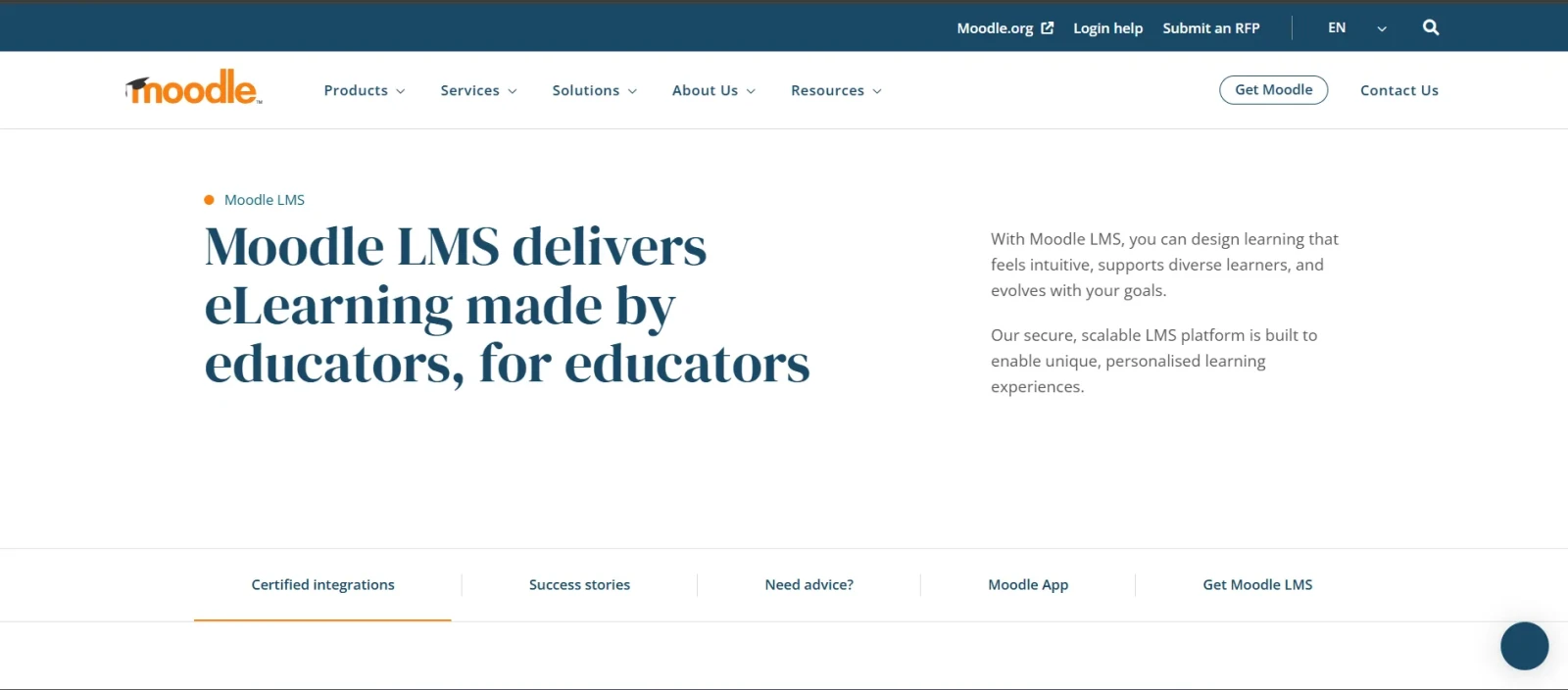
Moodle is one of the most popular object-oriented LMS available today. It provides a dedicated online platform where educators can build courses, share multimedia content, administer quizzes, track student progress, and facilitate discussions. It is widely known for its flexibility and customization options. This tool also allows you to modify the platform according to your specific requirements.
| Plan | Pricing |
|---|---|
| Moodle LMS (Self-Hosted) | Free |
| MoodleCloud Starter | Starts at approximately $170 USD/year |
| MoodleCloud Mini | Starts at approximately $280 USD/year |
| MoodleCloud Small | Starts at approximately $510 USD/year |
| Enterprise Solutions | Custom Pricing |
Related Article: 6 Tips To Make Your Corporate Training Successful
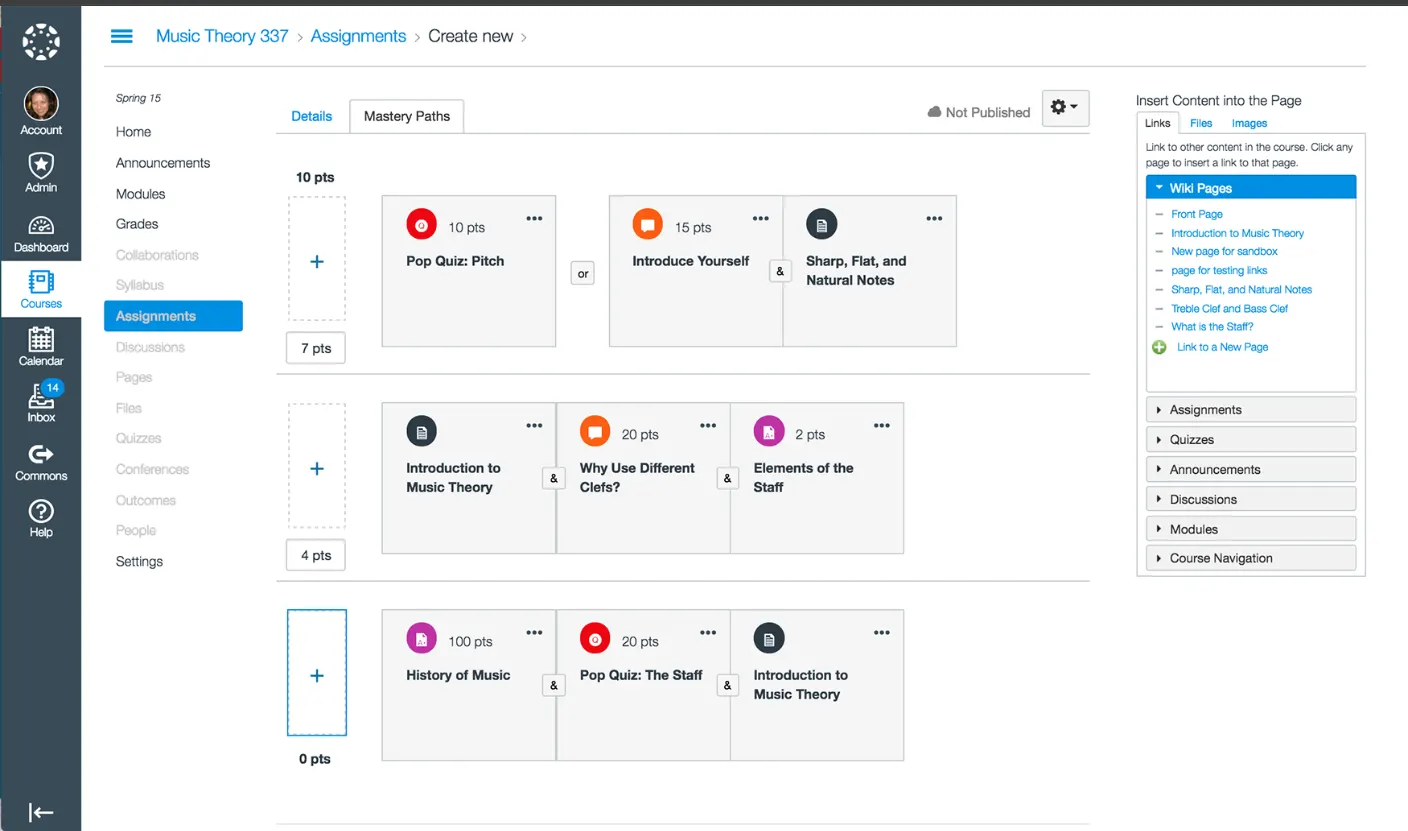
Canvas is a cloud-based learning management system developed by Instructure. It has become one of the most popular LMS platforms among colleges and universities due to its modern interface and ease of use.
Unlike Moodle, Canvas focuses heavily on user experience, making it easier for educators and students to navigate courses, assignments, and assessments. It is also known for its strong mobile learning capabilities.
| Plan | Pricing |
|---|---|
| Free-for-Teacher Account | Free |
| Institutional Plans | Custom Quote |
| Enterprise Solutions | Custom Quote |
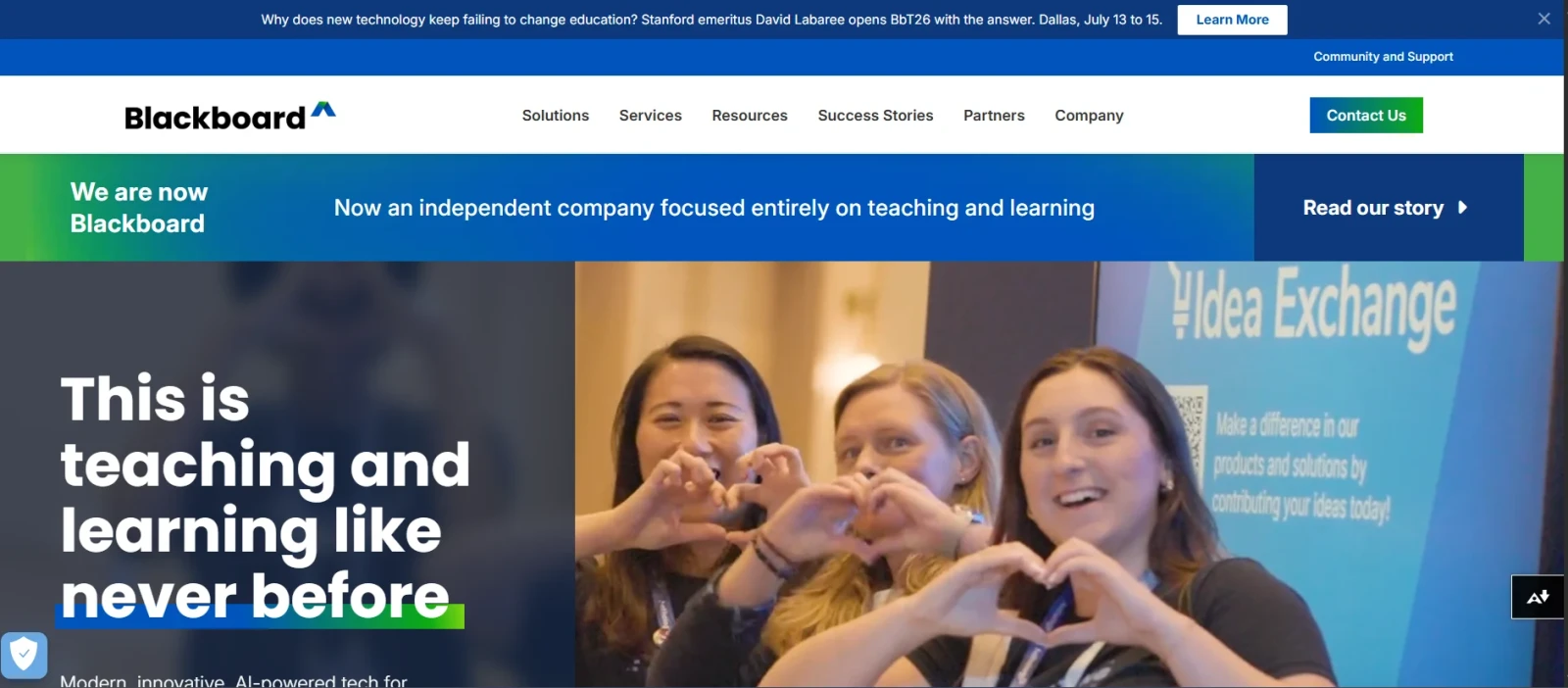
Blackboard Learn is a comprehensive LMS mostly used by schools, universities, and businesses to host and manage online, hybrid, and traditional face-to-face courses. It serves as a centralized digital hub for class materials, assignments, grading, and communication between educators and students.
| Plan | Pricing |
|---|---|
| Blackboard Learn | Custom Quote |
| Enterprise Deployments | Custom Quote |
Also Read: 3 Key Benefits Of “Training” Independent Contractors
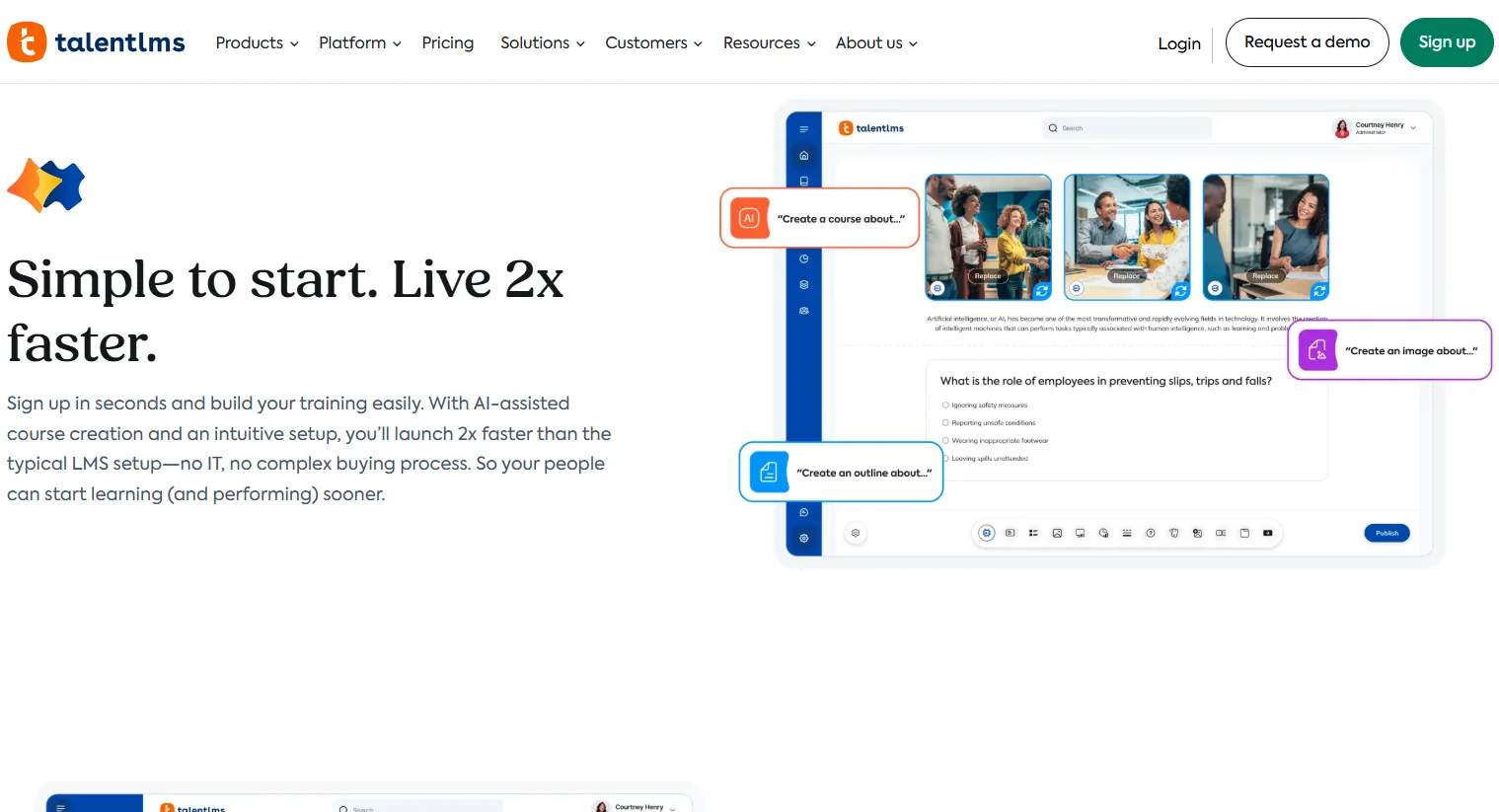
TalentLMS is another cloud-based LMS designed to help businesses create, deliver, and manage online training programs. It is known for its user-friendly interface, quick setup, and robust features that cater to employee onboarding, compliance training, and customer education.
The platform is known for its ease of use, quick deployment, and strong employee training capabilities. It is mostly preferred by small and museum size as it helps them launch training programs within days instead of weeks.
| Plan | Pricing |
|---|---|
| Free | Free for up to 5 users |
| Core | Starts at $149/month |
| Grow | Starts at $299/month |
| Pro | Starts at $579/month |
| Enterprise | Custom Pricing |
Docebo helps enterprises create, deliver, and track training programs. It is mainly designed for employee onboarding, compliance training, customer education, and partner enablement. The name itself comes from Latin, translating roughly to "I will teach." Organizations looking for a scalable LMS often shortlist Docebo because of its advanced features and integration capabilities.
| Plan | Pricing |
|---|---|
| Elevate | Custom Pricing |
| Enterprise | Custom Pricing |
Read Also: 8 Best Tools And Technologies For Data Science
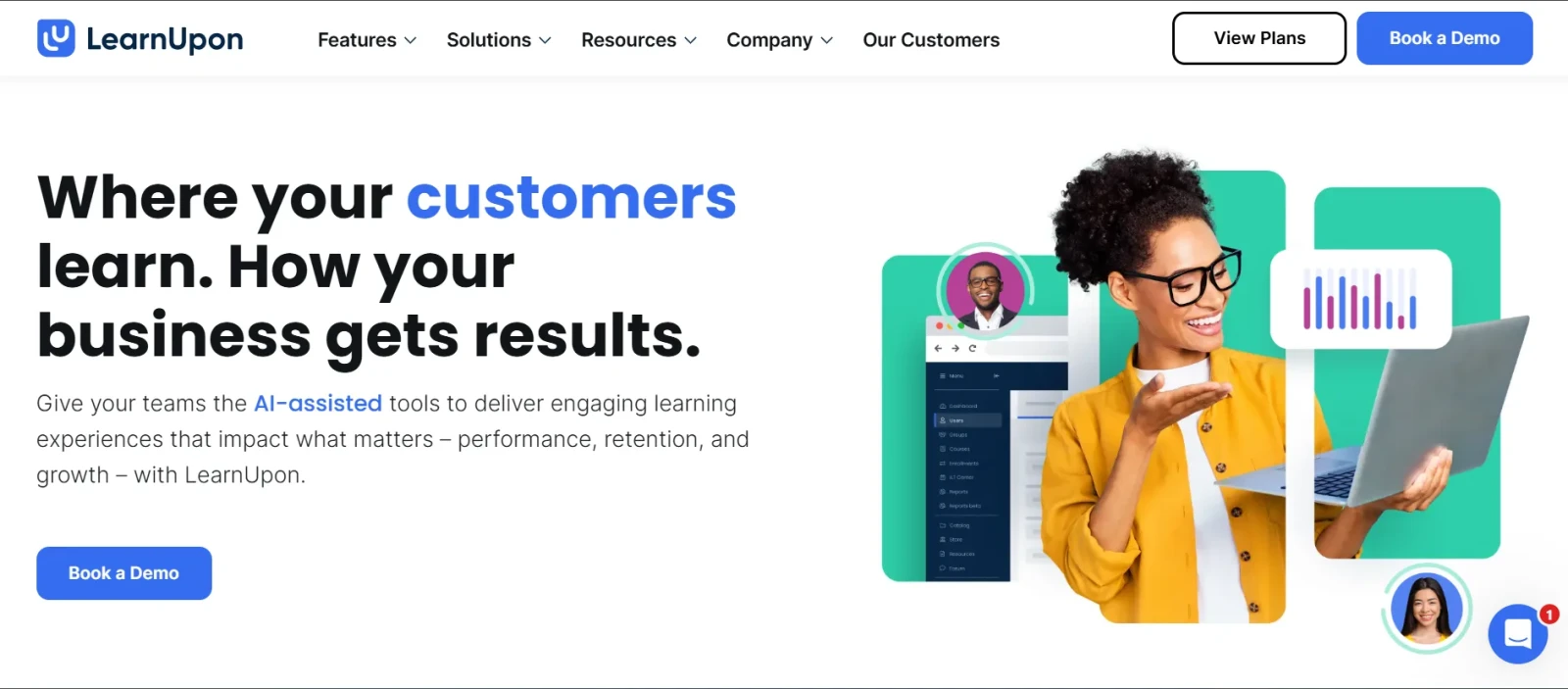
LearnUpon is another example of a cloud-based Learning Management System. It allows organizations to create, manage, deliver, and track online training. It is primarily designed for mid-sized to large enterprises to train multiple audiences, such as employees, customers, and partners.
The platform is known for combining simplicity with powerful administration tools. It allows businesses to create multiple training portals and manage different learner groups from a single dashboard. This flexibility makes it a popular choice among growing organizations.
| Plan | Pricing |
|---|---|
| Essential Plans | Custom Pricing |
| Enterprise Plans | Custom Pricing |
Read Also: 11 Best AI Chatbots For 2026
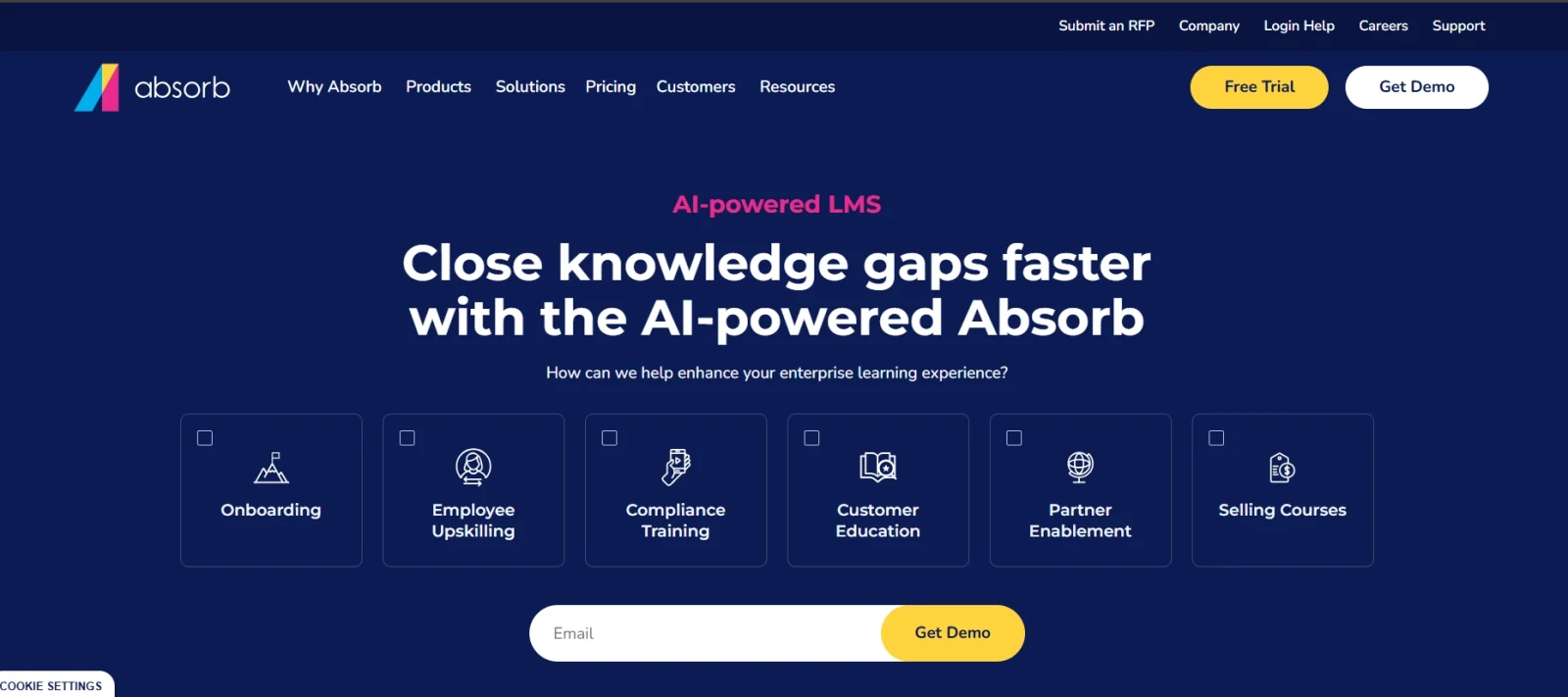
Absorb LMS also runs on a cloud-based environment that helps organizations train employees, partners, and customers. It uses built-in AI to automate administrative tasks, personalize learning paths, and even generate courses in minutes.
It combines traditional LMS features with AI-powered learning tools and learner engagement capabilities. The platform is often chosen by organizations looking for a scalable solution that can grow with their workforce.
| Plan | Pricing |
|---|---|
| Business Plans | Custom Pricing |
| Enterprise Plans | Custom Pricing |
Related Articles: What is Ansible?
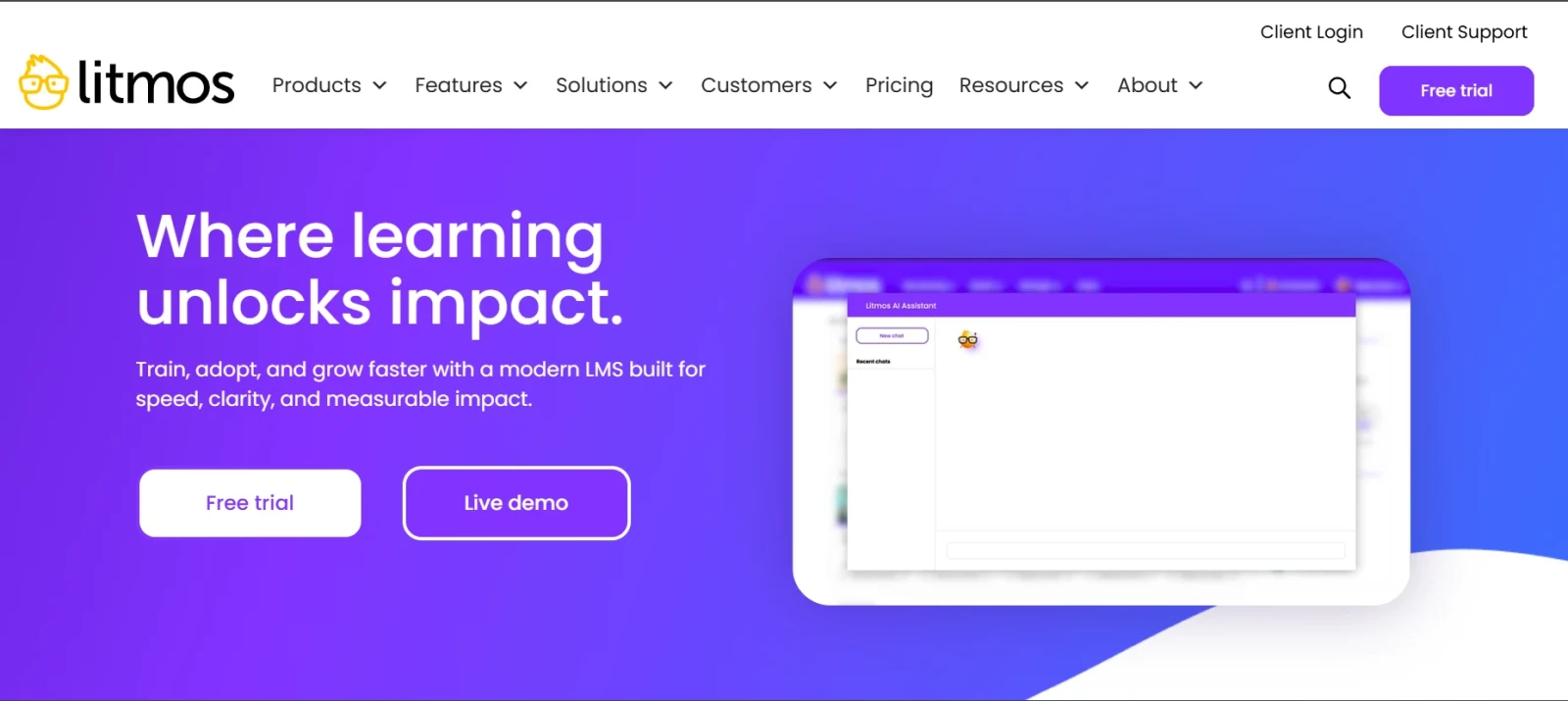
Litmos (formerly known as SAP Litmos) is a comprehensive, AI-powered LMS designed for corporate training. It allows organizations to easily create, manage, deliver and track training programs for employees, customers and external partners in a single centralized platform.
It is widely used across industries that require regular certifications and mandatory training programs. The platform focuses on delivering training quickly while providing administrators with the tools needed to track learner progress and compliance requirements.
| Plan | Pricing |
|---|---|
| Litmos LMS | Custom Pricing |
| Enterprise Solutions | Custom Pricing |
Also Read: What is SaaS (Software as a Service)?
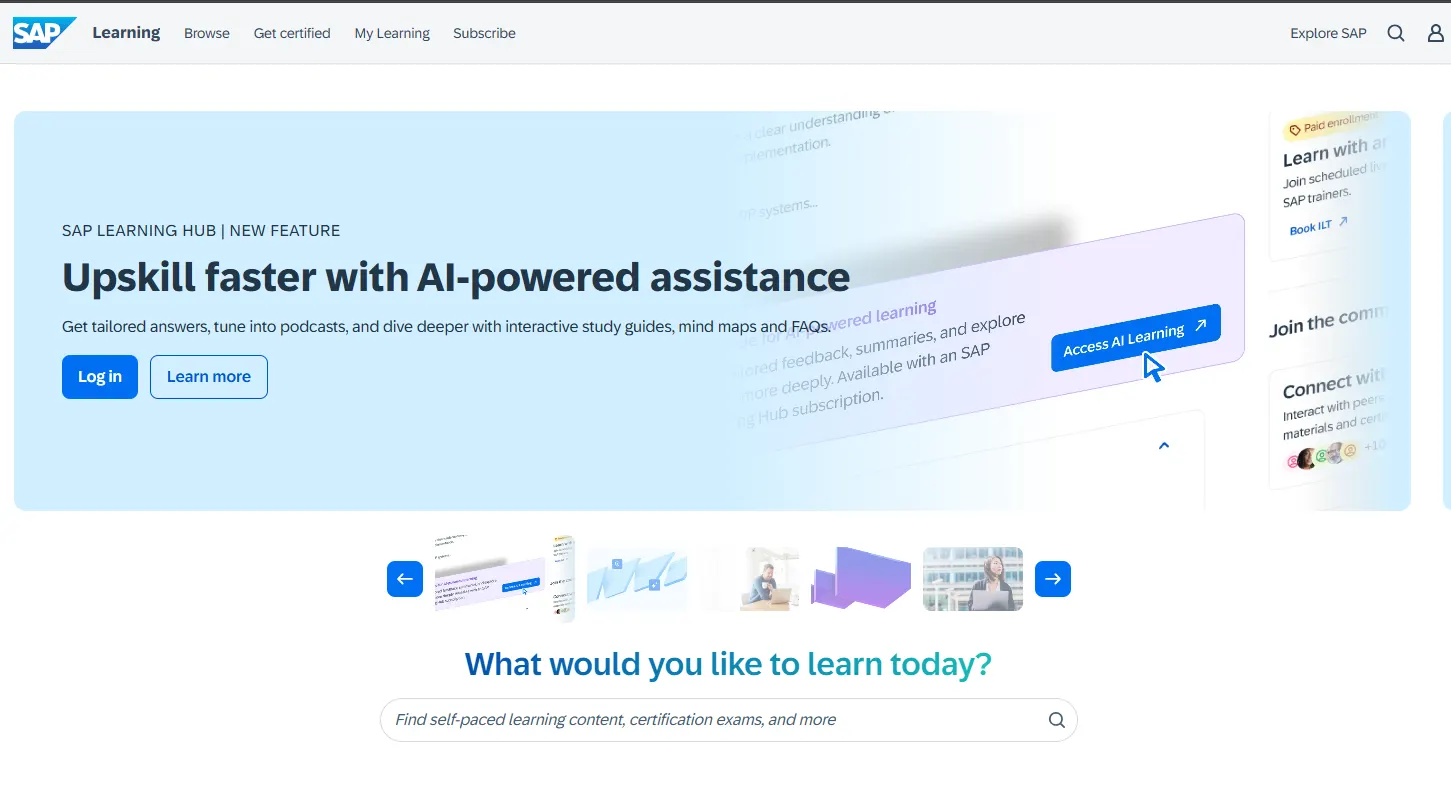
SAP SuccessFactors Learning is an enterprise-grade LMS designed to help large organizations manage employee training, compliance programs, certifications, and professional development. It is part of the broader SAP SuccessFactors Human Experience Management (HXM) suite, allowing organizations to connect learning with talent management, performance reviews, and workforce planning.
The platform is particularly popular among multinational corporations because of its scalability, compliance management capabilities, and deep integration with HR systems.
 Best For
| Plan | Pricing |
|---|---|
| SAP SuccessFactors Learning | Custom Pricing |
| Enterprise Deployments | Custom Pricing |
Related Article: SAP Analytics Cloud Tutorial For Beginners
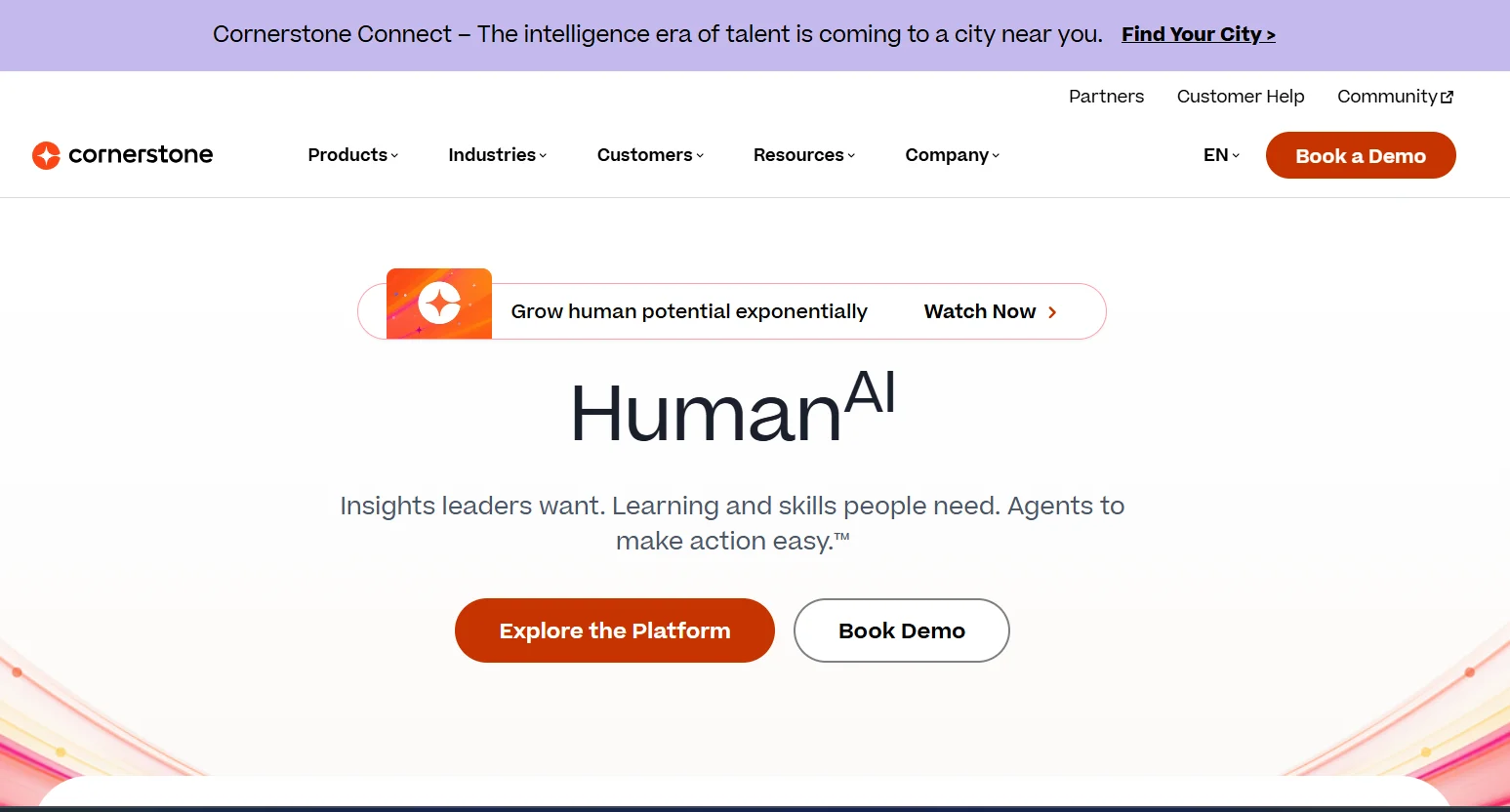
Cornerstone OnDemand is a cloud-based talent management and learning platform designed primarily for large enterprises. It combines learning management, performance management, succession planning, and workforce development into a single ecosystem.
The platform is widely used by organizations that need advanced compliance training, employee development programs, and workforce readiness initiatives across multiple departments and geographic locations.
| Plan | Pricing |
|---|---|
| Cornerstone OnDemand | Custom Pricing |
| Enterprise Solutions | Custom Pricing |
Read Also: Top AI Testing Tools To Consider In 2026
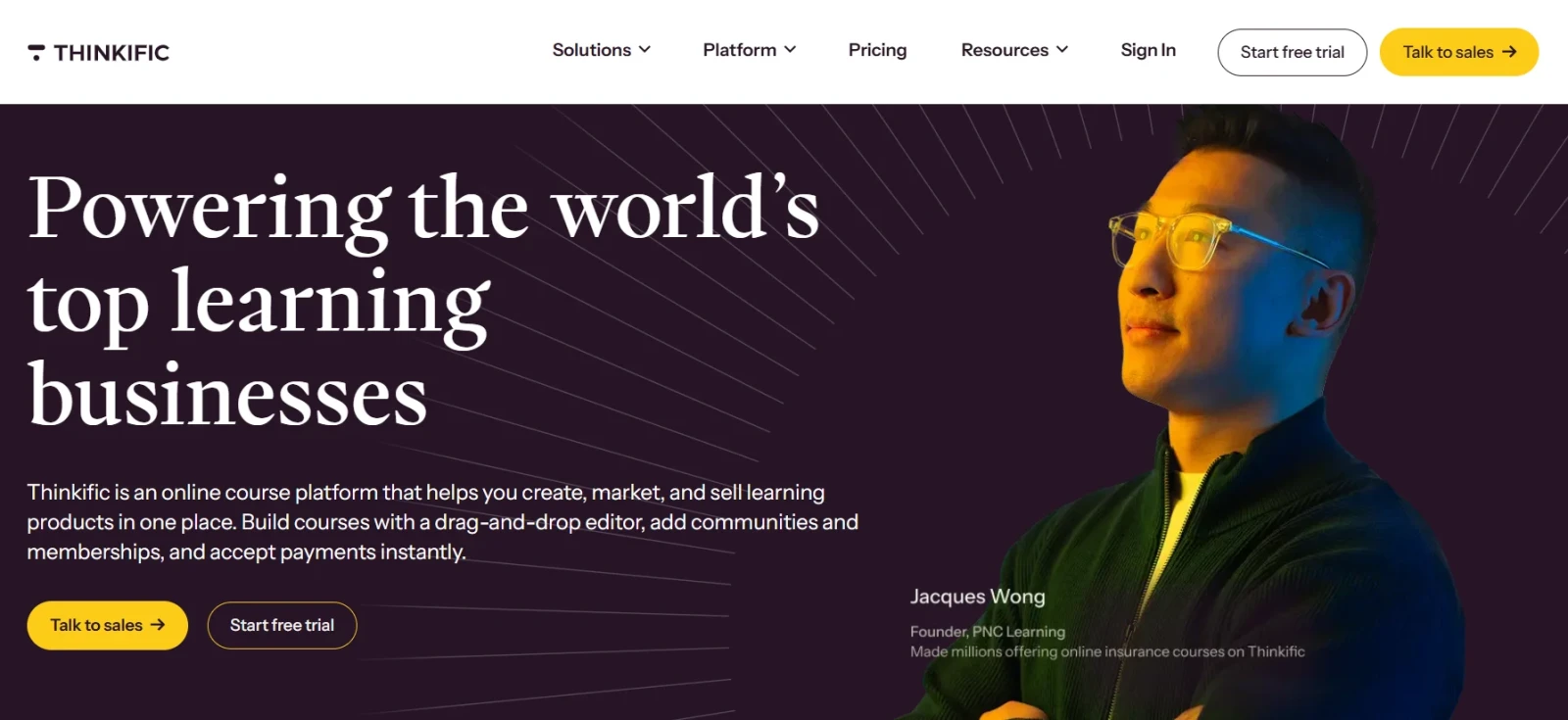
Thinkific is a cloud-based LMS designed specifically for creators, coaches, consultants, and businesses that want to create, market, and sell online courses. Unlike traditional academic or corporate LMS platforms, Thinkific focuses heavily on course monetization and audience engagement.
It provides an easy-to-use platform where creators can build courses without needing coding skills while also managing payments, memberships, and learner communities.
| Plan | Pricing |
|---|---|
| Basic | Starts at approximately $49/month |
| Start | Starts at approximately $99/month |
| Grow | Starts at approximately $199/month |
| Thinkific Plus | Custom Pricing |
Also Read: 10 Top Trendy Technologies in 2026
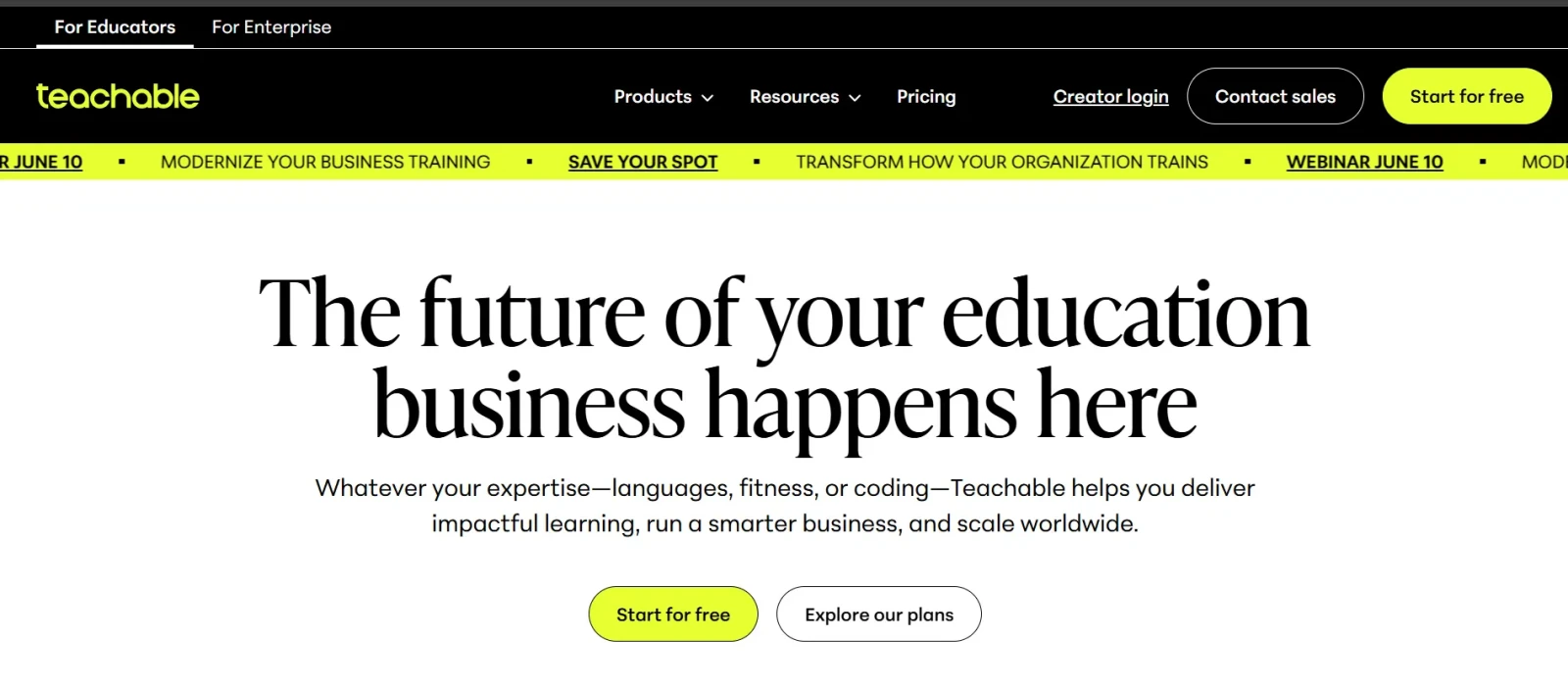
Teachable is another popular platform built for creators who want to sell online courses, coaching services, and digital products. It provides tools for course creation, payment processing, student management, and business growth.
The platform focuses on simplicity and allows instructors to launch online learning businesses quickly without requiring technical expertise. It is often chosen by solopreneurs, educators, and content creators.
| Plan | Pricing |
|---|---|
| Basic | Starts at approximately $59/month |
| Pro | Starts at approximately $159/month |
| Pro+ | Starts at approximately $249/month |
| Enterprise | Custom Pricing |
Read Also: Microsoft Azure Tutorial
There is no universal LMS that works perfectly for everyone. The best choice depends entirely on your goals, audience size, budget, technical capabilities, and training requirements.
Here are some important factors you should evaluate before selecting a learning management system:
Start by defining exactly why you need an LMS.
An LMS should be simple for both learners and administrators. A platform packed with features becomes less valuable if users struggle to navigate it.
Your LMS should support future growth.
Most organizations already use multiple software tools.
Good reporting helps measure learning effectiveness.
Pricing structures vary significantly between LMS platforms.
Also Read: Docker Tutorial for Beginners
After comparing the most popular platforms, here are my recommendations based on different requirements.
| Use Case | Recommended LMS |
|---|---|
| Schools and Universities | Moodle, Canvas |
| Higher Education Institutions | Canvas, Blackboard Learn |
| Small Business Employee Training | TalentLMS |
| Enterprise Learning | Docebo, Cornerstone OnDemand |
| Compliance Training | Litmos, SAP SuccessFactors Learning |
| Customer Education | LearnUpon, Docebo |
| Course Creators | Thinkific, Teachable |
| Open-Source Flexibility | Moodle |
Related Article: What is Cloud Computing Architecture?
The LMS industry is evolving rapidly. Traditional learning platforms are transforming into intelligent learning ecosystems powered by artificial intelligence, automation, and advanced analytics. Some major trends shaping the future include:
Organizations that adopt these technologies early will be better positioned to develop skilled, adaptable, and future-ready learners.
Learning Management Systems have become a core component of modern education and workforce development. Whether you are running a university, managing employee training, delivering compliance programs, or selling online courses, the right LMS can significantly improve learning outcomes while reducing administrative complexity.
The platforms discussed in this guide each serve different purposes. Moodle and Canvas dominate academic learning. TalentLMS, Docebo, LearnUpon, and Litmos lead corporate training. SAP SuccessFactors Learning and Cornerstone OnDemand support enterprise-scale learning initiatives. Thinkific and Teachable empower creators to build successful online education businesses.
The best LMS is ultimately the one that aligns with your goals, audience, budget, and long-term growth plans. Take advantage of free trials, product demonstrations, and pilot programs before making a final decision.
Moodle is often considered one of the best overall LMS platforms because of its flexibility, open-source nature, and extensive customization capabilities. However, the best LMS depends on your specific requirements.
TalentLMS, Docebo, LearnUpon, Absorb LMS, and Litmos are among the most popular choices for employee training and workforce development.
Canvas, Moodle, and Blackboard Learn are widely used by universities and higher education institutions worldwide.
Moodle itself is open-source and free to use. However, organizations may still incur costs related to hosting, maintenance, customization, and technical support.
An LMS focuses on structured learning management and course delivery, while an LXP focuses on personalized, learner-driven experiences and content discovery.
Thinkific and Teachable are among the most popular LMS platforms for creators, coaches, and businesses that want to sell online courses.
Yes. Platforms such as TalentLMS are specifically designed to help small businesses deliver employee training, onboarding, and compliance programs without requiring large budgets or technical teams.
You should evaluate ease of use, scalability, integrations, reporting capabilities, pricing, learner experience, mobile support, and alignment with your training goals before selecting an LMS.