Are there times when you have to look at an old SQL query and have no idea what to do after five nested subqueries? A lot of programmers face this issue.
SQL CTEs help overcome this challenge by breaking large, complicated queries into smaller, manageable parts
Let us see what CTE is in SQL. In this article, we will review the meaning, syntax and types of CTEs. You will also find examples of CTEs for SQL that may be performed in your own database.
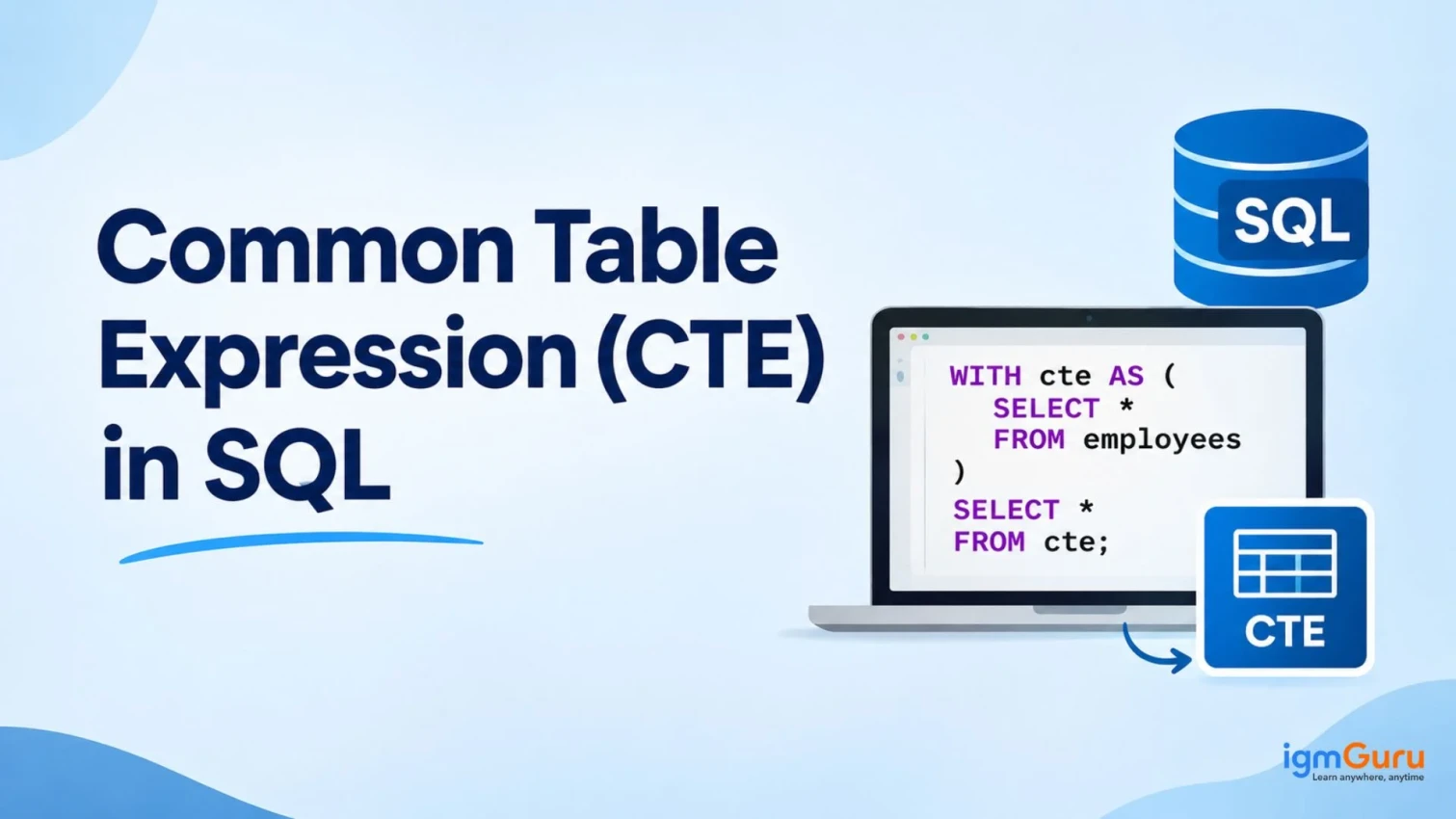
A Common Table Expression (CTE) in SQL is a temporary, named query result that can be used within a single SQL statement, such as SELECT, INSERT, UPDATE or DELETE.
Think of a SQL CTE as a short note you write before the main query. The note gives a name to a piece of logic. Then the main query uses that name instead of repeating the logic.
Here are the key facts about a CTE:
The SQL standard added CTEs in SQL:1999. Microsoft SQL Server added support in version 2005. Today, most modern databases support them.
Learn SQL queries, database management, data manipulation, joins, and advanced functions through practical training.

The SQL WITH clause starts every CTE. Here is the basic syntax:
| WITH cte_name (column1, column2) AS ( SELECT column1, column2 FROM some_table WHERE condition ) SELECT * FROM cte_name; |
Let us look at each part:
One rule matters a lot. The CTE is valid only for the statement that follows it. If you run a second statement, the database will not find the CTE. You must define it again.
Examples make the idea clear. We will use a simple employees table for all queries in this guide.
| emp_id | emp_name | department | salary | manager_id |
| 1 | Asha | Management | 120000 | NULL |
| 2 | Ravi | Sales | 70000 | 1 |
| 3 | Meera | Sales | 90000 | 2 |
| 4 | Kabir | IT | 95000 | 1 |
| 5 | Neha | IT | 80000 | 4 |
| 6 | Arjun | IT | 105000 | 4 |
Without a CTE, you would write a subquery inside a join. With a CTE, the query reads in two clear steps.
| WITH dept_avg AS ( SELECT department, AVG(salary) AS avg_salary FROM employees GROUP BY department ) SELECT e.emp_name, e.department, e.salary, d.avg_salary FROM employees e JOIN dept_avg d ON e.department = d.department WHERE e.salary > d.avg_salary; |
Step one builds dept_avg, which holds the average salary for each department. Step two joins that result to the employees table and keeps only the higher earners.
The query is easy to read because the name dept_avg explains the purpose of the logic.
You can define more than one CTE after a single WITH keyword. Separate each definition with a comma. A later CTE can also use an earlier one.
| WITH dept_totals AS ( SELECT department, SUM(salary) AS total_salary FROM employees GROUP BY department ), company_total AS ( SELECT SUM(total_salary) AS grand_total FROM dept_totals ) SELECT d.department, d.total_salary, ROUND(d.total_salary * 100.0 / c.grand_total, 2) AS pct_of_company FROM dept_totals d CROSS JOIN company_total c; |
Here, company_total reads from dept_totals. This chaining keeps each step small. It also helps you test each step on its own.
Learn SQL Server database management, queries, stored procedures, performance tuning, and data administration through practical training.

There are two main types of Common Table Expressions (CTEs) in SQL:
Note: Single CTEs and Multiple CTEs are structural variations, not separate fundamental types of CTEs.
A recursive CTE calls itself until it runs out of rows. It is the best tool for hierarchical data, such as org charts, category trees and folder structures.
A recursive CTE has two parts:
The two parts join with UNION ALL. Here is an org chart example:
| WITH RECURSIVE org_chart AS ( -- Anchor: the top manager SELECT emp_id, emp_name, manager_id, 1 AS level FROM employees WHERE manager_id IS NULL UNION ALL -- Recursive: employees who report to someone already found SELECT e.emp_id, e.emp_name, e.manager_id, o.level + 1 FROM employees e JOIN org_chart o ON e.manager_id = o.emp_id ) SELECT emp_name, level FROM org_chart ORDER BY level; |
The anchor finds Asha, who has no manager. The recursive part then finds the people who report to Asha. It repeats the step for each new level.
Note: PostgreSQL, MySQL and SQLite need the RECURSIVE keyword. SQL Server and Oracle do not use it. Write WITH org_chart AS (...) in those systems.
Always add a stop condition or a level limit when your data might contain loops. Otherwise, the query can run for a very long time.
Also Explore: SQL Interview Questions and Answers
New learners often mix these four tools. The table below shows the main differences.
| Feature | CTE | Subquery | View | Temp Table |
| Lifetime | One statement | One statement | Saved in the database | One session |
| Reusable in the same query | Yes | Usually no | Yes | Yes |
| Supports recursion | Yes | No | No | No |
| Stores data | No | No | No (stores the query only) | Yes |
| Best for | Readable, step-by-step logic | Short, simple filters | Shared logic across queries | Large or repeated intermediate results |
Use a CTE when you want clear code for a single query. Use a view when many queries need the same logic. Use a temp table when you need to reuse a large result several times or add an index to it.
Learn SQL querying, data extraction, database management, and data analysis techniques for real-world data science applications.

A SQL CTE offers several practical benefits:
A CTE is helpful, but it is not perfect. Keep these points in mind:
Read Also: Top SQL Server Interview Questions and Answers
Follow these tips to write clean and fast CTEs:
Most major databases support the SQL WITH clause. These include:
Older versions of MySQL do not support CTEs. If you use MySQL 5.7, you must upgrade or use subqueries instead.
Now you know what CTE in SQL means and how it works. A common table expression in SQL gives your query a clean structure. The SQL WITH clause lets you name each step, reuse logic and handle hierarchical data with recursion.
Start small. Take one query with a nested subquery and rewrite it as a SQL CTE. You will see the difference in readability right away. Then try a recursive CTE on your own data. With a little practice, CTEs will become a daily habit in your SQL work.
Explore our Trending Articles:-
Not always. In most cases, the database handles both in a similar way. A CTE mainly improves readability. Always test both options with your own data.
Yes. You can place a CTE before any of these statements. Support and syntax differ by database, so check your database documentation first.
No. A temporary table stores data and lasts for a session. A CTE does not store data and lasts for one statement.
Yes. Write one WITH keyword and separate each CTE with a comma. Later CTEs can use earlier ones.