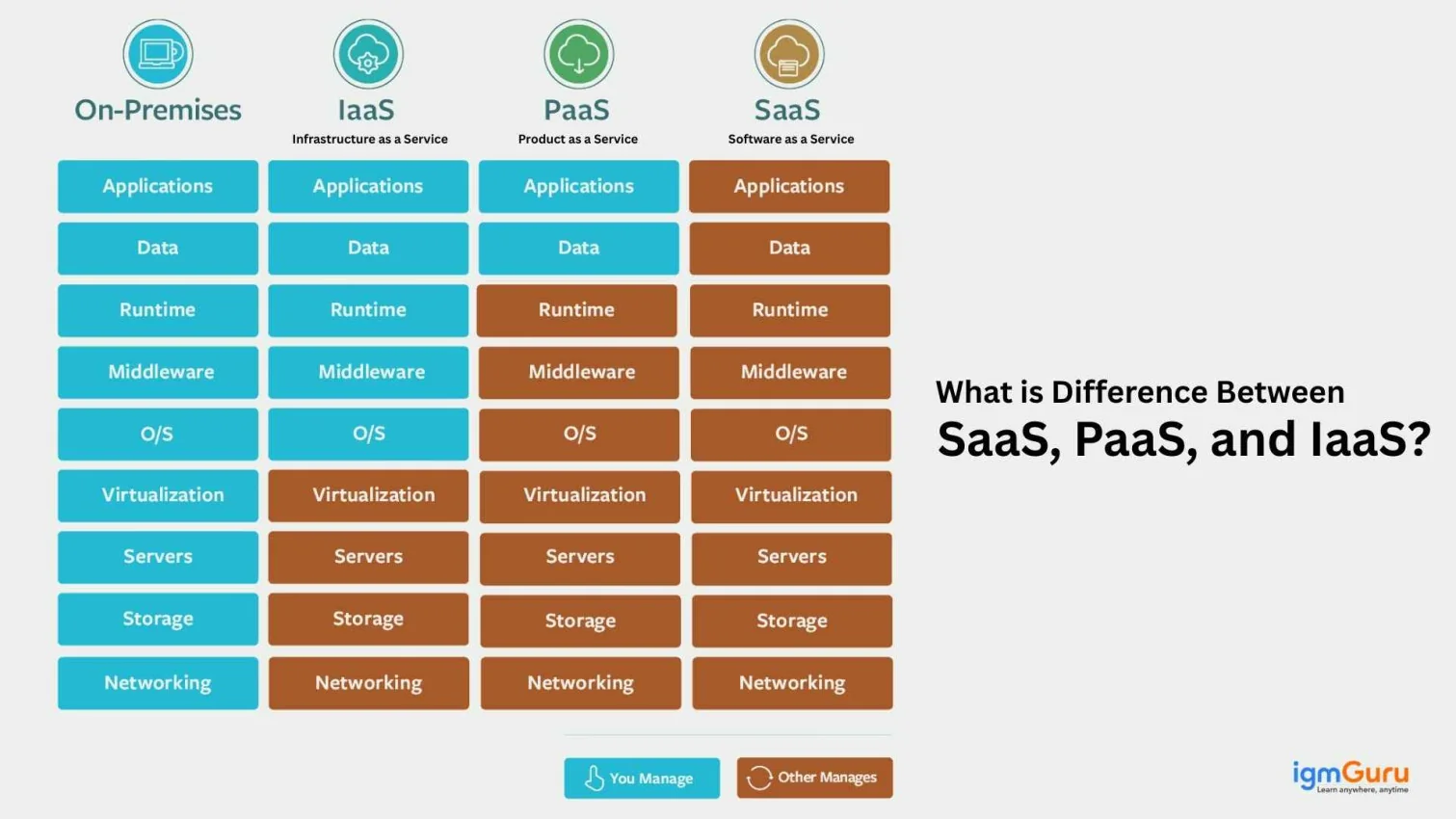
In this digital era, cloud computing has become the mainstream for many businesses and software engineers alike. Among the most common cloud service models are IaaS (Infrastructure as a Service), PaaS (Platform as a Service), and SaaS (Software as a Service). More and more organizations are using these cloud based services as per their business needs.
Still, it can often be confusing to distinguish between these three cloud computing services, as each serves a different purpose. In this article, we will break down the difference between these three cloud computing models - IaaS, PaaS, and SaaS. Understanding the differences is important for businesses to choose the right solution that fits their needs. We will explore the definitions, advantages, disadvantages and use cases of each to understand their difference.
Explore our AWS Solution Architect Training to build career in cloud technology.
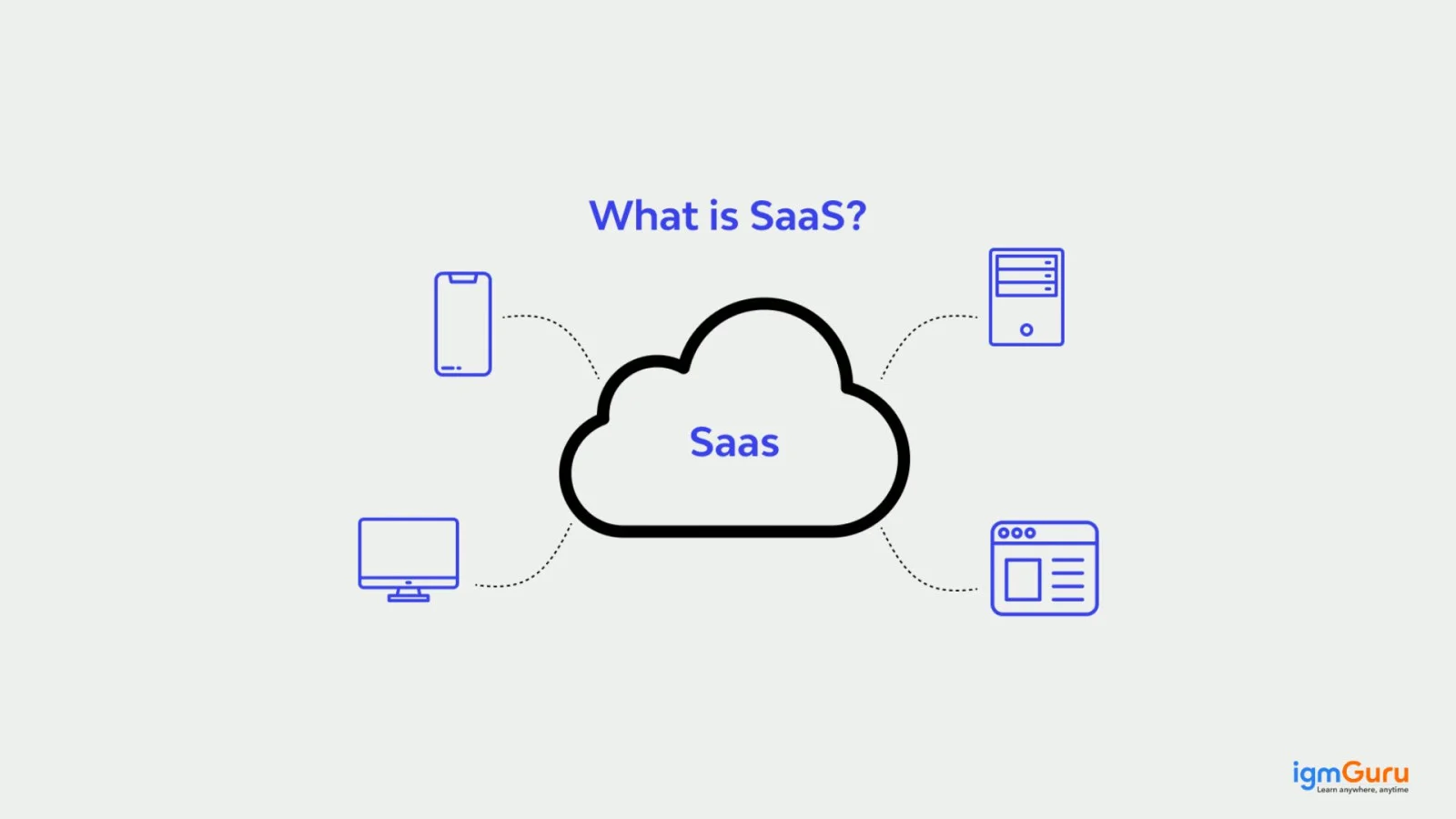
SaaS, or Software as a Service, is a cloud computing model where users are allowed to access software applications over the internet. Instead of installing and maintaining software, users can use it via a web browser. It's convenient, cost-effective, and ideal for businesses seeking ready-to-use solutions like email, CRM, or collaboration tools.
The SaaS model is widely used across diverse industries for its convenience, flexibility, and scalability. Here are some key advantages of SaaS include -
SaaS (Software as a Service) is among the most famous cloud computing models. It offers convenience, cost savings, and easy accessibility. However, like any other technology, it has its disadvantages. While SaaS eliminates the hassle of software installation and maintenance, it also comes with certain limitations that businesses and individuals should consider before fully relying on it.
1. Limited Control Over Software
2. Dependence on Internet Connection
3. Data Security and Privacy Concerns
4. Subscription Costs Can Add Up
5. Integration Challenges
Here are some of the examples of it-
Here are some common scenarios where using SaaS is the most practical and beneficial choice:
A small business using Microsoft 365 can collaborate on documents, communicate through Teams, and store files in OneDrive. All these without investing in IT infrastructure.
Related Article- Google Cloud Platform Tutorial
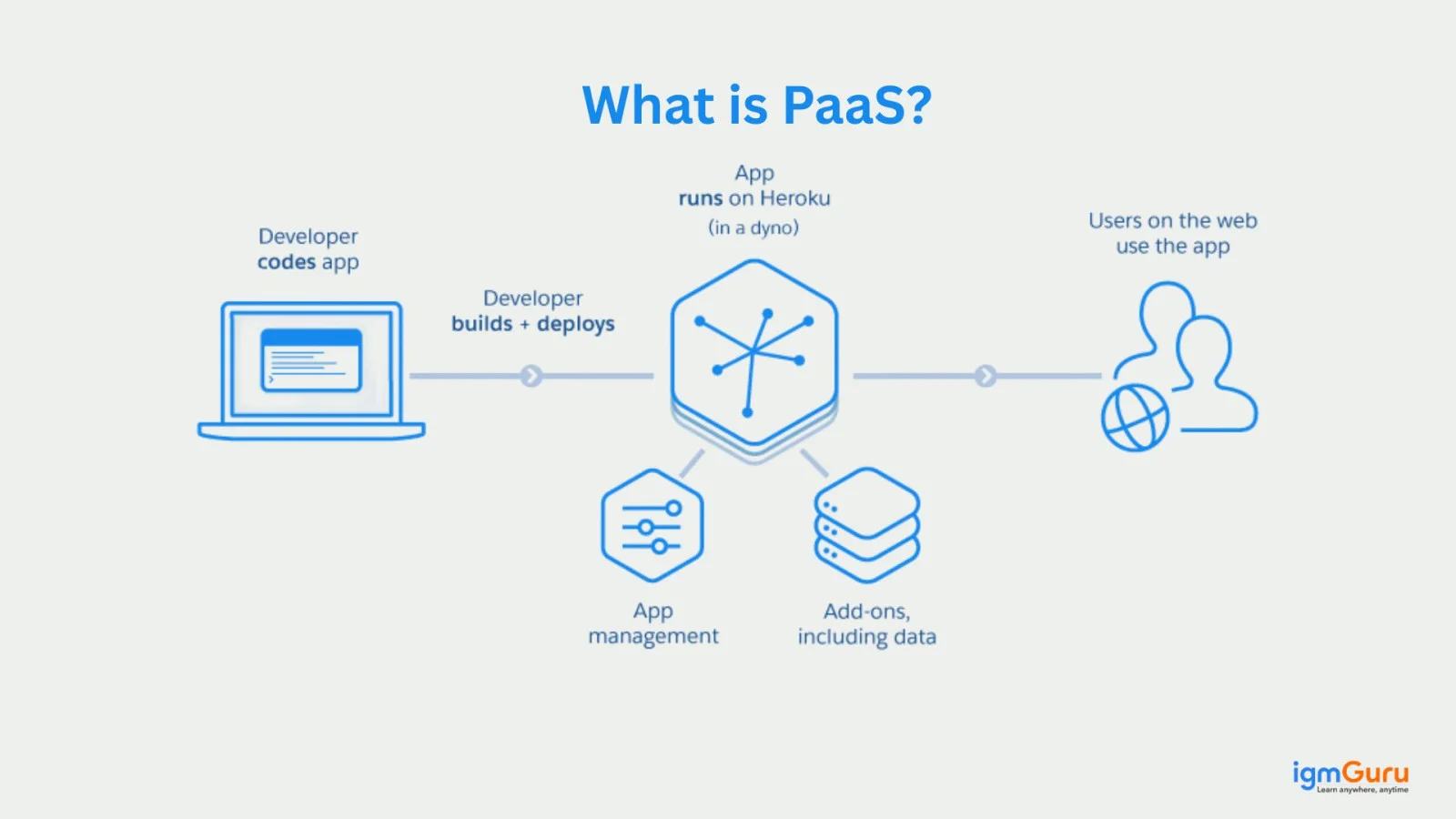
PaaS, or Platform as a Service, is a cloud computing model that provides developers with a complete environment to develop, run, and manage applications - without dealing with the complexities of building and maintaining the underlying infrastructure. It offers a framework that includes operating systems, databases, development tools, middleware, and runtime environments.
This computing model comes with many advanced benefits. Some of them are as follows-
While PaaS provides convenience, scalability, and faster development, it also comes with few drawbacks that every business and developer should consider.
1. Limited Control Over Infrastructure
2. Vendor Lock-In
3. Security and Compliance Risks
4. Performance Issues and Downtime
Here are some real-time examples as follows-
PaaS is ideal in the following scenarios where streamlined development and deployment are the main priorities:
Related Article- Top 35 AWS Interview Questions and Answers
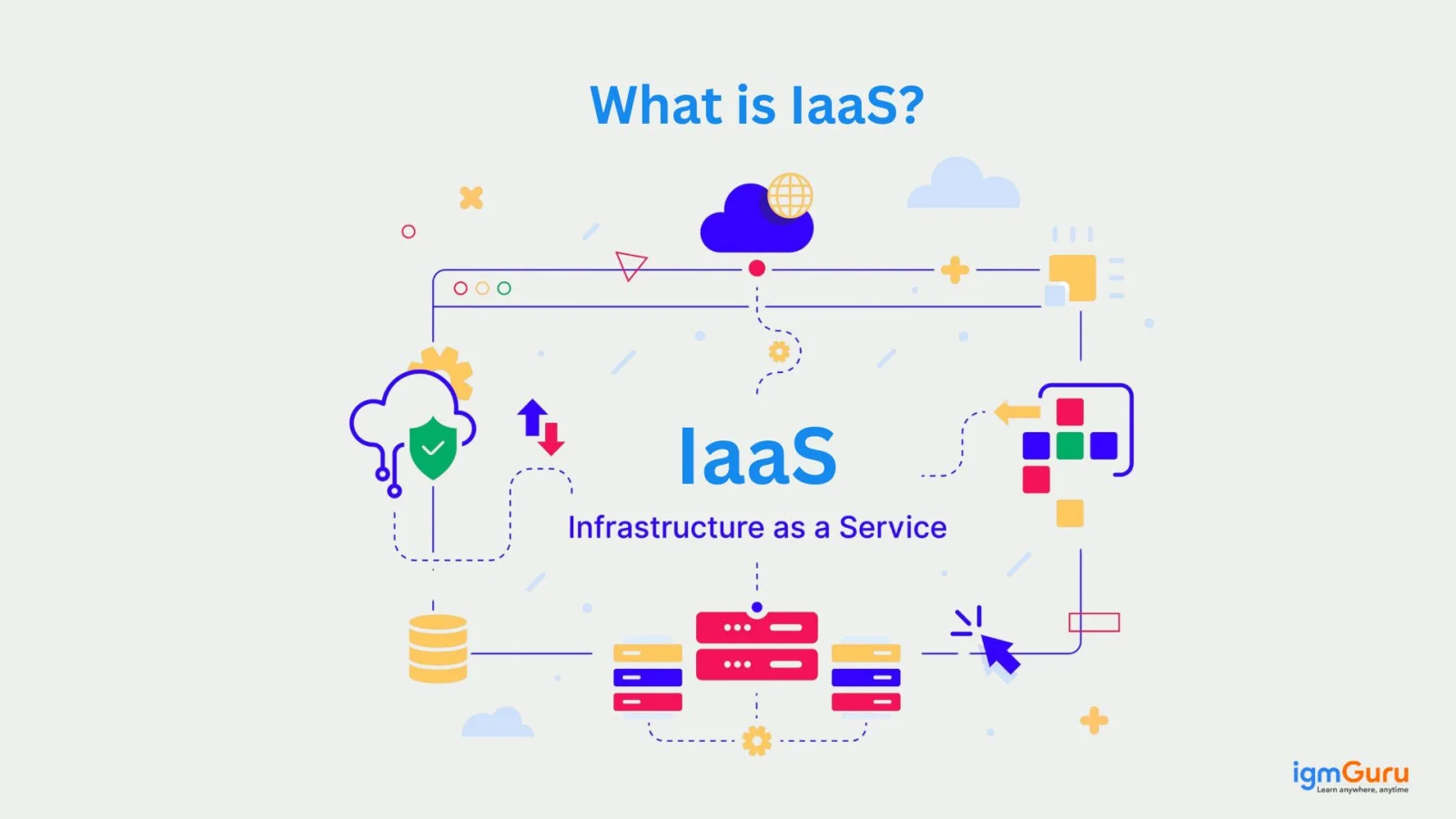
When it comes to cloud computing, IaaS (Infrastructure as a Service) holds a strong position among businesses and developers. Basically, it provides virtualized computing resources over the internet. It offers essential infrastructure like servers, storage, and networking on-demand, allowing businesses to scale easily without investing in physical hardware. Users manage their applications while the provider handles the infrastructure.
Following are the some advantages of using this model.
Here are some real-time exapmle of it-
While IaaS offers scalability, cost savings, and flexibility, it also comes with several challenges that businesses should consider before adopting it.
1. Complex Management and Maintenance
2. Security and Data Privacy Concerns
3. Unexpected Costs
4. Dependency on Internet Connectivity
IaaS is best suited for situations where businesses need complete control over their infrastructure and want to avoid the costs of physical hardware.
Related Article- 9 Most In-Demand DevOps Engineer Skills To Learn
These three cloud model serve different needs, ranging from simple software usage to full control over computing resources. Understanding the differences between these models is essential for choosing the right solution for your organization's technical and business requirements. Let's explore how SaaS, PaaS, and IaaS differ in terms of usage, control, and functionality.
| Feature | IaaS (Infrastructure as a Service) | PaaS (Platform as a Service) | SaaS (Software as a Service) |
| What it provides | Virtual servers, storage, and networking | Development platform and tools | Ready-to-use software applications |
| User Control | Full control over OS, apps, and infrastructure | Control over applications and data | Minimal control. Just use the software |
| Target Users | IT professionals, system admins | Developers, coders | End-users, businesses |
| Use Case | Hosting websites, data storage | Developing apps, testing software | Email, collaboration, CRM software |
| Examples | AWS EC2, Google Cloud Compute | Heroku, AWS Elastic Beanstalk | Google Workspace, Dropbox |
| Speed of Deployment | Moderate | Fast | Very Fast |
| Security Responsibility | Shared between provider and user | Provider handles most security | Provider is fully responsible |
| Flexibility | High - customize infrastructure | Moderate - limited to app layer | Low - limited to configurations |
| Scalability | High - add resources as needed | High - easy to scale apps | Very High - based on user needs |
| Cost Consideration | Pay-as-you-go for infrastructure | Subscription or pay-as-you-use | Subscription-based |
Still confused for which one to choose? Let's discuss a real world scenario to make a better choice. Suppose you are building and managing a restaurant. Here is how these systems can relate:
In this model, you rent a space with the basic utilities (electricity, water, gas). It is up to you to set up the kitchen, buy furniture, hire staff or manage daily operations. You manage everything inside but the landlord maintains the building itself. This is similar to IaaS, where you get access to servers, storage and networking and you install and manage your own software and applications.
Example: Using AWS EC2 to host your website, you decide the OS, install apps and handle maintenance.
In this case, you rent a fully equipped kitchen with appliances and cooking tools. You just bring your ingredients and start cooking. The provider manages the infrastructure, operating system and runtime, while you focus on building your application.
Example: You can use the Google App Engine to write and deploy code without worrying about servers or hardware.
Here you do not have to worry about cooking or kitchen setup at all. You just order the dish you want and it is delivered ready to eat. SaaS provides complete software solutions over the internet, meaning no installation or maintenance needed.
Example: Using Gmail or Microsoft 365 to send emails or create documents directly from your browser.
Cloud computing has changed the way businesses operate. It offers flexibility and cost savings via IaaS, PaaS, and SaaS. Knowing the differences between IaaS, PaaS and SaaS models helps organizations choose the right service to match their needs.
Whether a developer, IT professional or business owner, leveraging the right cloud service can significantly boost productivity, scalability and efficiency.
Yes, Facebook, Twitter, Instagram and more are software as Service, given over the internet.
It is a cloud computing deployment model. The cloud resources are very much dedicated to one customer or a company.
Data as a Service is the full form of DaaS.
Couse Schedule
| Course Name | Batch Type | Details |
| Cloud Computing Courses | Every Weekday | View Details |
| Cloud Computing Courses | Every Weekend | View Details |