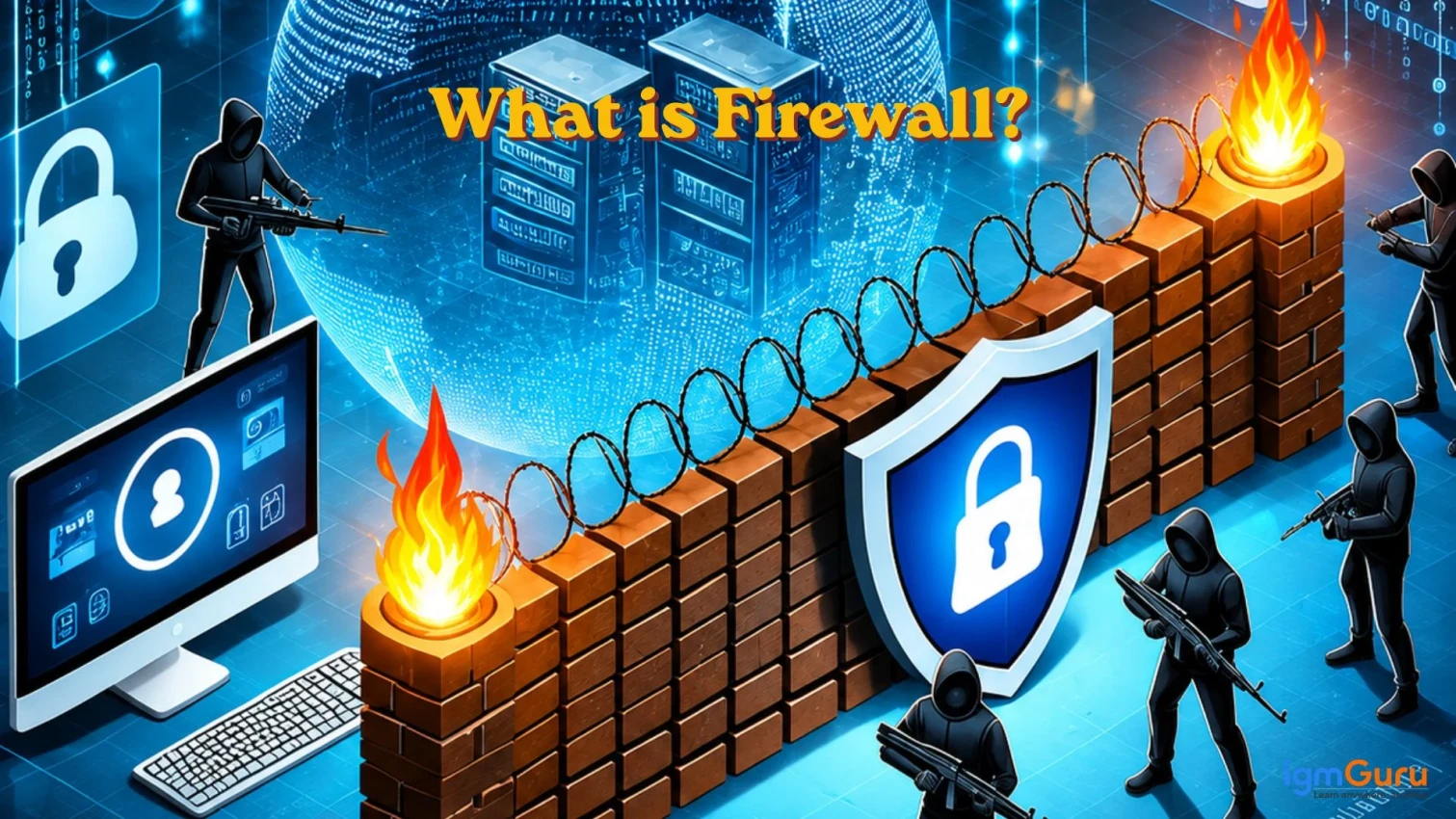
A firewall is a network security device that acts as a barrier between a trusted internal network and an untrusted external network. It monitors and filters incoming and outgoing traffic based on a strict set of predefined security rules to block malicious threats and unauthorized access. It is basically a digital gatekeeper that monitors incoming and outgoing traffic to block unauthorized access and prevent cyber threats.
It is often mistaken as a tool for large enterprises with complicated processes. In reality, it is necessary for every business, government and individuals also. Everything we do on the Internet involves a heavy risk of cyberattacks without using a proper firewall.
This article will explain everything about firewalls starting from the basic definition to its core features, types, pros, limitations and more. It also includes how you can implement the technology to your business or application. Let’s begin with a simple introduction.
A firewall is a network security device or software program that monitors and controls incoming and outgoing network traffic. It works on a defined set of security rules. Think of it as a barrier between your trusted internal network and an untrusted external network. It blocks all the malicious or unauthorized traffic and only allows legitimate data to flow.
These can be implemented into your hardware, installed as software on individual devices, or delivered as a cloud-based service. The use completely depends on your requirement and choice. Despite the choice it always follows the same tasks, which are deciding what gets in, what gets out and what gets blocked.
Related Articles: Top Network Security Certifications To Look in 2026
Understanding the importance of a firewall is essential before diving deep into it. The real importance of this technology lies behind its primary role, which is foundational gatekeeper of the digital infrastructure.
They matter because they serve as the first line of defense. They monitor and filter all data flowing between your trusted private network and the untrusted internet. Without them, you can encounter the following issues:
The history of Firewalls traces back to the late 1980s when the internet was transitioning from isolated research networks to global connectivity. They have evolved across five distinct generations to meet the standards of evolving cyber threats and modern cloud infrastructure. Here is their evolution timeline:
| Firewall Generation | Time Period | Key Features | Drawbacks |
|---|---|---|---|
| Predecessors (Router-Based Filtering) | 1980s |
|
|
| First Generation: Packet Filtering | Late 1980s |
|
|
| Second Generation: Stateful Inspection | Mid-1990s |
|
|
| Third Generation: Application Layer & Proxy Firewalls | Early 2000s |
|
|
| Fourth Generation: Next-Generation Firewalls (NGFWs) | 2010s |
|
|
| Fifth Generation: AI-Powered & Cloud-Native Firewalls | 2020s - Present |
|
|
Now, you must be wondering how a Firewall works to mitigate cyber threats. A firewall works as a security barrier in multiple steps. Each step is focused on a specific task. The complete process can be broken down into the following steps:
Read Also: What Is Password Salting and How Does It Work?
There are multiple types of firewalls available today and each of them are designed to address specific security requirements. Understanding these firewall types helps organizations choose the right solution based on their network architecture, security goals and budget. Here is the list of their types:
Packet-filtering firewalls are from one of the earliest and simplest types of firewall. They inspect individual data packets and allow or block them based on predefined rules such as source IP address, destination IP address, port number and protocol type.
They only examine packet headers, not the actual content. This is why they are fast and consume minimal system resources. However, their limited inspection capabilities make them less effective against modern cyber threats. Users with enough budget generally avoid using them.
Stateful inspection firewalls improve upon packet-filtering technology by monitoring the state and context of network connections. They do not evaluate packets individually. They track active sessions and determine whether incoming packets belong to legitimate connections.
This approach provides stronger security and reduces the risk of unauthorized access while maintaining efficient network performance. It can be a good cost friend network security tool for small businesses.
Proxy firewalls act as intermediaries between users and the internet. They do not allow direct communication. They work in a step by step process where they receive requests from users, inspect them and then forward approved requests to the destination server.
The feature of analyzing traffic at the application layer helps in detecting suspicious content, filter web requests and hide internal network details. This added inspection improves security but may introduce some latency.
Also Read: What is Imperva? A Guide For Beginners
Next-Generation Firewalls is a combination of both traditional firewall capabilities with advanced security features such as intrusion prevention systems (IPS), deep packet inspection, application awareness, malware detection and user identity management. These firewalls can analyze traffic at a much deeper level. This makes them highly effective against complicated cyberattacks. NGFWs are commonly used by modern enterprises that require comprehensive network protection.
A Web Application Firewall is specifically designed to protect websites and web applications from attacks targeting the application layer. It monitors HTTP and HTTPS traffic and blocks threats such as SQL injection, cross-site scripting (XSS), file inclusion attacks and other web-based vulnerabilities. WAFs are widely used by organizations that host public-facing websites, e-commerce platforms and web applications.
Cloud-Based Firewalls or Firewall-as-a-Service deliver firewall protection through the cloud instead of relying on physical hardware. They secure users, applications and network traffic regardless of location. This makes them ideal for remote work environments and cloud-native infrastructures. FWaaS solutions offer centralized management, scalability and consistent security policies across distributed networks and multiple cloud platforms.
Most modern operating systems come with a built-in firewall. It is a default feature in them that can also be deactivated. This is why you should verify frequently that your firewall is active and properly configured. The setup process varies depending on the operating system and network environment, but the basic steps are generally straightforward.
Windows includes Microsoft Defender Firewall, which provides built-in network protection. To check whether it is enabled:
Read Also: How to Become an Ethical Hacker?
Apple devices include a built-in firewall that can be managed through system settings. To check its status:
Many Linux distributions use firewall management tools such as UFW or Firewalld. To check the firewall status using UFW:
sudo ufw status |
If the firewall is inactive, you can enable it using:
sudo ufw enable |
After enabling it, review the rules to ensure only necessary traffic is allowed.
Once the firewall is enabled, you can create rules to control network traffic. Common configurations include:
Also Read: Best Cybersecurity Tools in 2026
A firewall will only be as effective as its configuration and management is done. Just a simple installation or activation can not provide you the guaranteed security. You need to follow the best practices that are actually behind its protection capabilities. Here are the common ones:
Disabling a firewall for any time period can expose systems to unnecessary risks. You have to ensure that firewall protection remains active on all devices, servers and network gateways unless there is a specific and justified reason to disable it.
You should only allow the network traffic and services that are necessary for business operations. It is best to block all the unnecessary ports, protocols and applications. This helps in reducing the attack surface and minimizes potential security vulnerabilities.
Network requirements can change over time with new technology advancements. This is why you should also update your firewall policies accordingly. Periodically review existing rules, remove outdated entries and update configurations to reflect current security needs.
Firewall logs provide valuable insights into attempted attacks, suspicious activities and unauthorized access attempts. Your regular monitoring helps security teams identify potential threats before they become serious incidents.
You should not use this technology as a sole strategy. It is best to use a broader cybersecurity strategy alongside it, like antivirus software, intrusion detection systems, endpoint protection, etc. This creates a stronger defense against modern cyber threats.
Read Also: What is Ethical Hacking?
Although firewalls are a critical component of network security, they are not a complete cybersecurity solution. They can effectively control and monitor network traffic, but they cannot protect against every type of threat. Understanding their limitations helps organizations build a more effective security strategy. Here are some common limitations:
Firewalls can be deployed as either hardware devices or software applications based on your security requirements. Both of them serve the same purpose, but differ in deployment, coverage, management and scalability. Understanding these differences helps businesses choose the most suitable firewall solution for their environment.
| Feature | Hardware Firewall | Software Firewall |
|---|---|---|
| Deployment | Installed as a dedicated physical device between the network and the internet | Installed directly on individual computers, servers, or devices |
| Protection Scope | Protects an entire network from a single point | Protects only the device on which it is installed |
| Performance Impact | Minimal impact on endpoint performance because processing occurs on dedicated hardware | Consumes system resources such as CPU and memory on the protected device |
| Management | Centralized management for all connected devices | Requires configuration and management on each device individually |
| Scalability | Suitable for medium and large organizations with multiple users and devices | Best suited for individual users, small businesses, or specific endpoints |
| Security Features | Often includes advanced network-level security capabilities | Provides device-level protection and application control |
| Cost | Higher initial investment due to hardware requirements | Generally lower cost and easier to deploy |
| Maintenance | Requires hardware updates and periodic maintenance | Updated through software patches and security updates |
Related Article: Expert Tips on How to Pass CCSP Certification Exam?
Firewalls and antivirus software are both important cybersecurity tools, but they serve different purposes. They are basically the most important security layers. A firewall acts as a gatekeeper that monitors and controls network traffic entering and leaving a system, while antivirus software focuses on detecting, blocking and removing malicious programs that have already reached a device. Together, they provide multiple layers of protection against cyber threats.
| Feature | Firewall | Antivirus |
|---|---|---|
| Primary Purpose | Controls and filters network traffic | Detects and removes malware |
| Protection Focus | Prevents unauthorized access to a network or device | Protects against viruses, ransomware, spyware and other malicious software |
| Threat Detection Method | Uses predefined security rules to allow or block traffic | Scans files, programs and system activities for malicious behavior |
| Location of Protection | Operates at the network or device boundary | Operates within the device or operating system |
| Preventive or Reactive | Primarily preventive | Both preventive and reactive |
| Monitors | Incoming and outgoing network connections | Files, applications, downloads and system processes |
| Blocks | Suspicious traffic, unauthorized users and unwanted connections | Malware, infected files and malicious programs |
| Best Use Case | Securing networks and controlling access | Detecting and removing malware infections |
Related Article: Career in Cyber Security
Firewall is one of the most important components for a cybersecurity professional. It is the frontier security layer for a system that protects them from network threats. This has made it a must learn skill for cybersecurity professionals, like engineers or administrators.
The best thing is that learning this skill is not complicated, especially with a complete guide. I have already explained the basics in this guide. Further you can explore our other guide to get an in-depth knowledge into all cybersecurity practices.
The primary purpose of a firewall is to monitor and control incoming and outgoing network traffic based on predefined security rules and provide the best security possible.
Common examples of firewalls include:
Yes, a firewall can sometimes be bypassed if it is misconfigured, outdated or targeted by sophisticated attack techniques.
No, a firewall and a VPN serve different purposes.
Yes. Antivirus software and firewalls perform different security functions. A firewall helps prevent unauthorized network access, while antivirus software detects and removes malware.
A DMZ (Demilitarized Zone) is a separate network segment placed between an organization's internal network and the internet.