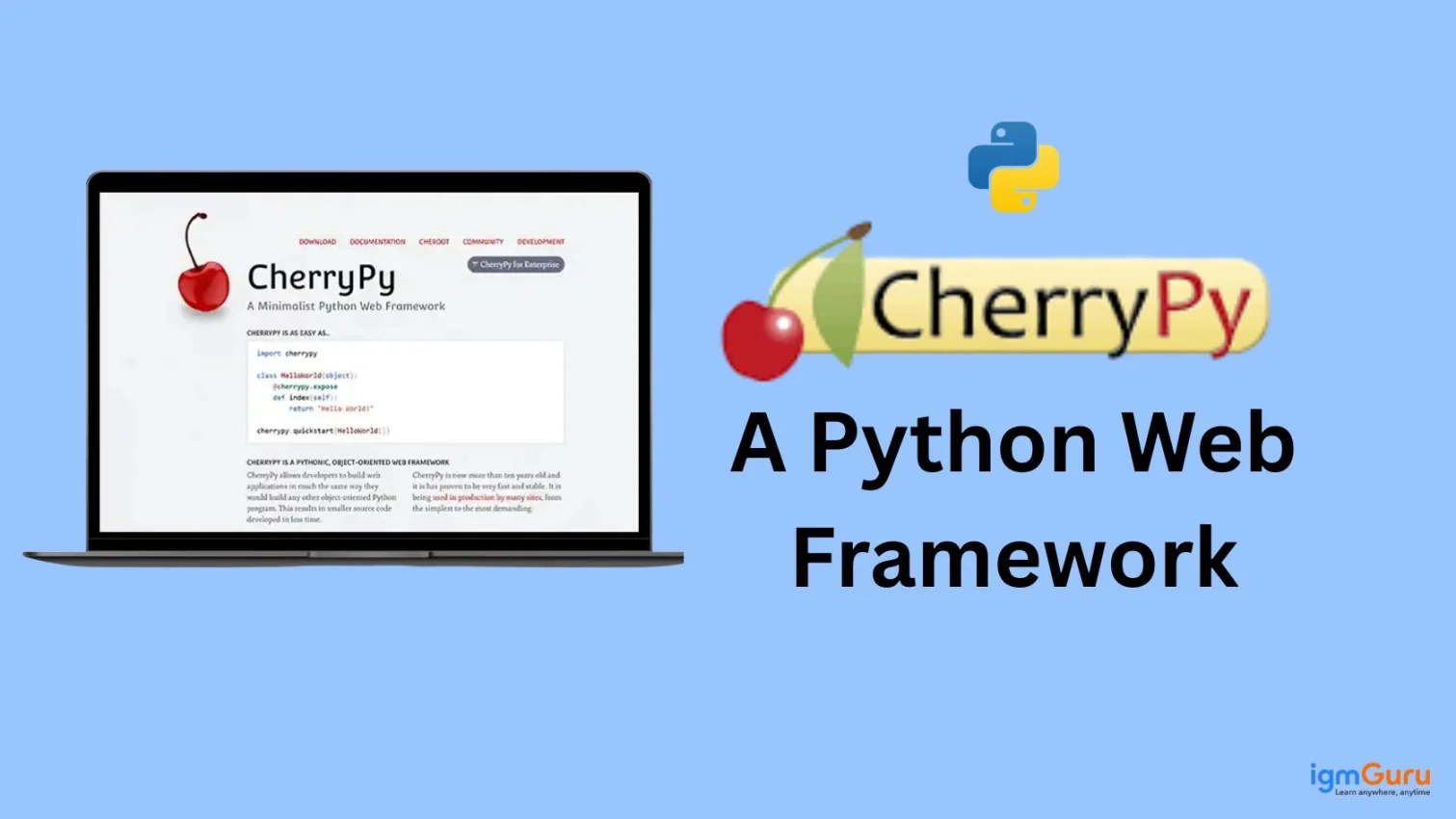
The CherryPy framework is helpful in quickly developing small Python web applications without having to go through the hassle of setting up anything. It’s relatively lightweight and flexible for you to use as your first project into creating a web application with CherryPy; learning how to create HTTP requests to a web server and building simple, custom web applications has greatly increased my confidence level when developing with CherryPy.
In this blog, I will explain to you what is CherryPy, how you can install and set it up, its use cases and many more like this. Let’s start!
CherryPy is an easy-to-use web framework for creating web applications with just pure Python. Unlike more demanding frameworks where developers are restricted to follow a complicated project structure, CherryPy enables developers to use a very simple way to create web applications similar to how they would write standard Python applications.
CherryPy Key Features
These are the features of CherryPy that I found useful during my usage of this framework: A simple architecture, integrated server, and neat URI structure to work quickly when building web-based apps.
1. Lightweight: CherryPy is a very small framework with minimal dependencies. The framework has no defined structure, making it simple to use.
2. Implemented HTTP Server: This framework implements its own production HTTP server. That means you aren't always required to use an external server like Apache or Nginx with your web app.
3. Object-Orientated Framework: You write your web application using Python objects. This allows you to write clean code that is easy to maintain and organize.
4. Simple URL Mapping: The URLs map directly to Python methods, which simplifies the process of routing a URL to a method.
Read Also: Python Tutorial for Beginners
When I was working with CherryPy, I found its working process very simple to understand. It follows clear steps to handle requests and responses, which made it easier for me to build and manage web applications smoothly without confusion. Here is brief step by step process of how this framework works:
You first start by creating a normal Python class. This class represents your web application and each method inside it acts like a separate webpage that users can visit.
For example:
|
Your next step is to make the methods accessible through a browser. You use @cherrypy.expose. This tells CherryPy that the function should be available as a URL. Without this, users cannot open that page.
For example:
|
Start the application using cherrypy.quickstart. This launches CherryPy’s built-in server, which will allow the users to access your app in a browser. It listens for requests and keeps your application running.
For example:
|
When a user types a URL in the browser or clicks a link, a request is sent to the CherryPy server. This request asks the server to display a specific page or perform a certain action.
For example:
User enters: http://localhost:8080/
CherryPy reads the URL requested by the user and matches it with the correct method in your class.
For example:
|
URL: http://localhost:8080/about
Once the correct method is found, this framework runs that function. The method processes the request and prepares a response. It can return simple text, HTML content or even data depending on what you coded.
For example:
|
After the method finishes running, the framework sends the result back to the user’s browser. The browser then displays the output as a webpage. This completes the full request and response cycle in CherryPy.
Example Output: Hello John
Read Also: Python Interview Questions and Answers
Installing this Python framework is quick and beginner friendly. You don’t need heavy configurations like some other frameworks. Just install it, write a small script and your web app is live.
First, you need to install CherryPy using Python’s package manager.
|
This command downloads and installs CherryPy from PyPI. Make sure Python and pip are already installed on your system. It works on Windows, macOS and Linux.
After installing, confirm that CherryPy is properly installed.
|
This checks whether CherryPy is installed and shows its version. If you see a version number, you are good to go.
|
Explanation:
|
Explanation:
Run your Python file (e.g., app.py). CherryPy starts a local server, usually on:
|
Open this in your browser to see your app.
|
This lets you customize the server settings like host and port. Useful when deploying or avoiding port conflicts.
Keeping your project organized helps scaling. You can separate static files (CSS/JS) and templates for better structure.
|
Read Also: Bottle Web Framework
This Python framework is minimal and flexible that allows developers to build web applications quickly using pure Python. It is best suited for projects where simplicity, control and performance are important. Here are some of its common usage:
This framework is widely used for creating RESTful APIs because it maps URLs directly to Python functions. It simplifies handling HTTP methods like GET and POST, which makes the backend development fast, clean and ideal for mobile or frontend integrations.
Code Example:
|
Its lightweight design makes it perfect for building microservices. Developers can create small, independent services that communicate over HTTP, which helps improve scalability, maintainability and faster deployment in modern distributed systems.
Code Example:
|
It is highly effective for building prototypes and MVPs due to its minimal setup. Developers can quickly implement core features, test ideas and launch early versions without dealing with complex configurations or unnecessary overhead.
Code Example:
|
This framework is commonly used for internal dashboards and tools. It helps teams build simple web interfaces to monitor data, manage workflows and visualize reports efficiently within an organization’s internal environment.
Code Example:
|
Read Also: Top Django Interview Questions and Answers
CherryPy is a great choice for people who want to build web applications in a simple and clean way using Python. It is not for everyone, but it works really well in certain situations:
1. Beginners in Web Development: If you are just starting with web development and already know Python, CherryPy is easy to understand. It doesn’t force you into complex structures and you can focus on learning how web apps actually work.
2. Python Developers Who Prefer Simplicity: If you like writing plain Python code without too many rules or layers, then this framework is perfect for you. It feels like writing a normal Python script instead of dealing with heavy frameworks.
3. Developers Building Small to Medium Projects: This works best for smaller applications like tools, APIs, dashboards or personal projects. It helps you build things quickly without unnecessary complexity.
4. Backend or API Developers: If your main goal is to create APIs or backend services, CherryPy is lightweight and fast, then it is a solid option.
5. Developers Who Want Full Control: As compared to bigger frameworks, it doesn’t hide too much. You control how your app is structured, which is great if you like flexibility.
When I started working with CherryPy, I quickly realized how simple and clean it feels. Let me explain what are its advantages from my experience:
1. Minimalistic and Lightweight: You will find it very easy to get started because it doesn’t overload you with features. It keeps things simple and fast.
2. Pythonic Approach: You can write web apps just like normal Python programs, which makes your development smoother and more natural.
3. Built-in HTTP Server: You don’t need extra servers in the beginning. You can run your app directly, which saves time during development.
4. Flexible Architecture: You can structure your project however you like, giving you more control compared to rigid frameworks.
5. Quick Development for Small Apps: If you want to build a small project or prototype, you will be able to do it very quickly without much setup.
Working with CherryPy, I also faced some limitations. I noticed that it may not always be the best fit for larger or more complex applications.
1. Limited Built-in Features: You may need to build many things manually, like authentication or admin panels, which takes extra effort.
2. Smaller Community Support: When you get stuck, you might not find as many tutorials or solutions compared to popular frameworks.
3. Not Ideal for Large Applications: As your project grows, you may feel the lack of structure and built-in tools.
From my personal experience working with different Python web frameworks, I have learned that the key difference between CherryPy, Django and Flask lies in their complexity, flexibility and built-in features. Understanding these aspects helped me choose the right framework based on project size, development speed and customization requirements effectively.
| Features | CherryPy | Django | Flask |
| Type of Framework | Minimalistic, object-oriented web framework | Full-stack, batteries-included framework | Lightweight micro-framework |
| Learning Curve | Easy to moderate, simple structure | Steeper due to many built-in features | Very easy for beginners |
| Built-in Features | Very few built-in tools, needs external libraries | Comes with ORM, admin panel, authentication, etc. | Minimal features, extend with plugins |
| Flexibility | Moderate flexibility, structured approach | Less flexible due to predefined structure | Highly flexible and customizable |
| Best Use Cases | Small to medium apps, APIs, simple services | Large-scale, complex applications (e.g., enterprise apps) | Small projects, APIs, prototypes |
Read Also: What is FastAPI
In June 2002, Rémi Delon created CherryPy and it is one of the oldest Python web frameworks available. The creation was driven by providing web developers the opportunity to develop web applications in the same manner as they would with any other object-oriented Python program.
In conclusion, CherryPy is a great option for those looking to use Python as their primary programming language. The CherryPy web application development framework provides simplicity and power through the use of Python's straightforward syntax, so that web applications can be built using pure Python source code.
CherryPy offers flexibility, fast development and a well-defined routing model. For this reason, if you're considering developing a small project, prototype or API, then you'll find CherryPy's feature set will easily accommodate your needs.
When developing larger applications using CherryPy, you may encounter some challenges and/or limitations because of the design of CherryPy's core features and the lack of built-in support for features typically found in frameworks designed to build large applications.
CherryPy is not a strictly defined MVC framework by default, but it is highly compatible with the MVC architectural pattern.
Yes, it is completely free and open-source.
Yes, you can use CherryPy for large-scale applications when combined with other frameworks or tools for added functionality.