


Are you looking for the best AI video generator tool? Well, I have spent weeks looking for the best AI video generators, where I signed up for every free plan, timed each render, checked various watermarks, etc. It was so frustrating. To remove all that frustrating part for you, I have designed this comprehensive guide for you.
It includes the 10 best AI video generators that survived all the procedures, quality ranking, free usable features, and how much one can make before hitting the subscription button. It also compares them based on their features, pricing, pros, and cons. So are you ready to take a look at the best AI video generators? Let’s dive in!
| Generator Name | Feature | Cost |
| Invideo AI | Develops complete YouTube and TikTok video drafts through scripts, voiceovers, captions and more. | Free trial accessible for beginners; plans start from $10-$20 monthly. |
| HeyGen | Makes high-quality and life like avatars with synchronized lip sync. | Free trial for beginners, and the starting plan is from $29 monthly. |
| Synthesia | Makes scripts into corporate training videos, onboarding clips and PPTs into real-life avatars. | Free Trial for beginners and the starting plan is from $29 monthly. |
| Runway | Runs Hollywood-grade generative text-to-video and pictures-to-video. | Free trial for 125 one-time credits and plans start at $12 monthly. |
| Openart | It is like an all-in-one marketing workspace that pulls up videos, constant characters, image editing, voiceovers, background music and more. | Free Trial availability for freshers and the plans start from $14 monthly. |
| Canva | It is a fast, template-led, on-brand social text-to-video generator right in corporate brand kits and graphic layouts. | Limited Free Trial; their plans start from $15 monthly. |
| Google Veo 3 | Makes cinematic, high defined 4K clips with premier prompt obedience with camera movement tracker. | The plans start from $19 monthly. |
| CapCut | Smoothens social media workflows through a predictive multi-track editor made for fast AI captions, background removals and smart templates. | Has Free trials and the plans start from $10 monthly. |
| SeeDance 2.0 | Has an amazing character and stylistic continuity across highly cinematic text-to-video and image-to-video clips. | Plans start from $0.06 to $0.77 per second. |
| Pika | Creates short, cartoon, stylized 3D animations and viral physics-led effects. | Free trial for freshers and the plans start from $10 monthly. |
The AI video generators are basically software tools run through artificial intelligence that automatically create, edit, or animate video content. It does this through simple text descriptions, prompts, scripts and even still pictures. This particular AI-led tool automatically creates, edits and even animates video content from simple text prompts to an AI-made, lifelike video.
The following are some of the best features that decide which is the best AI video generator tool.
The following is a comprehensive list of the 10 best AI video generator tools. It compares their features, pricing, pros, and cons.
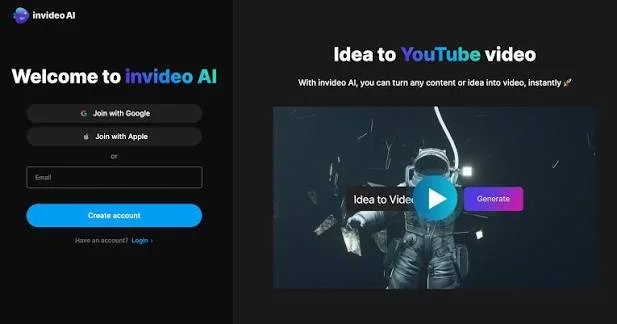
Invideo AI is an AI-based video generator and editing platform. This platform turns text prompts, scripts or ideas into a complete, publish ready video or multiple videos as well. The reason why this video generator falls among the best AI Video Generators is because it can create one AI studio, generation, avatars, stock, templates and a timeline editor. Then will proceed to export and distribute manually, and that too with a budget which tolerates your credit balance burnout.
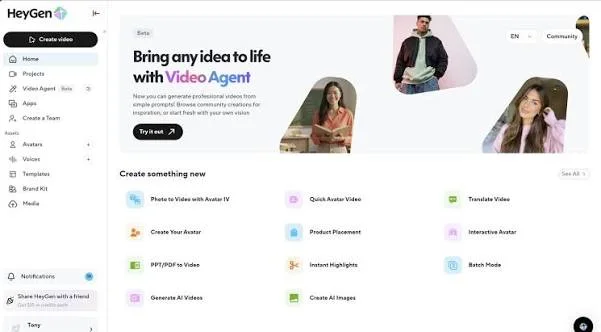
HeyGen, an AI based, internet based video creation platform which turns written scripts, URLs and prompts into finished videos showcasing lifelike AI avatars and voiceovers. Why is HeyGen the best AI Video Generator? Because it removes the need for traditional cameras, physical studios, lightning equipment and even the complicated video editing software. It is usually used for making talking-avatar videos, voice cloning and local multi-lingual video translations.
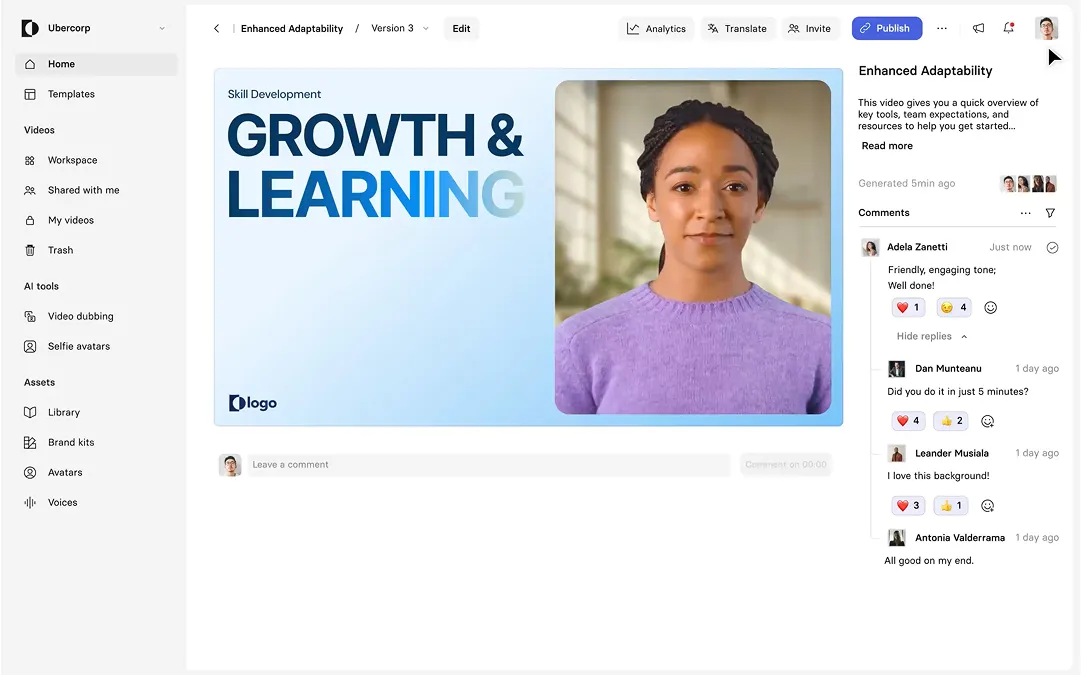
Synthesia, an internet based AI video generation platform which turns text, documents, web links and PPTs into professional, presenter-led videos through digital human avatars and synthetic voiceovers. This video generator also comes in the best AI Video Generators because this platform can easily turn texts into a life-like video with virtual characters.
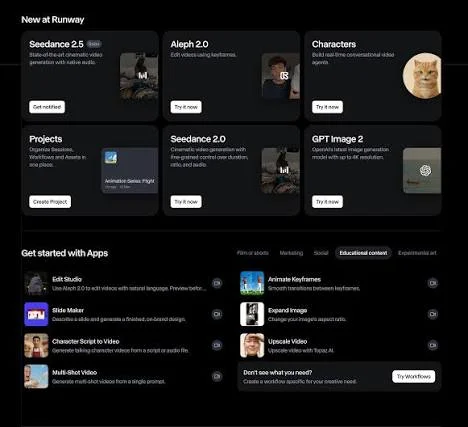
The Runway AI is an American artificial intelligence research organization. This company builds internet based creative tools for creating and editing videos, images and audios. Runway was founded in 2018 and is among the best AI Video Generators, also because it is famous for developing advanced text to video and multimodal generative models such as Gen-4.5.
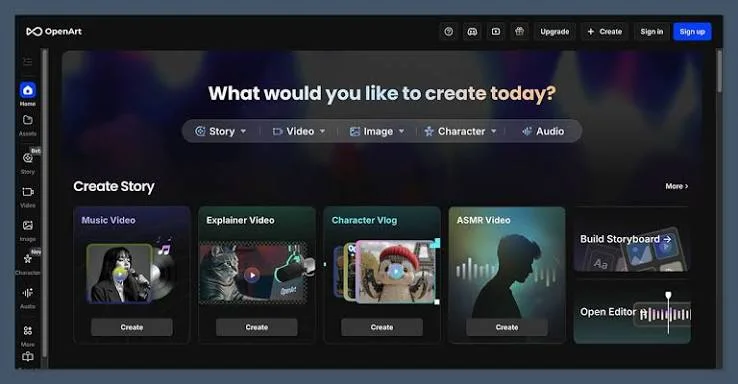
The OpenArt AI Video generator is an all in one generative AI platform developed to create and edit images, audios, videos and virtual characters. This platform was found by former Google employees. OpenArt AI falls among the best AI Video generators because it acts as a unified hub so that the creators don’t have to juggle various separate subscriptions ( like Runway, Midjourney or ElevenLabs).
The Canva app is an online, user/ fresher friendly graphic designing platform which lets users develop social media posts, generate AI videos, presentations, posters and videos through a simple drag - and - editor. This AI video generator was developed in 2013, offering thousands of ready-made templates, stock media and AI tools so that anyone can design without training as well. Why Canva comes in the best AI video generators? Because it removes the tough learning curve of traditional software such as Adobe Photoshop/ Illustrator. This runs directly into websites through mobile or desktop apps. The users pick a blank canvas or a ready-made template, add text, pictures or even icons or logos and download/ publish the completed project.
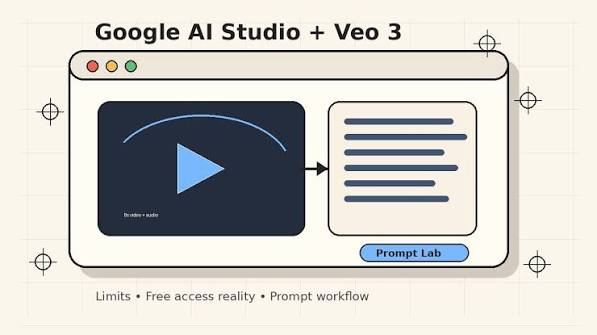
The Google Veo 3 (via AI Studio) is apparently Google’s DeepMind’s flagship AI video generator. The reason why Google Veo 3 falls among the best AI video generators is because it turns text or picture prompts into high quality video clips complete with synchronized local audio, realistic physics and refined camera control. This platform provides company-led realism, local sound-visual generation and developer flexibility.
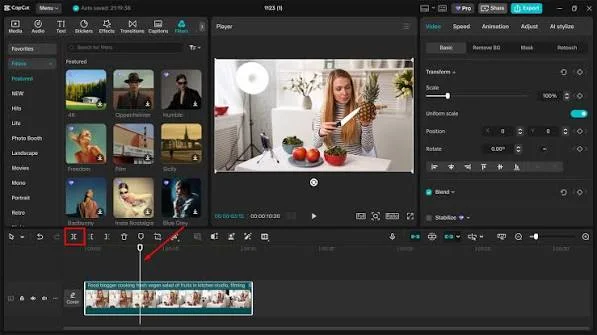
The CapCut platform is an adaptable, multi-platform video generator by ByteDance. It is accessible on mobiles, desktops and the web. Why does CapCut come among the best AI video generators? Because this platform’s dedicated intro maker aids creators to create refined, branded opening sequences. Whereas the overall editor blends beginner-friendly tools through advanced AI abilities.
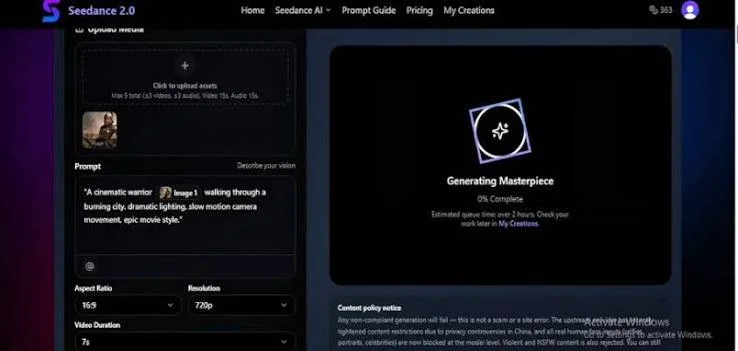
The Seedance 2.0 platform is an advanced multimodal AI video/audio generator. It was founded by ByteDance in February 2026. The reason why Seedance 2.0 comes among the best AI video generators is because it blends text, image, video and sound inputs into one pass to develop synchronized cinematic clips. The clips have consistent characters and realistic physics as well.
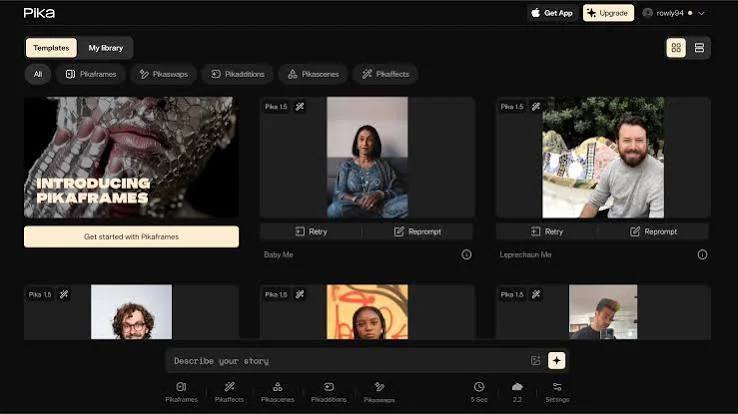
The Pika AI video generation platform unifies videos, images and audio generations into one web based workspace. Why does Pika fall among the best AI video generators? Because this platform lets its users create, edit and expand media through text, still photos and existing videos. And it’s major strength is that it has an intuitive interface and fun special effects.
| AI Video Generator | Best For | Features | Starting Price | Main Drawback |
| InVideo AI | Text-to-video and marketing content | AI scripting, stock media, avatars, multilingual dubbing | Free trial; paid plans listed from $4/month | Credit limits and inconsistent visuals |
| HeyGen | AI avatar and presenter videos | Realistic avatars, voice cloning, translation, lip-sync | Free trial, Creator $29/month | Avatar realism and credit costs |
| Synthesia | Corporate training and explainer videos | AI presenters, multilingual dubbing, document-to-video | Free plan; Starter $29/month | Higher-tier features and pricing limits |
| Runway | Creative and cinematic AI videos | Text-to-video, AI editing, character continuity | Free plan; Standard 12–15/month | Credit consumption and learning curve |
| OpenArt | AI art and video creation | Image and video generation, character consistency, voiceovers | $13/month | Credit limits and limited automation |
| Canva | Beginners and social media videos | Templates, drag-and-drop editor, AI tools, brand kits | Free plan; Pro $18/month | Limited design precision and inconsistent AI output |
| Google Veo 3 | Realistic, cinematic AI video generation | Text/image-to-video, synchronized audio, camera controls | Usage-based; consumer plans also available | Clip-length limits and generation costs |
| CapCut | Short-form social media videos | Auto-captions, effects, templates, background removal | Free trial; Standard $9.99/month | Some tools locked behind paid plans |
| Seedance 2.0 | Multimodal cinematic video generation | Text, image, video and audio inputs; lip-sync; scene consistency | Listed from $19.90/month with yearly billing | Learning curve and generation costs |
| Pika | Creative clips and visual effects | Text-to-video, image-to-video, video editing, camera controls | Free trial; paid plans listed from 8–10/month | Short clips and inconsistent outputs |
So now that I have the best AI video generators by my side (our side), it’s high time we embrace them. All these AI video generators which I gave on the list are time consuming and will refine your content creation schedule as well. The fact that these will increase your final production value too. Most of them have free plans or at least free trials, that way you can have a look at it before committing. One must also make sure to take some time out from your schedule to take a look at the one that suits your requirements.
And then begin with your creativity and new innovations!
Explore Our Trending Articles
Though ChatGPT can’t directly make full video files on its own traditionally, you can use free integrations and linked GPT tools for making AI videos for free.
Absolutely Yes! It is still free to use, even though many famous features, effects and export options need a paid subscription.
Yes! You can monetize your AI generated videos on Youtube via the YouTube Partner Program (YPP), given that they have strict originality, quality and disclosure standards.


