It all started with an idea to create technology that could mimic human-level intelligence, and we called it artificial intelligence (AI). Then came AI tools like ChatGPT, Gemini, Grok, etc. In the beginning, they were just basic answer machines where we had to ask questions to get the best answers. Their capabilities have now evolved far beyond that. They are transforming the way we work, create, communicate, and manage our daily tasks.
You may have also used them as AI chatbots, writing assistants, coding assistants, automation tools, research tools, data analysis tools, SEO tools, and many more. They can give you countless solutions to boost your productivity and save valuable time. The only problem here is that there are too many options available, which makes it difficult to find the best one.
The definition of the best AI tools only depends on your requirements and the profession you are in. Once you know them, this guide can help you get a clear picture to make this decision. It explores the best AI productivity tools that can help you automate repetitive work, improve time management, enhance creativity, and accomplish more in less time.
Also Read: What is the AI Project Cycle?
AI tools are software applications that use the power of artificial intelligence, machine learning (ML), natural language processing (NLP) to find data patterns and perform complicated tasks. These tools are mostly used for text generation, analyzing large datasets, identifying images, language translation, customer service, and data-driven decision-making. AI tools boost productivity for people and companies by reducing manual effort and increasing precision.
| Tool | Category | Best For | What It Does | Main Advantage |
| ChatGPT | AI Chatbots | Everyday productivity | Writes, explains, researches, analyzes files, and helps with coding | Versatile tool for many tasks |
| Claude AI | AI Chatbots | Long documents and complex writing | Analyzes documents, drafts content, and works through complex problems | Strong for detailed analysis |
| Google Gemini | AI Chatbots | Google Workspace users | Helps with research, writing, summaries, and Google app workflows | Fits into Google's ecosystem |
| Grok AI | AI Chatbots | Current topics and social trends | Answers questions and helps explore information, including public discussions on X | Useful for tracking online conversations |
| Perplexity AI | AI Search Engines | Research and fact-checking | Searches the web and summarizes findings with source links | Makes it easier to verify information |
| Google AI Mode / Gemini Search | AI Search Engines | Web exploration | Answers complex search questions and explores related topics | Goes beyond a list of search links |
| Jasper AI | AI Writing & Content Creation | Marketing content | Creates campaign copy, product descriptions, and brand content | Supports consistent marketing output |
| Anyword | AI Writing & Content Creation | Ad copy and conversion-focused writing | Generates and compares marketing messages | Focuses on content performance |
| Writer | AI Writing & Content Creation | Business and team writing | Helps create and manage content using company language and rules | Supports brand consistency across teams |
| Grammarly | AI Grammar & Editing | Grammar and professional communication | Checks grammar, clarity, tone, and wording | Useful across emails and documents |
| Wordtune | AI Grammar & Editing | Rewriting and clarity | Rephrases sentences and adjusts tone or length | Quickly improves awkward writing |
| ProWritingAid | AI Grammar & Editing | Detailed writing improvement | Reviews grammar, style, repetition, and readability | Offers in-depth writing feedback |
| Runway | AI Video Generation & Editing | AI video creation | Generates and edits video from prompts and visual inputs | Helps create visual content without a full production setup |
| Descript | AI Video Generation & Editing | Editing spoken videos and podcasts | Transcribes recordings and lets users edit media through text | Simplifies audio and video editing |
| Google Veo 3 | AI Video Generation & Editing | Generating video from prompts | Creates video scenes with AI-generated visuals and audio capabilities | Useful for producing original video clips |
| GitHub Copilot | AI Coding Tools | Coding inside an IDE | Suggests code, explains functions, and assists with debugging | Reduces repetitive coding work |
| Cursor AI | AI Coding Tools | AI-assisted software development | Understands project code and helps edit multiple files | Useful for codebase-wide changes |
| Windsurf AI | AI Coding Tools | AI-assisted coding workflows | Helps write, edit, and understand code with an AI coding agent | Connects coding assistance with project context |
| Hootsuite | AI Social Media Management | Managing multiple social accounts | Schedules posts, monitors channels, and supports content planning | Centralizes social media work |
| Sprout Social | AI Social Media Management | Social engagement and reporting | Manages messages, tracks performance, and analyzes audience activity | Combines engagement with analytics |
| Buffer | AI Social Media Management | Simple social scheduling | Plans, drafts, and schedules posts across social platforms | Provides a straightforward publishing workflow |
| Microsoft Copilot for Outlook | AI Assistants | Workplace email | Summarizes email threads and helps draft replies | Saves time on long email conversations |
| Gemini for Gmail | AI Assistants | Gmail users | Helps draft, summarize, and find useful information in email | Works within Google's email workflow |
| Gamma | AI Presentation Makers | Fast presentations and documents | Turns prompts and source material into structured presentations | Creates a first draft quickly |
| Canva AI | AI Presentation Makers | Visual presentations and design | Helps create slides, graphics, and other visual content | Combines AI assistance with design tools |
| Julius AI | AI Data Analysis | Exploring datasets | Analyzes data, creates charts, and answers questions about files | Makes data analysis more accessible |
| Microsoft Copilot for Excel | AI Data Analysis | Spreadsheet analysis | Helps with formulas, trends, summaries, and data questions | Useful for everyday spreadsheet work |
| Tableau Pulse | AI Data Analysis | Business metrics and KPIs | Delivers insights and summaries from business data | Helps teams track important changes |
| Notion AI | AI Note-Taking | Organizing work and knowledge | Summarizes notes, drafts content, and searches workspace information | Connects notes with everyday work |
| Reflect | AI Note-Taking | Personal notes and knowledge | Helps organize notes and connect ideas, with AI-assisted writing | Supports personal knowledge management |
| Fireflies.ai | AI Meeting Assistants | Meeting records and follow-ups | Transcribes meetings, summarizes discussions, and identifies action items | Makes meeting outcomes easier to track |
| Fathom AI | AI Meeting Assistants | Meeting summaries | Records supported meetings and produces summaries and highlights | Helps teams review key points quickly |
| Otter.ai | AI Meeting Assistants | Live transcription and meeting notes | Captures conversations and creates transcripts and summaries | Combines transcription with searchable notes |
| Adobe Firefly | AI Image Generation | Commercial design workflows | Generates and edits images and other creative assets | Fits into Adobe's creative tools |
| Midjourney | AI Image Generation | Artistic and high-quality visuals | Creates images from text prompts | Strong choice for creative visual concepts |
| Ideogram | AI Image Generation | Images with text and graphic layouts | Generates visual designs, including text-heavy graphics | Useful for posters, titles, and promotional designs |
Read Also: Best ChatGPT Courses to Learn in 2026
Here are the most popular AI productivity tools based on their category. This will help you find the best according to your requirements and profession.
AI chatbots are tools powered by artificial intelligence that use ML, NLP, and LLMs to simulate human-like conversation in real time. They are capable of understanding context, handling slang and typos, adapting to unexpected phrasing, and generating dynamic responses. Some of the best of them are as follows:

ChatGPT is one of the most popular and versatile AI chatbots developed by OpenAI. It was one of the earliest breakthroughs in generative AI and quickly became an essential tool for students, professionals, and creators worldwide. It can generate text, code, images, and audio based on your prompts.
ChatGPT is built on powerful language models from the GPT-5 and GPT-6 series, including models like GPT-5.4, GPT-5.5, Astra and the tiered GPT-5.6 family (Sol, Terra, Luna). These models handle everything from casual conversations to complicated tasks such as content writing, coding, summarizing documents, tutoring, brainstorming, deep research, and running background AI agents (Dots).
| ChatGPT Plan | Price |
| Plus | $20/month |
| ChatGPT Pro | $100/month to $500/month |
| Business Standard | $20/user/month (annual billing) |
| Business Premium | $100/user/month (annual billing) |

Claude AI is a family of large language models developed by an AI safety and research company (Anthropic) founded in 2021 by former OpenAI researchers. Claude is known for its polite, calm, and highly contextual responses. It has earned a reputation as one of the most thoughtful AI assistants available.
It excels at understanding nuance and providing responses that acknowledge complexity rather than oversimplifying topics. It is consistently praised by both students and professionals for its ability to write naturally and engage in thoughtful discussions.
| Plan | Price |
| Free Plan | $0/month |
| Claude Pro | $20/month |

Google Gemini is Google's flagship AI chatbot built on the Gemini 3 model family. This includes Gemini 3 Pro, Gemini 3.5 Flash, and Gemini 3.1 Pro versions. It is known for its excellent coding support, strong reasoning abilities, and search-based accuracy. It integrates deeply with Google's ecosystem, including Google Docs, Gmail, YouTube, Search, and the Gemini app. This integration means Gemini can access real-time information and pull data from your Google services to provide more contextual responses.
| Plan | Price |
| Free Plan | $0/month |
| Google AI Plus | From $7.99/month |
| Google AI Pro / Ultra | Varies by plan |
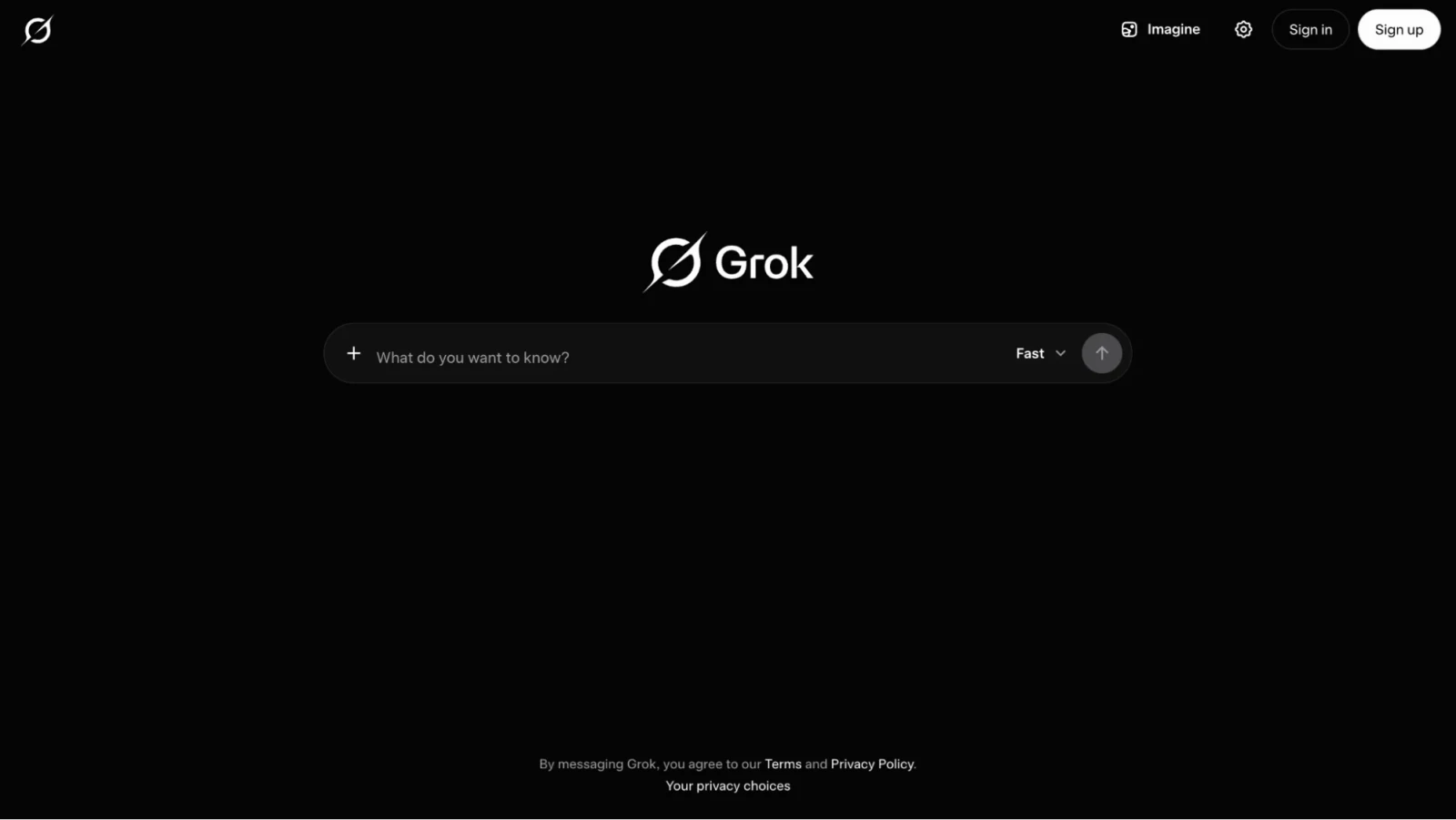
Grok AI is developed by xAI and integrated directly into X (formerly Twitter). It stands out with a more casual and humorous conversational style compared to other AI assistants. The main goal of designing this tool was to make it rebellious, entertaining, and bold. It pulls live data from X and responds with a tone that is cheeky, sometimes funny, yet informative. The latest version, Grok 4.5 (released July 2026), offers improved reasoning abilities, real-time search capabilities, and robust coding and agentic features.
| Plan | Price |
| Free Plan | $0/month |
| X Premium | Around $8/month |
| X Premium+ | Around $16/month |
| SuperGrok | Around ₹700/month (India) |
Read Also: Gemini vs. ChatGPT: Which AI is Better? [2026]
An AI search engine is a search tool that uses artificial intelligence to understand the meaning behind your question rather than just matching exact keywords. It is more efficient at giving you the exact answer you want. It is not similar to traditional search engines that make you click through multiple websites to get answers. Some of the most popular AI search engines are:
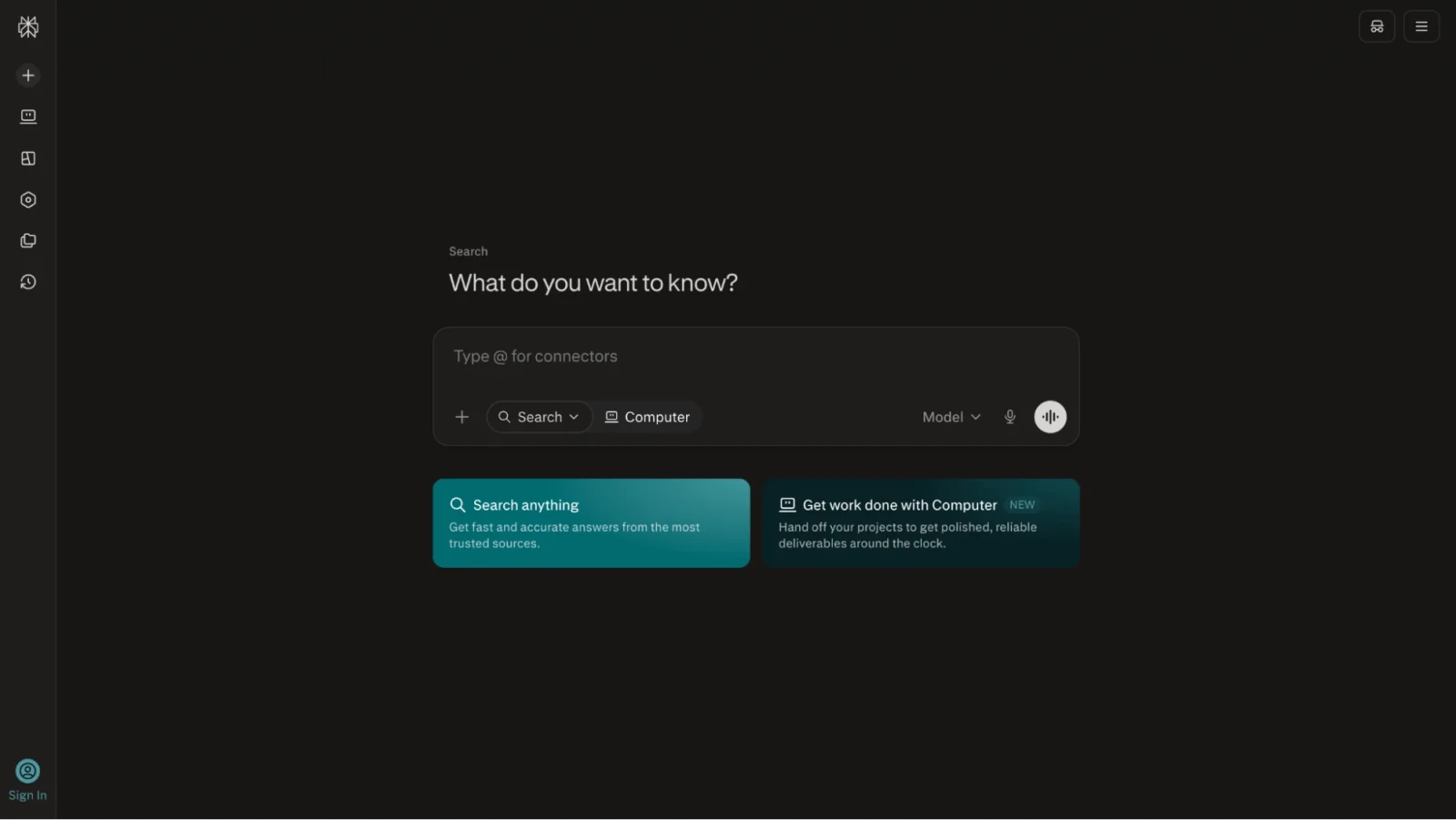
Perplexity AI is like an AI-powered search engine that works differently from traditional search engines. It gives direct, precise, and accurate answers from trusted sources in a clean citation-based format. This makes it ideal for people who want reliable information quickly.
Instead of making you scroll through endless search results, Perplexity summarizes the web for you in seconds. The platform provides responses with clickable sources right below the answer, so you can verify information and go deeper if needed.
| Plan | Price |
| Free Plan | $0/month |
| Perplexity Pro | $17/month (billed annually) |
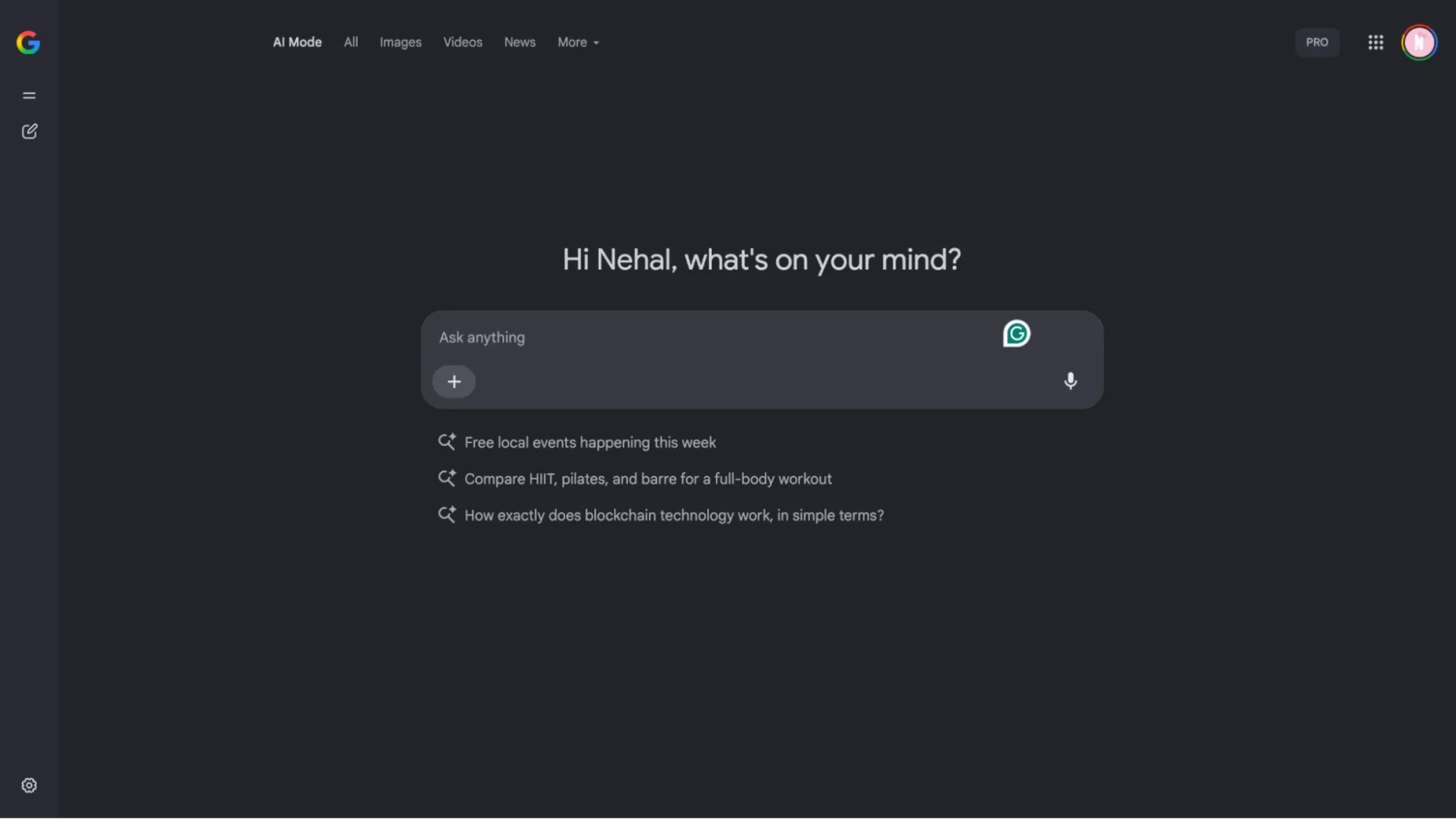
Google has added AI-powered answers directly into its search engine (Google Chrome). You may have also seen it when searching something on google. It is the box where you see AI summary and citations right at the top of search results. This combines the power of Google's search with AI intelligence.
These tools can help you brainstorm, outline, draft, edit, and optimize text, audio, and visual content. These are very helpful for marketing companies, freelance marketing professionals and businesses. They make it easy to build strong content with minimal efforts.
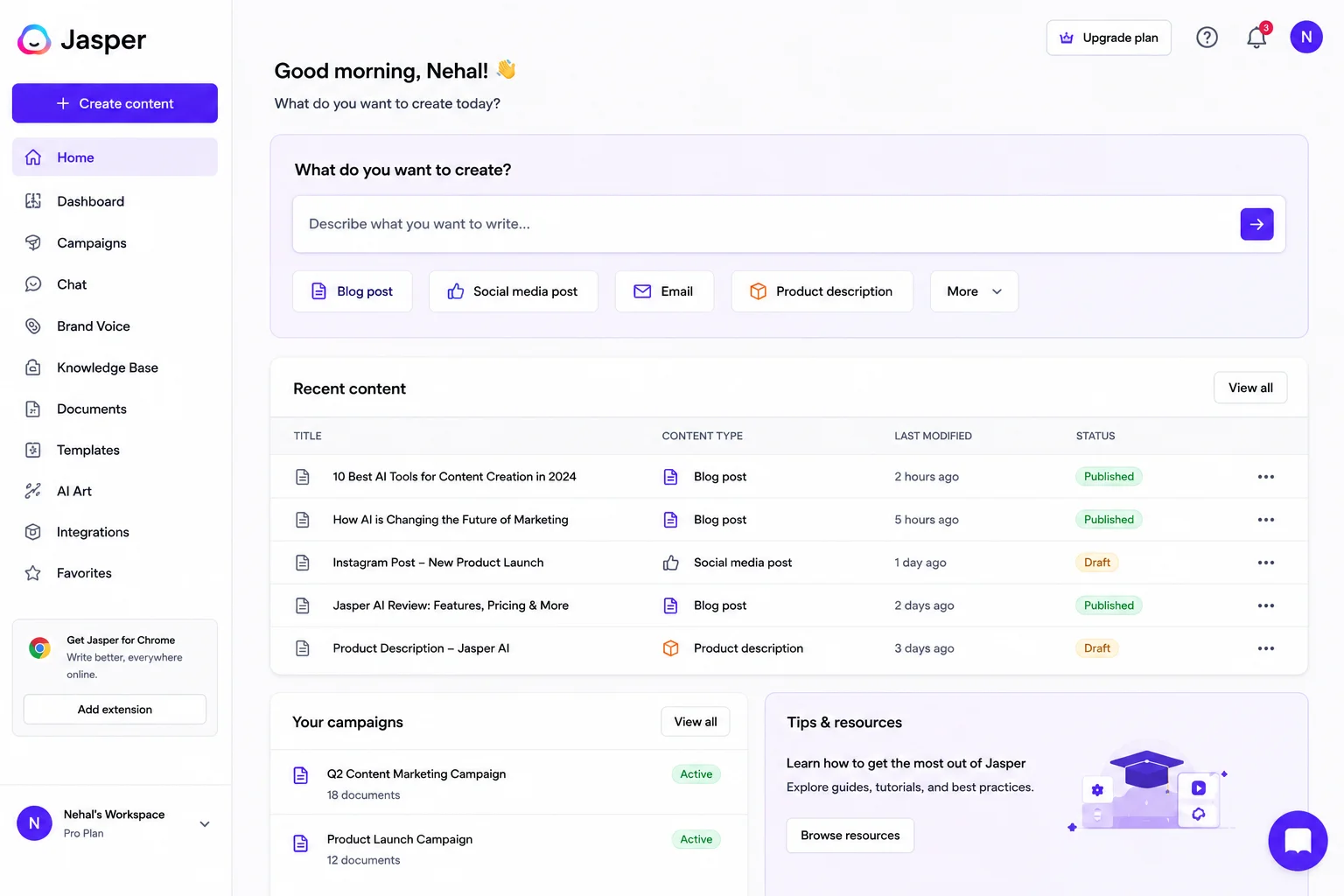
Jasper is an AI writing assistant built specifically for marketers, copywriters, and content creators. It is not just a tool that generates text. You can use it to create full marketing campaigns with consistency and speed.
Jasper is designed to help you write blogs, social media captions, emails, ads, product descriptions, and much more. The platform learns your brand voice and keeps it consistent across all your content, which is crucial for building a recognizable brand identity.
| Plan | Price |
| Creator Plan | Starts at $39/month |
| Business & Team Plans | Custom / Higher-tier pricing |
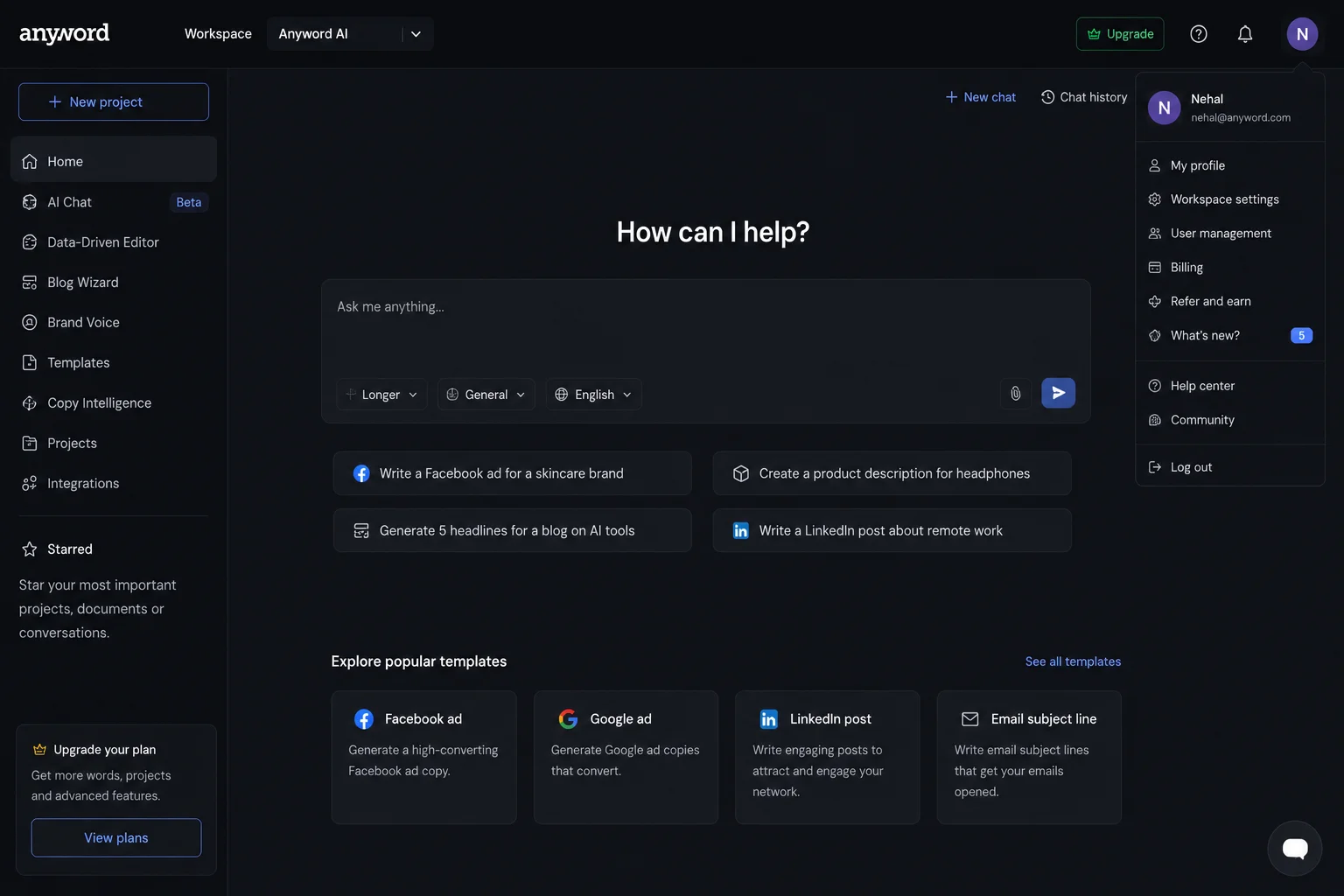
Anyword is an AI writing tool made specifically for performance marketing. You can use it to write a copy that gets results and analyzes the effectiveness of your writing. The platform uses predictive performance scores to tell you which copy versions will perform best before you even publish them. This data-driven approach means you can optimize your writing for conversions and engagement.
It starts at $99/month with different tiers based on usage
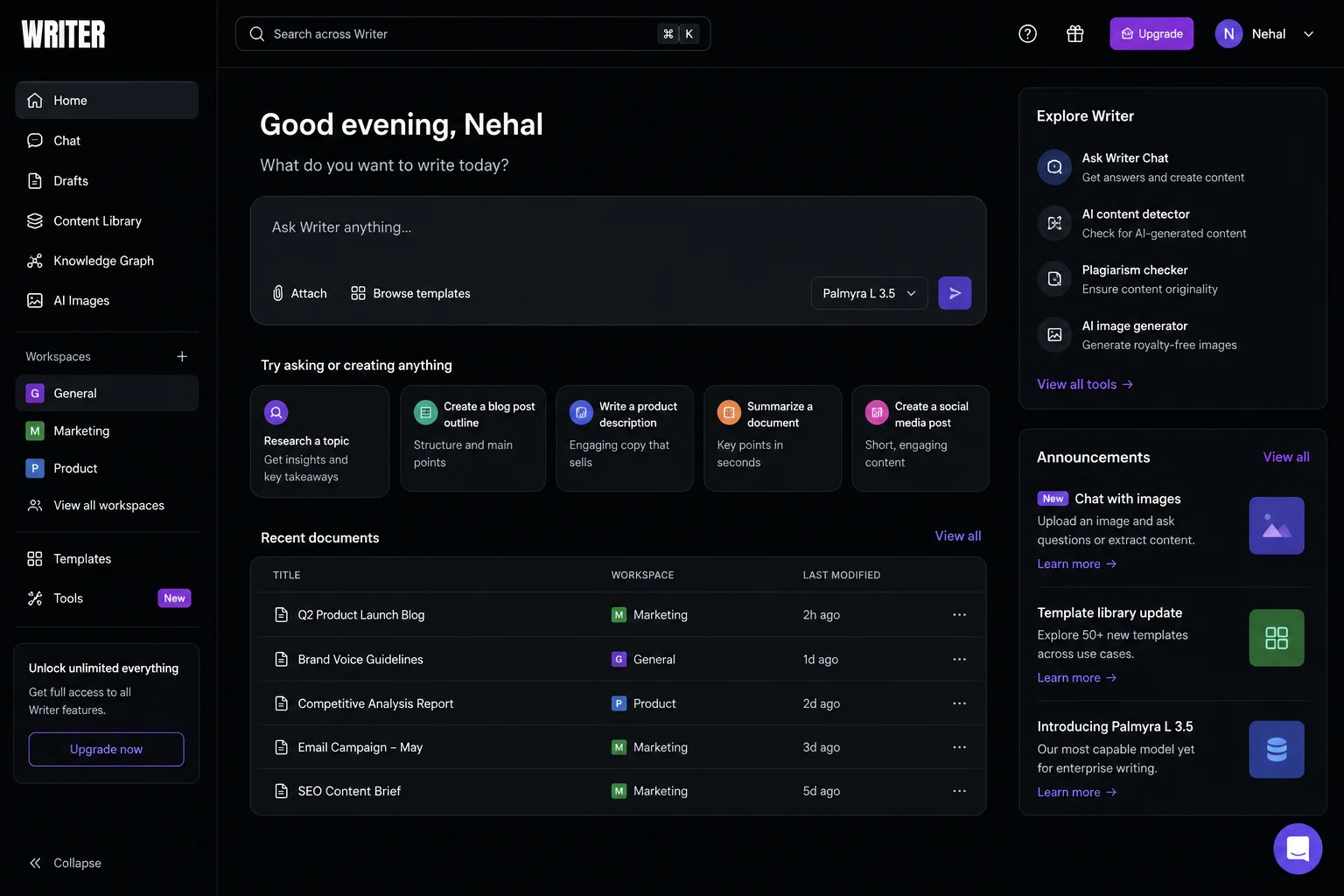
Writer is an enterprise level generative AI platform. It is designed to help companies automate work, build custom AI agents, and manage go-to-market workflows. It can help businesses write consistent and brand specific content at scale. The platform focuses on maintaining brand consistency across all company communications.
It offers custom enterprise pricing based on your business requirements.
AI grammar and editing tools automatically detect errors and improve the quality of written text. These tools can help you remove all the grammatical errors from the content automatically. However, the suggestion they give can change the context or the mining of the snettences. So, you have to use them precisely.
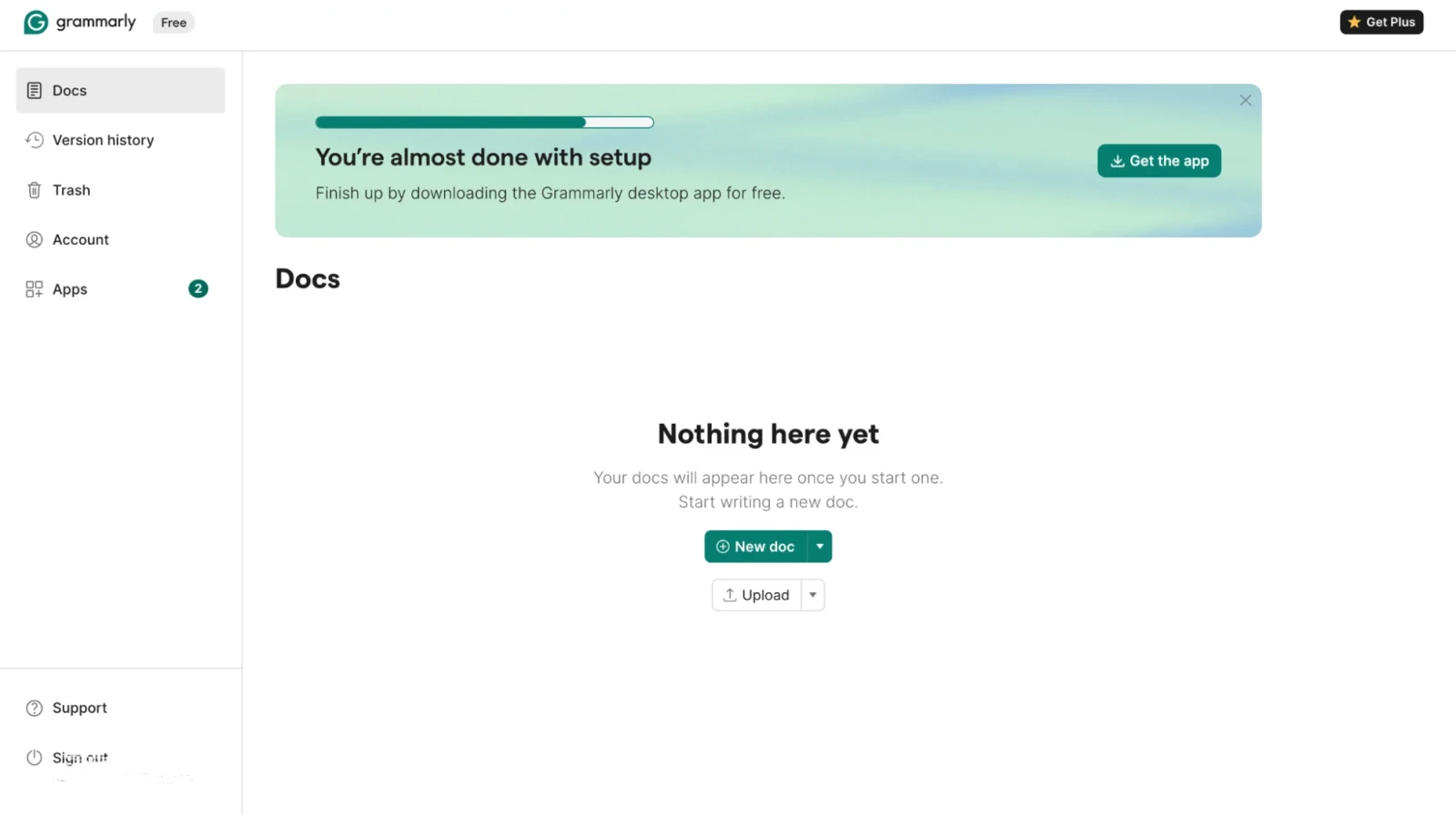
Grammarly is one of the most popular writing assistants available today. It checks grammar, spelling, tone, and clarity across all your writing. The tool can work inside your email, documents, and web browsers through a browser extension. Therefore, it gives you real-time feedback wherever you write.
It can analyze your tone to match your audience, check clarity to ensure your message comes across, and provide suggestions for stronger word choices. The AI learns from your corrections over time and personalizes suggestions to your writing style.
| Plan | Price |
| Free Plan | $0/month |
| Grammarly Premium | $12/month |
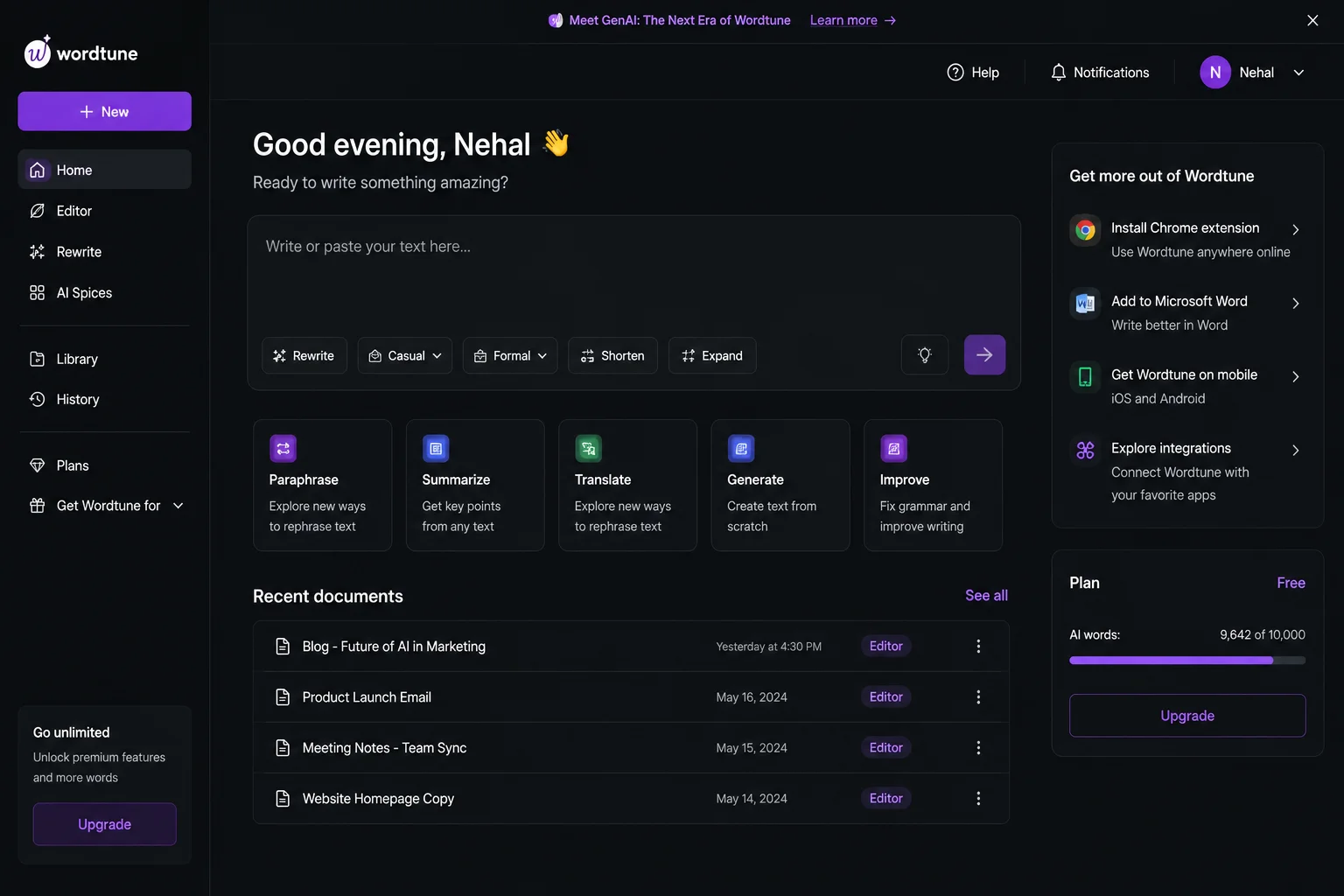
Wordtune is a writing tool that helps you rewrite sentences to be clearer, shorter, or more impactful. You can adjust the tone to match your audience and purpose. It does not only correct errors, but also helps you improve how your ideas come across. You select text and get multiple rewrite options with different tones and styles.
| Plan | Price |
| Free Plan | $0/month |
| Wordtune Premium | $9.99/month |
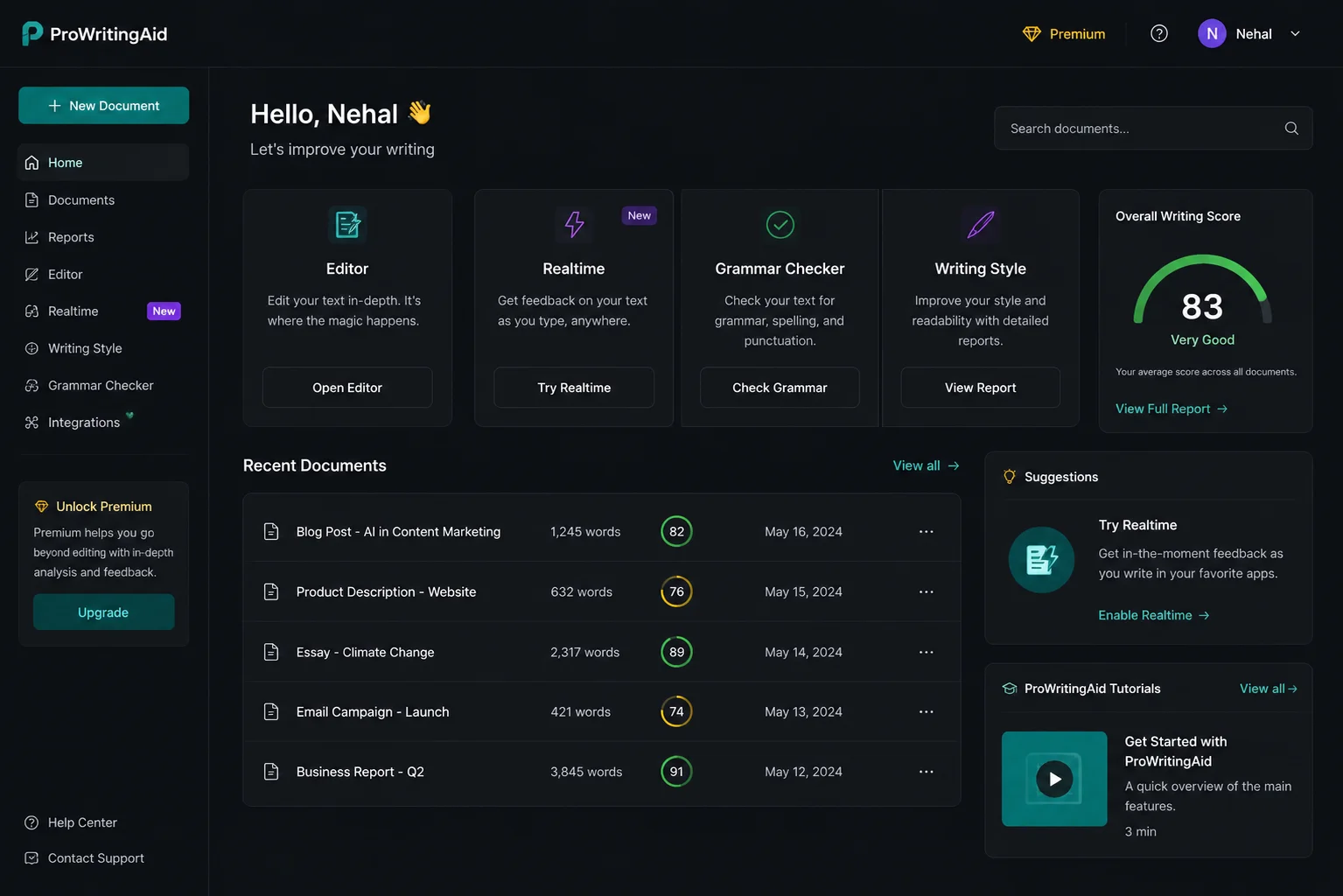
ProWritingAid is made for serious writers who want detailed feedback on their work. It provides in-depth analysis of your content and helps you improve your tone. The tool also provides detailed reports on clarity, grammar, style, readability and more. It helps you identify patterns in your writing and offers suggestions to strengthen your voice.
| Plan | Price |
| Free Plan | $0/month |
| ProWritingAid Premium | $120/year |
Also Read: Best ChatGPT Prompts For Daily Use in 2026
AI video generation and editing tools can create, modify, or enhance video content automatically from text prompts, images, scripts, or raw footage. Unlike traditional practices and tools, it does not require physical cameras, lighting equipment, actors, studios, and many hours of manual timeline cutting. They solve several key bottlenecks and save you time. Here are some of the most popular AI video generation and editing tools:
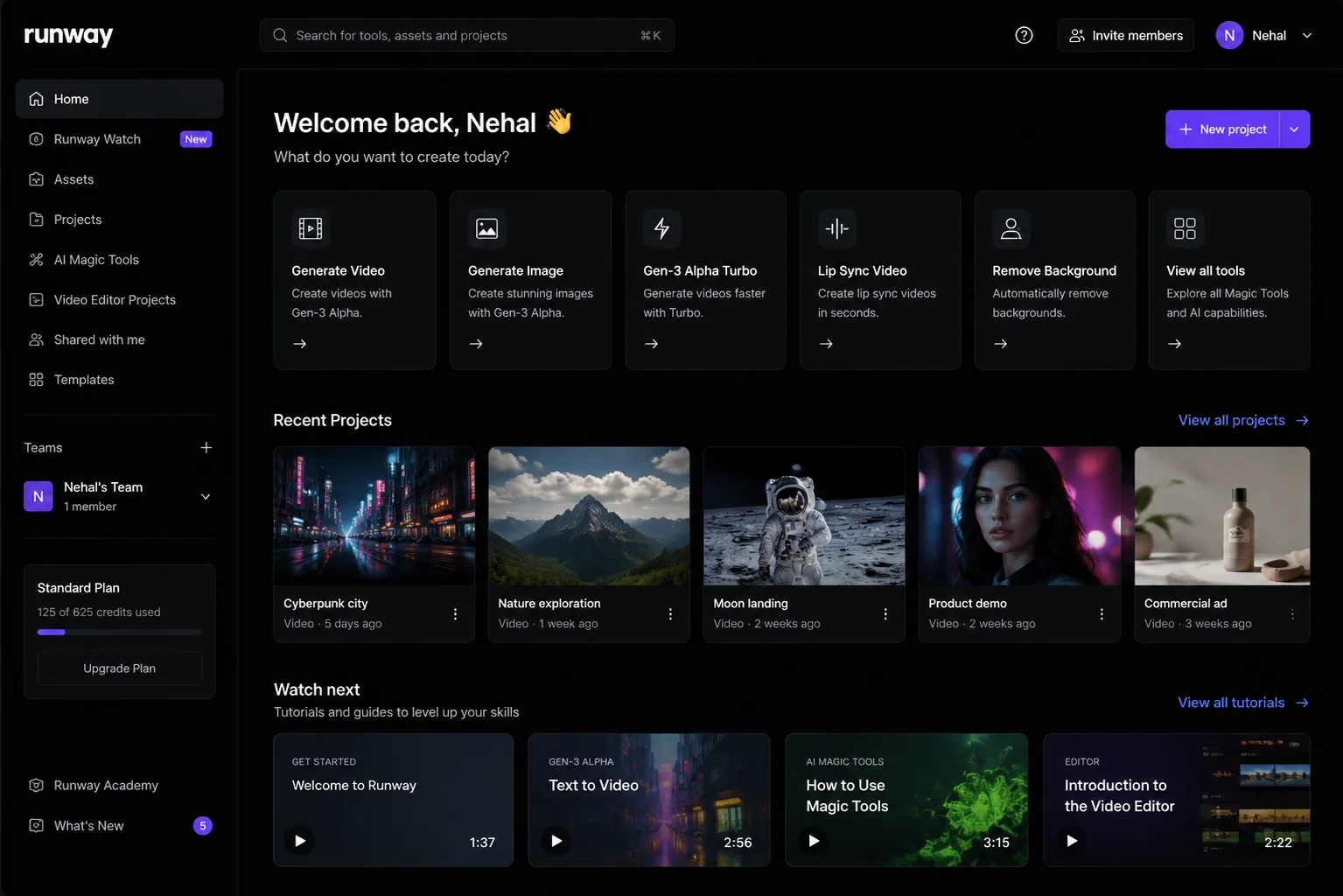
Runway can help you create AI video and edits that make professional video production accessible to everyone. You can generate videos, remove backgrounds, create animations, and perform many other video tasks.
It automates repetitive video editing tasks using the power of artificial intelligence. Using it is also very simple. You just have to describe what you want and it will automatically create it. It helps you do these using natural language commands instead of complicated software interfaces.
| Plan | Price |
| Free Plan | $0/month |
| Paid Plans | Starts at $10/month |
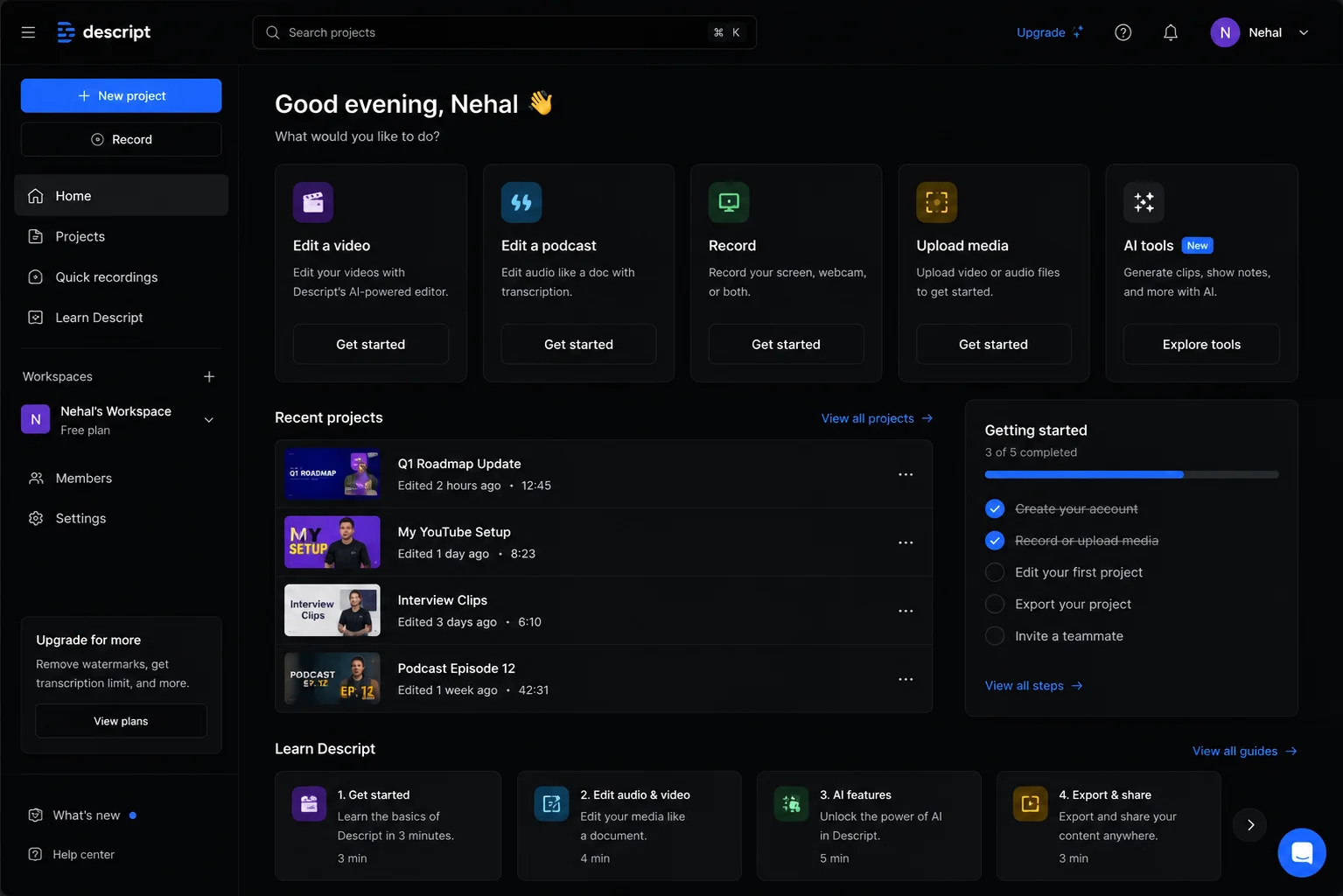
Descript takes a unique approach to video editing by turning your video or audio into an editable text document. You edit the text to change the video, then Descript recreates the video version. It is a revolutionary workflow because editing video using it is just like editing documents.
| Plan | Price |
| Free Plan | $0/month |
| Descript Premium | $12/month |
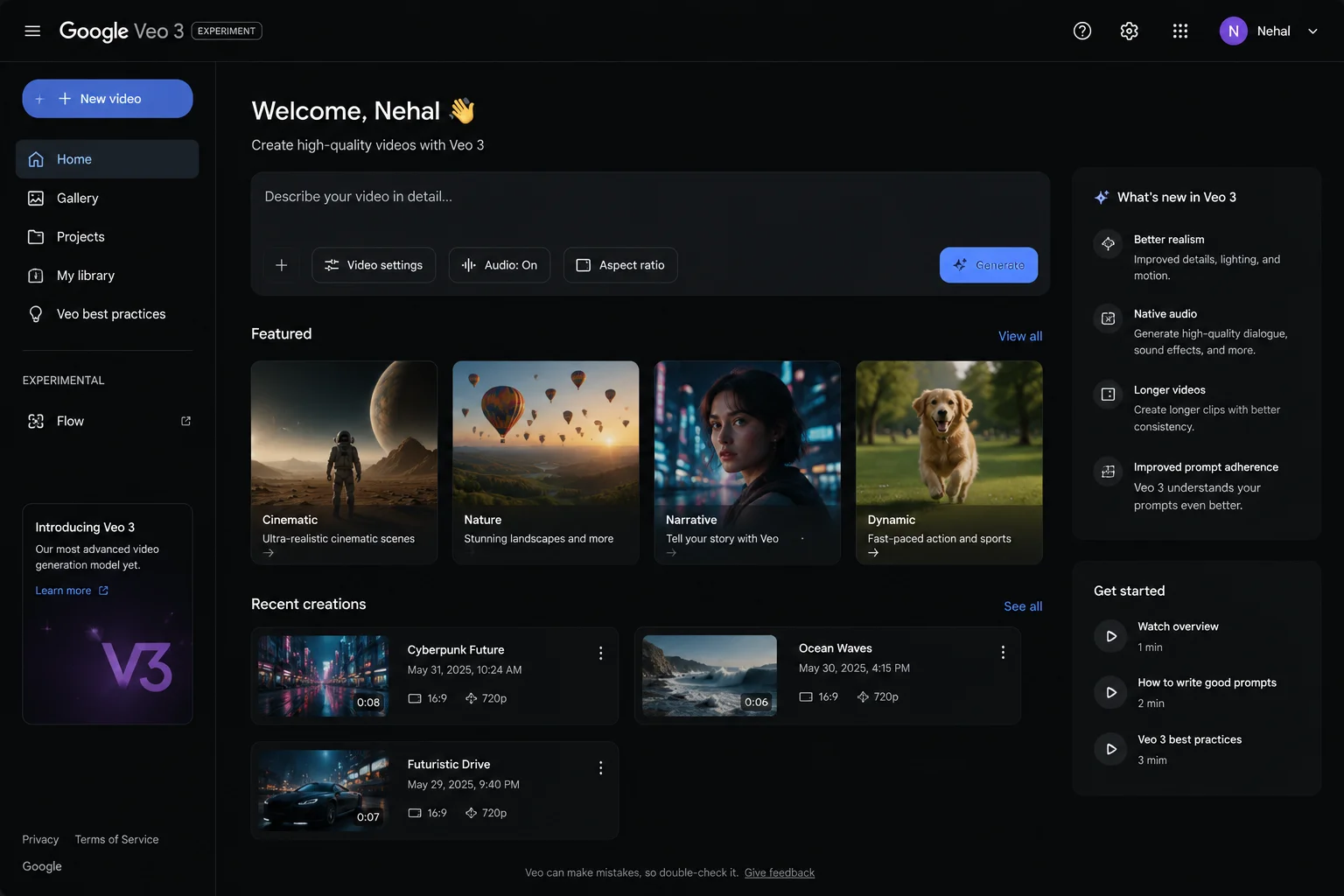
Google Veo 3 is Google's video generation tool that creates high-quality videos from text descriptions. The description is the only thing you have to give, and it will do the rest on its own. Just be clear in your prompt and do not leave any confusion. It is designed for professionals who want to create video content without filming or complicated editing.
It is a part of Google's AI services (pricing varies).
Read Also: ChatGPT Atlas: A Hands-On Guide With Practical Examples
AI coding tools help you write, edit, debug, navigate, and generate code using natural language prompts. You just have to specify what you want through a clear prompt, and the tools will then create the application, website, extension, or a piece of code on its own. It can also debug them by finding the bugs and code errors on its own. The following are some of the best AI coding tools available:

GitHub Copilot is built by GitHub and OpenAI and works inside your code editor to suggest code as you type. It understands your project and helps you write better code faster. Copilot learns from your coding patterns and the context of your project. Its suggestions are so robust that it can suggest entire functions and boilerplate code to help you write code more efficiently. This reduces time spent on repetitive coding tasks.
| Plan | Price |
| Free Plan | $0/month |
| GitHub Copilot Pro | $10/month |
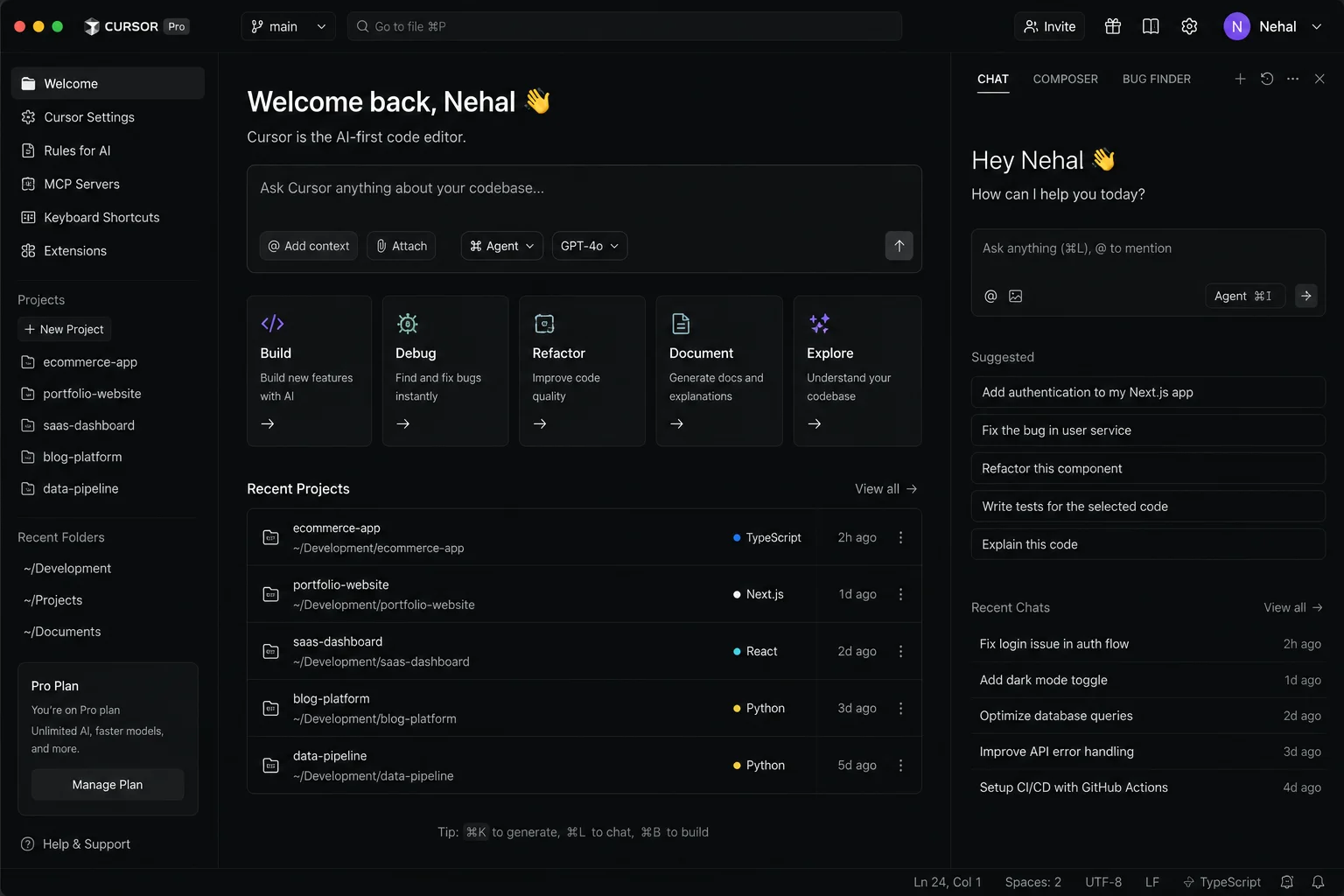
Cursor AI is an IDE (Integrated Development Environment) powered by AI. Unlike simple code completion tools, it understands your entire codebase, not just single lines of code. This means it can provide you better suggestions based on your project's architecture and patterns. Cursor 3.0 introduced a dedicated Agent window that allows autonomous cloud agents to build, test and ship code while you work.
| Plan | Price |
| Free Plan | $0/month |
| Pro Plan | $20/month |
| Pro Plus | $60/month |
| Ultra | $200/month |
Windsurf is an AI-powered code editor designed to help developers write, edit, debug, and understand code faster. It provides a feature known as Cascade that can analyze entire codebases, make changes where required, and assist with complex development workflows. Windsurf also offers AI autocomplete, error detection, code refactoring, and support for different programming languages and frameworks.
Windsurf is especially useful for developers who want an AI coding assistant that can understand the context of a project rather than just generating isolated code snippets. It excels at automating repetitive coding tasks and speeding up software development workflows.
Related Article: GIT Cheat Sheet
AI social media management tools can automate, optimize, and streamline content creation, scheduling, audience engagement, and performance analytics. It saves a lot of time for social media marketers taken in content creation and all the other repetitive tasks. Using these, they can focus more on the strategy part. Here are some of the best social media management tools:
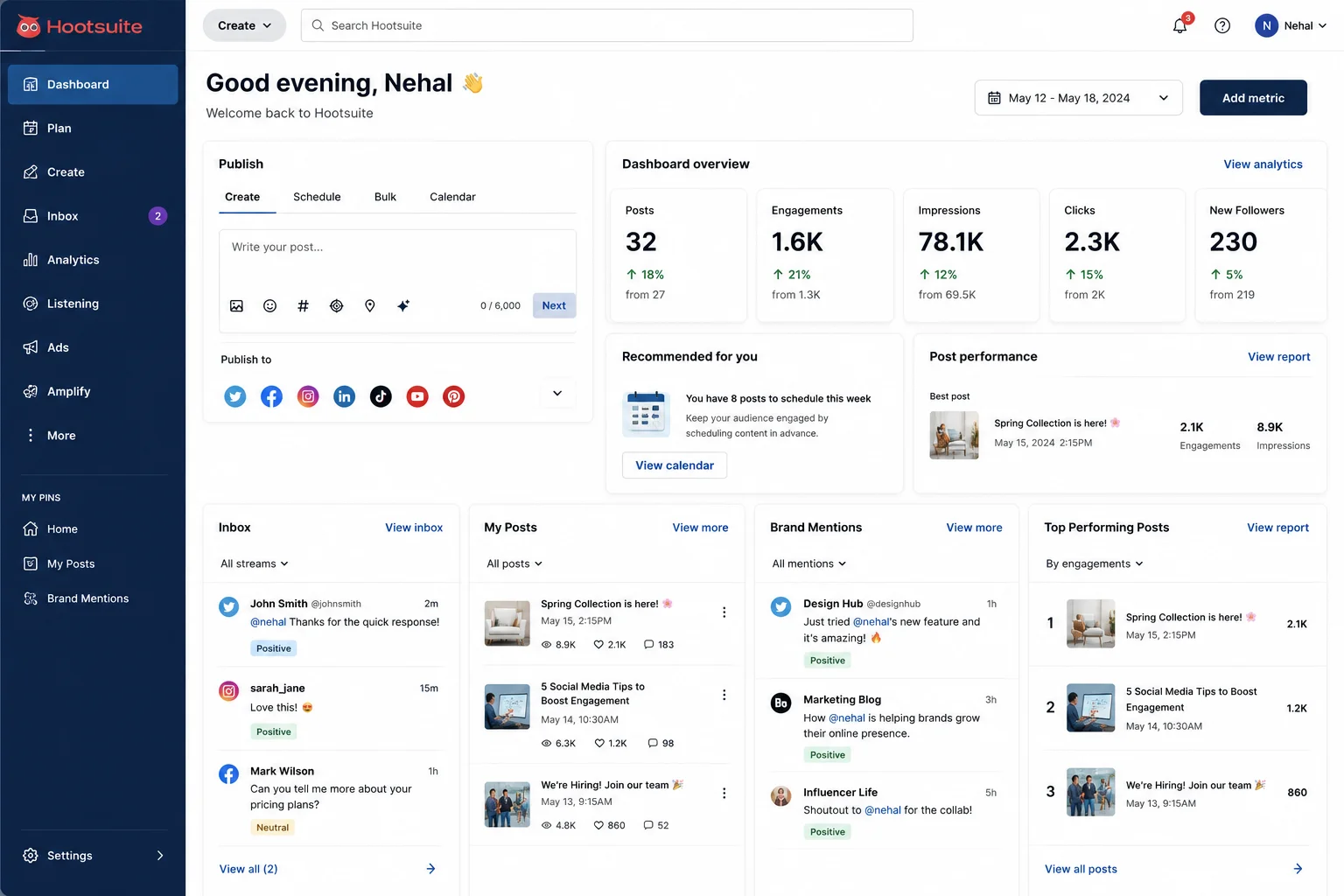
Hootsuite lets you manage multiple social media accounts from one dashboard. It schedules posts, provides analytics and tracks mentions to help you understand the performance of your social media. The platform is mostly useful for teams that manage multiple social media channels. You can plan, schedule, publish, and measure all from one place.
| Plan | Price |
| Free Plan | $0/month |
| Paid Plans | Start at $49/month |
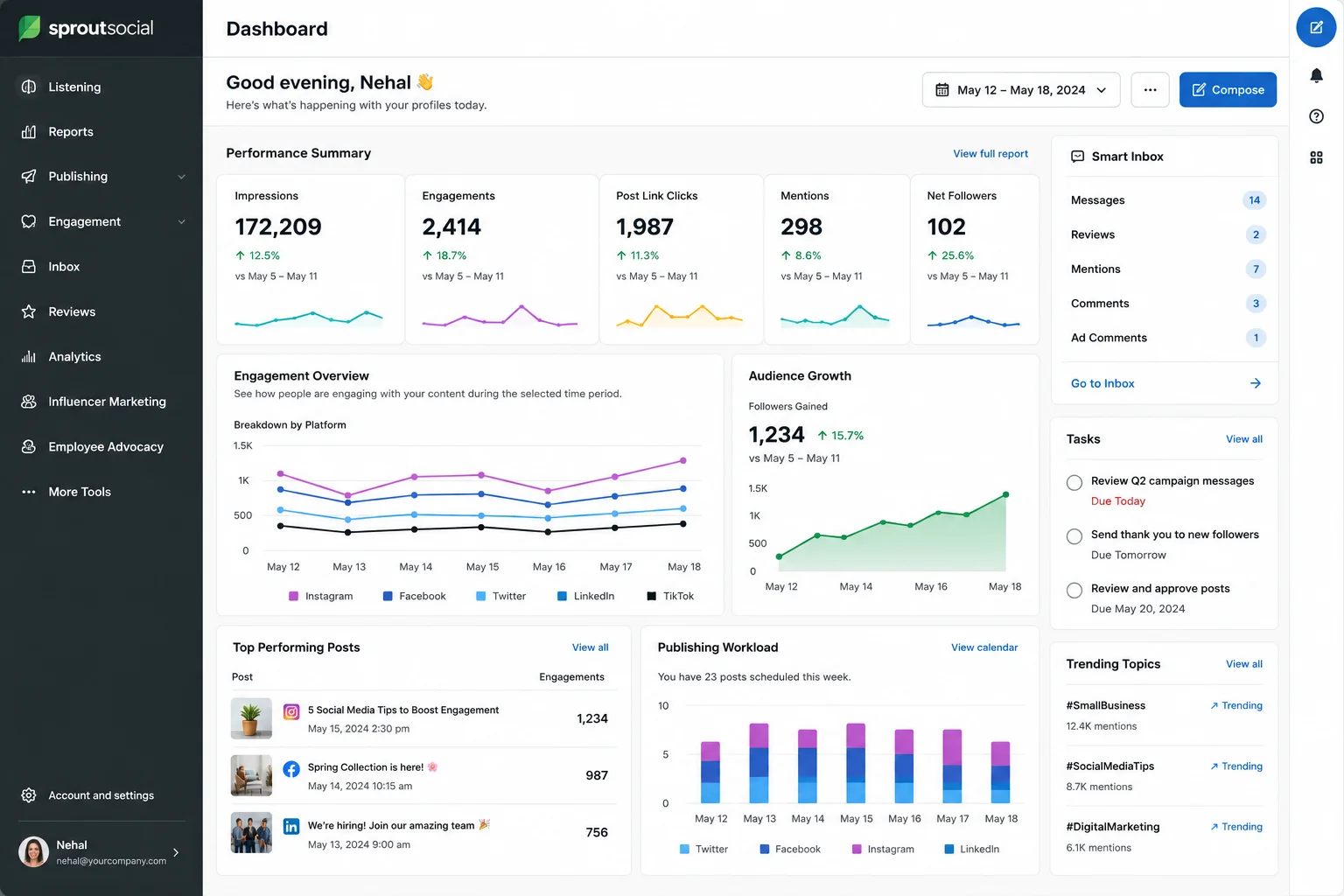
Sprout Social is built for larger teams and helps you plan, publish, and measure social media campaigns. Its robustness is far beyond basic scheduling tools. It focuses on team collaboration, detailed analytics and content planning to help you understand your social media impact.
It starts at approximately $250/month for professional teams
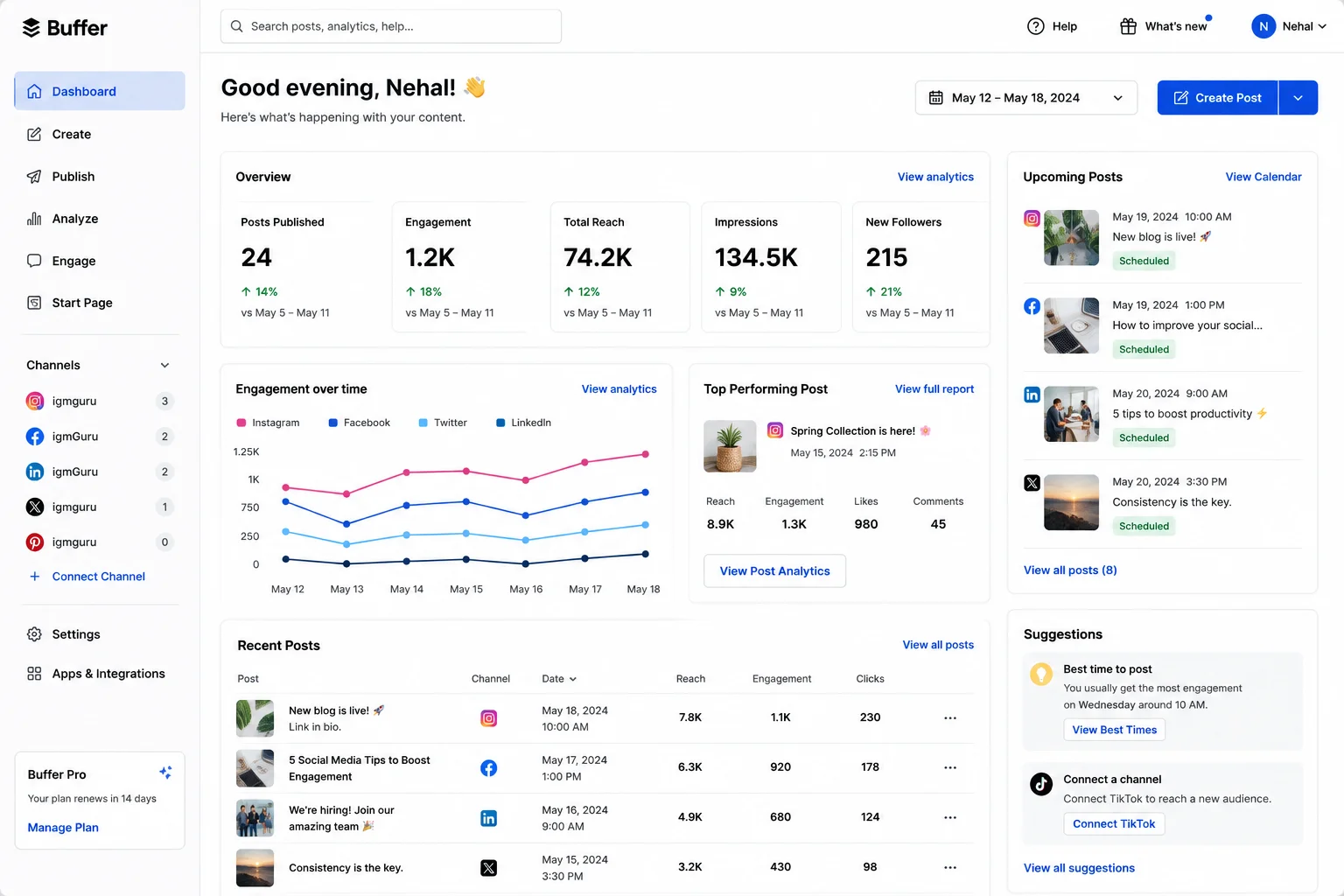
Buffer makes it easy to schedule posts and see how they perform across social platforms. It is simpler than some alternatives and effective for individual creators and small teams. It focuses on simplicity and ease of use while providing the scheduling and analytics you need.
| Plan | Price |
| Free Plan | $0/month |
| Paid Plans | Start at around $5/month |
AI email productivity tools help to automate, organize, and streamline inbox management. These tools make email faster and smarter. They solve the widespread problem of inbox overload by automatically categorizing messages, summarizing long threads, and filtering out clutter so critical updates are never missed. They also eliminate time-consuming manual work by drafting context-aware replies, transforming casual text into professional correspondence, and automatically syncing deadlines and tasks directly to calendars.
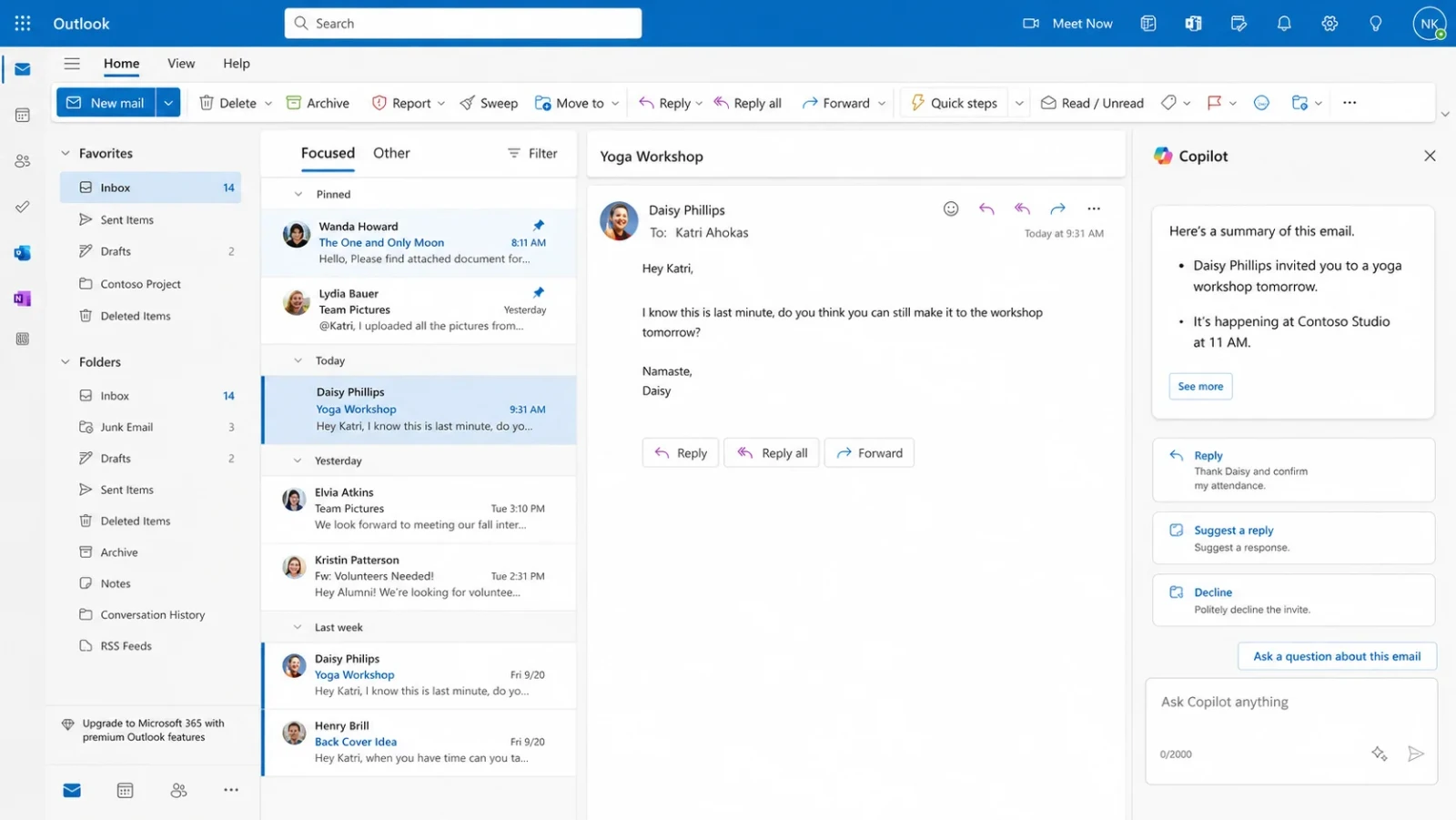
Microsoft Copilot for Outlook helps you draft emails, prioritize your inbox and summarize long conversations. It integrates directly into Outlook, so you get help without switching apps. It can understand your email style and help you write responses that match your tone.
It is included with Microsoft 365 Copilot subscriptions.
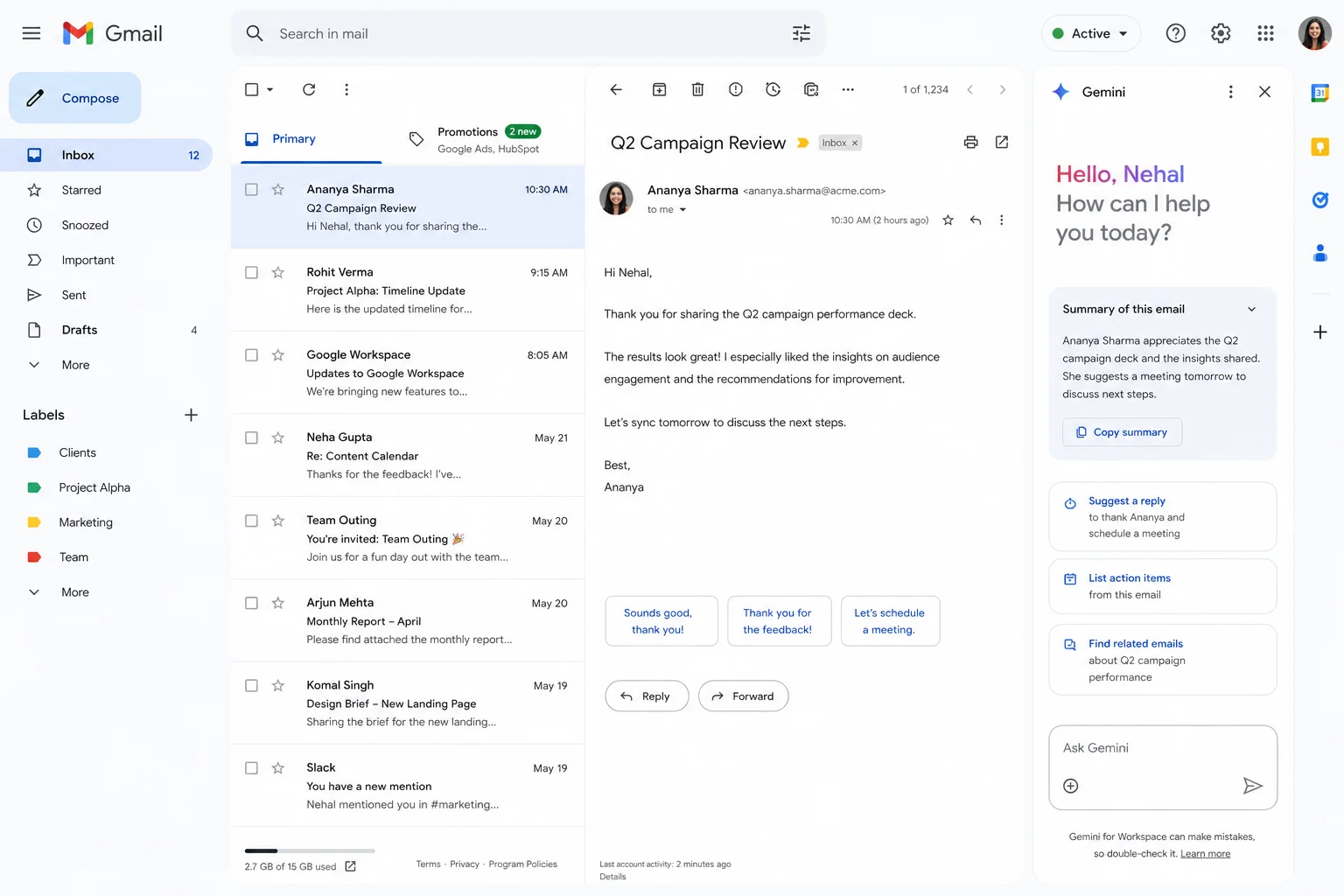
Google's Gemini for Gmail is mostly used to write emails, draft responses, and organize Gmail. It integrates with Gmail, so you get AI assistance directly in your email. It understands email context and can help you write professional, clear messages.
Free with a Google account (more features in Gemini Pro plan)
Also Read: Copilot vs. ChatGPT: Which AI Tool Is Right for You?
AI presentation makers help in automating the creation, design, and structuring of slideshows. They solve the problem of blank page syndrome by instantly generating complete, topic-specific presentations. This includes outlines, slide copy, layouts, and relevant imagery. These tools eliminate the hours traditionally spent manually formatting text blocks, adjusting alignment, and hunting for stock photos.
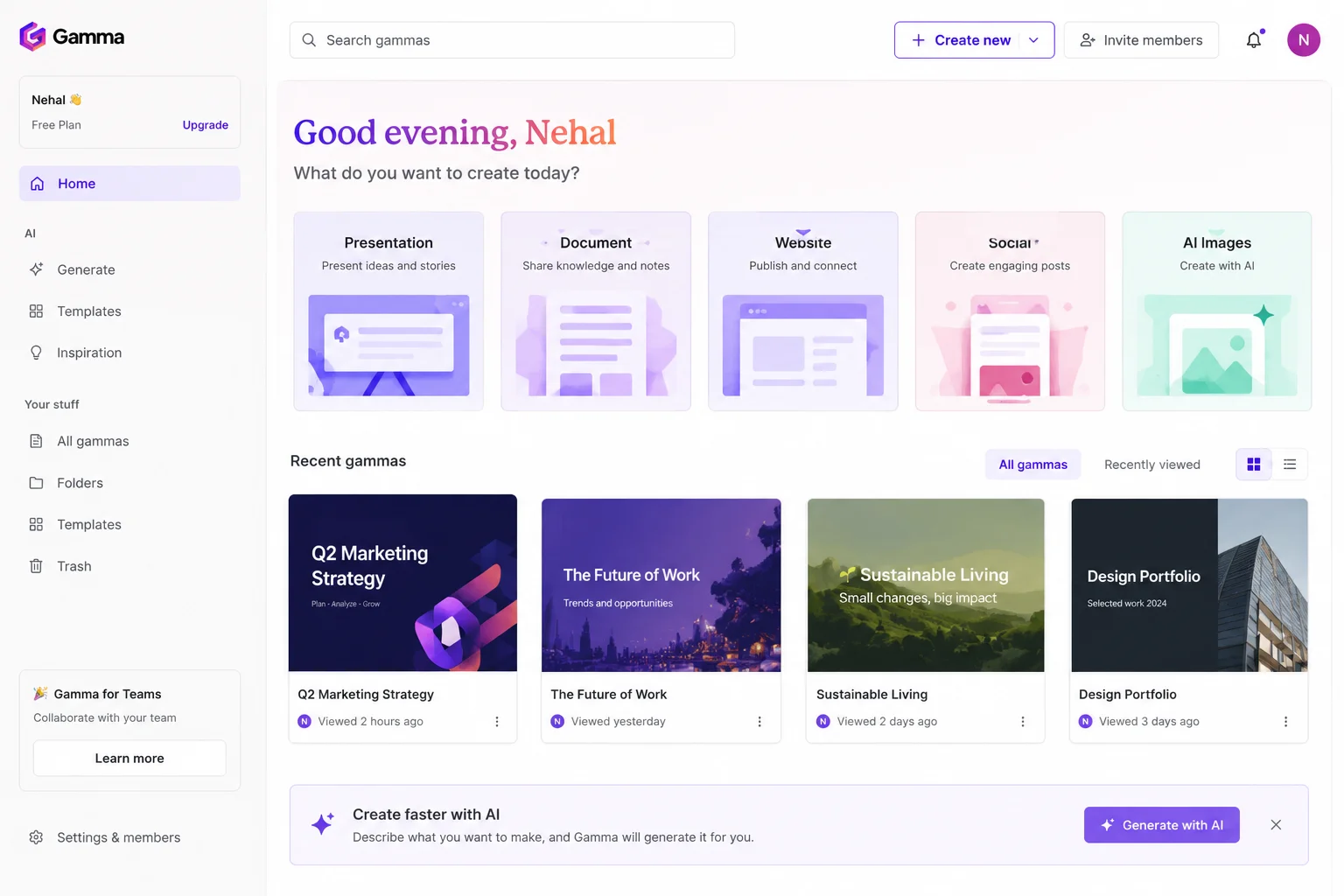
Gamma has the capability to turn your ideas into interactive presentations in minutes. You just have to provide content or ideas and it will designs the slides automatically. The tool uses AI to handle design, layout and visual elements so you focus on your message, not formatting.
| Plan | Price |
| Free Plan | $0/month |
| Paid Plans | Start at $10/month |
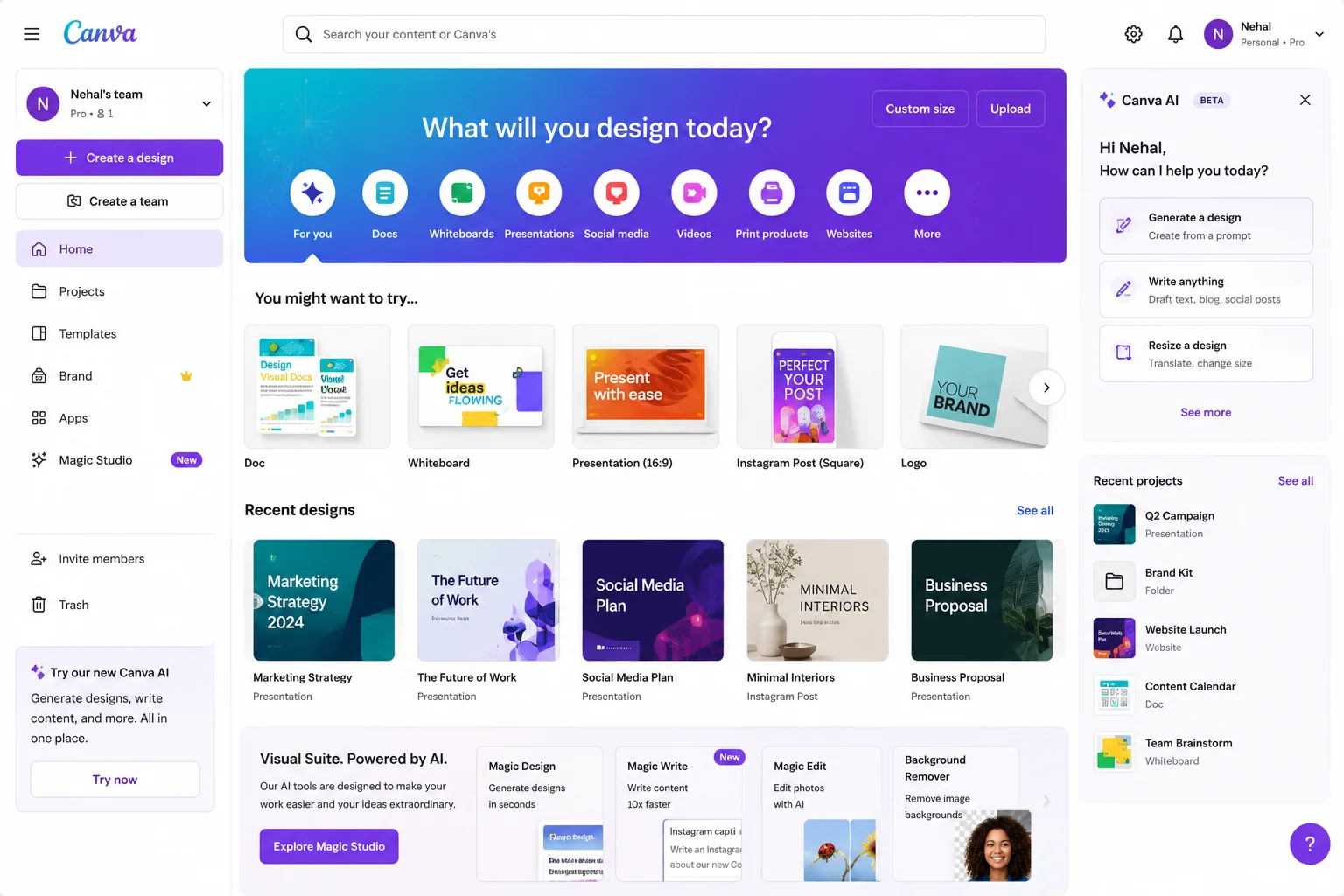
Canva's AI can help you create stunning presentations with templates and suggestions powered by AI. The platform combines an easy-to-use interface with AI design assistance.
It suggests design improvements and helps you create professional-looking presentations even if you have no design experience.
| Plan | Price |
| Free Plan | $0/month |
| Canva Pro | $13/month |
AI data analysis tools are software applications that integrate artificial intelligence and machine learning algorithms to automate the collection, cleaning, processing, and interpretation of complex datasets. These tools also allow non-technical users to query databases using conversational language, eliminating the need to write complex SQL code or Python scripts.
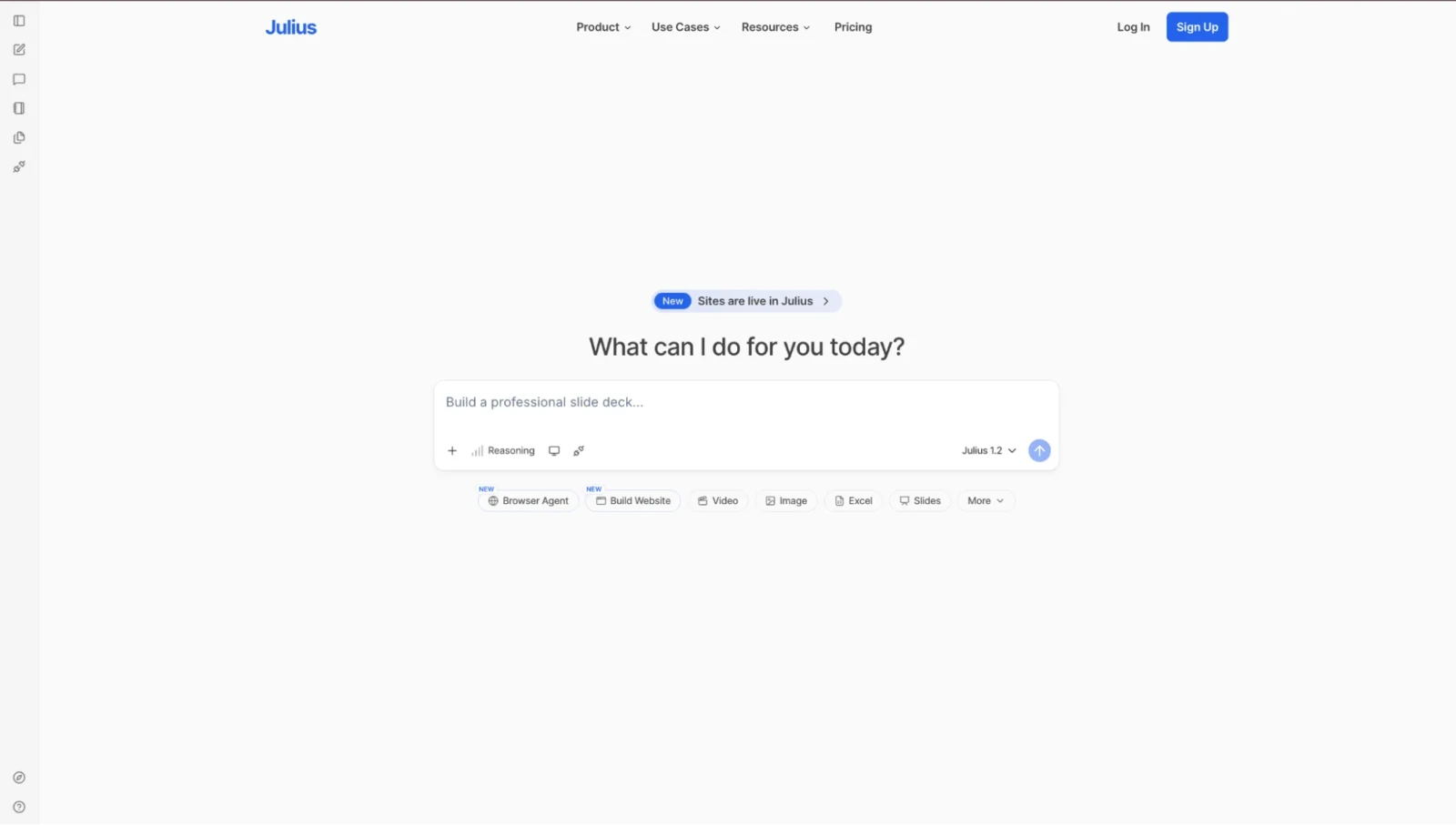
You can upload data and ask questions to Julius AI about that in natural language or tell it to create charts and insights. It can do it without requiring coding skills. You can have a conversation with your data. Upload a spreadsheet or CSV file and start asking questions in plain English.
| Plan | Price |
| Free Plan | $0/month |
| Paid Plans | Start at approximately $20/month |
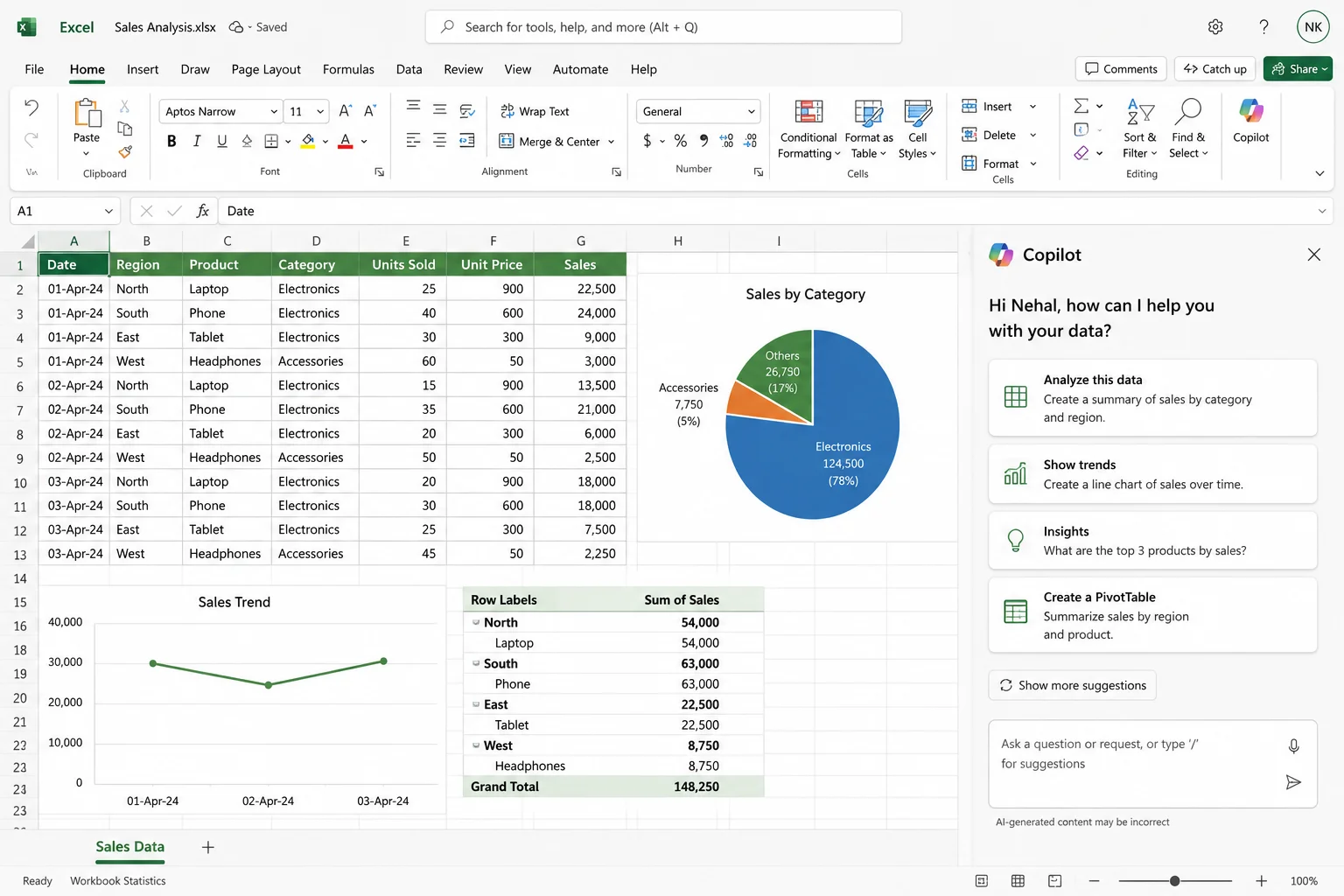
It comes as Excel's AI assistant that can help you analyze data, create formulas, and build models without complex coding. You are able to inquire about your data using simple English. Copilot comprehends spreadsheets and can recommend formulas, generate visualizations, and clarify your data trends.
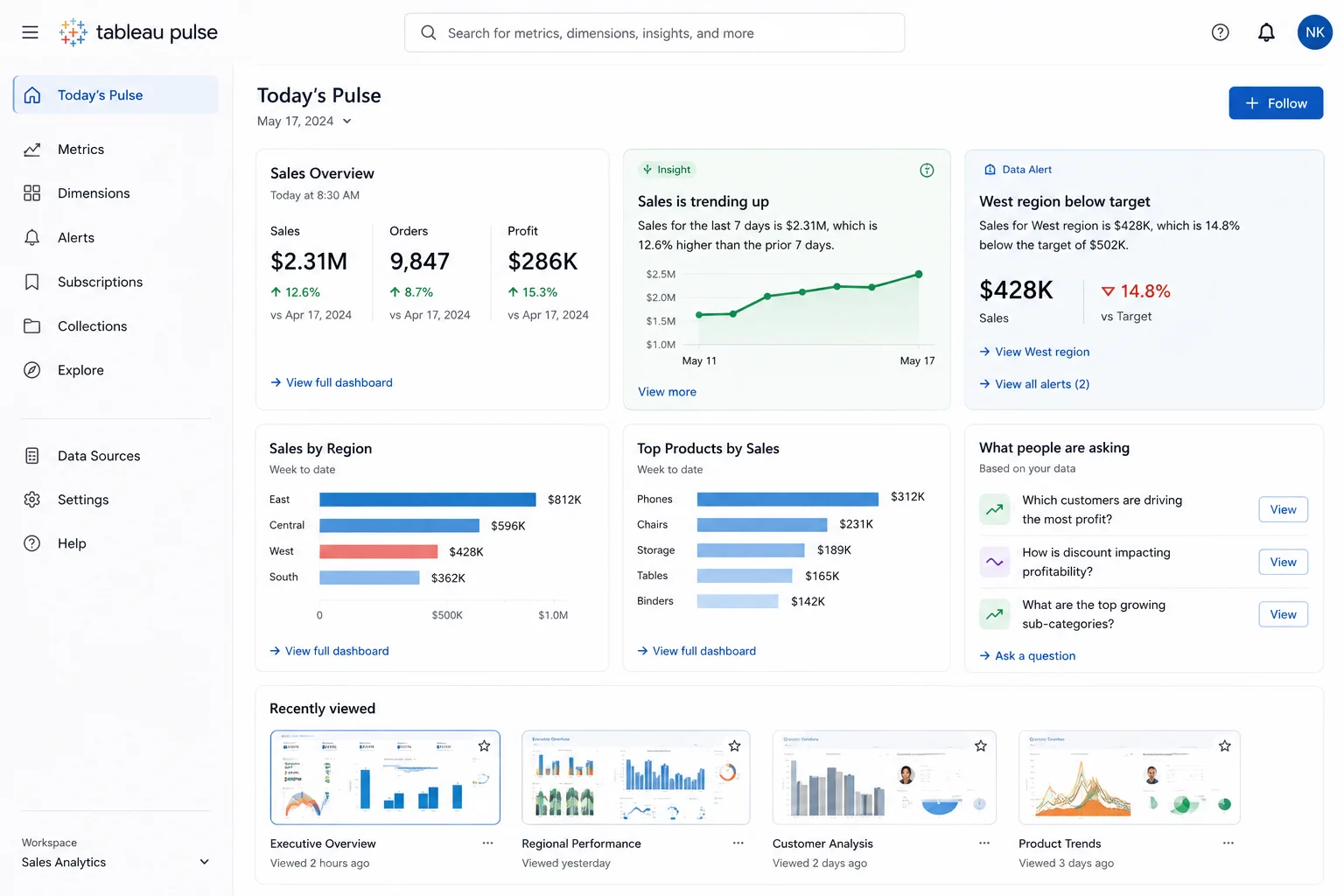
Tableau Pulse is an AI capability of Tableau that automatically detects significant trends in your data and notifies you of alterations. Rather than analyzing data by hand, Tableau Pulse monitors your data and automatically highlights insights.
It is aslo included with Microsoft 365 Copilot.
Read Also: What is Black Box AI?
AI note-taking tools are digital applications that automate how you capture, organize, and retrieve written or spoken information. They solve the problem of fragmented attention during meetings and lectures by automatically transcribing audio in real time, freeing you to focus on the conversation rather than typing frantically. These tools instantly transform unstructured blocks of text or hours of audio into concise summaries, structured outlines, and clear action items.
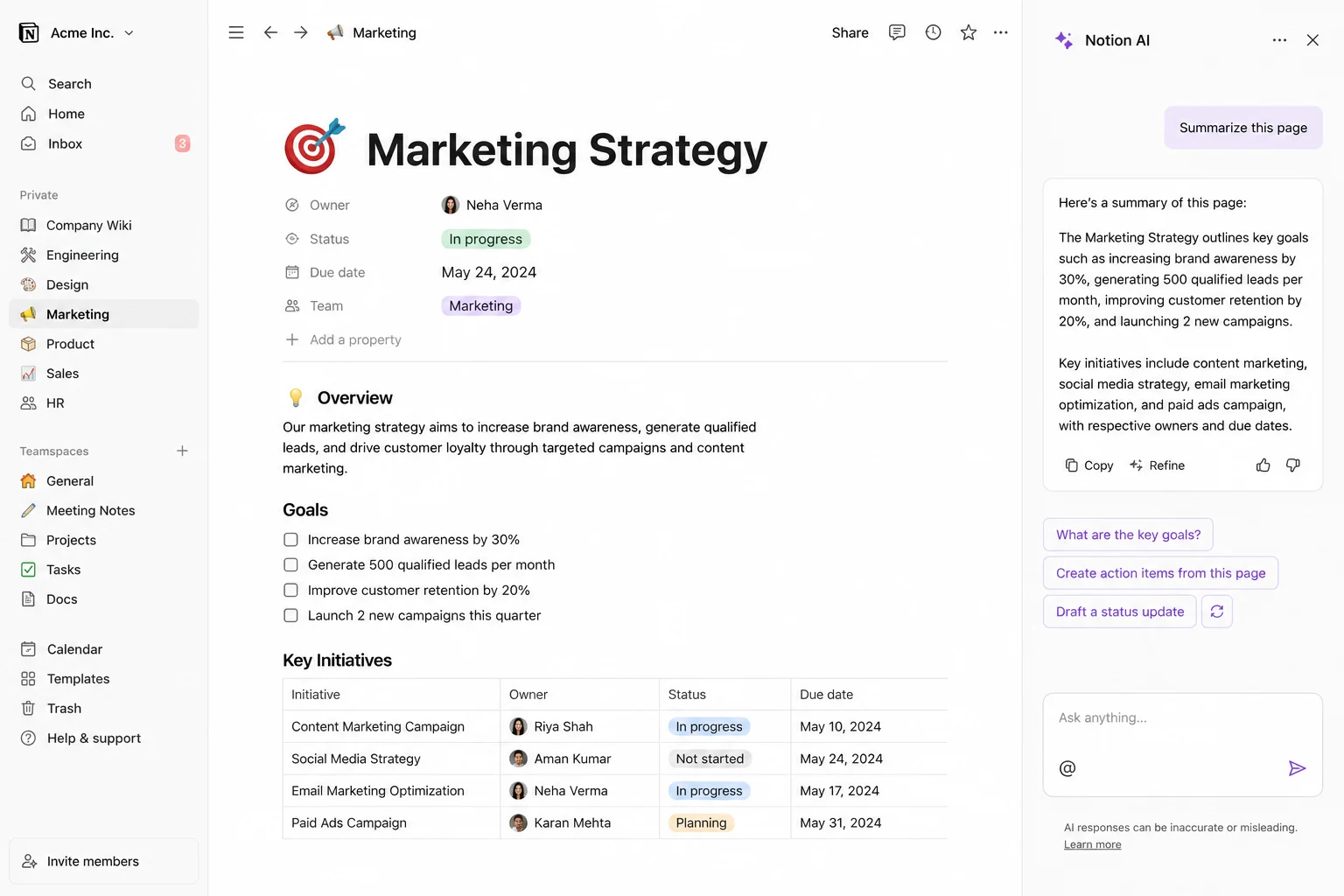
Notion AI is a kind of artificial intelligence assistant and automation layer built directly into the Notion workspace platform. Instead of operating as a separate chatbot like ChatGPT, it connects deeply with your notes, documents, project databases, and linked third-party apps. It helps you write notes and organize information faster than usual.
It costs $10/month with AI features.
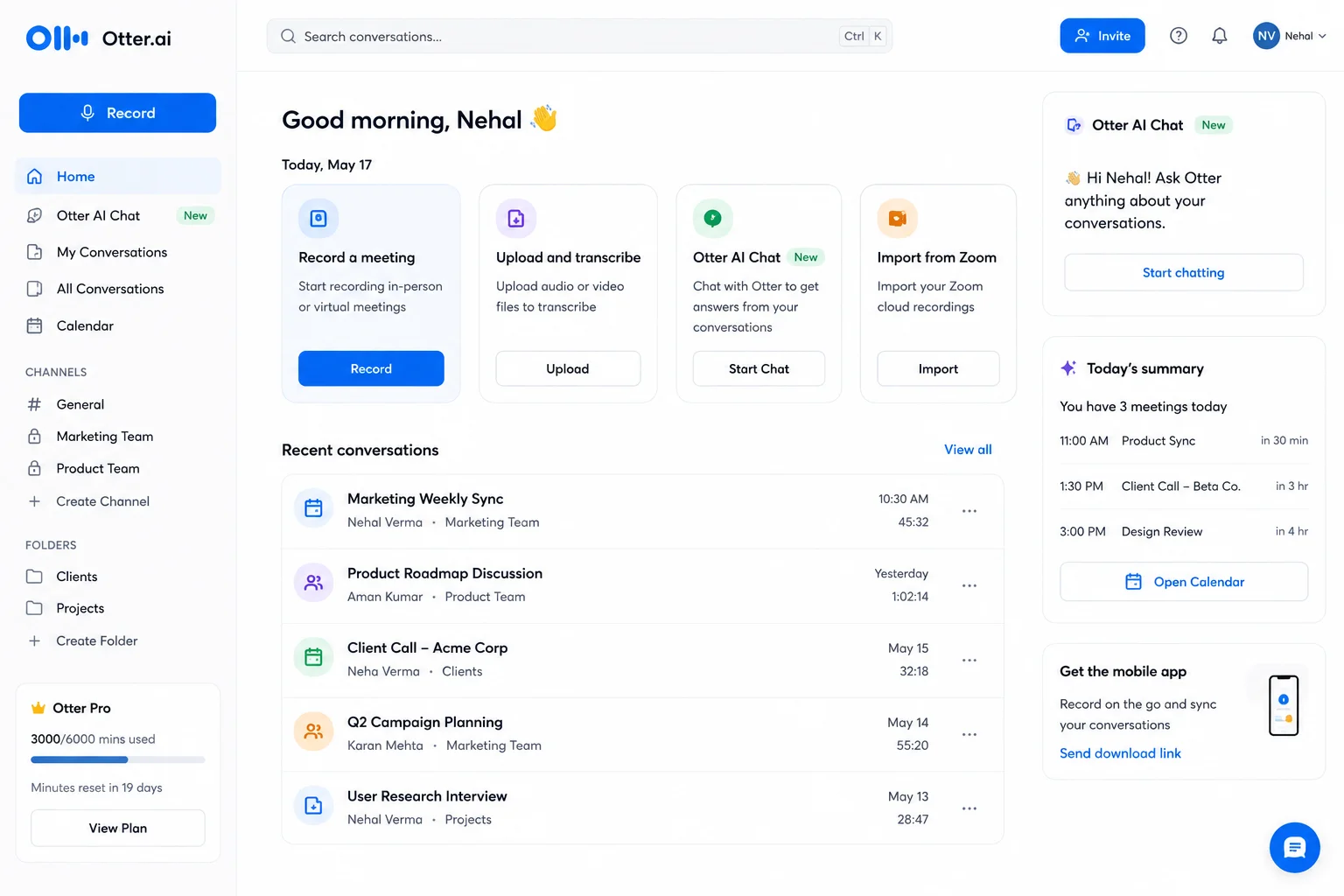
Otter.ai is an AI-powered meeting assistant and voice-to-text transcription platform. It records audio, converts speech into real-time searchable text, identifies individual speakers, and generates automated meeting summaries and action items. It proves to be a great tool for professionals, teams, and students who participate in a high volume of meetings, interviews, or lectures and want to eliminate manual note-taking.
Its pricing starts at $10/month.
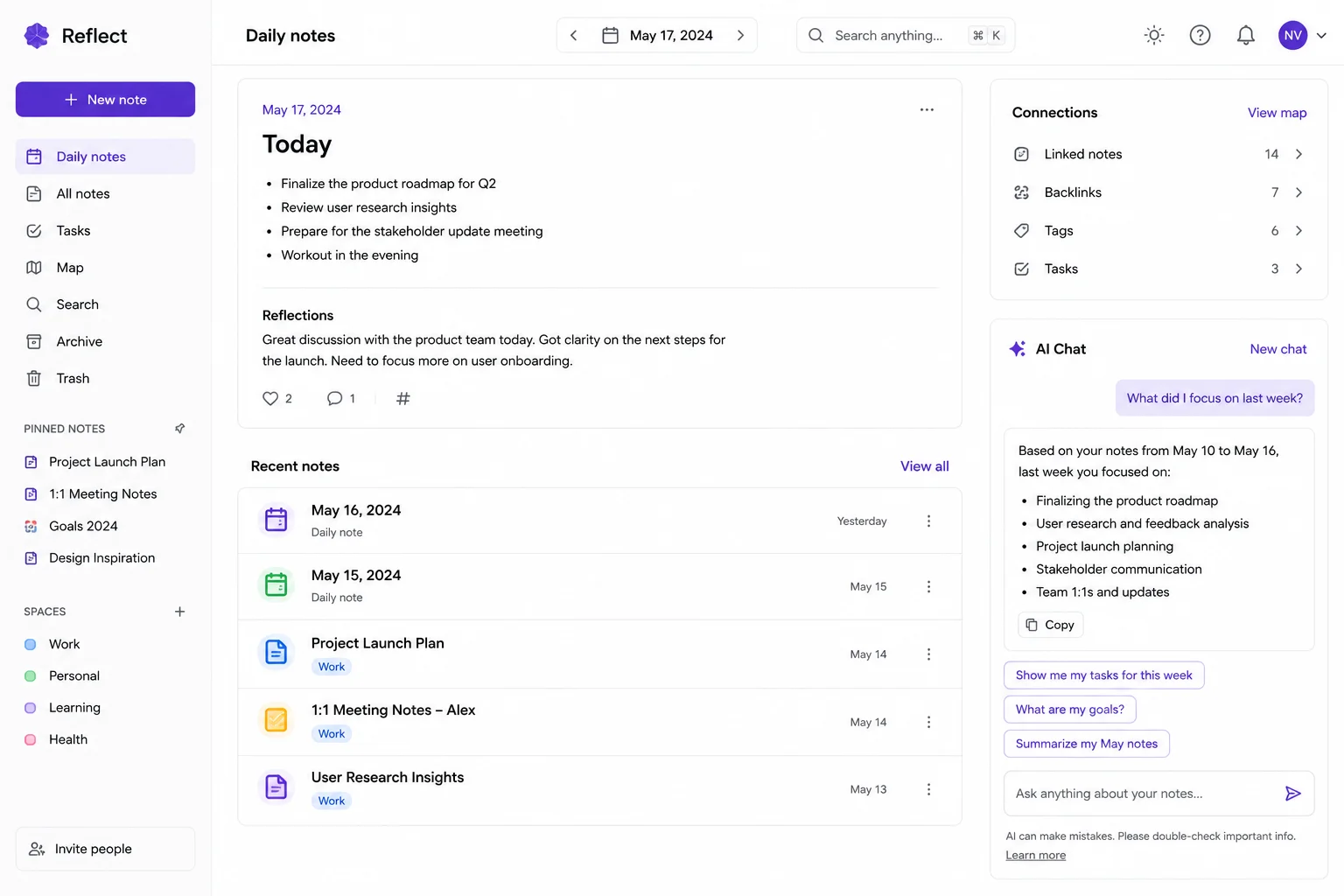
Reflect AI is a distraction-free digital space built for private self-reflection. When explicitly requested, its AI analyzes text or natural speech dictation to surface hidden patterns, tensions, and objective observations without empty validation. It features strict privacy with local device storage and zero mandatory account creation. This offers standard journaling and baseline weekly reviews for free.
Free with optional premium.
AI meeting assistants are intelligent software tools that use artificial intelligence, such as speech recognition, natural language processing (NLP), and large language models (LLMs)—to automatically record, transcribe, and analyze conversations during virtual, hybrid, or in-person meetings.
Unlike basic voice-to-text recording, these tools understand context, track who said what, and extract actionable work products so participants can focus on the discussion instead of taking manual notes.
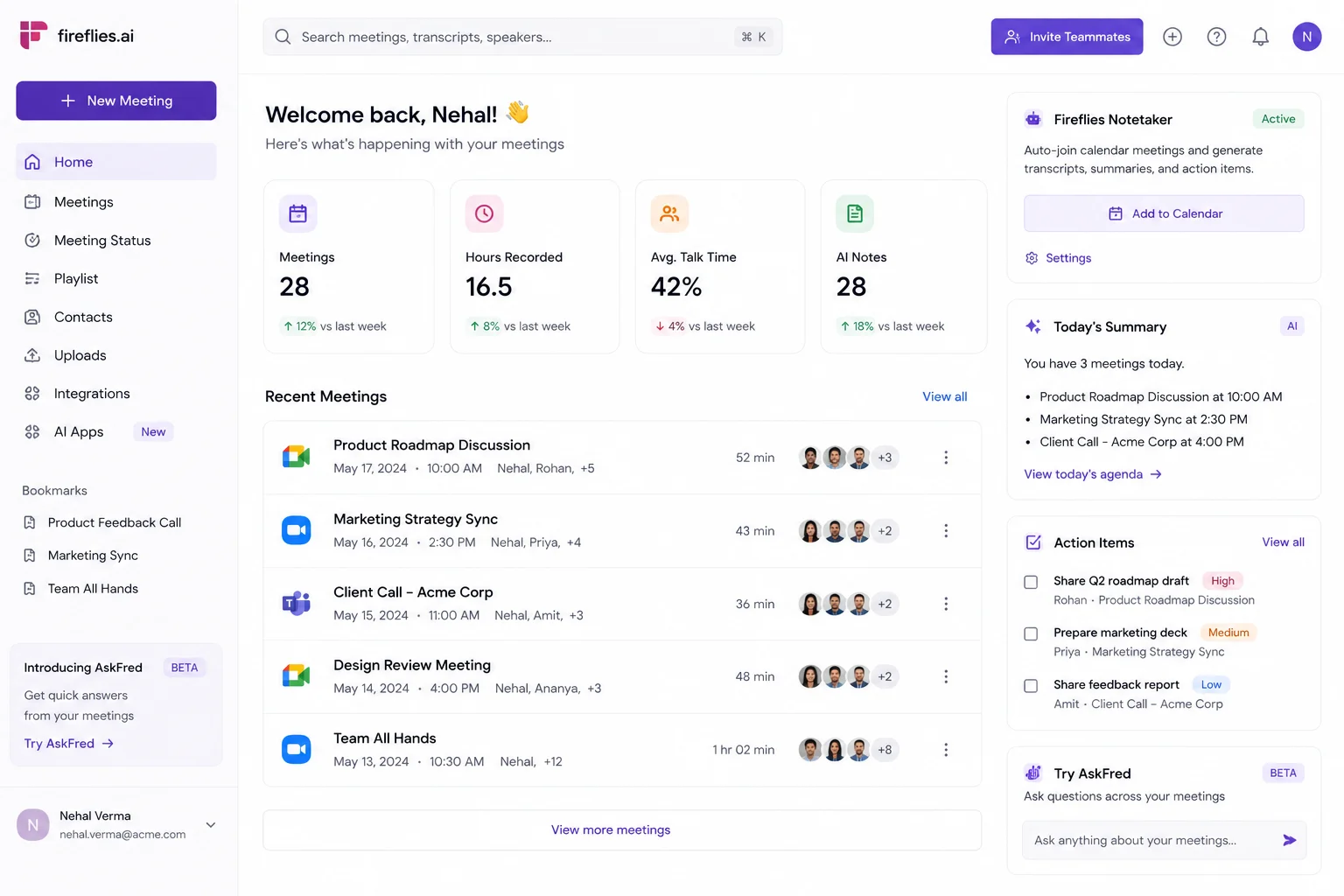
Fireflies.ai is an AI meeting assistant and conversation intelligence platform that automatically joins, records, transcribes, and summarizes voice and video calls. Fireflies records meetings and creates notes and action items.
It includes many plans like free and pro ($10/month), business ($19/month), and enterprise ($39/month).
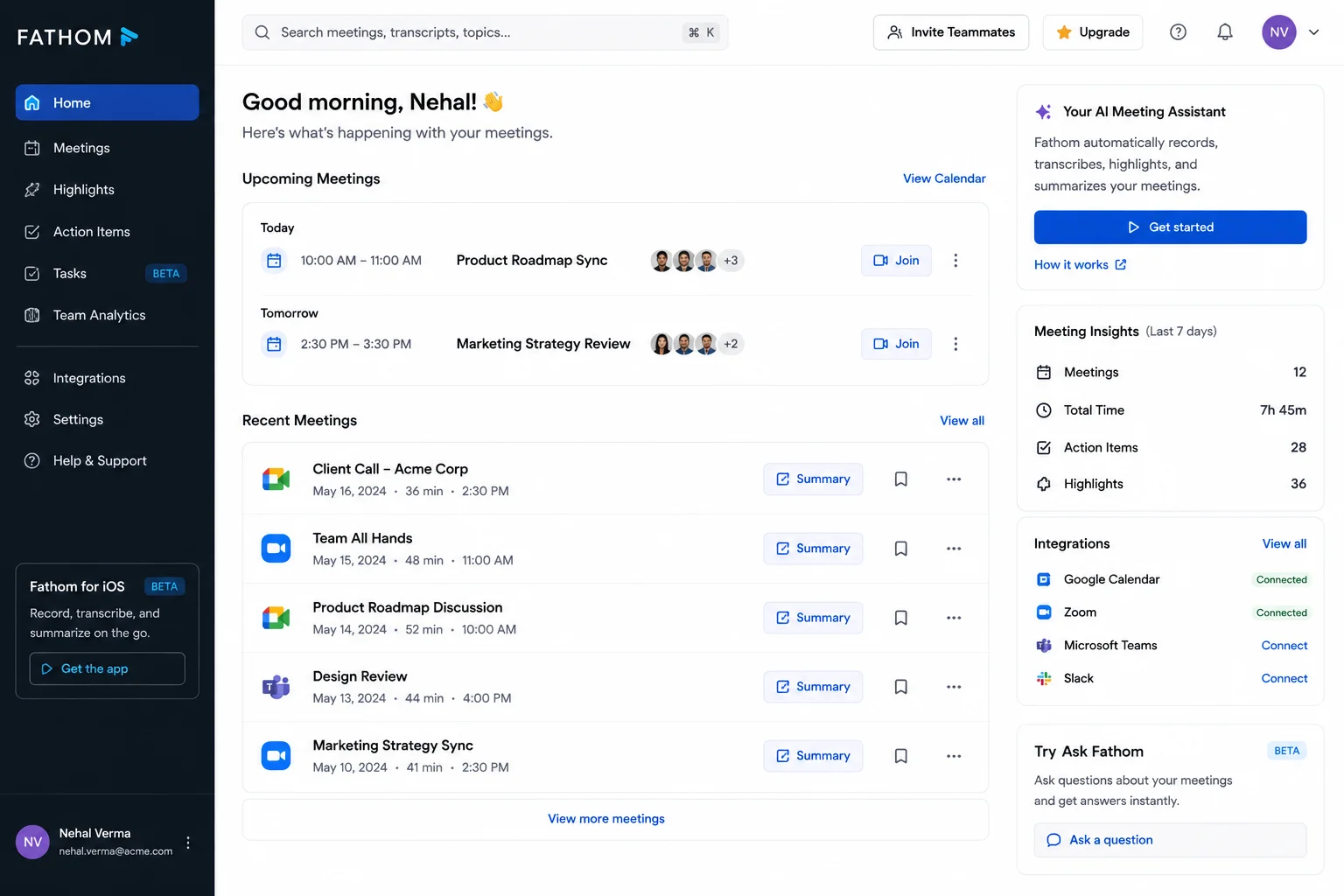
Fathom AI is a meeting assistant and notetaker with artificial intelligence power that can help you record, transcribe, summarize, and highlight video calls on platforms like Zoom, Google Meet, and Microsoft Teams. It is one of the best tools for professionals using meeting tools for client or colleague meetings.
It includes many plans: team ($15/month), business ($25/month), and enterprise ($35/month).
Read Also: Haiku vs Sonnet vs Opus
AI image generation tools are software programs that create, edit, and transform visuals (images) based on text descriptions or reference images. These tolls offers major advantages in creative and business fields. Some of the most popular are given below:
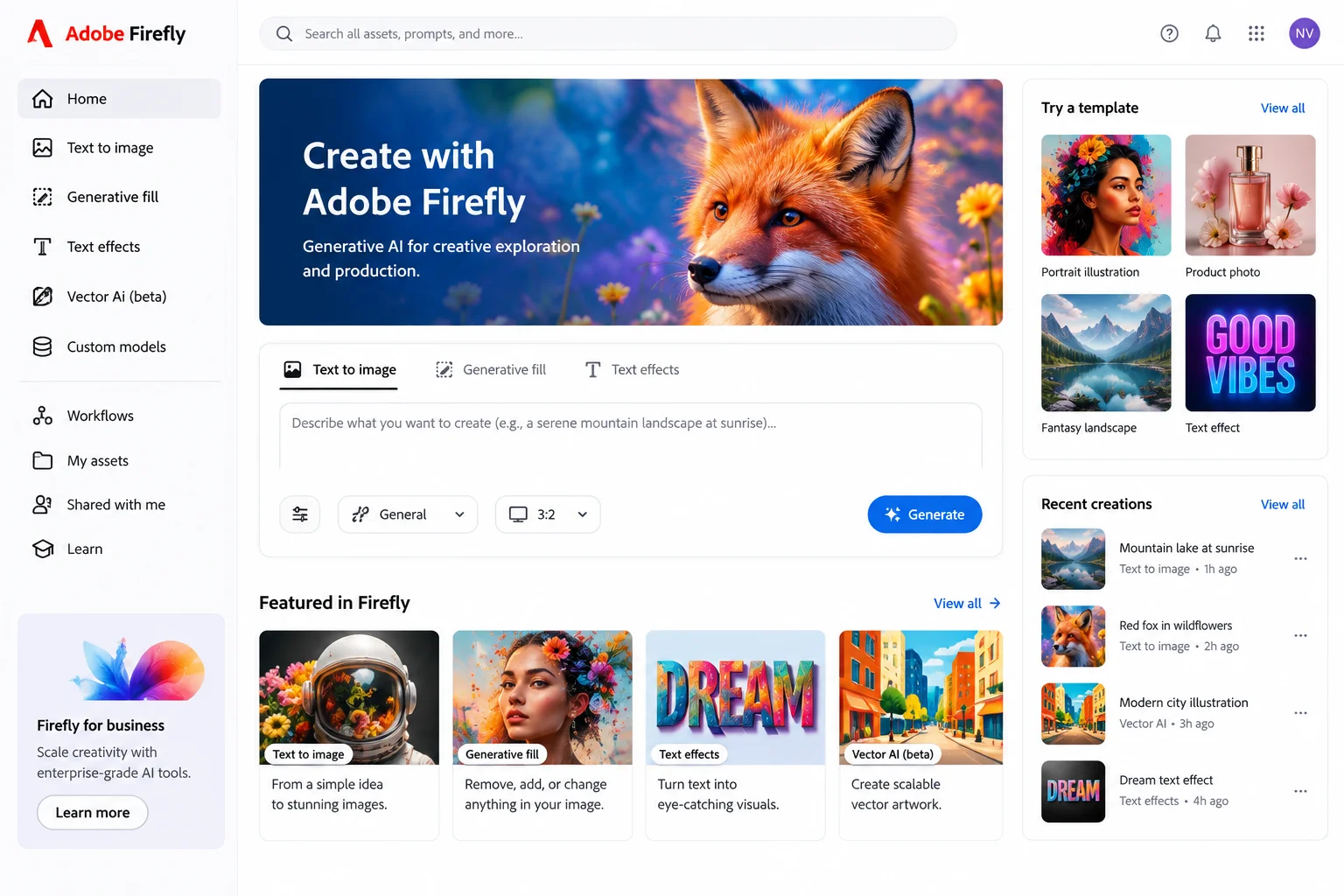
Adobe's AI creates images, removes objects and expands images within the Creative Cloud. It integrates with Photoshop and other Adobe apps. Firefly is designed for professional creators who want AI assistance within their existing design tools.
It is included in Creative Cloud subscriptions.

Midjourney is known for creating artistic, high-quality images from text descriptions. It excels at generating visually stunning artwork. The tool is popular among digital artists and designers who want to create unique, high-quality images.
| Plan | Price |
| Free Trial | $0 |
| Paid Plans | Start at $10/month |

Ideogram is especially good at creating images with text in them. When you need images with readable text and graphics, Ideogram excels. The tool is useful for creating graphics, posters and designs that include clear, readable text.
| Plan | Price |
| Free Plan | $0/month |
| Paid Plans | Start at around $10/month |
Note: The stats below show how quickly people are adopting AI tools, which is what is driving the rise of AI browsers:
My methodology did not simply entail making use of trending tools or famous brand names. Instead, I actually put every tool through a real-use test in order to evaluate the outcomes. Here’s how I evaluated the AI tools:
1. Accuracy and quality: Can the tool provide you with precise, valuable and reasonable answers? Does it really know what you need?
2. Speed and performance: Can the tool work instantly and quickly? Do you have a chance to do your job quickly and well?
3. Usability: Is the interface concise and uncluttered? Can a novice use it without anxiety?
4. Unique characteristics: What do you like this tool for? Does it boast of features like memory, voice input, or web access?
5. Prices and value: Is it a free service? Is its price affordable?
6. Practical applications: Who needs the application? For what purposes is it effective? Is it applicable to your case?
Read Also: What is Google DeepMind and How Does it Work?
AI tools change how you work. Here are the real benefits you get:
1. Save Time: The biggest benefit is time. Tasks that took hours now take minutes. You spend less time on repetitive work and more time on important decisions.
2. Better Quality: AI tools help you create better work. They check your writing, find errors you missed and suggest improvements.
3. Learn Faster: AI assistants can explain complex topics in simple ways. They adapt to how you learn best.
4. Work Smarter: These tools handle tasks that are too repetitive or time-consuming for humans. You focus on strategy and creativity.
5. Scale Your Work: You can do more without hiring more people. One person with AI tools can do the work of a larger team.
6. Always Available: AI tools work 24/7. They never take breaks, never get tired and respond instantly.
7. Consistency: AI maintains consistency in writing, design and decision-making across all your work.
8. Lower Costs: Using AI tools costs much less than hiring new employees. You can accomplish more with your current budget.
While AI tools are powerful, they have real limitations you should know about:
1. Accuracy Issues: AI tools sometimes make mistakes. They can give you wrong information or miss important details. Always verify important facts before using them.
2. Learning Curve: Some AI tools take time to learn. You need to spend time understanding how to use them properly.
3. Limited Understanding: AI tools do not understand context the way humans do. They can misinterpret what you actually want.
4. Privacy Concerns: Some AI tools store your data. Before using a tool with sensitive information, check its privacy policy.
5. Outdated Information: Many AI tools were trained on data from the past. They do not always know the latest developments.
6. Over-Reliance Risk: Relying too much on AI tools can weaken your own skills. Use them to enhance your work, not replace your thinking.
7. Cost of Premium Plans: The free versions have limits. Premium plans add up if you use multiple tools.
8. Integration Issues: Not all tools work well together. You may need to switch between multiple platforms.
Also Read: Claude Fable 5: Anthropic's Most Powerful AI Model
Choosing the best artificial intelligence tool depends on what you aim to achieve. If you want a wide range of features, then ChatGPT is a good option for you. If you are interested in writing content, Claude is an incredible tool to use.
If you are looking for tools to improve your coding productivity, you can use Cursor or GitHub Copilot. Perplexity is a great tool for research purposes. It is advisable to choose the tool that can solve your problem and help you save time. Start using the tool you selected to get used to it.
Free versions are good for testing and light use. If you use an AI tool daily for work, paying for the premium version usually gives you better features, faster responses and higher usage limits. The paid version is worth it if the tool saves you time every day.
Not all AI tools are equally secure. Some send your data to servers and store it. Others process data locally. Before using an AI tool with sensitive business information, read its privacy policy carefully. Some companies offer enterprise plans with better security.
Small business owners usually benefit from ChatGPT or Claude for general tasks, Jasper for marketing content, and tools like Hootsuite for social media. Start with one tool and add others as your business grows.