Let's be honest, coding today is not just about writing lines of logic and building applications. A big part of a developer's time goes into fixing bugs, searching for the right syntax, understanding unfamiliar code, or even figuring out why something that should work simply doesn't. And that is exactly where productivity starts to slow down.
But now, it's not like that anymore; AI coding assistants or tools for developers have completely changed the game. They act like a smart partner sitting beside you, helping you write cleaner code, debug faster, understand complex logic, and even learn new concepts on the go.
But here's the problem too- not every AI tool actually delivers what it promises. Some AI coding assistants are great for autocomplete, while others shine in documentation, debugging, or full project assistance. Choosing the right one can make a huge difference in your workflow.
That's why I decided to simplify things for you. I explored and compared some of the best AI coding assistants or tools available today to see which ones genuinely help you work smarter, faster, and with more confidence.
Let's get started.
AI coding assistants are intelligent tools that support developers throughout the coding process. They suggest code in real time, help debug errors, and support multiple programming languages, helping developers to build and test applications more efficiently.
These large language model-based tools are trained on massive code repositories. As they are used more frequently, they become better at identifying patterns, generating relevant code snippets, and completing complex tasks with minimal input.
AI coding tools adapt to different coding styles and project requirements. Beginners benefit from guided suggestions and learning support, while experienced developers save time by following best practices automatically. Ultimately, these tools free developers to focus on problem-solving and innovation rather than repetitive coding tasks.
Here is a quick overview of AI coding tools.
| S.No. | Tool Name | Best For | Learning Curve | Pricing Model | Supported IDEs / Platforms | Key Capabilities | Ideal User Type |
|---|---|---|---|---|---|---|---|
| 1 | Codex | Code generation via API | Medium | Paid (API-based) | API, integrations | Natural language to code, automation scripts | Developers building AI tools |
| 2 | Claude Code | Large codebase reasoning | Medium | Paid | API, Web, integrations | Long context understanding, debugging, refactoring | Advanced developers |
| 3 | Amazon Q Developer | Large-scale AWS projects | Medium | Paid | VS Code, JetBrains, CLI | AWS-aware code generation, code reviews, and documentation agents | Enterprise cloud teams |
| 4 | GitHub Copilot | Day-to-day development | Low | Paid | VS Code, JetBrains, Neovim | Inline code completion, explanations, IaC support | Individual devs & teams |
| 5 | Cursor AI | AI-first development workflows | Medium | Paid | Cursor IDE (VS Code fork) | Agent mode, multi-file edits, iterative execution | Advanced developers |
| 6 | Devin AI | Autonomous task execution | High | Paid | Cloud-based environment | End-to-end task planning, execution, and deployment | Product & engineering orgs |
| 7 | Amazon CodeWhisperer | Secure cloud coding | Low-Medium | Free & Paid | VS Code, JetBrains, AWS IDEs | Security scanning, function completion | Cloud-focused developers |
| 8 | Codiga | Code quality enforcement | Low | Paid | VS Code, JetBrains | Static analysis, secure coding rules | Teams focused on standards |
| 9 | Google Gemini Code Assist | Google Cloud development | Medium | Paid | VS Code, JetBrains, Cloud Shell | Gemini-powered suggestions, citation-backed code | GCP users |
| 10 | Ponicode | Unit testing automation | Medium | Paid | VS Code, JetBrains | Auto unit test generation, edge-case detection | Test-driven developers |
| 11 | Replit AI | Learning & rapid prototyping | Low | Free & Paid | Replit Web IDE | AI autocomplete, instant debugging | Students & beginners |
| 12 | Tabnine | Privacy-sensitive environments | Low-Medium | Free & Paid | All major IDEs | On-prem deployment, private models | Security-conscious teams |
| 13 | Blackbox AI | Code discovery & reuse | Low | Free & Paid | Browser, IDE plugins | Code search, snippet generation | Fast-moving developers |
| 14 | Codeium | Free AI-assisted coding | Low | Free | VS Code, JetBrains | Unlimited autocomplete, fast responses | Beginners & startups |
The expansion of interest in AI coding tools is leading to a rich terrain of options. These can be differentiated into commercial closed-closure products and open-source projects/frameworks. Both of their goals are to offer the same AI coding assistance, but they come with different philosophies and trade-offs.
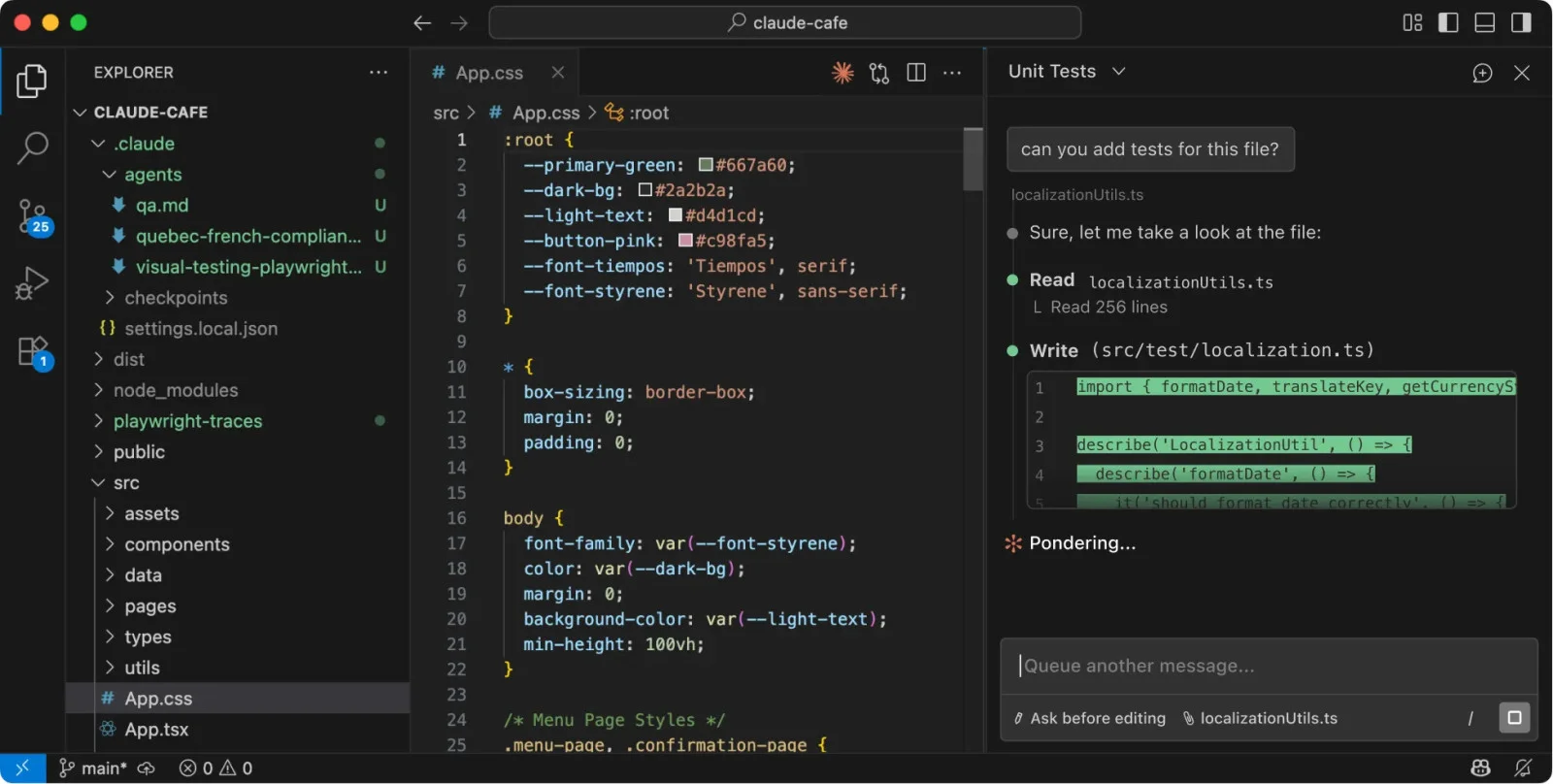
Claude Code works like a thoughtful coding assistant that focuses on understanding context deeply before generating code. It is especially strong when working with complex logic, long code files, or detailed problem-solving. Instead of just suggesting lines, it helps you reason through problems and write more structured, readable code.
| Pros | Cons |
| Strong reasoning and problem-solving ability | Slower than autocomplete-focused tools |
| Handles large code context well | Not tightly integrated with all IDEs |
| Clear and detailed explanations | Limited real-time inline suggestions |
Claude Code feels more like a thinking partner than just a coding assistant. It works best when solving complex problems or understanding large codebases. While it may not be the fastest for quick suggestions, it excels in accuracy and depth.
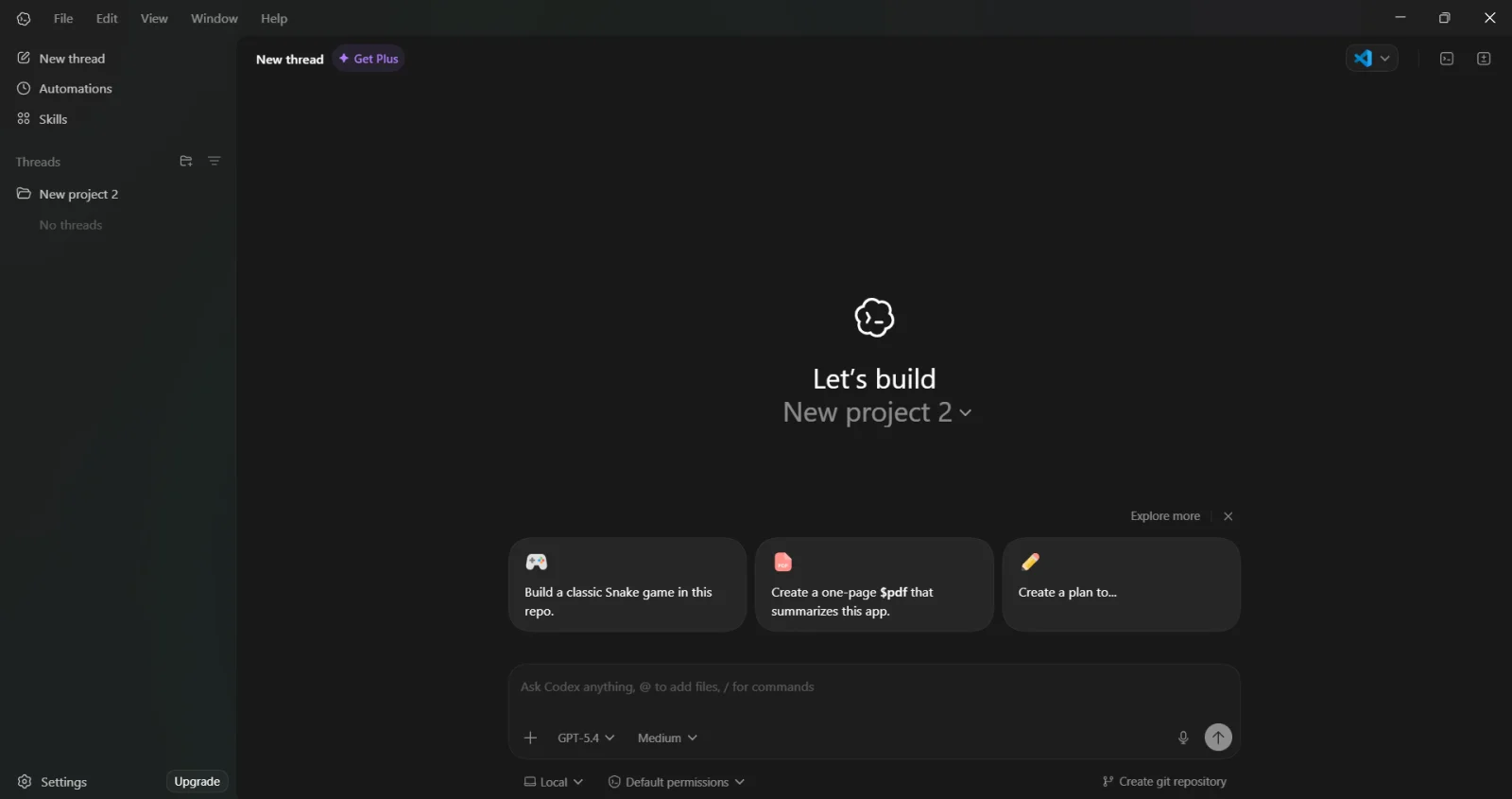
OpenAI's Codex is a versatile coding assistant that helps you write, debug, and understand code in natural language. It allows you to describe what you want to build, and it generates code accordingly. It is especially useful for quick development, learning new concepts, and automating repetitive tasks.
| Pros | Cons |
| Excellent for code generation and learning | Requires manual validation of output |
| Supports multiple languages | Not always context-aware across large projects |
| Helpful for debugging and explanations | Can generate incorrect logic in edge cases |
ChatGPT Codex is a flexible and beginner-friendly coding tool. It is great for generating code quickly and understanding concepts, but it still requires careful review for accuracy, especially in production-level code.
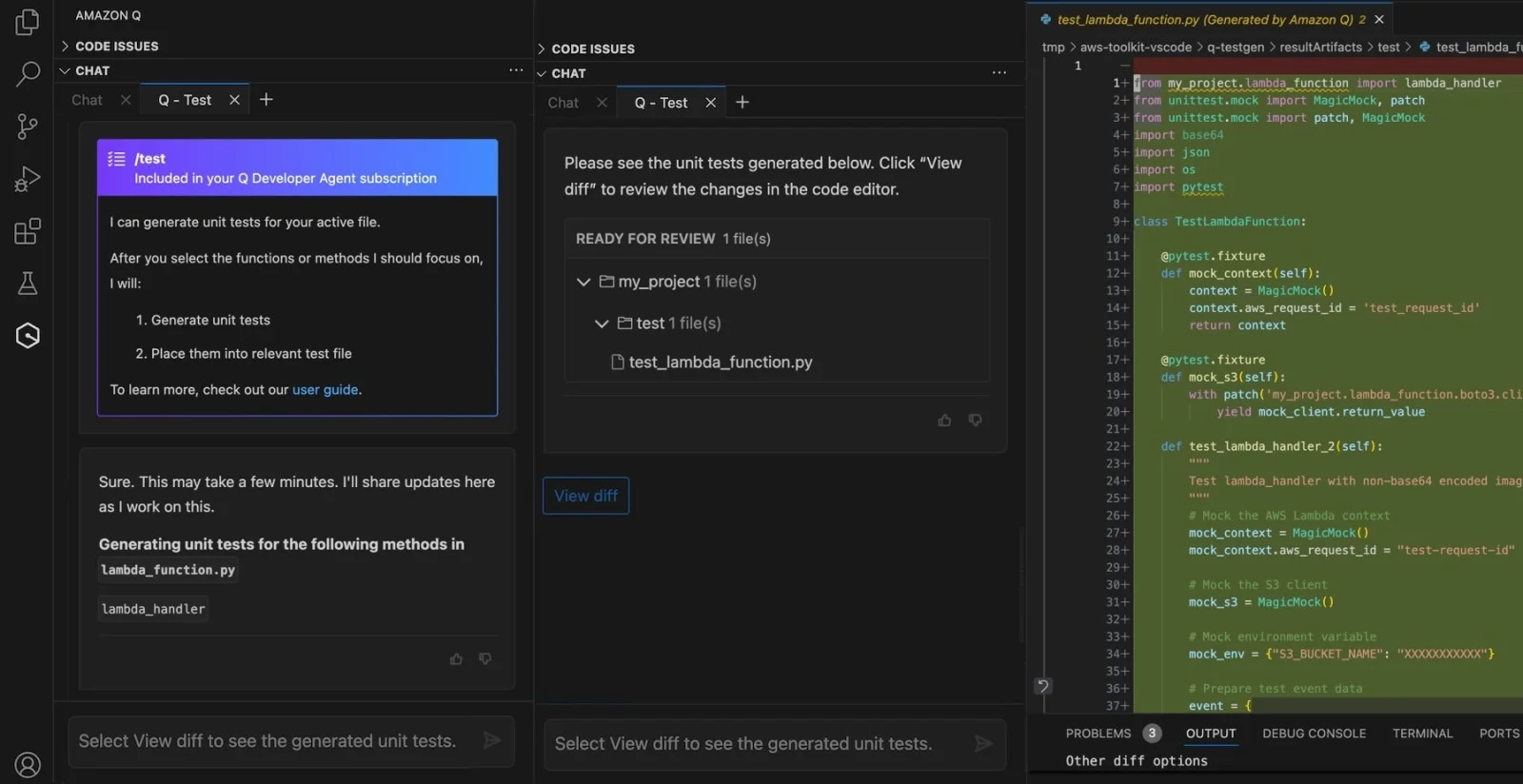
Amazon Q developer is an AI-powered tool designed to help developers build, debug, and manage applications faster within the AWS ecosystem. It understands your code, suggests improvements and helps automate tasks like writing queries or troubleshooting issues. If you work with AWS services, it can significantly simplify your development workflow and boost productivity. It works with JetBrains IDEs and VS Code through a plugin and also offers a CLI agent.
| Pros | Cons |
| Deep integration with AWS services | Limited usefulness outside AWS |
| Enterprise-grade security and compliance | Best suited for cloud-heavy teams |
| Supports documentation and code review agents | Learning curve for new users |
While using Amazon Q Developer, I noticed it performs best in AWS-focused environments. It understands cloud services, IAM roles, and infrastructure logic quite well. However, when used for general-purpose coding, its suggestions feel less relevant. It's a strong choice for organizations already committed to AWS.
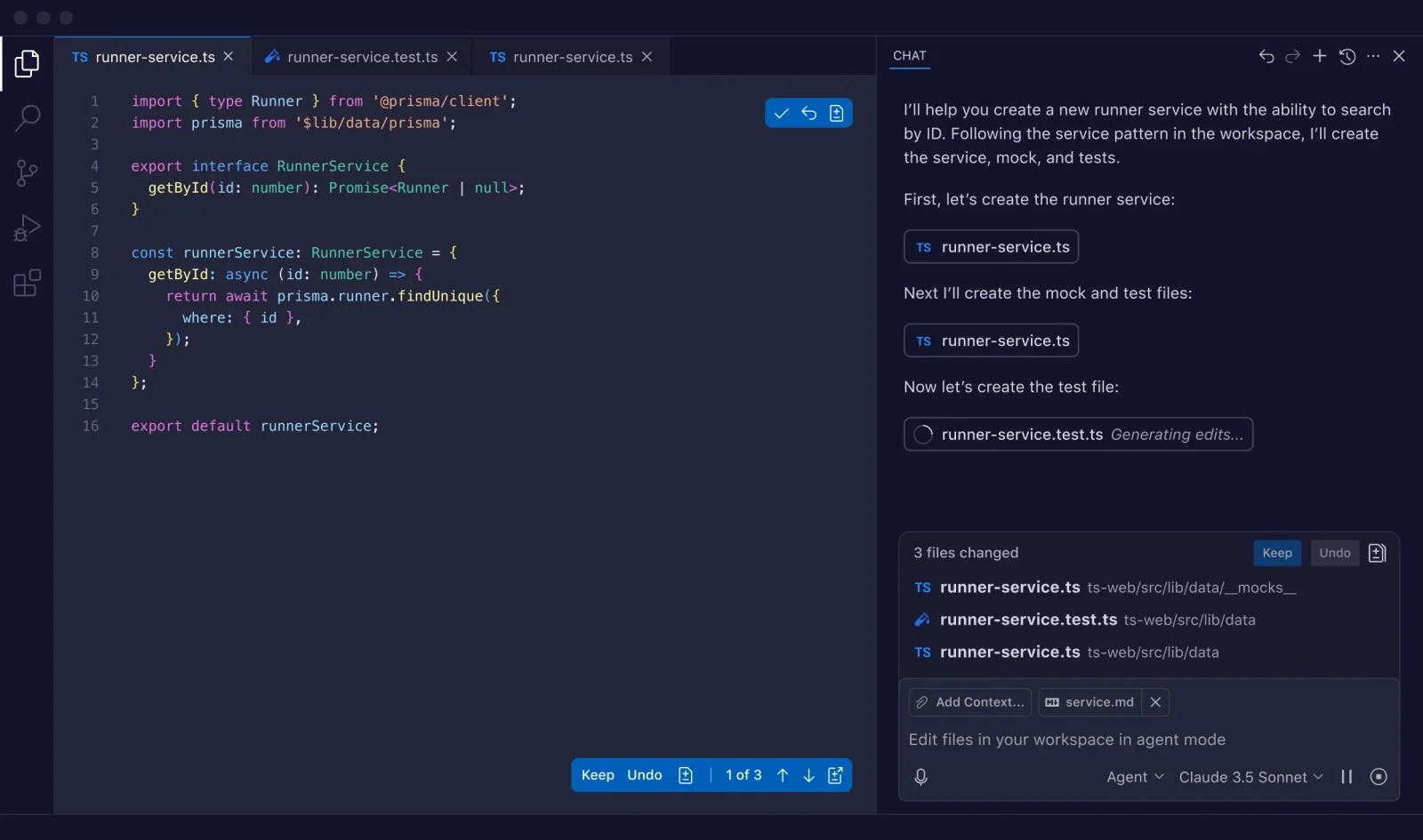
GitHub Copilot is like having an intelligent coding companion right inside your editor. It suggests code as you type, helps complete functions and even generates entire blocks based on context. Whether you are learning or building complex projects, it speeds up development and reduces repetitive work significantly.
| Pros | Cons |
| Fast and context-aware code suggestions | Fully paid tool |
| Supports multiple languages and frameworks | Requires review for complex logic |
| Easy integration with popular IDEs | Limited control over generated output |
GitHub Copilot felt like a natural extension of my editor. It speeds up daily coding tasks and reduces boilerplate work. For standard use cases, it performs consistently well, but I still rely on manual checks for edge cases and security-sensitive logic.
Read Also- Top Generative AI Tools (Updated 2026)
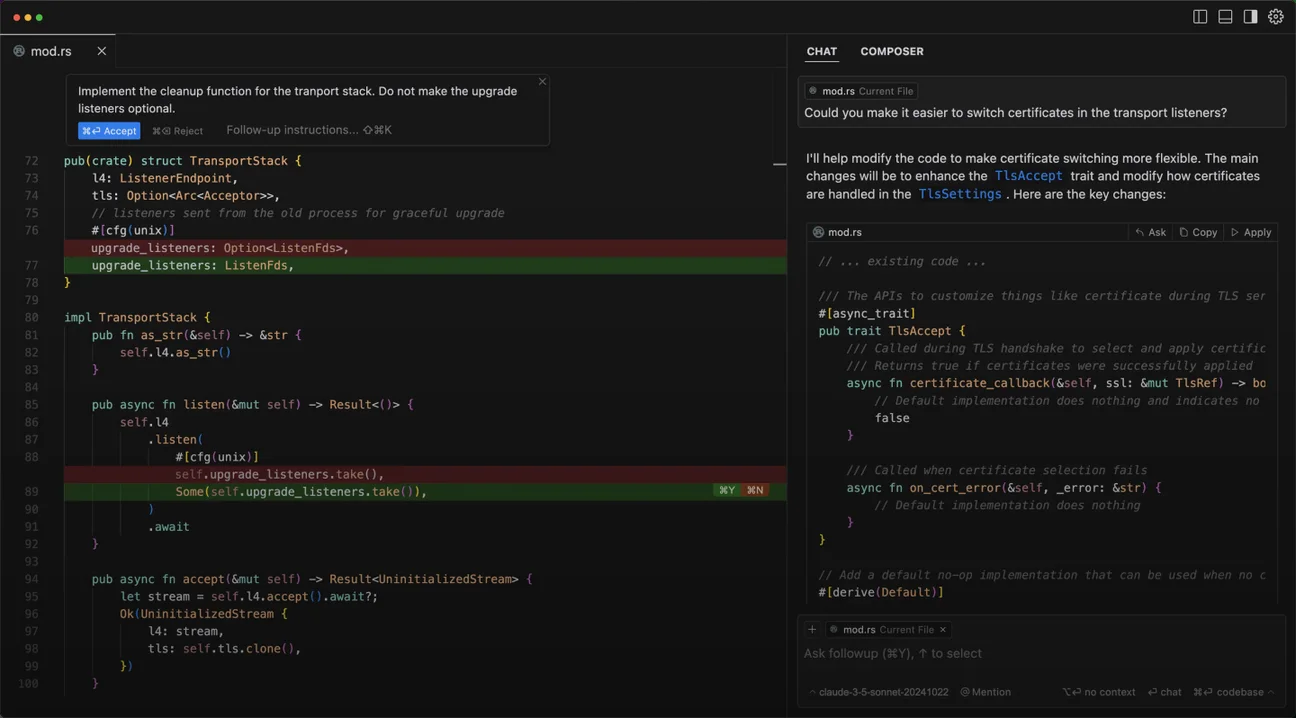
Cursor AI is a modern AI-powered code editor designed to make development faster and more intuitive. It understands your entire codebase and helps you write and refactor code, and answers questions directly within your project. It feels less like a tool and more like a smart teammate guiding you as you build.
| Pros | Cons |
| Agent mode enables multi-file changes | Requires trust in AI decisions |
| Built as an AI-first code editor | Not ideal for small, quick edits |
| Good at refactoring and restructuring | Subscription-based |
Cursor AI works best when given high-level goals rather than line-by-line instructions. It's effective for refactoring and feature implementation, but it takes time to get comfortable with how much control to delegate to the agent.
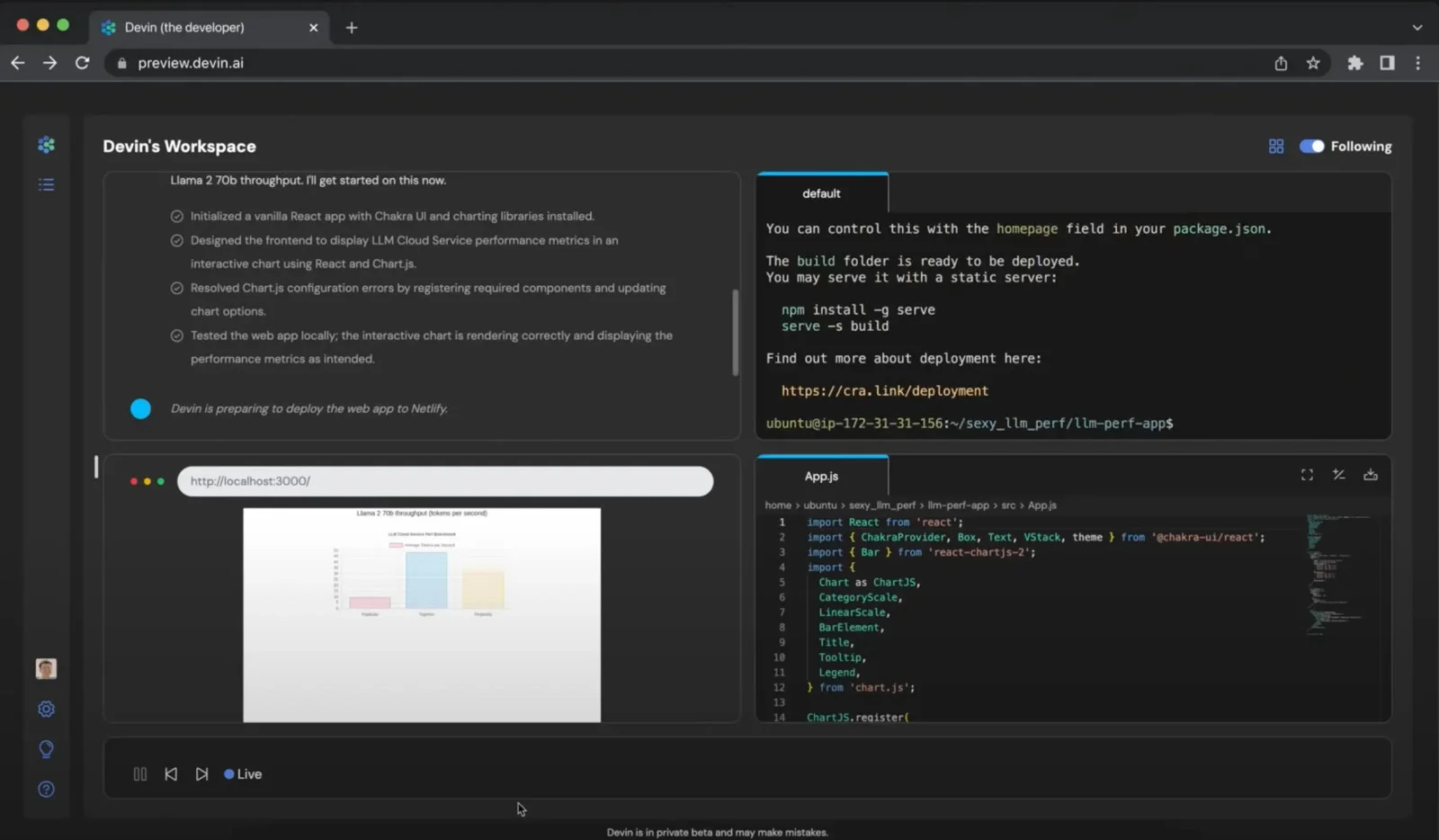
Devin is a commercial AI coding agent and its goal is to function as a complete software engineer. It is operated in a controlled computing environment with access to a terminal, an editor, and web capabilities.
| Pros | Cons |
| Handles tasks end-to-end | High learning curve |
| Operates with terminal and browser access | Less transparency in execution |
| Useful for automation-heavy workflows | Not ideal for fine-grained coding |
Devin feels more like a junior engineer than a typical coding tool. It's impressive in how it plans and executes tasks, but close supervision is necessary to ensure quality and correctness, especially in production environments.

Amazon CodeWhisperer is powered by Amazon's futuristic AI technology which revolutionizes the approach to coding. It speeds up the code composition process along with accuracy. It produces documentation in no time, offers smart code suggestions and functions.
| Pros | Cons |
| Strong focus on secure coding | Suggestions can feel conservative |
| Good cloud and infrastructure support | Less creative for custom logic |
| Multi-language support | Best results in AWS environments |
CodeWhisperer is reliable for secure and structured coding tasks. It's particularly useful when working with cloud services, though it doesn't always shine in experimental or unconventional coding scenarios.
Also Read- How To Start A Career in Artificial Intelligence
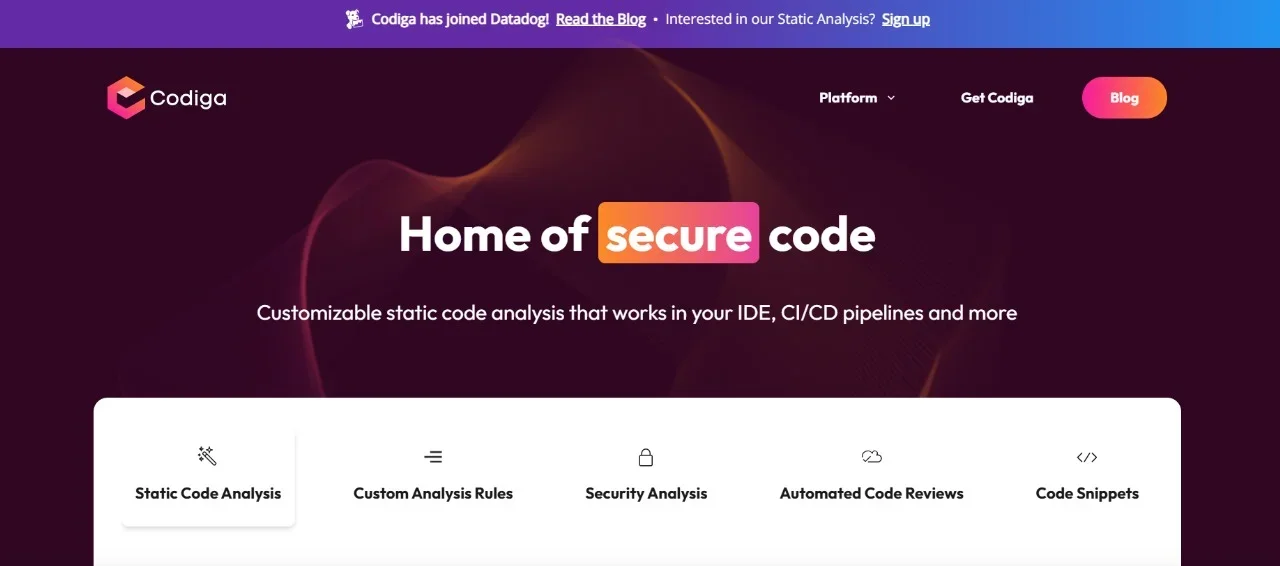
Codinga brings transformation in the development process with its enlightened code optimization, effective support and explicit autocomplete suggestions. It maintains the quality of code and standards while efficiently running the code process.
| Pros | Cons |
| Strong static code analysis | Not a full coding assistant |
| Helps enforce coding standards | Limited code generation |
| Identifies vulnerabilities early | Best used alongside other tools |
I mainly used Codiga as a quality control tool. It's effective for maintaining clean and secure codebases, but it complements rather than replaces AI code generation tools.
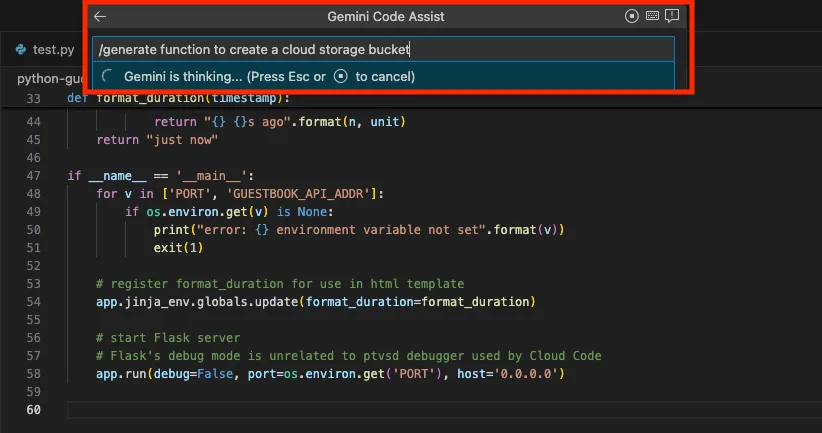
This Google's solution is a part of its wider Duet AI, and was launched in 2024. This technology makes use of Google's Gemini LLM (it is used for coding).
Gemini Code Assist helps you write, review and improve code directly within Google Cloud environments. It suggests code, explains logic and speeds up development tasks. It is especially useful for developers working with cloud-based applications who want faster workflows and better coding efficiency.
| Pros | Cons |
| Citation-backed code suggestions | Best suited for GCP users |
| Strong cloud integration | Paid offering |
| Supports chat and code completion | Limited value outside the Google ecosystem |
Gemini Code Assist works well when developing within Google Cloud. The citation feature adds confidence, though its full potential is realized only in GCP-aligned projects.
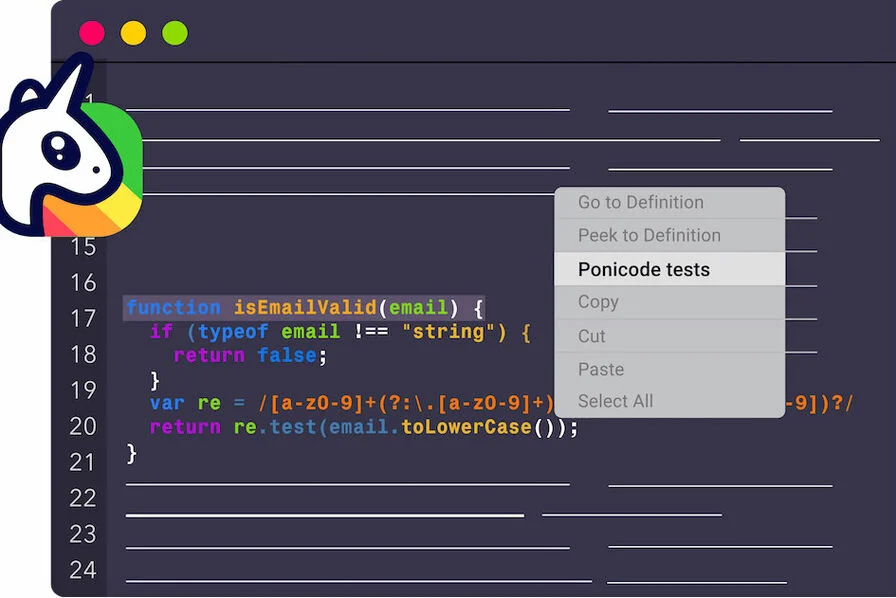
Ponicode is an amazing coding tool for unit test automation. It simplifies and speeds up unit test creation for developers. It's great to work on test-driven development and improve code quality. It connects with IDEs to produce unit tests across different programming languages.
| Pros | Cons |
| Automated unit test generation | Narrow use case |
| Improves test coverage | Not meant for general coding |
| Integrates with popular IDEs | Paid tool |
Ponicode helped speed up test creation, especially in test-driven workflows. It's valuable for improving coverage, but it isn't something I'd use outside testing-focused tasks.
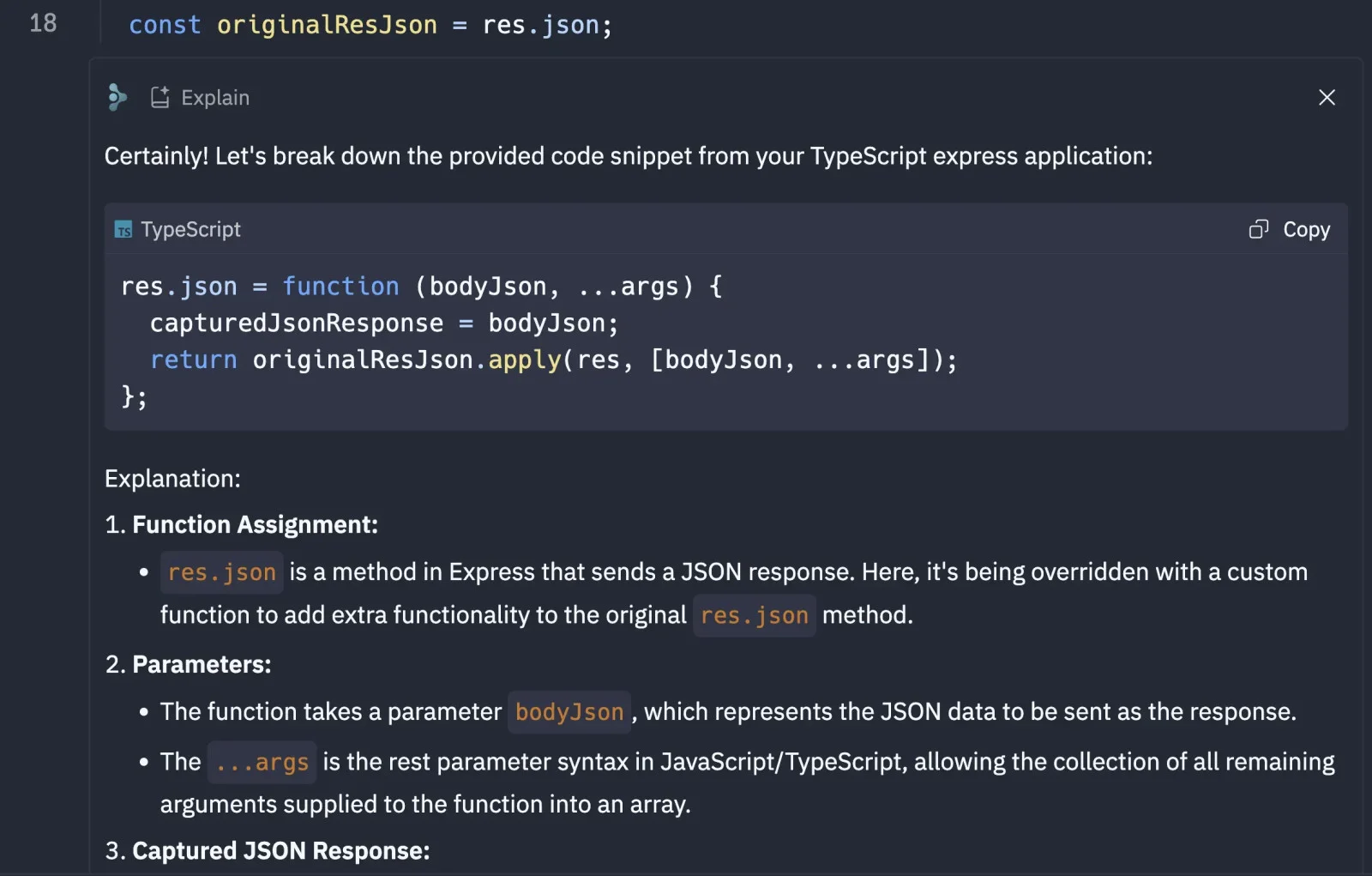
Replit AI is an online coding platform that works on development experience through artificial intelligence. It gives a cloud-based IDE to write and execute the code. Some of its features are free, but the complete set is only available for users with a Replit Core subscription. Subscription will give unlimited private projects, AI chat responses, and additional features.
| Pros | Cons |
| Browser-based and beginner-friendly | Limited scalability |
| Quick prototyping and debugging | Not ideal for large projects |
| Supports many languages | Advanced features require a subscription |
Replit AI is great for learning and rapid prototyping. It's convenient and easy to use, but for complex or enterprise projects, I prefer local IDE-based tools.
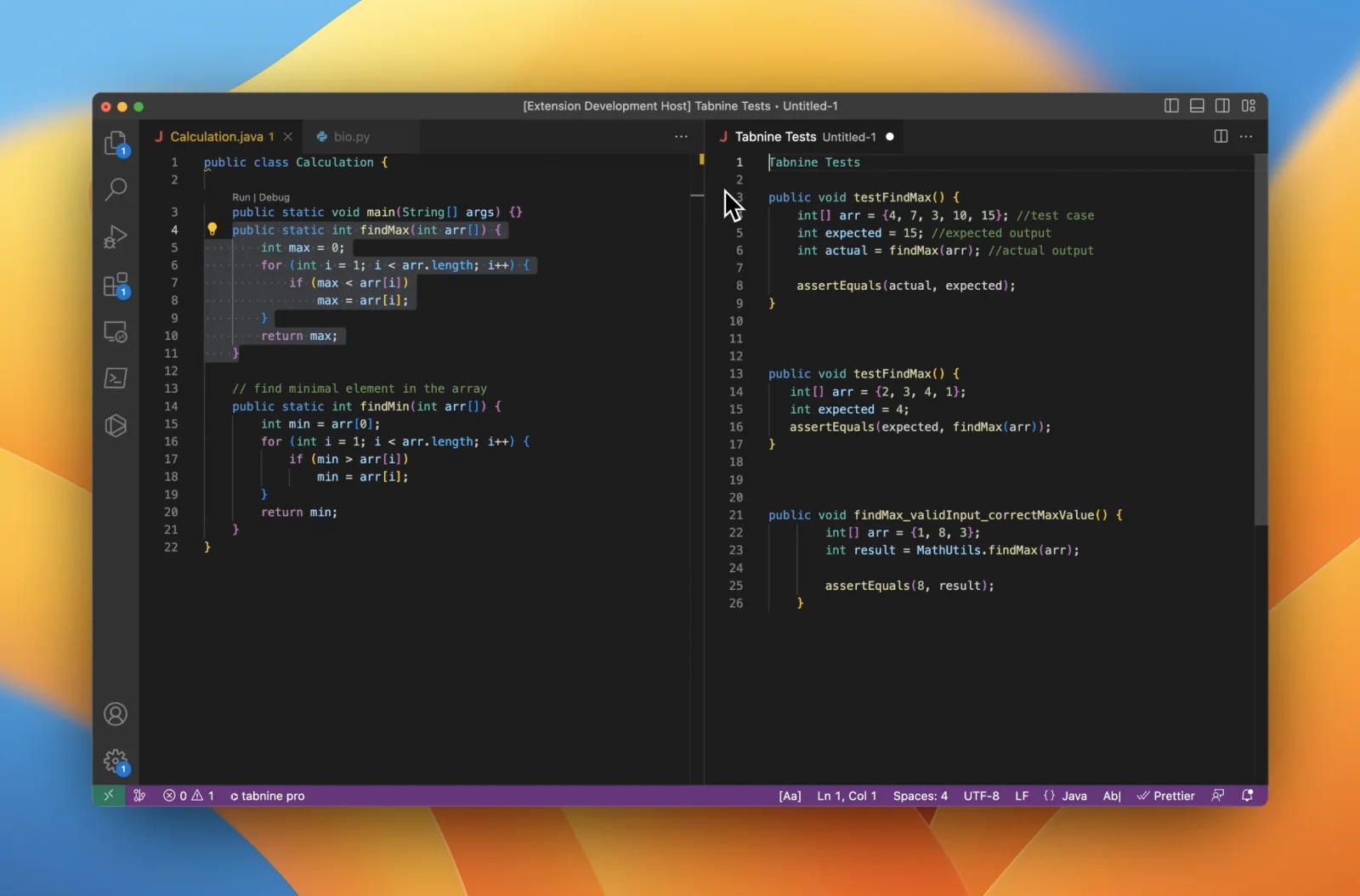
Tabnine is a leading AI coding assistant that gives priority to the security of users while speeding up and simplifying software development. One can write code easily with its chat feature. It also refactors the code, besides code completion and debugging being an add-on.
| Pros | Cons |
| Strong privacy and security focus | Suggestions can be less aggressive |
| On-prem and VPC deployment options | Paid for advanced features |
| Supports many IDEs | Less experimental output |
Tabnine feels reliable in security-sensitive environments. While its suggestions may not always be cutting-edge, it offers stability and peace of mind for teams prioritizing privacy.
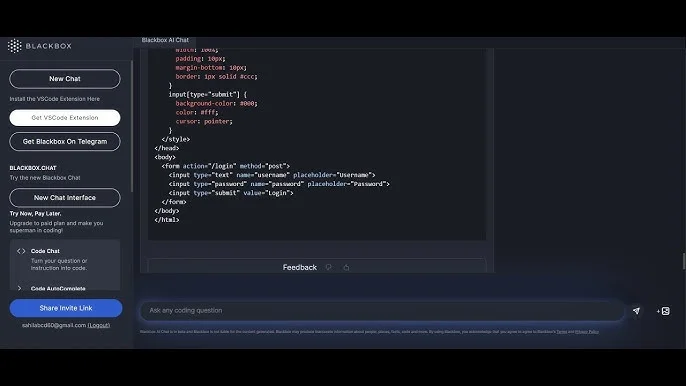
Blackbox AI is a popular coding tool for developers to write better code through artificial intelligence. It gives guidance to complete code, documentation and debug the code. It has other features like autocomplete, artificial intelligence chat, artificial intelligence commit, etc.
| Pros | Cons |
| Powerful code search | Context awareness can be limited |
| Helpful for understanding code | Not ideal for deep generation |
| Supports multiple platforms | Requires manual validation |
Blackbox AI proved useful for discovering code snippets and understanding unfamiliar codebases. It works best as a supporting tool rather than a primary coding assistant.
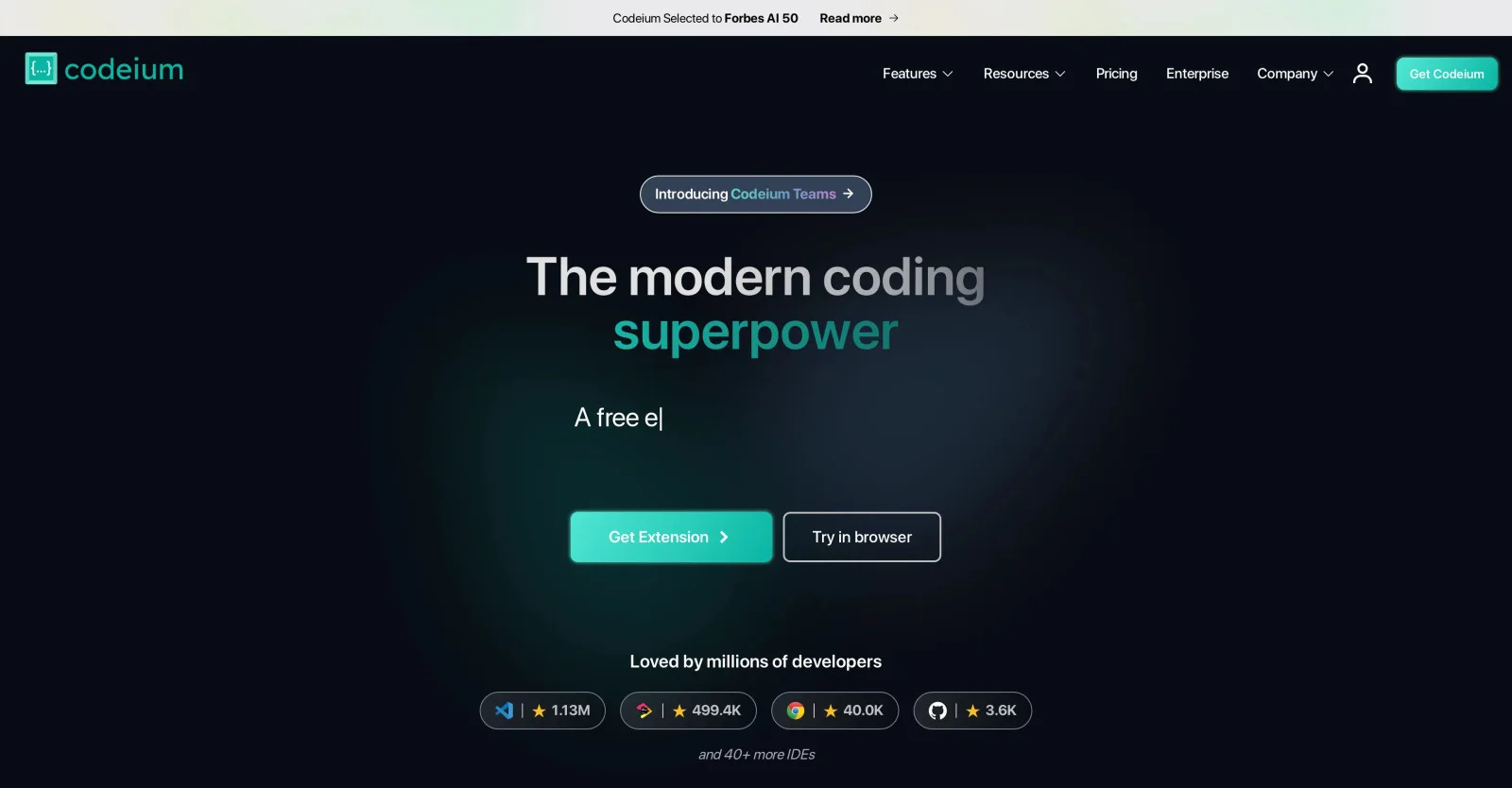
Qodo is a free solution for getting a fulfilling development experience. This is possible with Qodo's intelligent autocomplete, context-aware code generation and more developer features. It gives security and faster responses, which are similar to GitHub Copilot.
| Pros | Cons |
| Free and unlimited usage | Less advanced reasoning |
| Fast and lightweight | Fewer enterprise features |
| Good IDE support | Not ideal for complex logic |
Qodo stands out as a strong free option. It handles everyday autocomplete tasks well, making it suitable for beginners, students, and small teams.
We keep a long checklist of requirements before buying a product. It's essential to consider several factors before picking an AI coding assistant that works best for the purpose. This section covers all the points one must consider while picking their coding assistant.
Security is a predominant factor in the software development process. It's best to select tools that encourage secure practices and excel at detecting vulnerabilities.
It's challenging to navigate the complicated syntax of a programming language. It's important to keep in mind that the best tool offers corrections and syntax suggestions to make the coding process quick and smooth.
Technical advancements do not have an end, as they are constantly evolving. A powerful AI coding assistant must adapt to the technical landscape and come up with updated documentation, tutorials, and examples.
Users usually come across compatibility problems when integrating APIs into a project. AI coding tools assist developers in finding compatible libraries for a seamless integration process.
Top tools are proficient at automating tedious tasks, offering suggestions and assisting developers in meeting deadlines with uncompromised quality.
Coding assistants detect bugs in no time by analyzing code behaviour and suggesting effective fixes to save time.
One can have a satisfactory software development experience with these AI coding assistants. It gives developers a space to be more productive as the code work is up to these tools. It's giving a large window to learn and get high-quality project code. One should approach these tools with a balanced perspective, recognizing their potential as supplements and not replacements for human expertise and ingenuity.
Related Articles
The average salary for an artificial intelligence programmer is around $104,178 per year in the US. Salary for the same role in India is around or between ₹14.3 LPA to ₹15.8 LPA.
This is not a competition between machines and humans so the answer is no. It is more like a team to understand the nature of programming and artificial intelligence. It is not going to replace human work but make things hassle-free.
They are also called programmers, coders or software engineers. An artificial intelligence developer has similar responsibilities and functions.
Course Schedule
| Course Name | Batch Type | Details |
| AI and ML Certification Courses | Every Weekday | View Details |
| AI and ML Certification Courses | Every Weekend | View Details |