Learning Power BI helps you turn complex data into clear, actionable insights using interactive dashboards and reports. It is a powerful business intelligence tool trusted by professionals to analyze trends, track performance, and support data-driven decisions. Even beginners and non-technical learners can easily grasp its intuitive interface and strong visualization features.
In today's data-driven world, for making smart decisions, every business needs insights and Power BI is one of the best fits for this. Over 250,000 companies, including 97% Fortune 500 firms, use this to visualize their data and make decisions.
By mastering Power BI, you can improve your ability to present data effectively, boost your career prospects, and make smarter business decisions. Let's explore how you can begin your Power BI learning journey step by step.
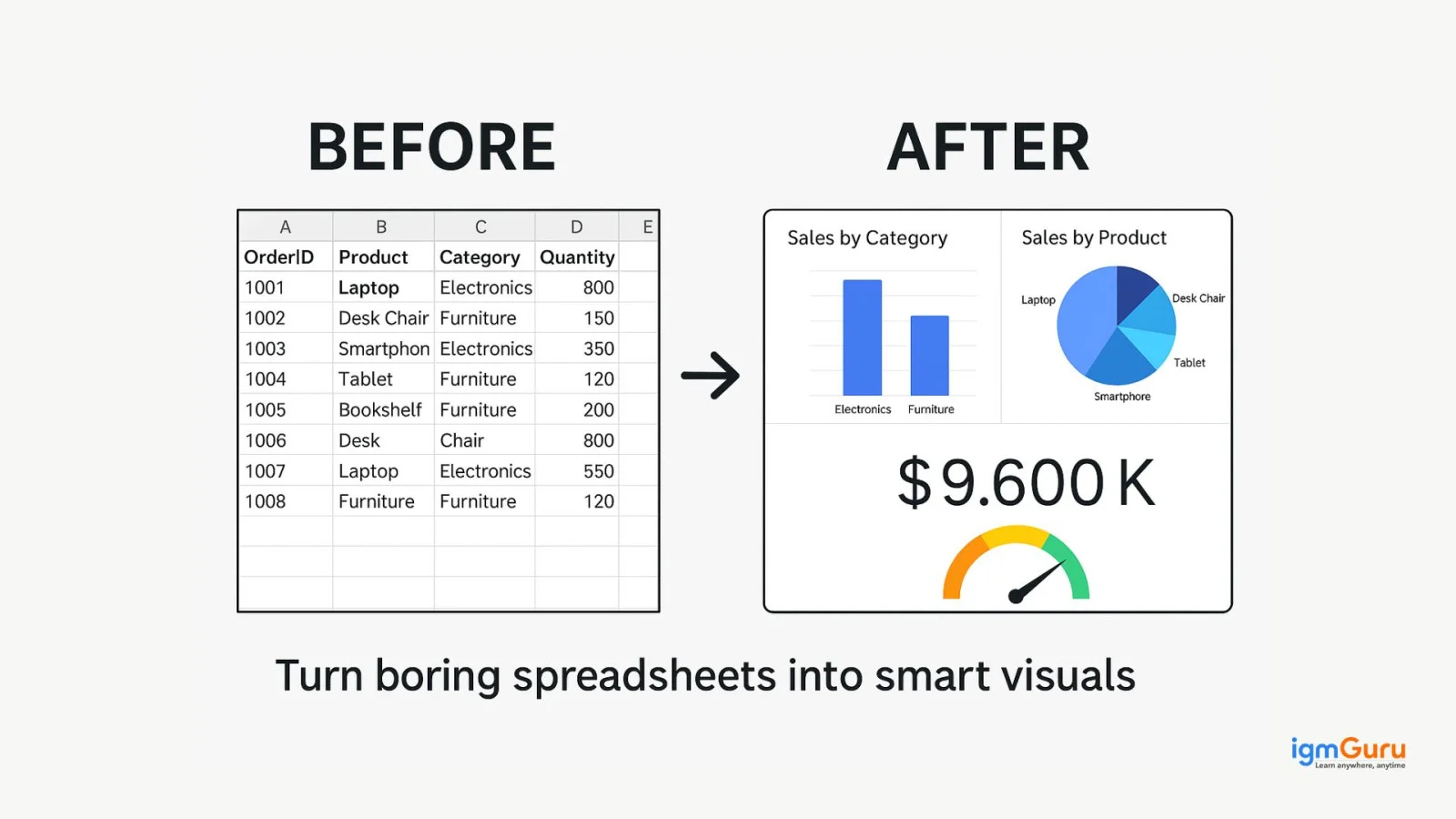
Power BI is Microsoft's powerful data analytics and business intelligence tool, which helps convert your raw data into beautiful dashboards and interactive reports. This is being used by businesses to make smart decisions without any heavy coding.
Despite your background, tech or non-tech, using Power BI's drag-and-drop interface and smart visuals is super easy. Power BI can help extract data to gain real-time insights from Excel, SQL, cloud platforms and any other sources. It means if you want to work with data, then Power BI is a smart start.
Explore igmGuru's most popular Data Science and BI Certification Courses and choose the one that best fits your needs.
Here are some important key features that you can experience to gain a better knowledge.
In today's digital age, where every click, scroll or action generates data, Power BI gives you the ability to convert raw data into meaningful insights is like a superpower. Through this, you do the cleaning, modelling, analyzing and sharing of the data. Yet you may have the query- why this tool in particular? Because of the following reasons:
Additionally, whether you are a student, working professional or searching for a job, Power BI will help you build your resume more strongly for data-related jobs. Along with that, it will also give you strong analytical skills without any hardcore coding and will make you a valuable employee in every department (Marketing, Finance, HR, etc.).
Also Read- Power BI Job Opportunities & Career
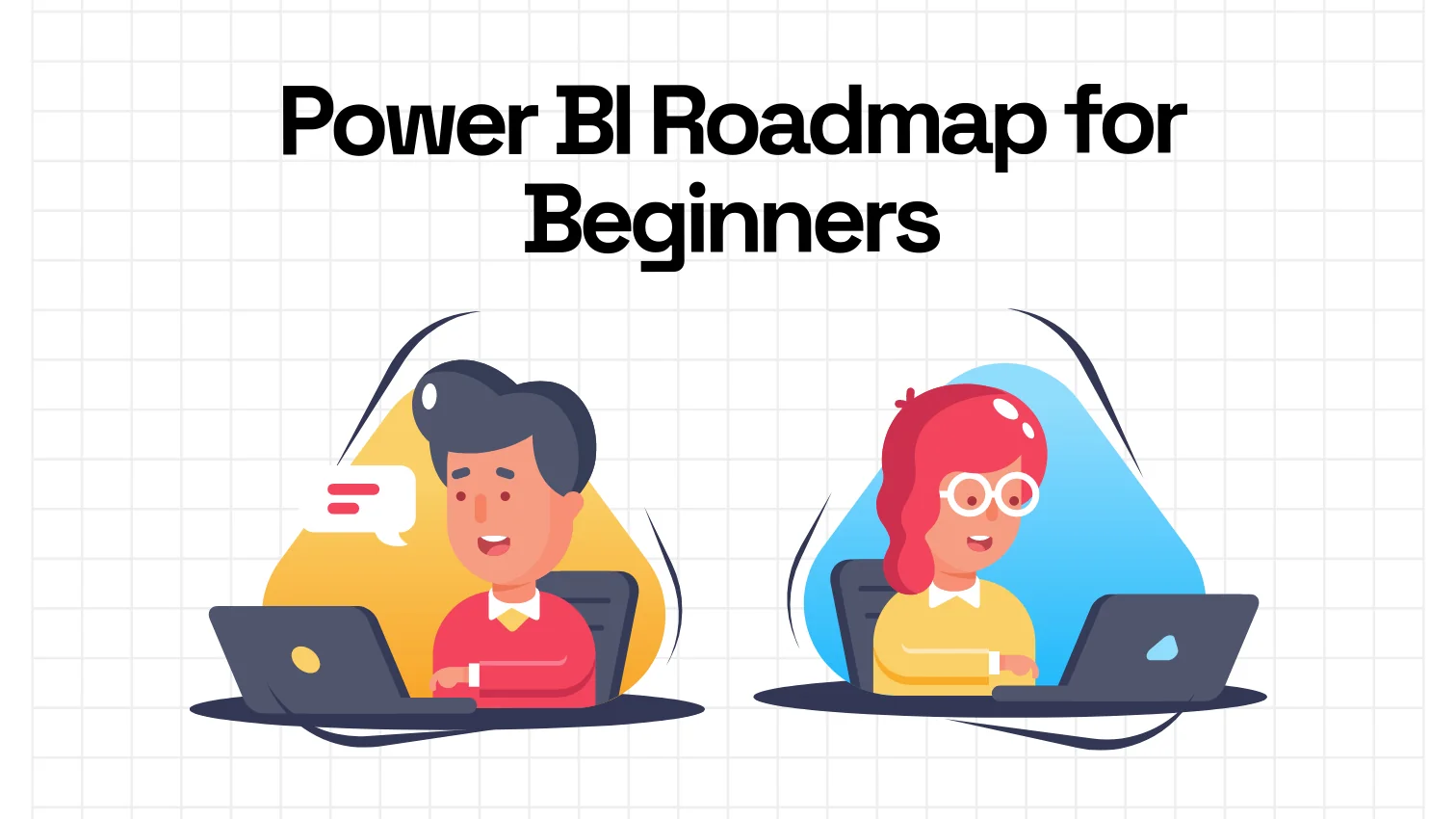
In 2026, Power BI has become more of a mindset for becoming a data analyst, rather than just a tool. Its interface is simple, yet for the mastery of this requires proper learning and hands-on projects practice. Whether you are clearing the PL-300 exam or appearing for job interviews, this 6-step roadmap can be your full guide.
So let's explore these 6 Steps-
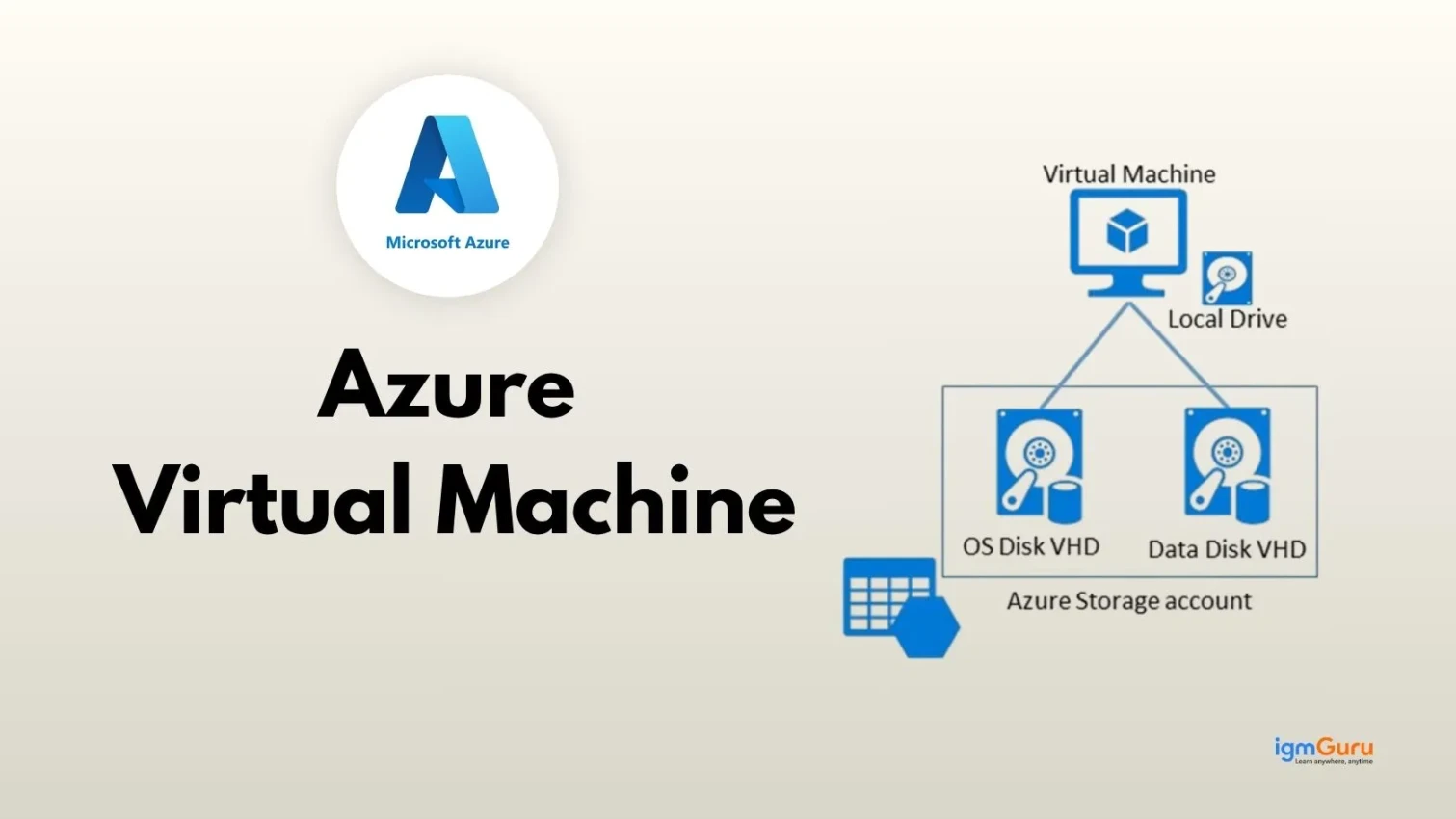
The first step to learn Power BI is installing the tool and getting familiar with its interface. This tool is only supported on Windows. You can use a virtual machine in case you do not have this operating system. You can download this tool from the official source for free. The next step is to get familiar with the interface of this tool.
The next step is to develop some visualizations, reports and dashboards. This involves a process with multiple steps. The steps are data extraction, cleansing, modeling and lastly visualization. There are many data types available on which you do not have to perform modelling or cleaning techniques. These might be helpful in the initial stage.
Perform complicated data analytics after mastering the visualization techniques. This includes creating data models, calculating elements with DAX, and cleansing information with Power Query Editor. These features are not as complicated as they seem. You can easily learn them one by one with focus.
Data has to be shared in each part of a company. The next step is to learn how to publish reports or share them among different teams of a company. This platform has many services for data sharing. You just have to sign up for its services and become familiar with the interfaces to publish reports.
Now build an impressive portfolio that includes all your skills and projects you have worked on. It builds a positive impression for candidates in the interviews. Pull out all the skills together into a workflow and build the portfolio. This portfolio will be a compilation of projects that you can highlight on your resume or any websites. The workflows are -
It is now time to clear the PL-300 certification exam. This credential exam checks many skills of individuals on this tool. You will have all the required skills by completing the process mentioned above. The enrollment fee for this examination is around $165, and it takes 90 minutes to complete. Topics included in this test are -
Related Article- How to Create a Dashboard in Power BI
Most of the aspirants often ask how long it will take to learn Power BI. It generally takes around one to six months in this process. This time span varies from person to person based on their previous knowledge and learning skills. This time is just for learning the basics.
There is still a long way to go after completing an online course. This includes working on real-world projects to gain hands-on skills. Going for an internship is certainly a good choice. One can also go for entry-level jobs that help shape the individual's mind and primary experiences.
Power BI is used by the majority of the 500 Fortune companies. This means one can build a stable career by mastering this platform. This 'how to learn Power BI' article has already given a structured learning path. To learn Power BI effectively, start with the basics using Microsoft’s official tutorials. Then check out online courses on platforms like igmGuru. YouTube videos and community forums can also be super helpful. Most importantly, spend time practicing on real-time projects and acquire the PL-300 certification to really master Power BI.
There are many free learning materials available, including tutorials, videos, blogs, documents and more. These are accessible for all and anyone can use them to learn it for free.
Power BI is indeed in high demand across different industries. Most of the businesses are now driven by data analytics and decision-making. This tool gives the best features in this instance. We can see the reflection of its demand in different statistics.
Answer - Power BI certification can definitely improve career opportunities for individuals. These credentials demonstrate holders' proficiency on this platform. Certified ones are also a preferred choice of employers.
Yes, you can learn Power BI on your own. To build your foundation, you can choose the right resources like online training, tutorials, videos and more.
Course Schedule
| Course Name | Batch Type | Details |
| Power BI Training | Every Weekday | View Details |
| Power BI Training | Every Weekend | View Details |