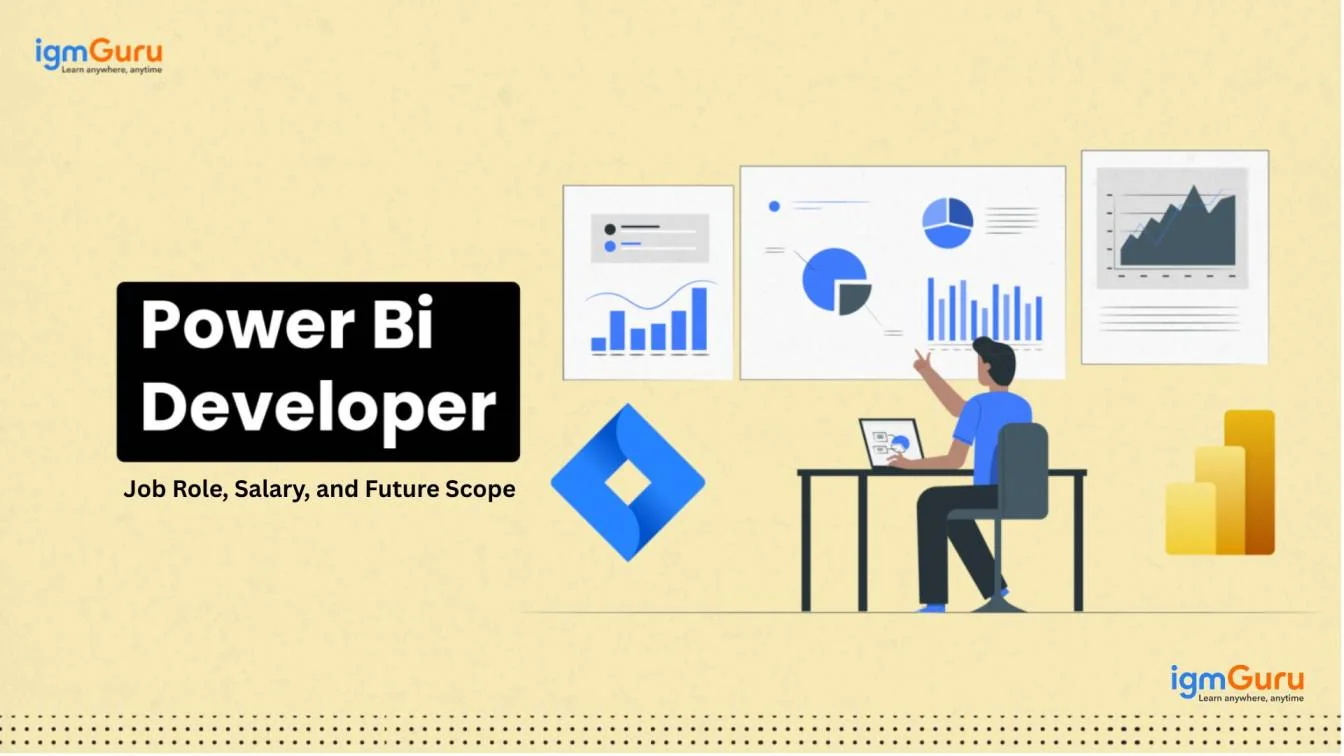
Power BI brings information and numbers to life for telling stories and making data driven decisions. It is a powerful tool for turning raw data into highly meaningful insights. Getting started with this tool to go from beginner to pro level means following a trusted Power BI learning roadmap. This Power BI roadmap for beginners includes all important steps to be followed.
Enroll in igmGuru's Power BI certification training program to become Power BI expert.
An implementation mindset is important to follow this Power BI learning roadmap till the very end. These steps must be followed for success and understanding this tool. Applying theoretical knowledge into practical application is very important for becoming a Power BI developer.
The first important thing to begin one's journey here is to understand what business intelligence is. Getting a clear idea about its important and usefulness in making data oriented decisions is also needed. Business intelligence is needed by all organizations and learning about the value it brings along must be understood. This knowledge alters the approach one has towards learning this tool.
One can begin to explore different tools like this one after understanding the business intelligence field. It is also a good idea to see which one is better in Power BI vs MSBI (Microsoft Business Intelligence), another popular BI tool.
Power BI Desktop is only available on Windows and it should be downloaded to begin learning. Many aspects can be explored by simply going on its desktop. A good way of learning the basics about this tool is the official documentation offered by Microsoft.
A good power bi course is the appropriate path to explore this tool as it opens up all the finest learning opportunities through industry experts. Courses are great for both beginners and experienced professionals. They are well articulated curriculums for systematic learning and exploration of the intended tool and topic.
Data is imported from different sources like Excel, cloud services and databases, and this process must be learned. Pick clean and ready to analyze datasets. This dodges getting slumped with the technical side of using the Power Query editor for cleaning and transforming data. Those technical must-knows are for later when one becomes an expert.
The focus at this stage should be on exploring and visualizing data. Begin with simple charts and move ahead with visually representing this data. Learn where each type of visualization is to be used for added helpfulness.
The journey will become more technical from here on. Having skills to explore and visualize data will lay the foundation for further analysis. Effective and accurate data analysis is possible only with proper data modeling and transformation. Clear and well-modeled data can be trusted regarding the quality of the insights it gives.
Get comfortable in using Power Query for transforming data. Knowledge of merging, cleaning and shaping data are a few concepts that are cleared in this step of Power BI roadmap. After preparation of data for analysis comes data modeling. There are different schemas for designing relational databases and data warehouses that should be learned here.
DAX is the acronym for Data Analysis Expressions and drives all the calculations performed in this tool. DAX formulas are dynamic, very powerful and versatile for creating measures, tables and columns in the model. Basics of DAX should be learned like functions, context and syntax.
A solid foundation and knowledge of contexts in DAX formulas is needed since these are dynamic. They change with regards to the context of their creation. Top specific DAX formulas to be learned include DAX LOOKUPVALUE and DAX SUMMARIZE().
The next step in this roadmap for Power BI is moving on to learn its advanced features for improving the reports' analytical capabilities. Key advanced analytics and visualization options include conditional formatting, custom visuals, trend lines, dynamic lines, clustering and forecasting.
DAX knowledge can be deepened at this stage by learning advanced formulas and concepts for performing complicated calculations. This can be taken further by learning the usage of this tool for predictive analytics and branching out into programming by learning to write Python or R scripts directly. There are new tools and features to learn about like using Power BI Copilot in Microsoft Fabric.
It's time to move beyond learning and step into doing and applying these new skills. Work on real world projects for a deeper understanding of using this tool in a business setting and gaining hands-on experience.
Working on projects will give enough material to build a portfolio too. A professional portfolio has become very important to seek the attention of potential employers. A project with a clear challenge and use case is sure to impress the hiring managers. These are very helpful when appearing for an interview.
Getting certified is an important step towards becoming a Power BI developer. It is the last step and stop in the roadmap power BI for demonstrating and validating one's skills. A certificate opens up the candidate to better and wider career opportunities. A good accreditation is needed to get the hiring managers to notice the resume and pick it over other candidates.
The Microsoft Certified - Power BI Data Analyst Associate credential carries a lot of weightage on one's resume. Earning this accreditation is highly recommended on the journey to become a trained, certified and learned developer for this tool.
Related Article - Power BI Tutorial
Power BI certifications validate your ability to prepare, model, visualize, and analyze data using Microsoft Power BI. While Microsoft offers many certifications in analytics and data engineering, only a limited number focus directly on Power BI. The following certifications are the most relevant for professionals pursuing a Power BI career.
The PL-300 certification is Microsoft's official Power BI certification. It validates skills in data preparation, modeling, visualization, report creation, dashboard development, and analytics using Power BI. It is widely recognized by employers and is considered the standard certification for Power BI professionals.
Skills Measured:
Best For: Power BI Developers, Data Analysts, Business Intelligence Analysts, and Reporting Professionals.
Although this certification focuses on Microsoft Fabric, Power BI is one of its core components. Candidates learn how to build semantic models, create enterprise reports, implement analytics solutions, and work with Power BI within the Fabric ecosystem.
Best For: Experienced Power BI professionals working with enterprise analytics platforms.
This certification focuses on building and managing data solutions in Microsoft Fabric. While it is not exclusively a Power BI certification, it complements Power BI reporting by covering the data engineering layer that powers analytics and reporting solutions.
Best For: Power BI professionals expanding into modern analytics and data engineering.
For most learners, the PL-300 certification should be the first and primary goal because it focuses directly on Power BI skills used in real-world reporting and analytics projects. After gaining experience, professionals can pursue Fabric certifications such as DP-600 to expand their expertise into enterprise analytics and advanced reporting solutions.
There are a lot of career paths and opportunities out there once you master the Power BI skills. Power BI jobs are estimated to be in high demand, with salaries ranging from INR 4,80,000 to INR 20,00,000+ annually in India. They earn up to $70,000 to $110,000 average annual salary in the USA.
These salaries further vary on the basis of their experience and job locations. Here is a glance at the top Power BI job roles and their annual salaries on the basis of their experience:
| Power BI Job Roles | Beginner (0-2 Years Experience) | Intermediate (3-5 Years Experience) | Experienced (6+ Years Experience) |
| Power BI Developer / Analyst | India: INR 3,00,000 - INR 6,00,000 US: $70,000 - $90,000 | India: INR 6,00,000 - INR 12,00,000 US: $95,000 - $120,000 | India: INR 12,00,000 - INR 20,00,000+ US: $120,000 - $150,000+ |
| Power BI Consultant / Architect | Not for beginners. | India: INR 10,00,000 - INR 18,00,000 US: $100,000 - $140,000 | India: INR 18,00,000 - INR 30,00,000+ US: $150,000 - $190,000+ |
| Power BI Manager / Data Analytics | Not for beginners. | Not for intermediates. | India: INR 25,00,000 - INR 40,00,000+ US: $160,000 - $220,000+ |
The Power BI roadmap begins with building a solid foundation in its fundamentals like data visualization and modeling. The complexity of this tool increases as one's existing knowledge span expands. The job role of a Power business intelligence developer includes understanding business context, maintaining data privacy, effectively communicating insights and much more.
Explore Our Trending Articles
It is a beginner-friendly tool that anyone can begin learning because there are no prerequisites to get started. Prior Excel experience is an addition when learning this business intelligence tool.
Starting a career in Power BI means having a bachelor's degree in an associated field. Learn basics like data operations, modeling, BI, data transformation and visualization. Learn about DAX, practice on real world projects and build a strong portfolio.
Course Schedule
| Course Name | Batch Type | Details |
| Power BI Training | Every Weekday | View Details |
| Power BI Training | Every Weekend | View Details |