Have you ever wanted to learn more about what actually happens when an operator is used in Python to perform calculations, comparisons or logical decisions? Operators are the primary tools through which all of these actions can be accomplished within Python programming languages.
I have been doing hands-on real-world coding with Python programming for over three years. During that time I have become very knowledgeable about how to use operators efficiently and cleanly in code. I have used logical operators in authentication systems where multiple conditions must be verified together. A common mistake beginners make is confusing == with is, which can lead to unexpected bugs
In this article, I will provide you with practical examples to assist you with gaining confidence in your ability to use Python operators in your own programming. Let’s start!
Python operators are special symbols or keywords that are used for performing operations on variables and values. They are the building blocks of any Python program that can help you manipulate data easily.
For example:
|

Read Also: Python Tutorial for Beginners
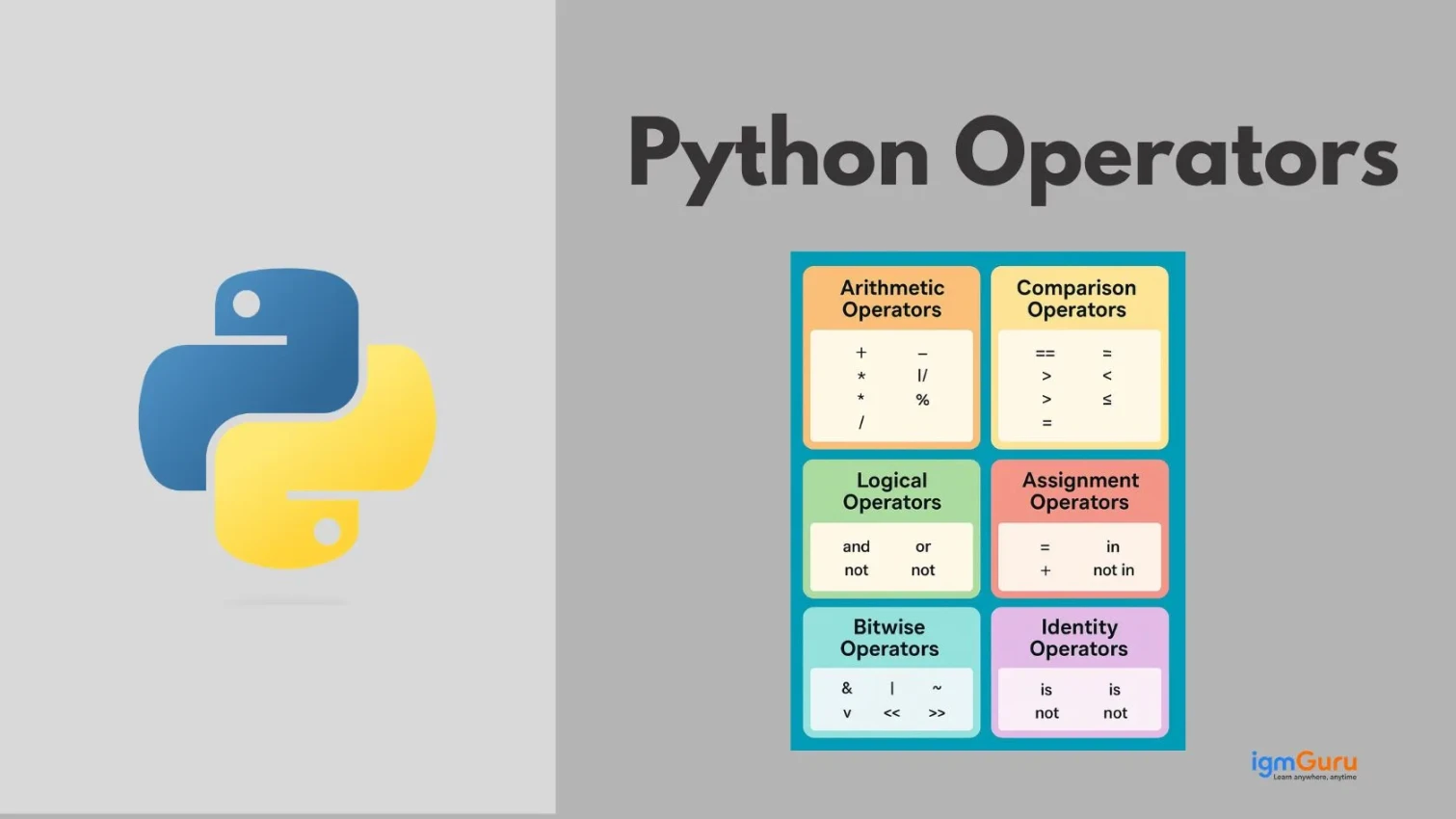
Before writing effective Python code, it is important to understand the different types of operators available. Each type serves a specific purpose, which makes your code more efficient and readable. In this section, I will explain you the main types of operators in Python.
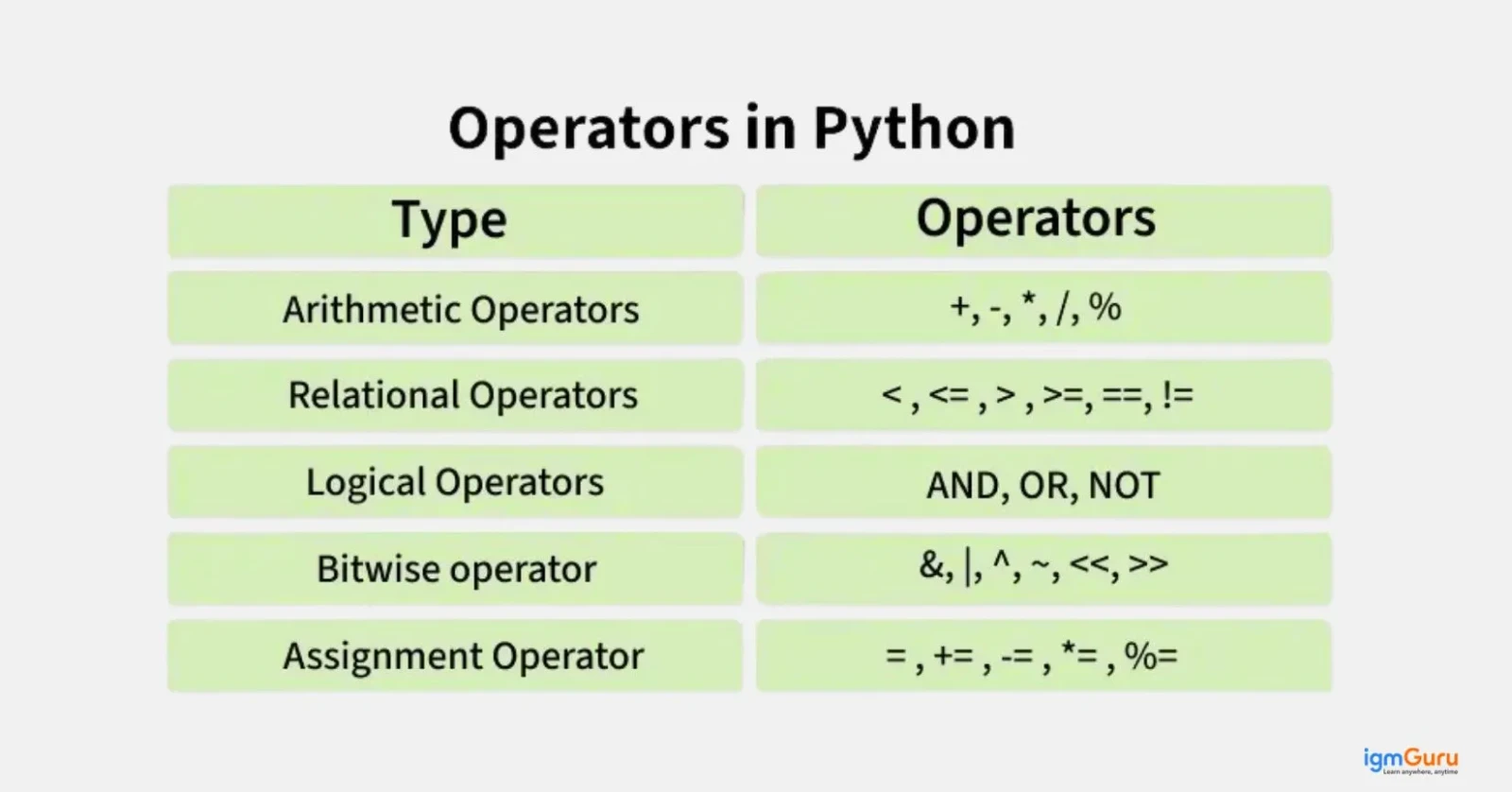
Arithmetic operators are used when you have to perform basic mathematical operations like addition, subtraction, multiplication and division. You use them with numeric data types like integers and floats.
| Operator | Name | Example | Result |
| + | Addition | 10 + 5 | 15 |
| - | Subtraction | 10 - 5 | 5 |
| * | Multiplication | 10 * 5 | 50 |
| / | Division | 10 / 3 | 3.33 |
| % | Modulus | 10 % 3 | 1 |
| ** | Exponentiation | 10 ** 2 | 100 |
| // | Floor Division | 10 // 3 | 3 |
For example:
|
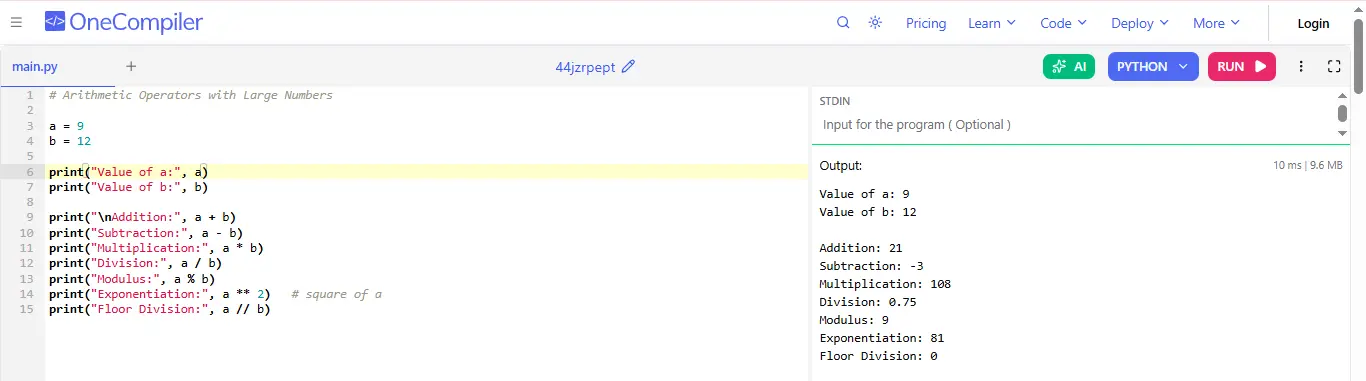
Comparison or Relational operators compare values. It either returns True or False, which you need for conditional logic in if statements and while loops.
| Operator | Name | Example | Result |
| == | Equal to | 10 == 5 | False |
| != | Not equal to | 10 != 5 | True |
| > | Greater than | 10 > 5 | True |
| < | Less than | 10 < 5 | False |
For example:
|
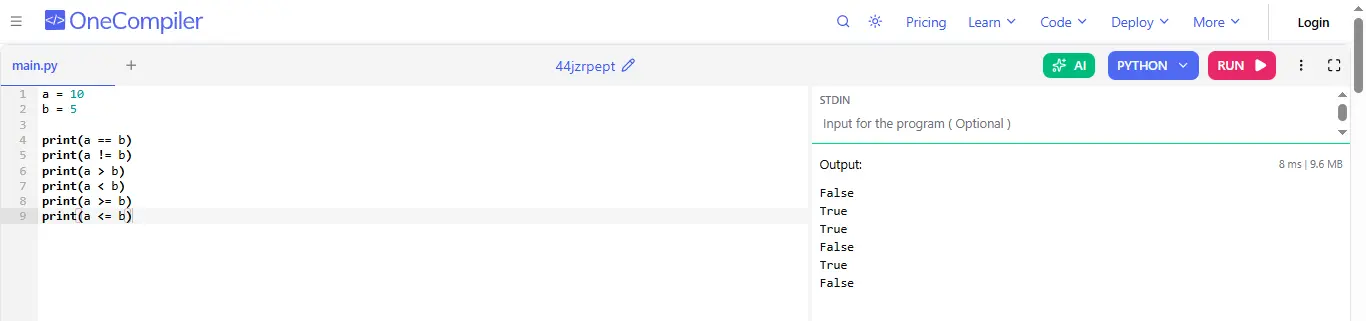
Logical operators combine conditional statements and return True or False. You can use them to create complex decision making logic. The precedence of Logical Operators in Python is as follows:
For example:
|
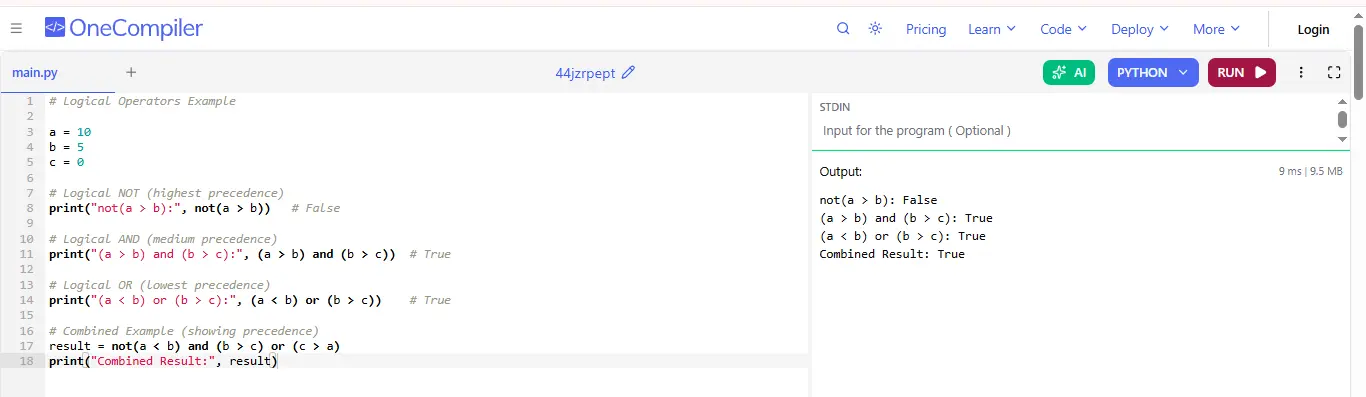
Bitwise operators are used to perform operations on numbers at the binary (bit) level. Instead of working with whole numbers. They work on individual bits (0s and 1s) of a number.
For example:
|
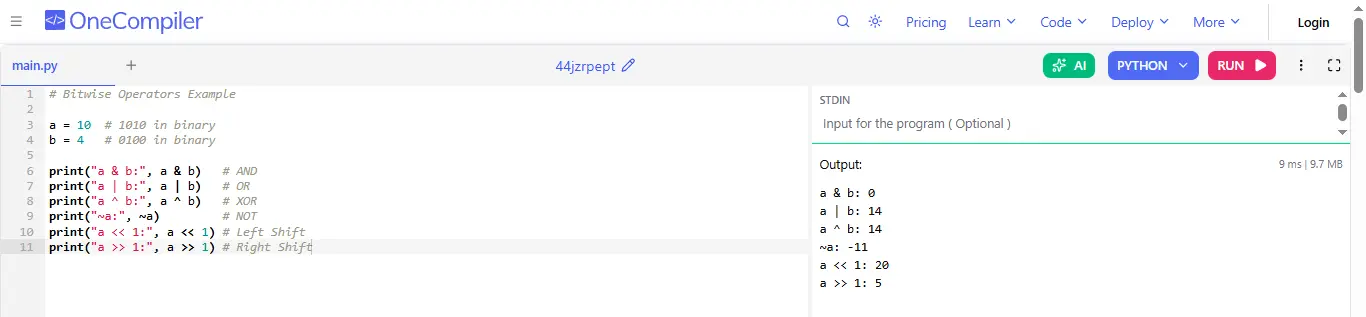
Assignment operators are used to assign values to variables. They can also perform operations and assign the result in one step.
For example:
|
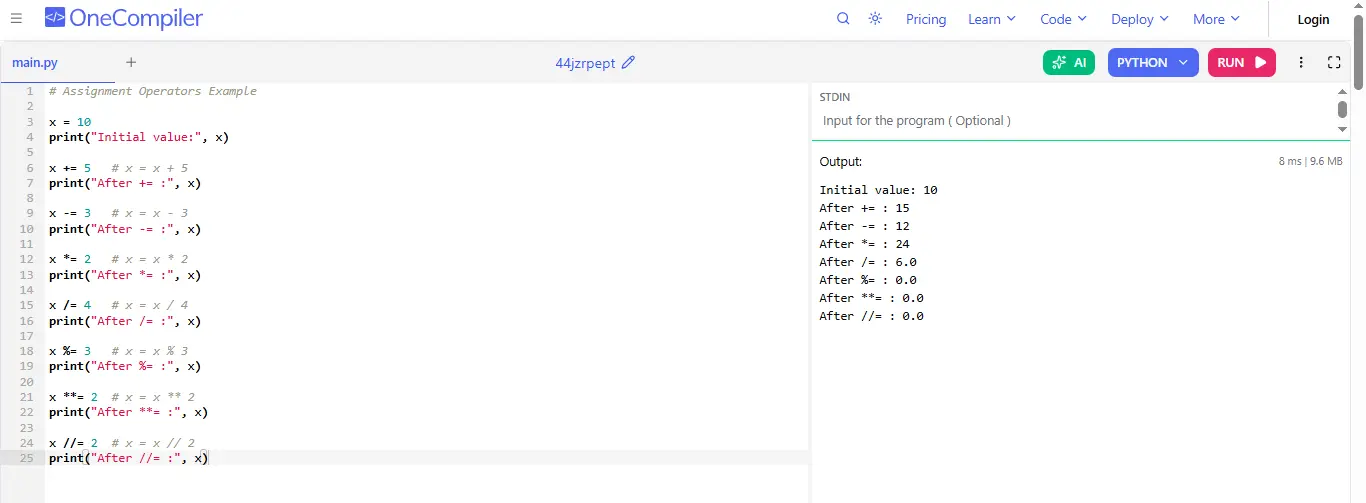
Read Also: Python Interview Questions and Answers
When you are writing a Python expression with multiple operators, Python needs to decide which operation to perform first. That’s where precedence and associativity come in.
Operator precedence is the rule that determines operator priority in an expression. It decides which operation is performed first.
Example:
|

Multiplication has higher precedence than addition, so it runs first.
Operator associativity defines the order in which operators of the same precedence are evaluated (left to right or right to left).
Example:
|

Read Also: Final Keyword in Java
When you are learning Python, not every operator is about doing math. Some operators help you understand relationships between values, like checking if two things are actually the same object or if something exists inside a collection. These are called the special operators.
Here are the two special operators:
Identity operators are used to check whether two variables point to the same object in memory and not just if their values are equal.
Operators:
For example:
|

Membership operators are used to check if a value exists inside a sequence like a list, string, tuple or dictionary.
Operators:
For example:
|

Read Also: Static Keyword in Java
Operators in Python are not limited to theory, but instead serve as an important part of practical programming. Every program you develop to address a particular task may utilize one or more of the operators. Understanding their practical use cases to produce efficient, easy-to-read code to solve real-world issues is essential.
Here are some of them:
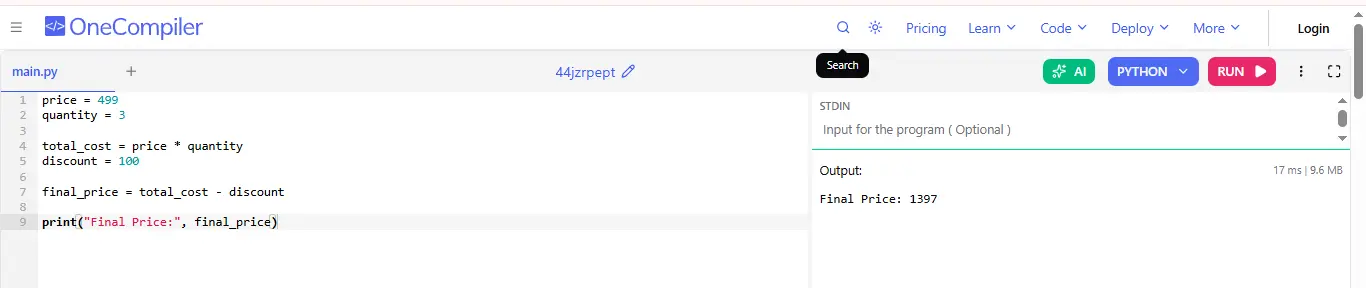
Arithmetic operators are used to perform mathematical calculations like totals and discounts, which helps in managing pricing, billing and financial computations efficiently in real-world applications.
For example:
price = 499
quantity = 3

total_cost = price * quantity
discount = 100

final_price = total_cost - discount

print("Final Price:", final_price)
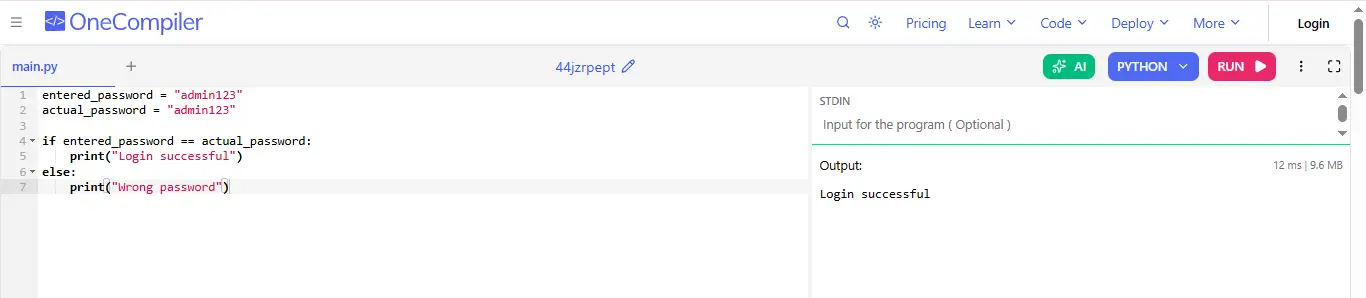
Comparison operators verify user credentials by checking equality between entered and stored values, which ensures correct authentication and prevents unauthorized access.
For example:
|
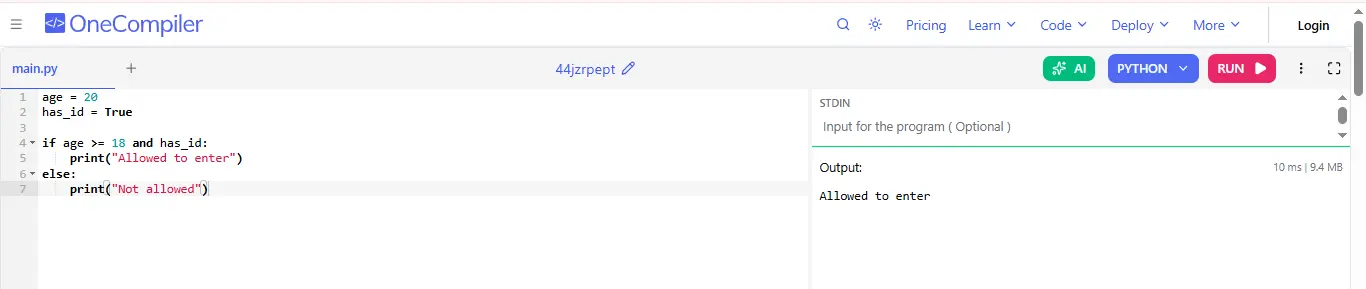
Logical and comparison operators combine multiple conditions like age and identity verification to decide eligibility. It is commonly used in validation and access control systems.
For example:
|
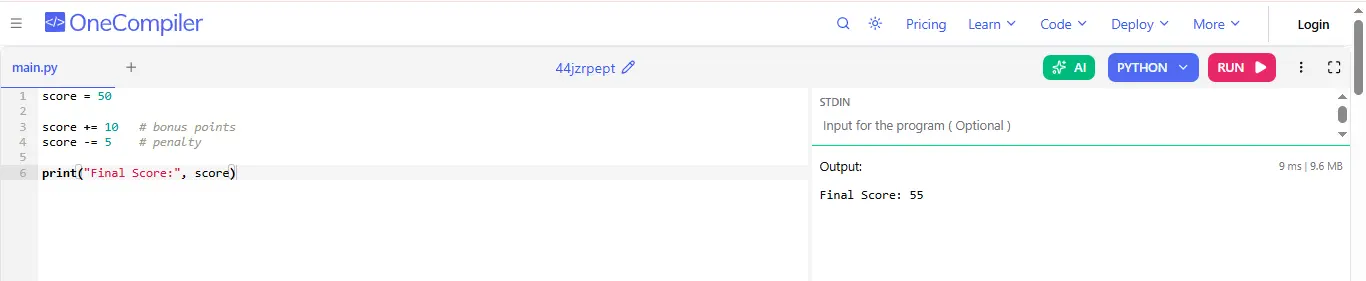
Assignment operators update values efficiently, such as adding bonuses or subtracting penalties, which makes them useful in games, scoring systems and real time tracking.
For example:
|
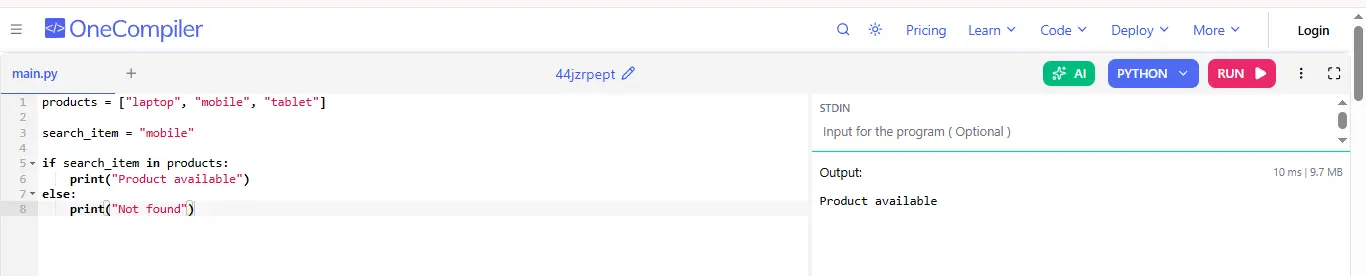
Membership operators check whether an item exists in a list or database, enabling fast search, filtering and validation in applications like e-commerce and data systems.
For example:
|
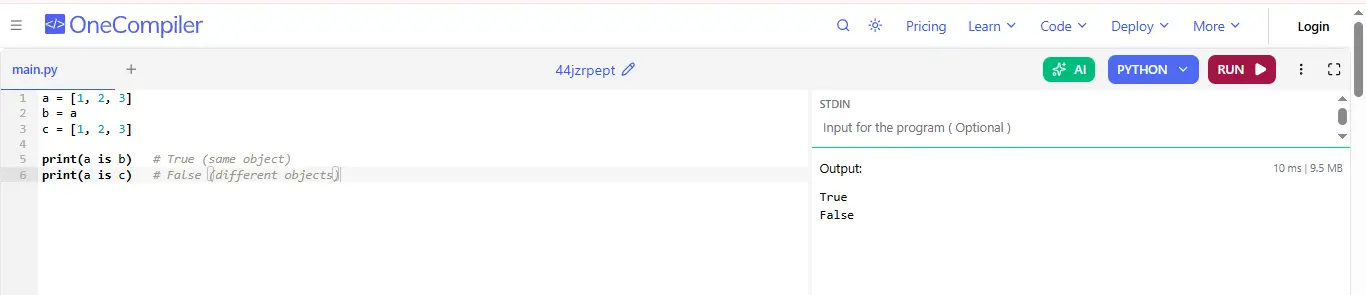
Identity operators compare memory locations instead of values, which helps in determining if two variables refer to the same object, useful in optimization and debugging.
For example:
|
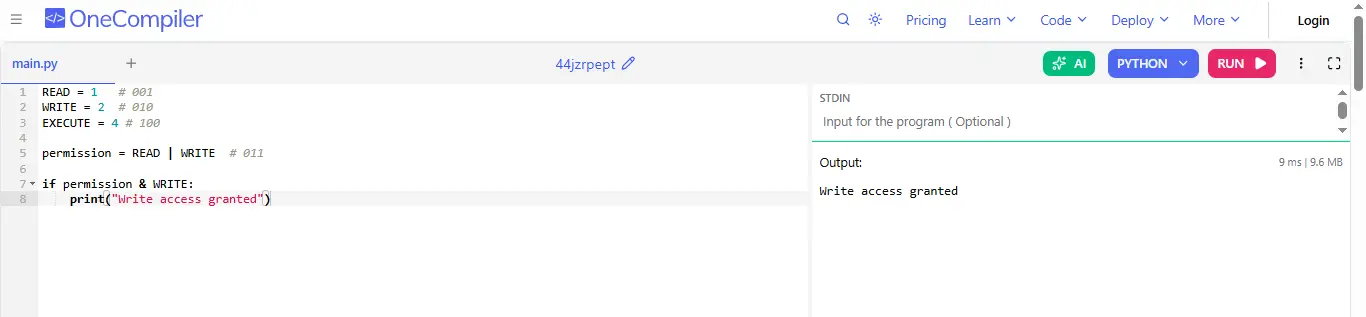
Bitwise operators are used to perform operations on binary values, commonly for managing permissions or flags efficiently in system-level and performance-critical applications.
For example:
|
Operators used in Python are fundamental tools for performing mathematical calculations, creating computer-based logic for making decisions, and manipulating and managing data. By better understanding the various categories of operators and how they work along with one another, programmers will produce better programming code that is more concise and clean.
Learning about the operators is fundamental to learning about programming and solving problems in a real-time fashion with increased accuracy and assurance.
These are essentials as they allow you to perform specific mathematical, logical and relational actions on variables and values
Logical operators will help you combine multiple conditions and decide whether a block of code should run. They are mainly used in if statements to check complex conditions easily.
Both are operators and they are used differently. and is a logical operator used to combine conditions, while == is a comparison operator used to check if two values are equal.