Learning Python often begins with a simple example, such as the Hello World program. It’s a tradition in programming to begin with a tiny script that prints a message on the screen. This helps you understand how Python code looks and how it runs without overwhelming you. This Python Hello World guide is perfect for:
Note: Before writing your first program, make sure you install Python and understand the basics from a Python tutorial.
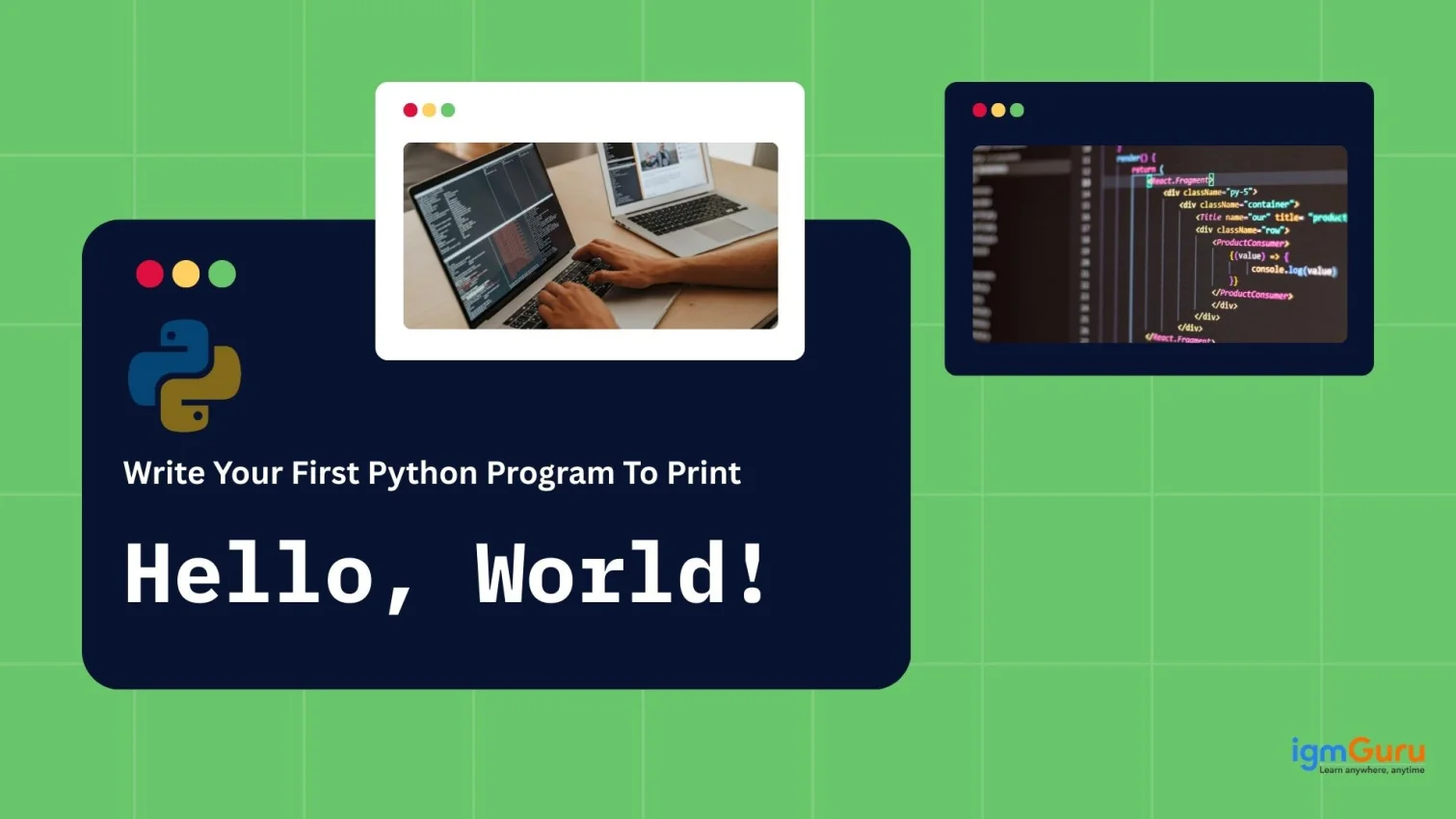
The Hello World application is one of the easiest Python applications which helps to display a message on the monitor. The application is always run by those who just started learning the programming language as it serves to check that the installation of Python was successful and to learn about the syntax.
Hello World example plays a huge role in all programming languages. Despite the existence of only one line of code, the program teaches to create code and run Python applications.
There are several reasons why almost every Python tutorial begins with the Hello World program.
This small program is considered the first milestone in every programmer's journey.
Here’s the simplest Python program you can write:
|
|
You can run it in:
Let’s break down the working of the Python Hello World Program
print() is a built-in Python function."Hello, World!" is a string (A data type in Python), meaning text enclosed in quotes.That’s it—Python handles the rest for you!
The example given above is not the only method to print Hello World in Python. There are many more. Here are some variations you should know about:
|
|
|
|
Here, msg is a Python variable used to store a value.
|
|
|
The Hello World program is your first step into Python programming. It's simple yet powerful because it introduces you to writing code, running it, and seeing instant results. Once you understand this, you’re ready to explore variables, data types, loops, and build real-world projects. You can refer to a Python cheat sheet for the same. If you're just starting, following a step-by-step roadmap on how to learn Python can help you progress faster.
The print() function in Python is used to display output to the console. It's commonly used to show messages, results, or any information you want to present to the user.
The def keyword in Python is used to define a function. It tells Python that you're about to create a reusable block of code that can be called with a specific name and can accept inputs (parameters) to perform a task.
After saving your Python script with a .py extension (e.g., hello_world.py), you can run it by opening your command line interface (CLI), navigating to the directory where you saved your .py file using the cd command, and then typing python hello_world.py to execute the script.
The Python Hello World Program helps beginners understand the basics of syntax and how to run their first code.
Install Python, open an editor or IDE, write print("Hello, World!"), save the file as .py, and run it in the terminal.