You know that your computer can run complex applications without showing all the complicated processes happening in the background. That is because of a concept called abstraction. In Java, it is one of the core principles of Object Oriented Programming that helps manage complexity by focusing only on essential features while hiding unnecessary implementation details.
I have a strong knowledge of Java and hands-on experience in developing applications and that is why I understand how important abstraction is in building clean, scalable and maintainable software solutions. In this blog, I will explain you about what is abstraction in Java, how it is achieved, real world application and some common mistakes for you to avoid. Let’s begin!
What is Abstraction in Java?
Abstraction in Java is the process of hiding internal implementation details and showing only the essential functionality to the user. It allows developers to focus on what an object does rather than how it does it.
A real-world analogy is a car dashboard. You press the accelerator pedal to speed up, but you do not need to understand the internal mechanics of fuel injection or engine combustion to drive. In Java, abstraction is achieved using two primary mechanisms: Abstract Classes and Interfaces.
For example: Payment System
// Abstract class
abstract class Payment {

    // Abstract method (no implementation)
    abstract void pay(double amount);

    // Concrete method
    void printReceipt() {
        System.out.println("Payment processed successfully.");
    }
}

// Concrete class 1
class CreditCardPayment extends Payment {

    @Override
    void pay(double amount) {
        System.out.println("Paid ₹" + amount + " using Credit Card.");
    }
}

// Concrete class 2
class UpiPayment extends Payment {

    @Override
    void pay(double amount) {
        System.out.println("Paid ₹" + amount + " using UPI.");
    }
}

// Main class
public class Main {
    public static void main(String[] args) {
        Payment payment = new CreditCardPayment();  // Abstraction
        payment.pay(5000);
        payment.printReceipt();
    }
}
|
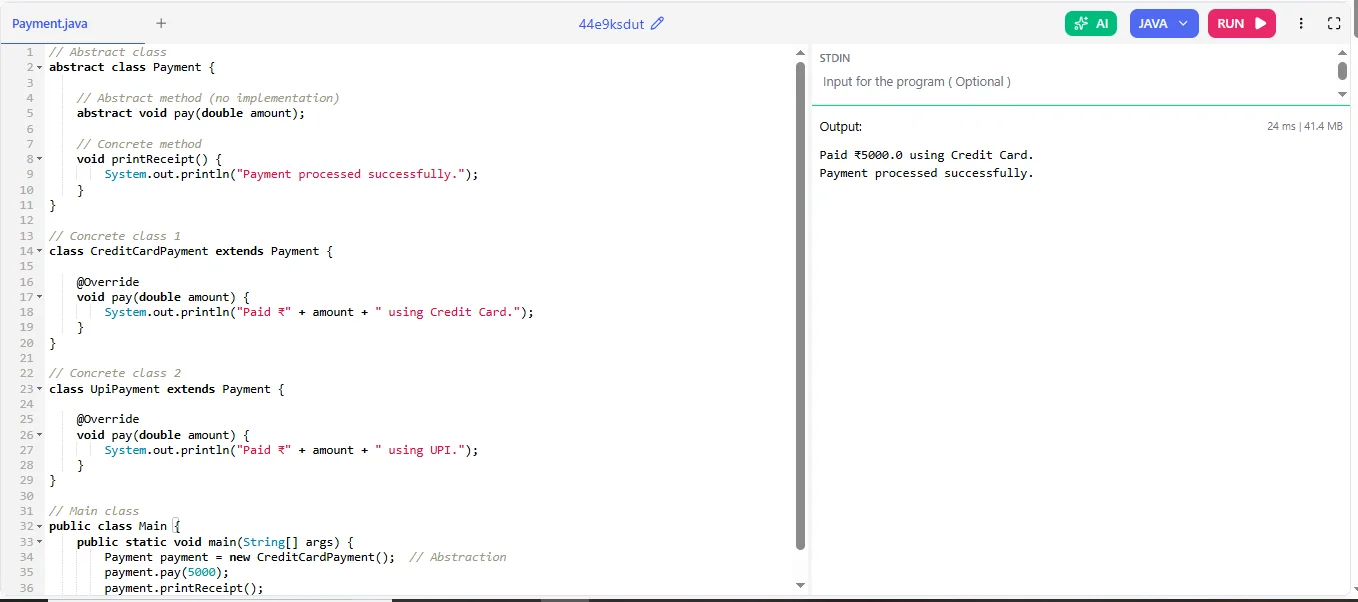
Let me explain you this:
- Payment defines what a payment should do (pay() method).
- It does not define how the payment is processed.
- Each subclass (CreditCardPayment, UpiPayment) provides its own implementation.
- The user interacts with the Payment reference, not the specific implementation.
Master Java Programming with Java Training
Boost your coding skills and gain hands-on knowledge in Java.
Explore Now
Key Importance and Benefits of Abstraction in Java
Understanding the importance and benefits of abstraction helps developers write cleaner, more secure and more maintainable applications. It plays a crucial role in reducing complexity, promoting modular development and building scalable software systems.
Benefits of Abstraction in Java
- Makes Code Simpler: You don’t need to understand every internal detail to use a class.
- Improves Code Organization: It keeps your program structured and easier to manage.
- Better Reusability: You can reuse common features across different parts of your program.
- Loose Coupling: Different parts of the application are less dependent on each other.
- More Flexibility: You can change the internal logic without affecting users of the class.
- Improved Readability: It akes the code easy tp undesrstand.
- Easier Testing and Maintenance: Separating logic makes debugging and updates simpler.
Read Also: Java Tutorial for Beginners
Key Features of Abstraction in Java
This concept means hiding the unnecessary details and showing only the important features of an object. Here are the main features of the abstraction mechanism:
1. Hides implementation details
Abstraction hides the internal working of a class and only exposes what is necessary to the user.
For example:
abstract class Payment {
    abstract void pay(double amount);   // Only method declaration
}

class CreditCardPayment extends Payment {
    void pay(double amount) {
        System.out.println("Processing credit card payment of " + amount);
    }
}

public class Main {
    public static void main(String[] args) {
        Payment p = new CreditCardPayment();  // Polymorphism
        p.pay(5000);
    }
}
|
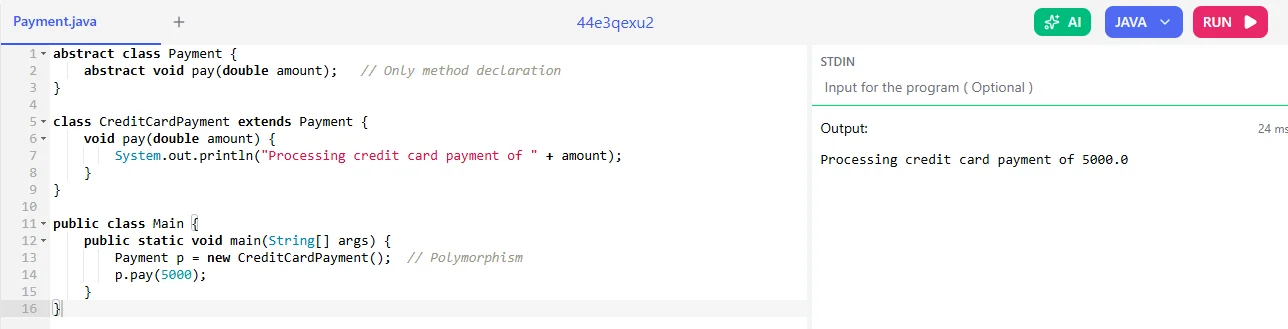
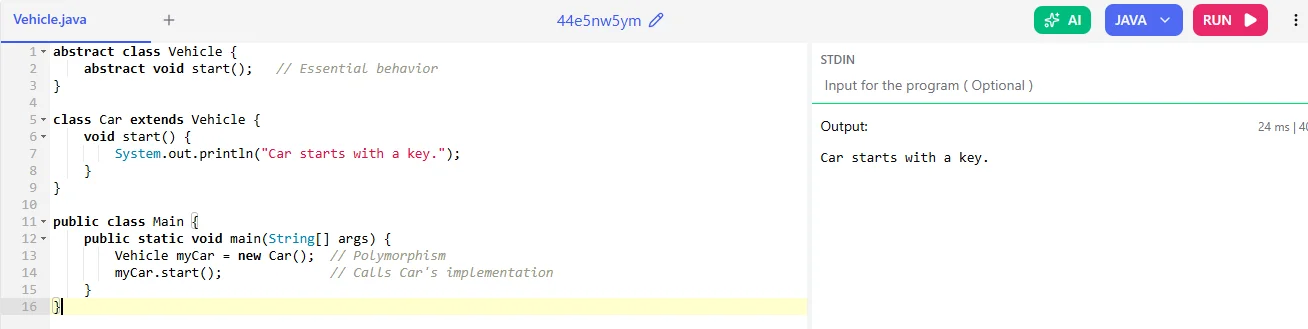
It focuses on what an object perform and not on its working.
For example:
abstract class Vehicle {
    abstract void start();   // Essential behavior
}

class Car extends Vehicle {
    void start() {
        System.out.println("Car starts with a key.");
    }
}

public class Main {
    public static void main(String[] args) {
        Vehicle myCar = new Car();  // Polymorphism
        myCar.start();              // Calls Car's implementation
    }
}
|
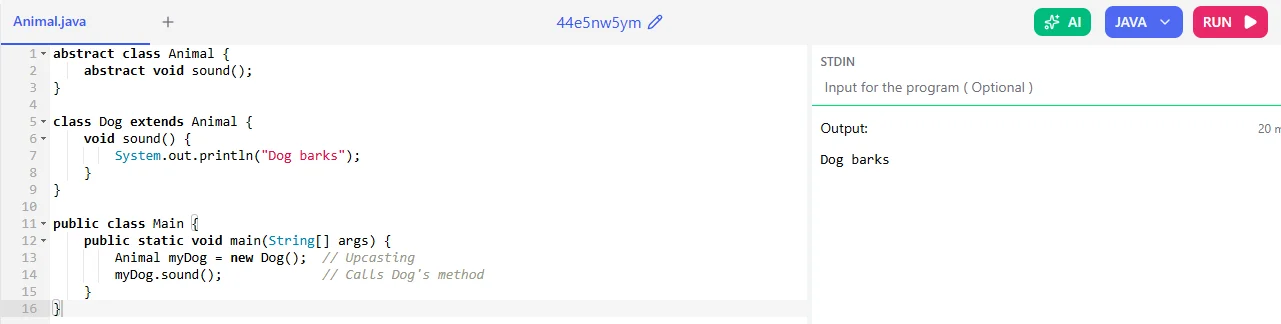
3. Achieved using abstract classes and interfaces
In Java it is implemented by using:
Abstract Class Example:
abstract class Animal {
    abstract void sound();
}

class Dog extends Animal {
    void sound() {
        System.out.println("Dog barks");
    }
}

public class Main {
    public static void main(String[] args) {
        Animal myDog = new Dog();  // Upcasting
        myDog.sound();             // Calls Dog's method
    }
}
|
Interface Example:
interface Shape {
    void draw();
}

class Circle implements Shape {
    public void draw() {
        System.out.println("Drawing a Circle");
    }
}

public class Animal {
    public static void main(String[] args) {
        Shape s = new Circle();  // Polymorphism
        s.draw();
    }
}
|
4. Allows partial or complete abstraction
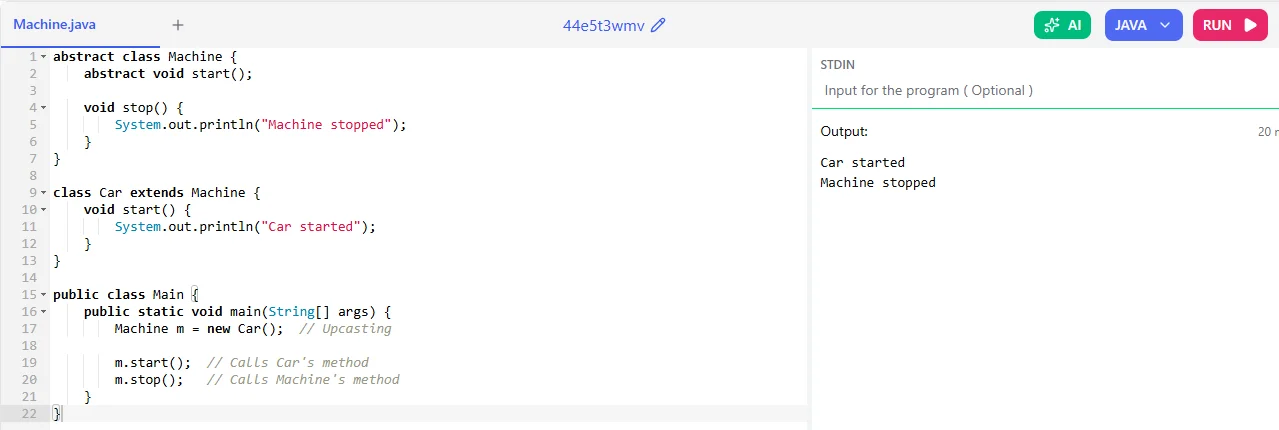
Partial Abstraction (Abstract Class)
- An abstract class can have:
- Normal (concrete) methods
For example:
abstract class Machine {
    abstract void start();

    void stop() {
        System.out.println("Machine stopped");
    }
}

class Car extends Machine {
    void start() {
        System.out.println("Car started");
    }
}

public class Main {
    public static void main(String[] args) {
        Machine m = new Car();  // Upcasting

        m.start();  // Calls Car's method
        m.stop();   // Calls Machine's method
    }
}
|
Complete Abstraction (Interface)
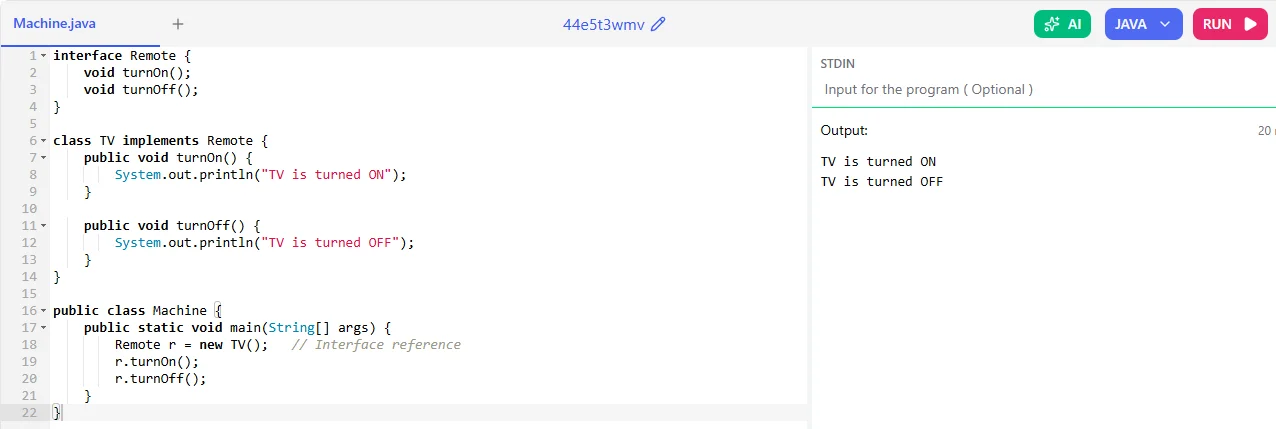
An interface (before Java 8) provides 100% abstraction.
For example:
interface Remote {
    void turnOn();
    void turnOff();
}

class TV implements Remote {
    public void turnOn() {
        System.out.println("TV is turned ON");
    }

    public void turnOff() {
        System.out.println("TV is turned OFF");
    }
}

public class Machine {
    public static void main(String[] args) {
        Remote r = new TV();   // Interface reference
        r.turnOn();
        r.turnOff();
    }
}
|
Types of Abstraction in Java
There are two types of this concept in Java that are important to understand. They help simplify complex systems by focusing on essential details.
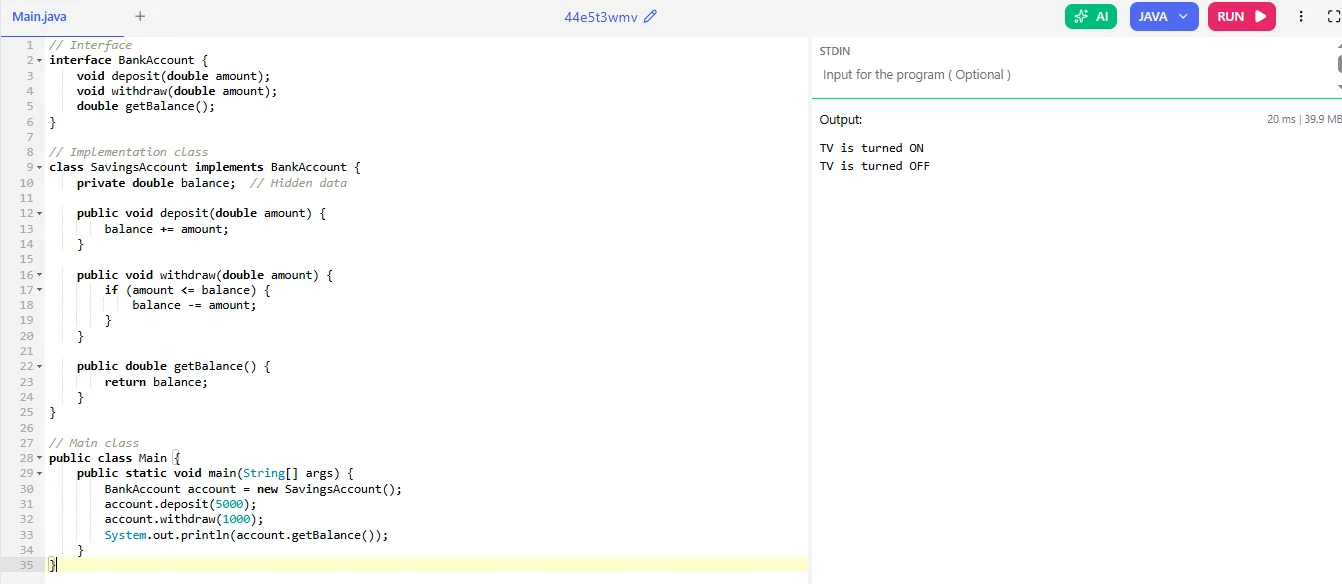
1. Data Abstraction: It mainly focus on hiding the internal details of how data is stored or represented. Developers interact with data through interfaces or abstract methods, without needing to know the details of its implementation.
Example: Using Interface
// Interface
interface BankAccount {
    void deposit(double amount);
    void withdraw(double amount);
    double getBalance();
}

// Implementation class
class SavingsAccount implements BankAccount {
    private double balance;  // Hidden data

    public void deposit(double amount) {
        balance += amount;
    }

    public void withdraw(double amount) {
        if (amount <= balance) {
            balance -= amount;
        }
    }

    public double getBalance() {
        return balance;
    }
}

// Main class
public class Main {
    public static void main(String[] args) {
        BankAccount account = new SavingsAccount();
        account.deposit(5000);
        account.withdraw(1000);
        System.out.println(account.getBalance());
    }
}
|
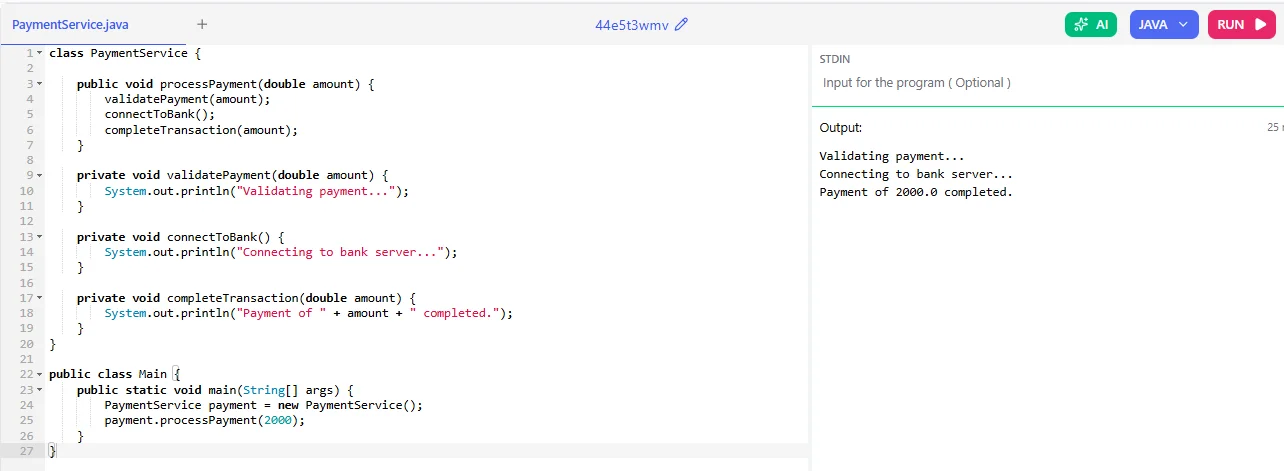
2. Control Abstraction: It hides the details of how operations are performed. It provides easy to understand interfaces for complex processes, so developers and users don’t need to understand the full workings of those operations.
Example: Method Hiding Complex Logic
Difference Between Abstract Class and Interface
Abstract class and interface are both used to achieve this abstraction mechanism. However, they differ in structure, usage and purpose. Let’s take a look into it:
| Parameters | Abstract Class | Interface |
| Methods | Can have both abstract and non-abstract (concrete) methods. | Contains abstract methods (default & static allowed from Java 8). |
| Variables | Can have instance variables. | Only public, static, final variables (constants). |
| Constructors | Can have constructors. | Cannot have constructors. |
| Inheritance | A class can extend only one abstract class. | A class can implement multiple interfaces. |
| Access Modifiers | Methods can have any access modifier (private, protected etc). | Methods are public by default. |
| When to Use | Use when classes share common behavior and state. | Use when different classes need to follow the same contract but may have different implementations. |
How Abstraction is Achieved: Real World Java Applications
Java provides two ways for you to implement abstraction:
- Abstract Classes (Partial Abstraction)
- Interfaces (100% Abstraction)
Now, let me explain these to you with a real world application example:
1. Abstract Classes
Example: Vehicle Engine Start System
When you start a car or bike, you press a button or turn a key and the vehicle starts. You don’t know how fuel injection, ignition, or combustion work. This is an abstraction.
// Abstract class
abstract class Vehicle {

    String brand;

    // Constructor
    public Vehicle(String brand) {
        System.out.println("Vehicle constructor called");
        this.brand = brand;
    }

    // Abstract method (no body)
    abstract void startEngine();

    // Concrete method
    public String getBrand() {
        return brand;
    }
}

// Car class
class Car extends Vehicle {

    public Car(String brand) {
        super(brand);
        System.out.println("Car constructor called");
    }

    @Override
    void startEngine() {
        System.out.println("Car engine starts with a button.");
    }
}

// Bike class
class Bike extends Vehicle {

    public Bike(String brand) {
        super(brand);
        System.out.println("Bike constructor called");
    }

    @Override
    void startEngine() {
        System.out.println("Bike engine starts with a kick.");
    }
}

// Main class
public class Test {
    public static void main(String[] args) {

        Vehicle v1 = new Car("Toyota");
        Vehicle v2 = new Bike("Honda");

        v1.startEngine();
        v2.startEngine();
    }
}
|
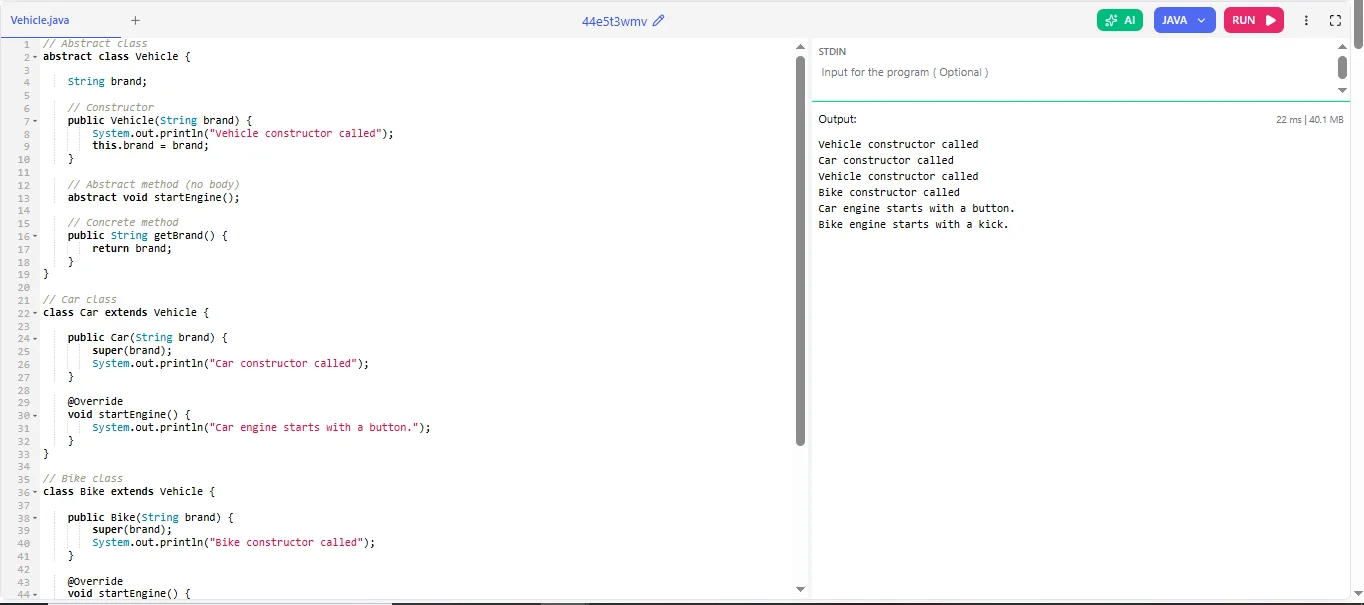
Explanation:
- Vehicle is an abstract class.
- It defines startEngine() but doesn’t implement it.
- Car and Bike provide their own implementation.
Vehicle v1 = new Car("Toyota");
|
2. Interface
Example: Online Notification System
In applications, notifications can be sent through email, SMS or push notifications. The user only knows the “Send notification” option and doesn’t worry about how the system actually delivers the message.
// Interface
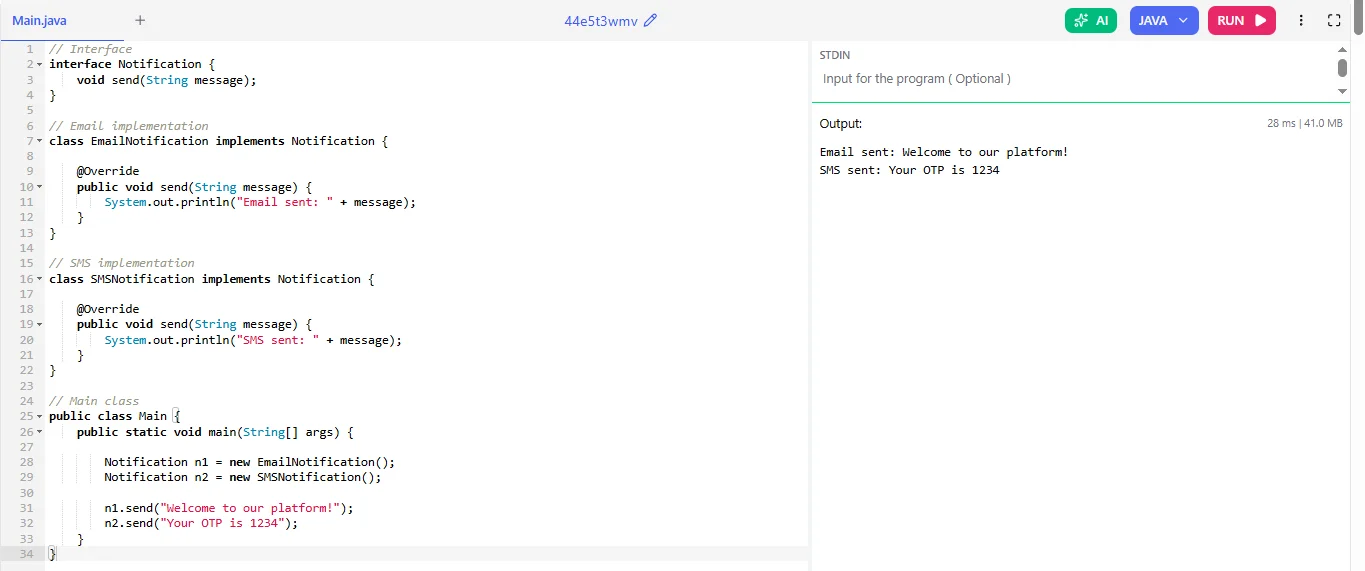
interface Notification {
    void send(String message);
}

// Email implementation
class EmailNotification implements Notification {

    @Override
    public void send(String message) {
        System.out.println("Email sent: " + message);
    }
}

// SMS implementation
class SMSNotification implements Notification {

    @Override
    public void send(String message) {
        System.out.println("SMS sent: " + message);
    }
}

// Main class
public class Main {
    public static void main(String[] args) {

        Notification n1 = new EmailNotification();
        Notification n2 = new SMSNotification();

        n1.send("Welcome to our platform!");
        n2.send("Your OTP is 1234");
    }
}
|
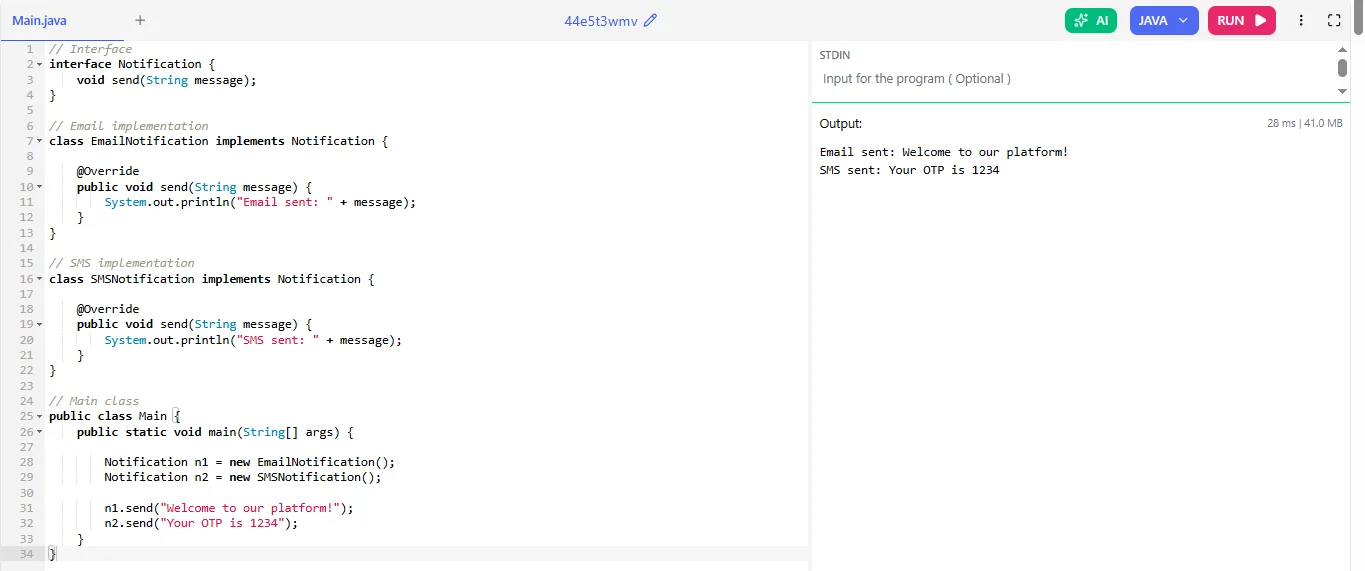
Explanation:
- Notification is an interface.
- It declares the send() method.
- EmailNotification and SMSNotification implement it.
- We use interface reference:
Notification n1 = new EmailNotification();
|
Abstraction Using Abstract Class
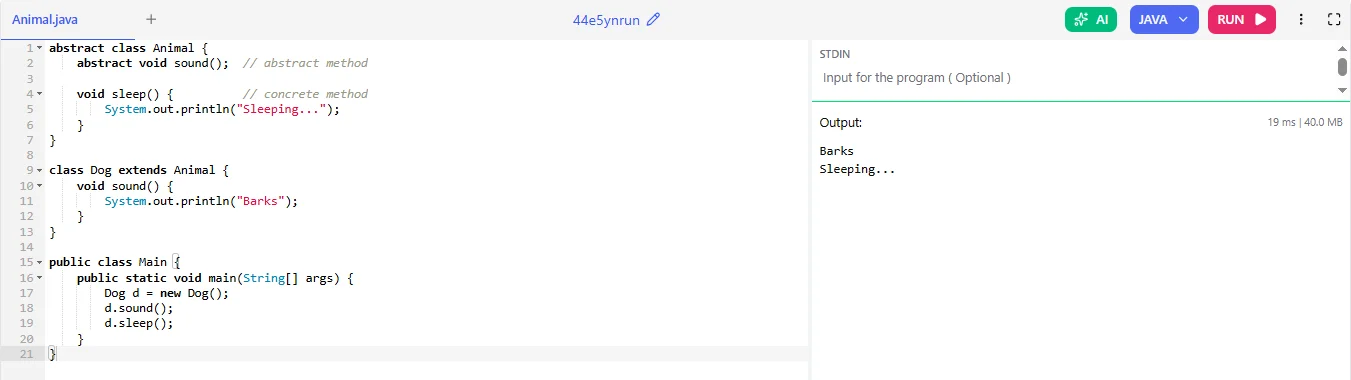
An abstract class is declared using the abstract keyword. It can contain abstract methods (without a body) as well as concrete methods (with a body). This provides partial abstraction, because some methods can have implementation while others remain abstract.
For example:
Rules of Abstract Class
Before using an abstract class, it is important to understand its rules:
- An abstract class must be declared using the abstract keyword.
- It contain both abstract and non abstract methods.
- An abstract class cannot be instantiated (you cannot create its object directly).
- It can have constructors.
- If a class contains at least one abstract method, the class must be declared abstract.
- A subclass must implement all abstract methods of the parent abstract class, otherwise it must also be declared abstract.
- Abstract classes can have instance variables and static methods.
Abstraction Using Interface
Another way to achieve this Java concept is by using an interface. An interface is a blueprint of a class that contains only method declarations (without implementation) by default. It is mainly used to achieve 100% abstraction.
For example:
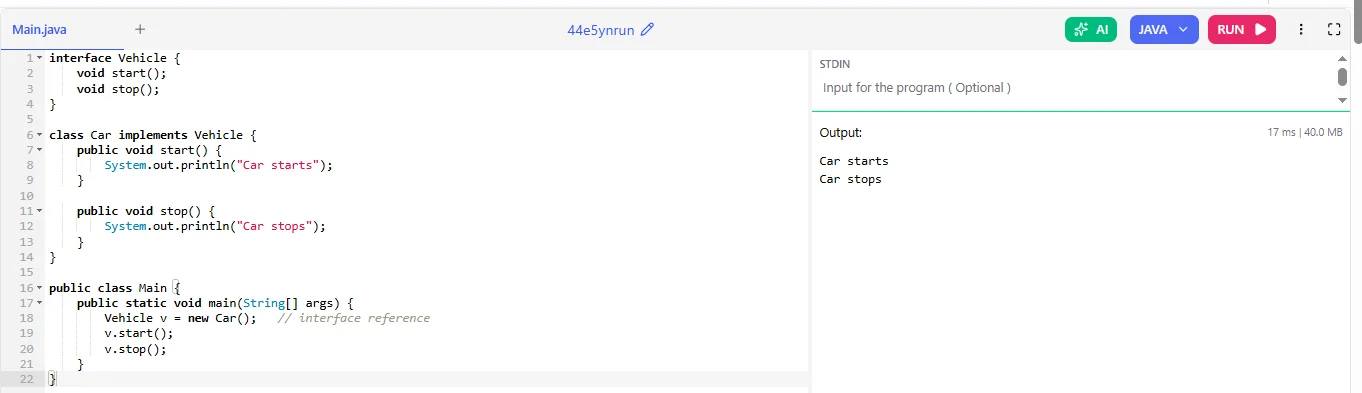
Rules of Interface
The following rules apply when working with interfaces:
- An interface is always declared using the interface keyword.
- All methods are public and abstract by default (before Java 8).
- Variables inside an interface are public, static and final by default.
- A class uses the implements keyword to implement an interface.
- A class must implement all methods of the interface, otherwise it must be declared abstract.
- Interfaces do not have constructors.
- A class can implement multiple interfaces (supports multiple inheritance).
Read Also: Java Interview Questions and Answers
Abstraction vs Encapsulation
Abstraction and Encapsulation are two important OOP concepts and they both help in managing complexity, they have different purposes in software design:
| Parameters | Abstraction | Encapsulation |
| Purpose | Hides implementation details. | Hides data from outside access. |
| Main Goal | Reduce complexity by hiding unnecessary details. | Protect data and ensure controlled access. |
| Focus | Focuses on what an object does. | Focuses on how data is protected. |
| Achieved By | Abstract classes and Interfaces. | Private variables and getter/setter methods. |
| Level | Design level concept. | Implementation level concept. |
| Example | Using a remote control without knowing internal wiring. | Keeping class variables private and controlling access. |
Common Mistakes to Avoid
The common mistakes that can occur and we should avoid when working with this OOP concept are listed below:
- Always make sure that the abstract methods are implemented in the concrete subclass.
- You should avoid making everything abstract when it is not required. Use abstraction only when it enhances the design.
- When you override abstract methods, please make sure the method signature matches exactly, any mistake can cause errors.
Want to Learn Everything About Java Programming?
Boost your coding skills and gain hands-on knowledge in Java.
Explore Now
Conclusion
In conclusion, abstraction is an important concept in OOP that allows us to write organized and efficient code. Abstraction helps us save time and makes our code more reusable, which is essential when writing code.
However, if we don’t use abstraction when coding, our code can become difficult to read and inefficient. Through the code examples in this post, we can see how abstraction is used to hide the details and complexity of a programme, allowing us to focus on the desired behaviour.
Explore Our Trending Articles-
FAQs
1) Can an abstract class have constructors?
Yes, an abstract class can have constructors as they are used to initialize common properties when a subclass object is created.
2) What is 100% abstraction?
100% abstraction means hiding all implementation details. Back then interfaces were considered 100% abstract because they had only abstract methods.
3) Can an interface have default methods?
Yes, since Java 8 interfaces can have default methods.
4) Can we achieve abstraction without an interface?
Yes, we can achieve abstraction using abstract classes. Abstract classes can have abstract and non-abstract methods.