The world is heavily moving to web development with a heavy shift of industries towards online business. This is where building a career in web development is all you need to do to make money. What you have to do is to choose the best learning path and use best learning.
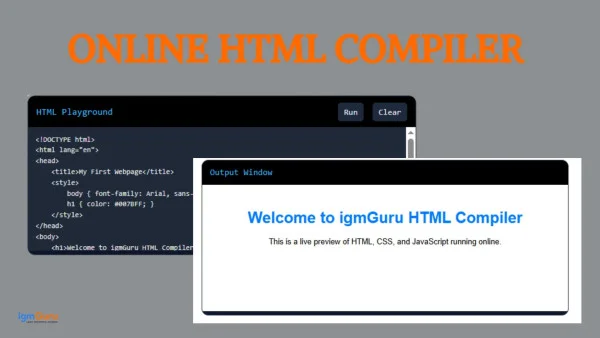
This online HTML compiler is also one such tool. It lets you write, edit, and instantly see your webpage in the browser, with zero setup. It’s perfect for students, freelancers, and anyone who wants to experiment with HTML, CSS, and JavaScript without hassle.
An HTML Online Compiler is a web-based tool that allows you to write HTML code (along with CSS and JavaScript) and instantly preview or run the output in real time.
Unlike traditional development, where you write code in a text editor, save a .html file, and open it manually, an online HTML compiler runs everything inside the browser. Most modern tools use the browser’s own rendering engine, so you get an accurate live preview as you type. No installation of any software is required; just open the page and start coding.
Here are the biggest reasons thousands of developers and learners prefer online HTML tools:
This Online HTML Compiler comes with everything you need for smooth web development practice, including:
Read Also: HTML Cheat Sheet
Using our tool is extremely simple. Follow these four easy steps:
Open the editor and start typing your HTML, CSS, or JavaScript code. You can begin with a basic structure or paste existing code.
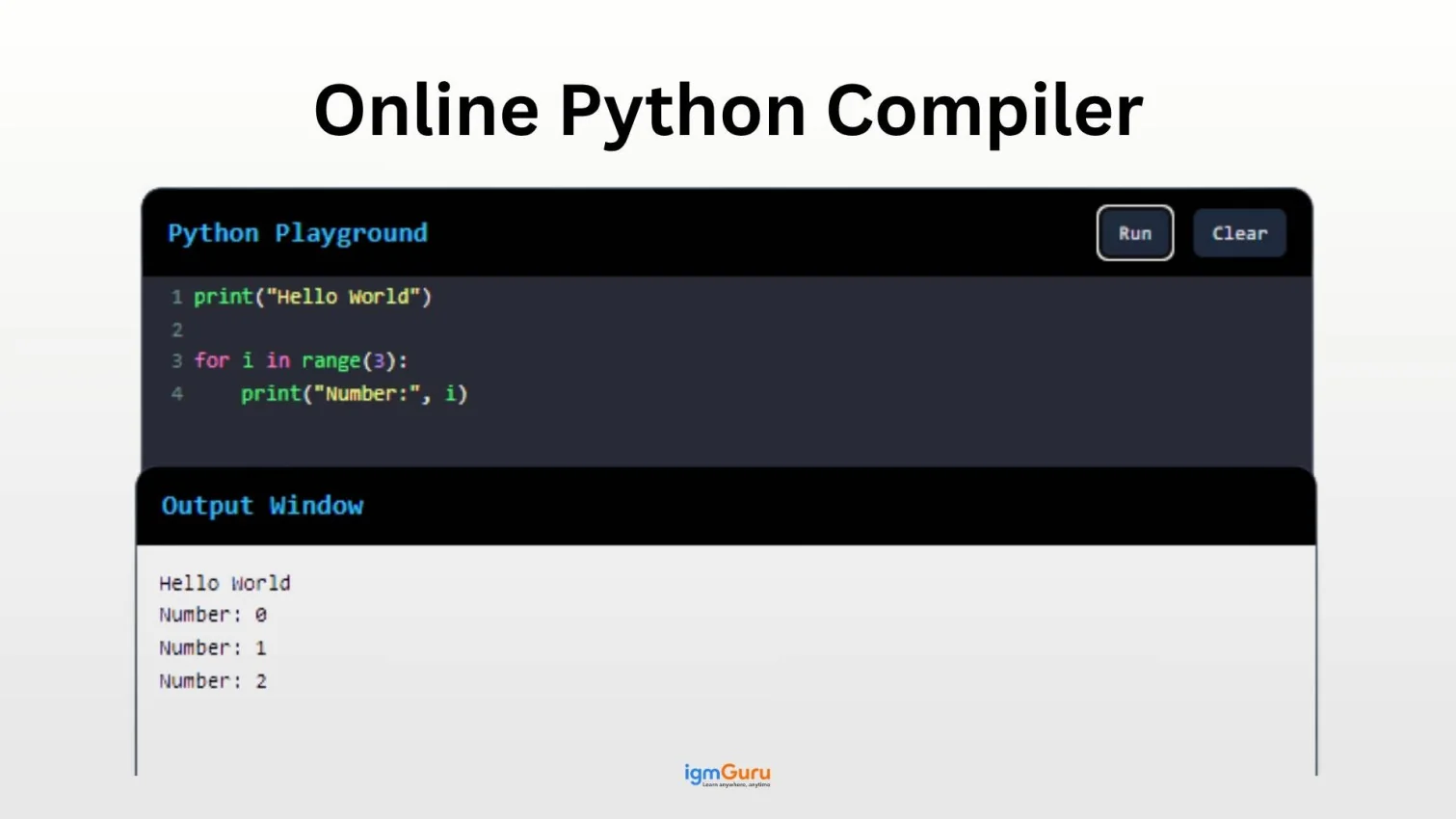
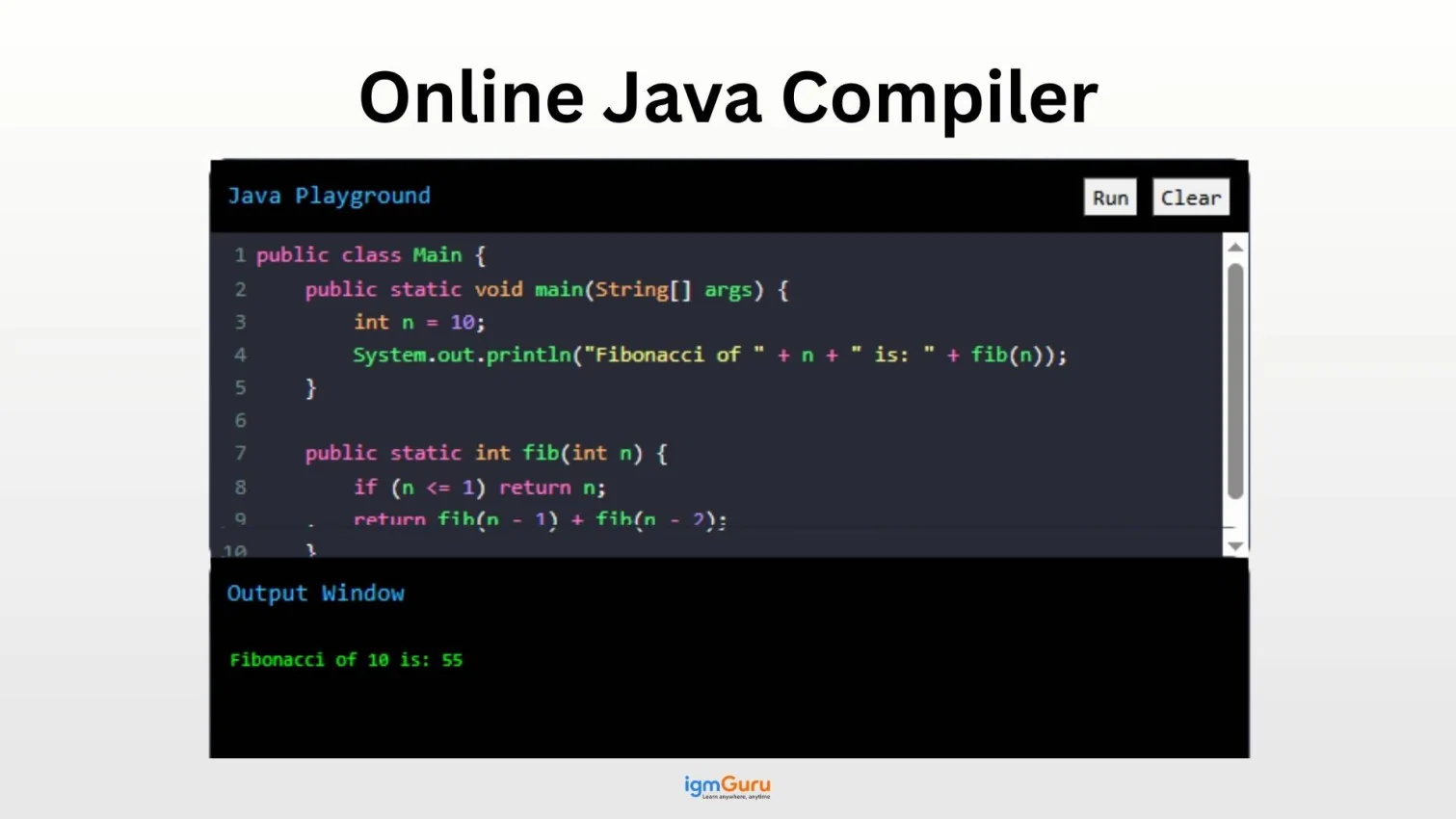
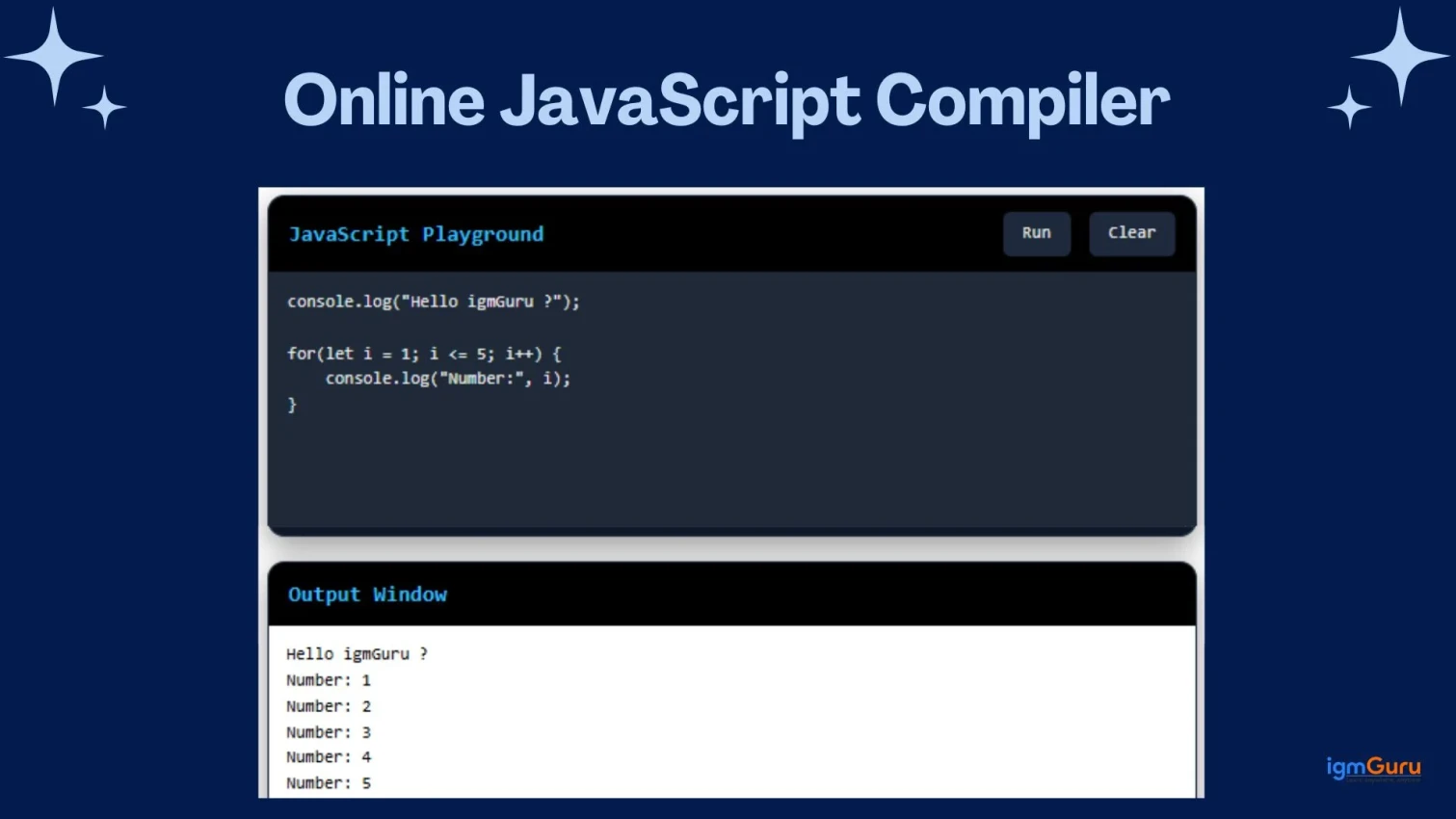
Once you’re ready, simply click the Run button. The compiler will instantly process your code and display the rendered webpage in the output/preview section.
See your webpage live in the preview area. Any changes you make in the editor will reflect immediately (or after clicking Run, depending on settings).
Want to start fresh? Click the Clear button to reset the editor and begin a new project.
Here’s a simple HTML code you can try:
|
You will see a centered blue heading “Welcome to igmGuru HTML Compiler” with a paragraph below it on a clean white background.
Read Also: Web Developer Interview Questions and Answers
Learning HTML is one of the easiest ways to begin your web development journey. Since HTML forms the foundation of every website, mastering it will make learning CSS, JavaScript, and modern frameworks much easier. The best approach is to combine theory with hands-on practice. Instead of only reading about HTML tags, write code, experiment with different elements, and see the results instantly using the HTML Online Compiler above.
Start by learning the structure of an HTML document, including <!DOCTYPE>, <html>, <head>, and <body>. Once you're comfortable with the basic layout, move on to headings, paragraphs, links, images, lists, and tables.
After learning a new tag, use this online HTML compiler to create small examples. Experiment with forms, semantic elements, multimedia, and layout tags to understand how each one behaves in a browser.
Once you have a solid understanding of HTML, start learning CSS to style your webpages and JavaScript to make them interactive. Together, these three technologies form the core of front-end web development.
Create practical projects such as a personal portfolio, landing page, registration form, product page, or simple blog layout. Real-world practice helps reinforce concepts and prepares you for professional development work.
Consistency is the key to mastering HTML. Spend 20–30 minutes each day writing code, recreating existing web pages, and experimenting with new elements. Regular practice will help you become confident much faster than simply reading tutorials.
If you're looking for structured learning with expert instructors, hands-on projects, and industry-recognized certification, explore our HTML Training Course. You'll learn HTML, CSS, responsive web design, and real-world development skills through live online sessions.
Related Resources:-
Yes, our HTML compiler is completely free. You can write, run, and test as much code as you want without any charges or hidden limits.
No installation is required. It works directly in your web browser on any device — laptop, tablet, or mobile.
Yes, it fully supports HTML5 along with CSS and JavaScript, allowing you to build and preview complete mini web pages.
Absolutely. Your code runs locally in the browser environment and is not saved on our servers permanently, keeping your work private and secure.
Yes, the tool is mobile-friendly and works well on most modern smartphones and tablets.
HTML is a markup language, not a programming language, so it doesn’t need traditional compilation. An online HTML compiler/editor simply renders your markup instantly in the browser, giving you an accurate live preview.
While the basic version is for quick testing, many users copy their code or take screenshots. For advanced saving and sharing features, consider dedicated platforms like CodePen or JSFiddle.