If you are preparing for a C# developer interview, you have landed in the right place. Whether you are a fresher just starting out or a senior developer with years of experience, this guide covers the most important C# interview questions you will face in 2026.
We have organized everything clearly by experience level. You will find C# interview questions for freshers, intermediate developers, experienced professionals, and scenario-based questions that test your real-world thinking. Each answer is written in plain, easy-to-understand language so you can actually learn, not just memorize.
Let us get into it.
Read Also: What is Laravel?
These C# basic interview questions test your understanding of core language concepts. If you are appearing for your first C# developer job, make sure you can answer all of these confidently.
C# (pronounced C-sharp) is a modern, object-oriented programming language developed by Microsoft. It runs on the .NET platform and is widely used to build desktop applications, web applications, cloud services, mobile apps, and games (via Unity).
C# is popular because it combines the power of C++ with the simplicity of Java. It has strong type safety, garbage collection, and a huge standard library. Microsoft backs it actively, which means the language keeps getting better with every release.
This is one of the most common C# interview questions for freshers because many beginners confuse the two.
C# is a programming language. You write code in C#.
.NET is a platform (framework and runtime) that executes C# code. It provides libraries, tools, and the Common Language Runtime (CLR) that runs your application.
Think of it this way: C# is the language you write in, and .NET is the engine that runs it.
The CLR is the virtual machine component of .NET. It manages the execution of C# programs. Here is what the CLR handles for you:
Memory management through garbage collection
Type safety to prevent unsafe operations
Exception handling across the application
Thread management for concurrent programs
Security enforcement at runtime
When you compile a C# program, it does not produce machine code directly. It produces an intermediate language (IL). The CLR converts that IL into machine code at runtime using the Just-In-Time (JIT) compiler.
This is a fundamental C# concept that comes up in almost every interview.
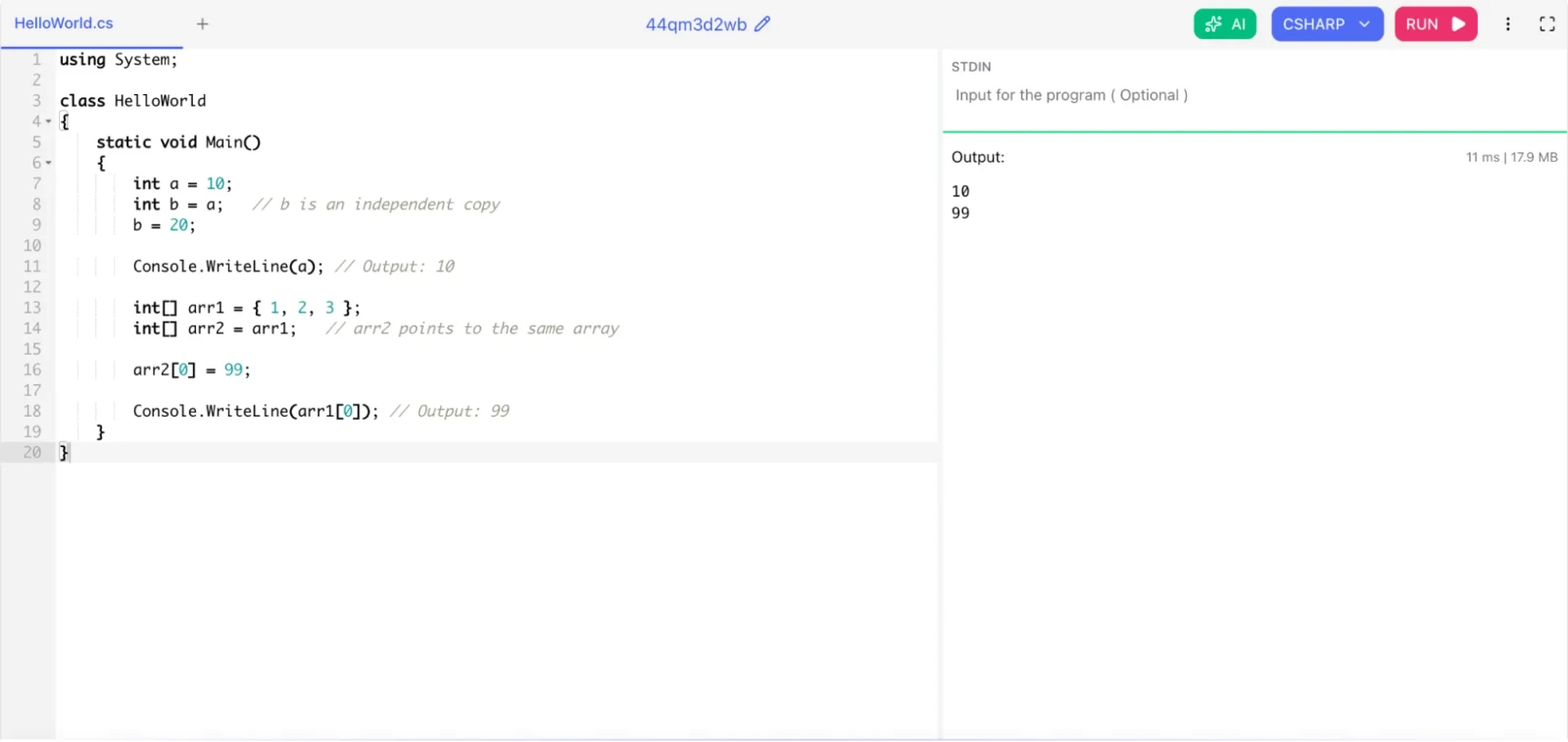
Value types store data directly in memory (on the stack). Examples include int, float, double, bool, char, struct, and enum. When you copy a value type, you get a completely independent copy.
Reference types store a reference (memory address) to where the actual data lives (on the heap). Examples include class, string, array, delegate, and interface. When you copy a reference type, both variables point to the same object.
|
using System; class HelloWorld { static void Main() { int a = 10; int b = a; // b is an independent copy b = 20; Console.WriteLine(a); // Output: 10 int[] arr1 = { 1, 2, 3 }; int[] arr2 = arr1; // arr2 points to the same array arr2[0] = 99; Console.WriteLine(arr1[0]); // Output: 99 } } |
Also Read: Top Backend Languages For Web Development
Classes and structs in C# are custom data types. Classes are reference types stored on the heap, while structs are value types stored on the stack, mainly used for lightweight data objects.
| Feature | Class | Struct |
| Type | Reference type | Value type |
| Memory | Stored on heap | Stored on stack |
| Inheritance | Supports inheritance | Does not support inheritance |
| Default constructor | Allowed | Not customizable |
| Null | Can be null | Cannot be null (unless Nullable) |
| Use case | Complex objects with behavior | Small, lightweight data containers |
Use a struct when you have a small group of related data fields (like coordinates or a color). Use a class for everything else.
C# fully supports OOP. The four pillars are:
Encapsulation - Wrapping data and methods inside a class and restricting direct access from outside using access modifiers like private, protected, and public.
Inheritance - A child class inherits the properties and methods of a parent class. C# supports single-class inheritance but allows multiple interface implementations.
Polymorphism - The ability of a method to behave differently based on the object. C# supports compile-time polymorphism (method overloading) and runtime polymorphism (method overriding with virtual and override).
Abstraction - Hiding complex implementation details and showing only what is necessary. C# achieves this with abstract classes and interfaces.
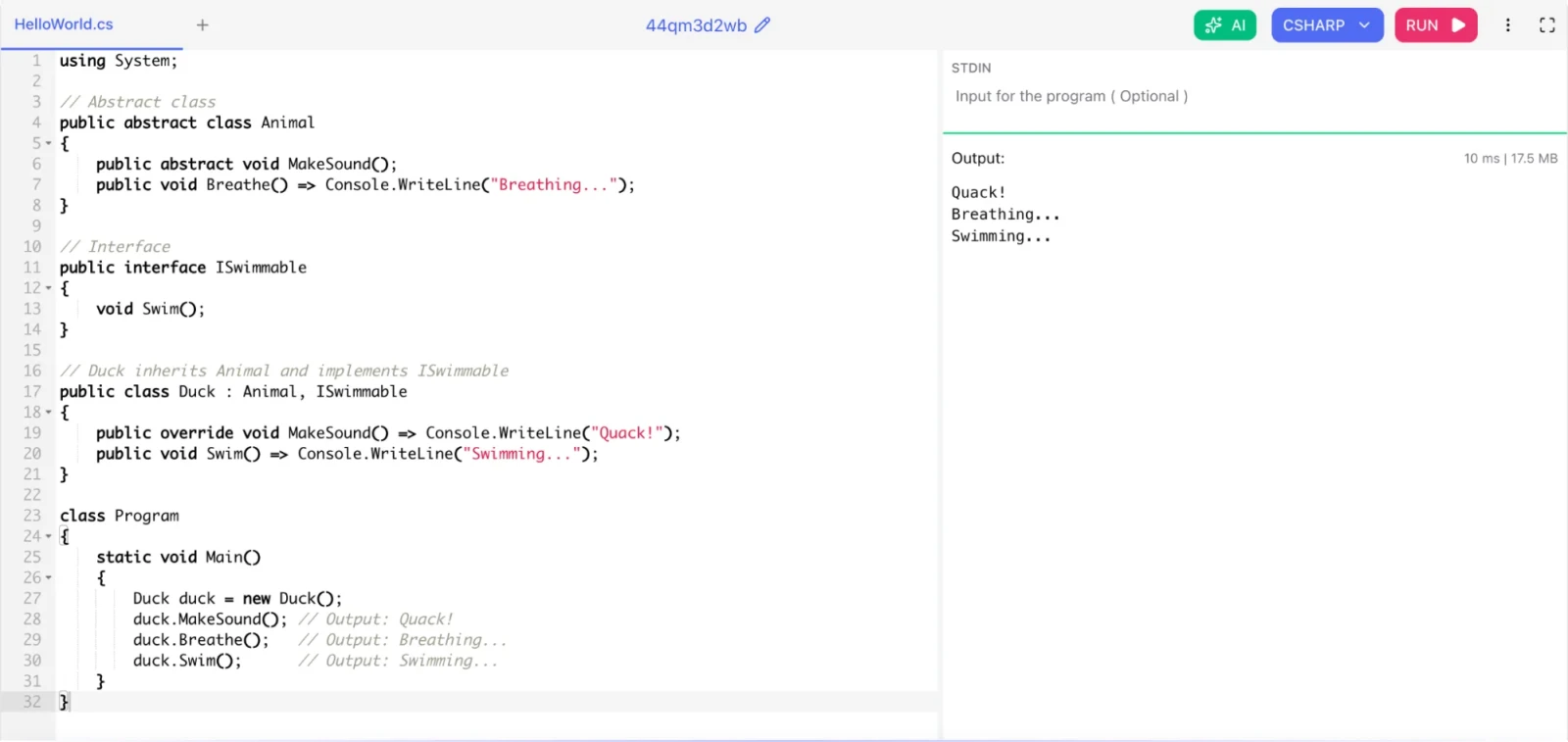
Both are used to achieve abstraction, but they work differently.
Abstract class:
Can have both abstract (no body) and concrete (with body) methods
Can have fields and constructors
A class can inherit only one abstract class
Use when classes share common behavior
Interface:
Traditionally contained only method signatures (no body), but since C# 8.0, default implementations are allowed
Cannot have fields or constructors
A class can implement multiple interfaces
Use when you want to define a contract that different classes must follow
|
using System; // Abstract class public abstract class Animal { public abstract void MakeSound(); public void Breathe() => Console.WriteLine("Breathing..."); } // Interface public interface ISwimmable { void Swim(); } // Duck inherits Animal and implements ISwimmable public class Duck : Animal, ISwimmable { public override void MakeSound() => Console.WriteLine("Quack!"); public void Swim() => Console.WriteLine("Swimming..."); } class Program { static void Main() { Duck duck = new Duck(); duck.MakeSound(); // Output: Quack! duck.Breathe(); // Output: Breathing... duck.Swim(); // Output: Swimming... } } |
Related Article: Top 15 Highest Paying Software Developer Jobs in 2026
This is a subtle but important difference.
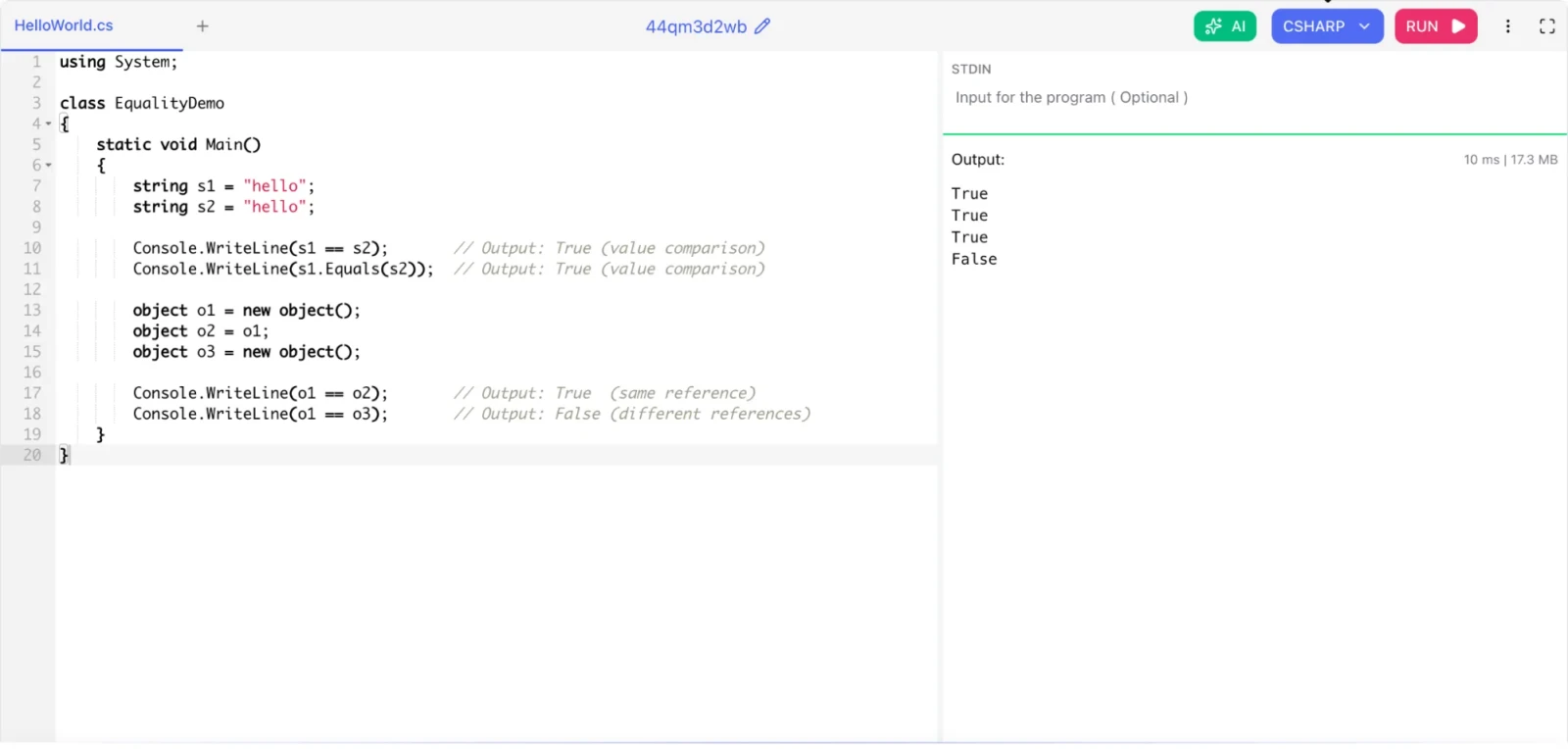
== for reference types checks reference equality by default. It asks: do both variables point to the same object in memory?
.Equals() checks value equality by default. It asks: do both objects have the same content?
However, string in C# is special. The == operator for strings is overloaded to compare values, not references. So for strings, == and .Equals() both compare content.
For your own custom classes, you can override both == and .Equals() to define what equality means.
|
using System; class EqualityDemo { static void Main() { string s1 = "hello"; string s2 = "hello"; Console.WriteLine(s1 == s2); // Output: True (value comparison) Console.WriteLine(s1.Equals(s2)); // Output: True (value comparison) object o1 = new object(); object o2 = o1; object o3 = new object(); Console.WriteLine(o1 == o2); // Output: True (same reference) Console.WriteLine(o1 == o3); // Output: False (different references) } } |
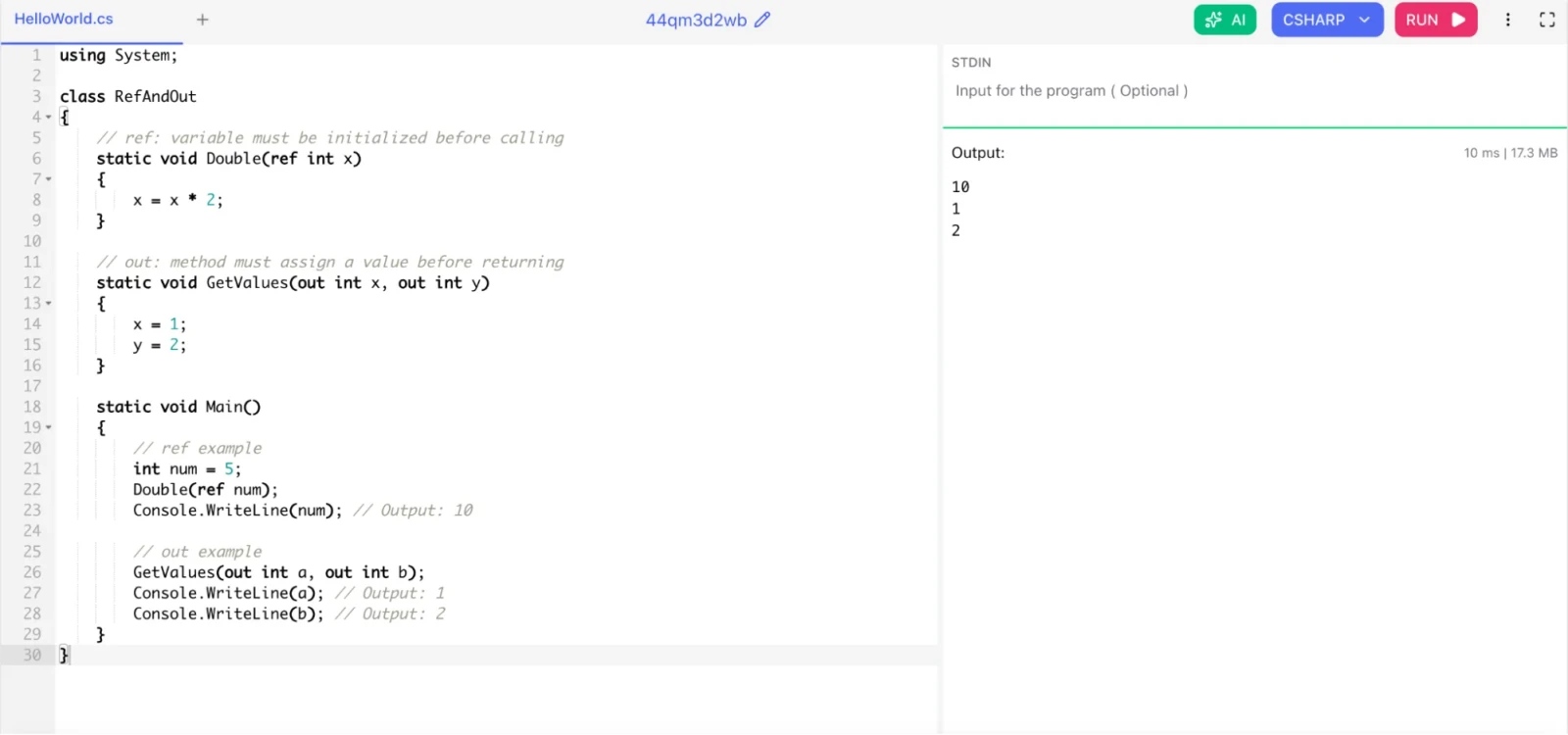
Both ref and out allow you to pass arguments by reference so the method can modify the original variable.
ref:
The variable must be initialized before you pass it
The method may or may not assign a new value
out:
The variable does not need to be initialized before passing
The method must assign a value before returning
|
using System; class RefAndOut { // ref: variable must be initialized before calling static void Double(ref int x) { x = x * 2; } // out: method must assign a value before returning static void GetValues(out int x, out int y) { x = 1; y = 2; } static void Main() { // ref example int num = 5; Double(ref num); Console.WriteLine(num); // Output: 10 // out example GetValues(out int a, out int b); Console.WriteLine(a); // Output: 1 Console.WriteLine(b); // Output: 2 } } |
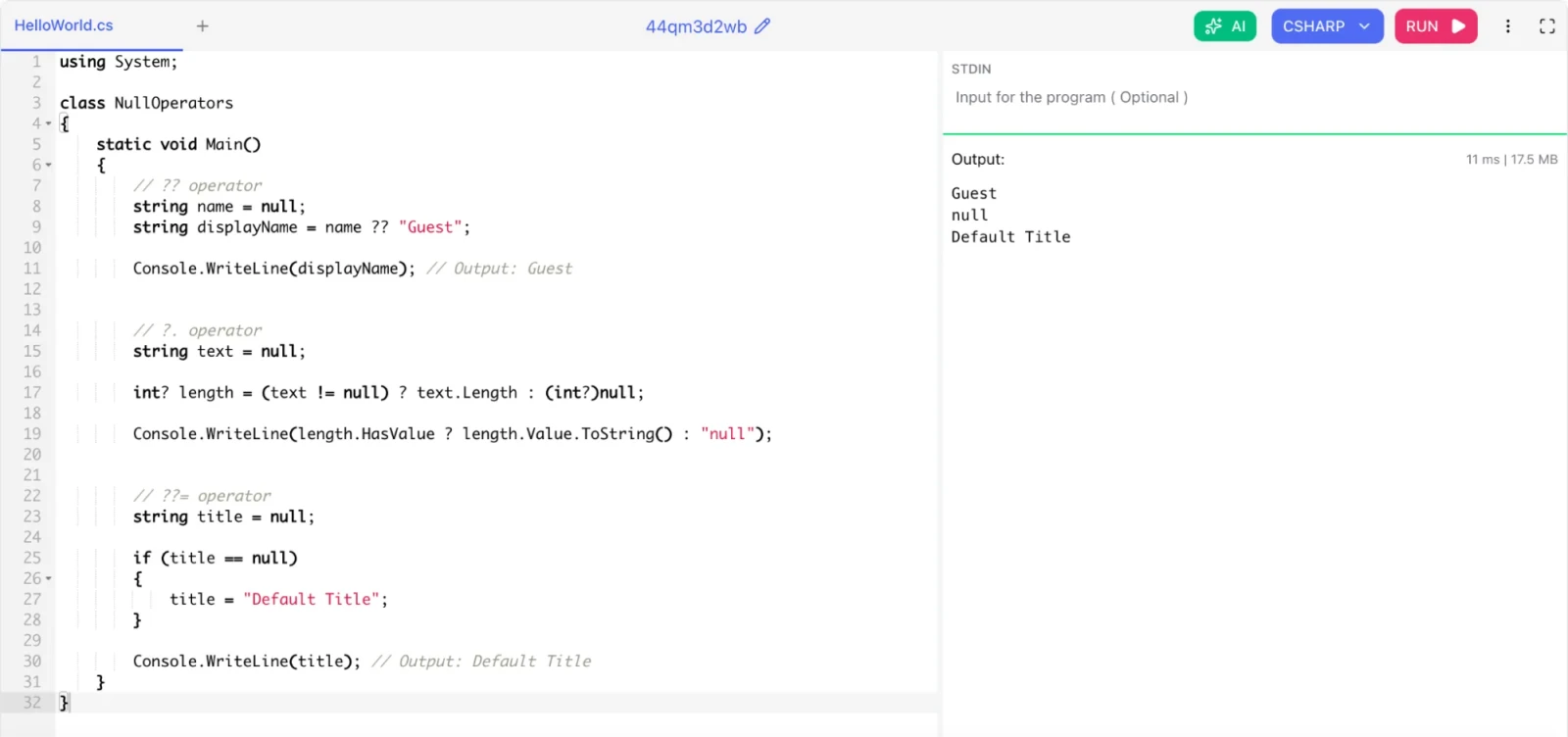
These operators make null-safety clean and readable.
Null coalescing operator (??): Returns the left-hand value if it is not null, otherwise returns the right-hand value.
Null conditional operator (?.): Accesses a member only if the object is not null. Returns null instead of throwing a NullReferenceException.
Null coalescing assignment (??=): Assigns a value only if the variable is null (C# 8.0+).
|
using System; class NullOperators { static void Main() { // ?? operator string name = null; string displayName = name ?? "Guest"; Console.WriteLine(displayName); // Output: Guest // ?. operator string text = null; int? length = (text != null) ? text.Length : (int?)null; Console.WriteLine(length.HasValue ? length.Value.ToString() : "null"); // ??= operator string title = null; if (title == null) { title = "Default Title"; } Console.WriteLine(title); // Output: Default Title } } |
Related Article: Differences Between JDK, JRE and JVM
These intermediate C# interview questions go deeper into language features, design patterns, and .NET internals. If you have 1 to 3 years of experience with C#, focus on this section.
These three interfaces form a hierarchy of collection capabilities.
IEnumerable<T> is the most basic. It only lets you iterate over a collection using foreach. It exposes a single method: GetEnumerator(). Suitable for read-only, forward-only traversal.
ICollection<T> extends IEnumerable<T>. It adds Count, Add(), Remove(), and Contains(). It gives you modification capabilities.
IList<T> extends ICollection<T>. It adds index-based access (list[0]), Insert(), and RemoveAt(). Use this when order and position matter.
Choose the most restrictive interface your use case needs. If you only need to loop through data, use IEnumerable. If you need indexed access, use IList.
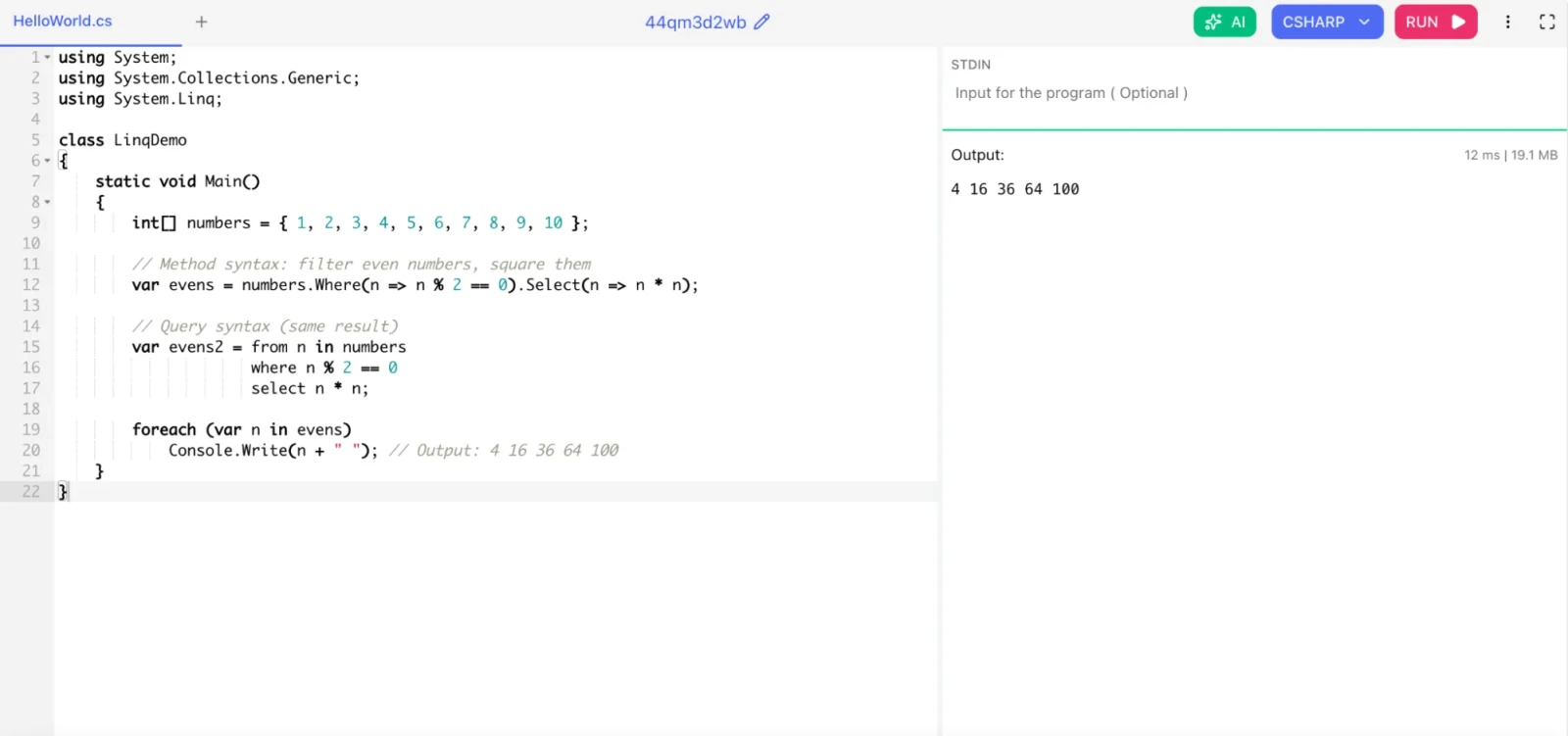
LINQ (Language Integrated Query) lets you query collections, databases, XML, and other data sources using a SQL-like syntax directly in C#. It brings query capabilities into the language itself.
LINQ works through extension methods defined on IEnumerable<T> and deferred execution. A LINQ query does not execute until you iterate over the result (with foreach, ToList(), Count(), etc.).
|
using System; using System.Collections.Generic; using System.Linq; class LinqDemo { static void Main() { int[] numbers = { 1, 2, 3, 4, 5, 6, 7, 8, 9, 10 }; // Method syntax: filter even numbers, square them var evens = numbers.Where(n => n % 2 == 0).Select(n => n * n); // Query syntax (same result) var evens2 = from n in numbers where n % 2 == 0 select n * n; foreach (var n in evens) Console.Write(n + " "); // Output: 4 16 36 64 100 } } |
Both produce the same result. The query is not executed until you enumerate evens.
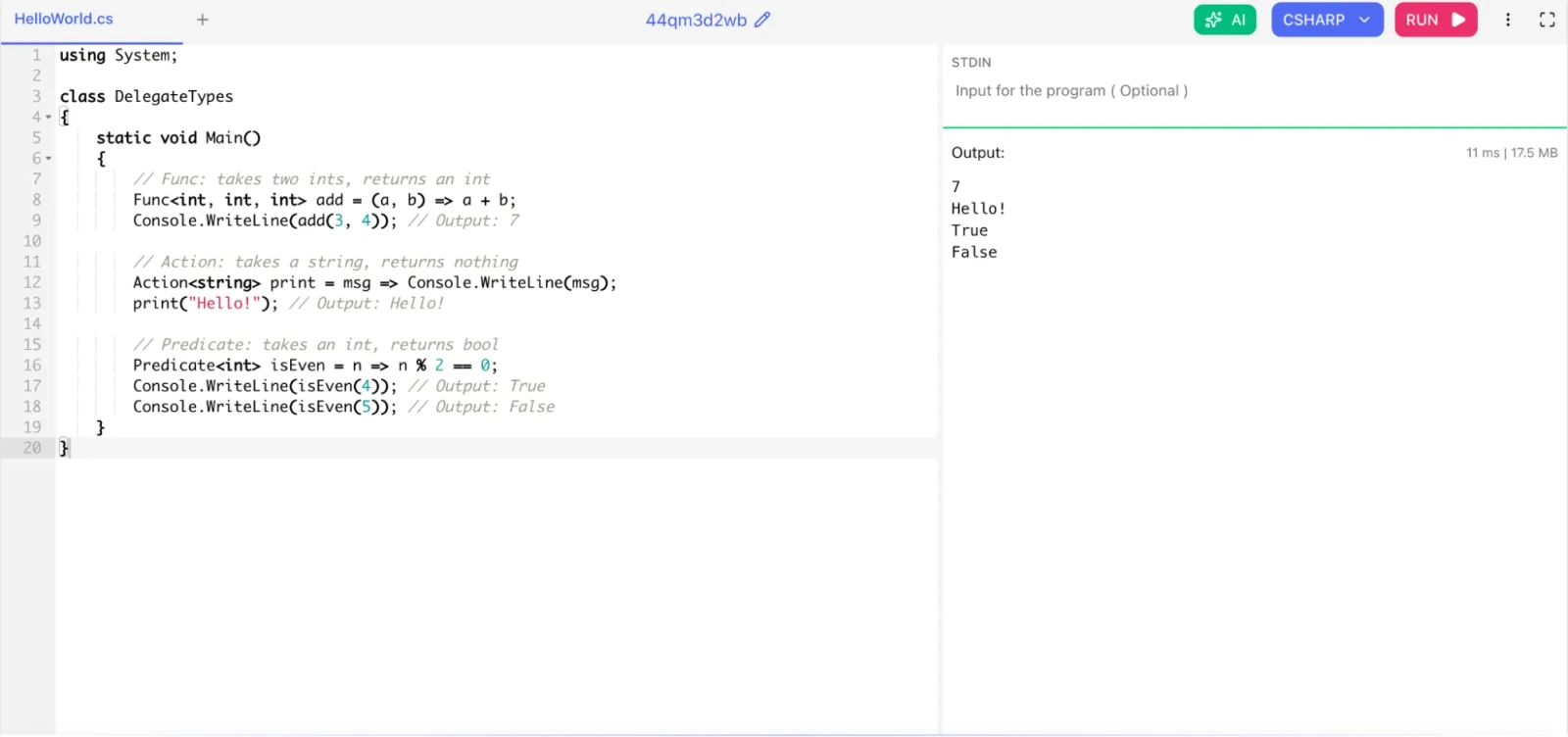
All three are built-in generic delegate types.
Func<T, TResult> represents a method that takes input parameters and returns a value. The last type parameter is always the return type.
Action<T> represents a method that takes input parameters but returns nothing (void).
Predicate<T> represents a method that takes one input parameter and returns a bool. It is essentially Func<T, bool>.
|
using System; class DelegateTypes { static void Main() { // Func: takes two ints, returns an int Func<int, int, int> add = (a, b) => a + b; Console.WriteLine(add(3, 4)); // Output: 7 // Action: takes a string, returns nothing Action<string> print = msg => Console.WriteLine(msg); print("Hello!"); // Output: Hello! // Predicate: takes an int, returns bool Predicate<int> isEven = n => n % 2 == 0; Console.WriteLine(isEven(4)); // Output: True Console.WriteLine(isEven(5)); // Output: False } } |
async and await are the foundation of asynchronous programming in C#. They let you write non-blocking code that looks like synchronous code.
When you mark a method with async, it can use the await keyword. await pauses the method execution until the awaited task completes, but it does not block the calling thread. The thread is free to do other work.
Without async/await, you would block a thread while waiting for I/O. With async/await, the thread returns to the thread pool and resumes when the result is ready. This makes your application much more scalable.
Read Also: How to Install R on Windows, Mac OS X, and Ubuntu?
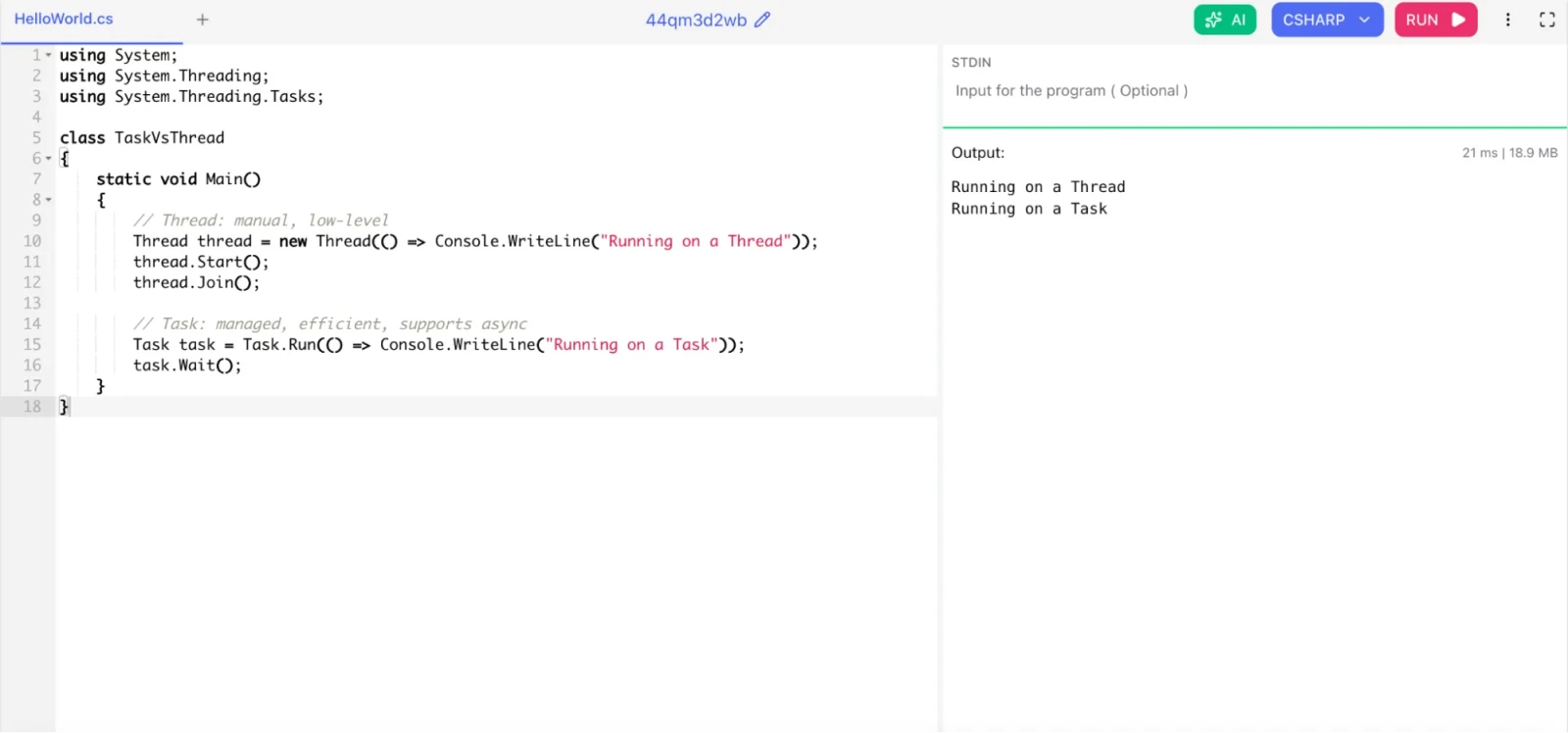
Thread is a low-level OS-level concept. Creating threads is expensive. You manage them manually. Each thread uses roughly 1 MB of stack memory.
Task is a higher-level abstraction built on the thread pool. Tasks are managed by the .NET runtime. They are cheaper, more efficient, and support async/await, cancellation, and continuations.
|
using System; using System.Threading; using System.Threading.Tasks; class TaskVsThread { static void Main() { // Thread: manual, low-level Thread thread = new Thread(() => Console.WriteLine("Running on a Thread")); thread.Start(); thread.Join(); // Task: managed, efficient, supports async Task task = Task.Run(() => Console.WriteLine("Running on a Task")); task.Wait(); } } |
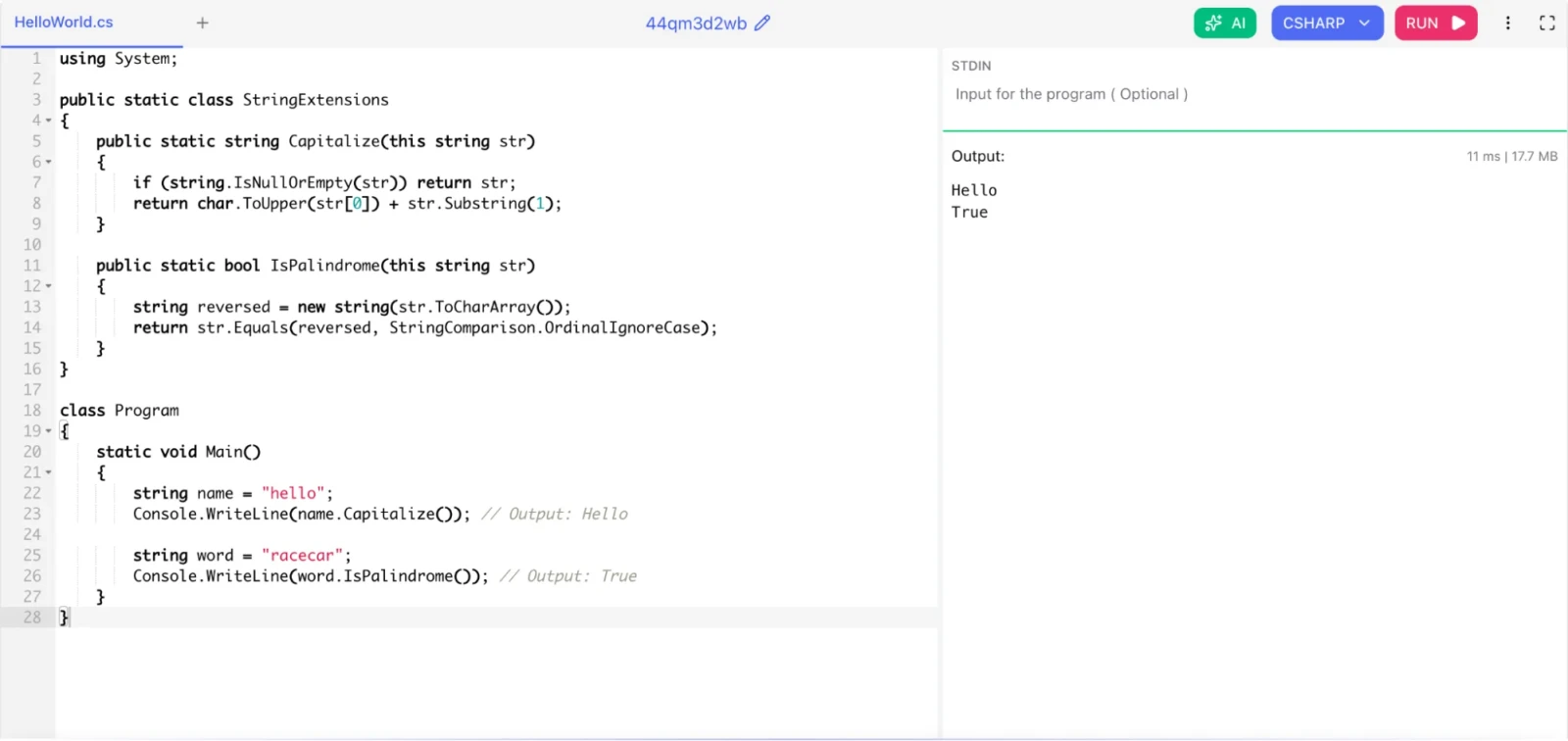
Extension methods let you add new methods to an existing type without modifying its source code or creating a subclass. You define them as static methods in a static class, with the first parameter using the this keyword.
|
using System; public static class StringExtensions { public static string Capitalize(this string str) { if (string.IsNullOrEmpty(str)) return str; return char.ToUpper(str[0]) + str.Substring(1); } public static bool IsPalindrome(this string str) { string reversed = new string(str.ToCharArray()); return str.Equals(reversed, StringComparison.OrdinalIgnoreCase); } } class Program { static void Main() { string name = "hello"; Console.WriteLine(name.Capitalize()); // Output: Hello string word = "racecar"; Console.WriteLine(word.IsPalindrome()); // Output: True } } |
C# uses automatic memory management through the .NET Garbage Collector (GC). You do not need to manually allocate or free memory. The GC does it for you.
The GC divides the heap into three generations:
Generation 0: Newly allocated objects. Collected most frequently.
Generation 1: Objects that survived one GC cycle. A buffer between Gen 0 and Gen 2.
Generation 2: Long-lived objects like static data and large objects. Collected least frequently.
The GC runs when memory pressure occurs. Objects that are no longer referenced by any live variable are considered garbage and their memory is reclaimed.
The IDisposable interface and using statement let you release unmanaged resources (file handles, database connections) deterministically, without waiting for the GC.
StringBuilder in C# is immutable. Every time you modify a string, a new string object is created in memory. Repeated string concatenation in a loop creates many short-lived objects and puts pressure on the GC.
StringBuilder is mutable. It maintains a character buffer that it modifies in place. Use it when you need to build strings dynamically, especially in loops.
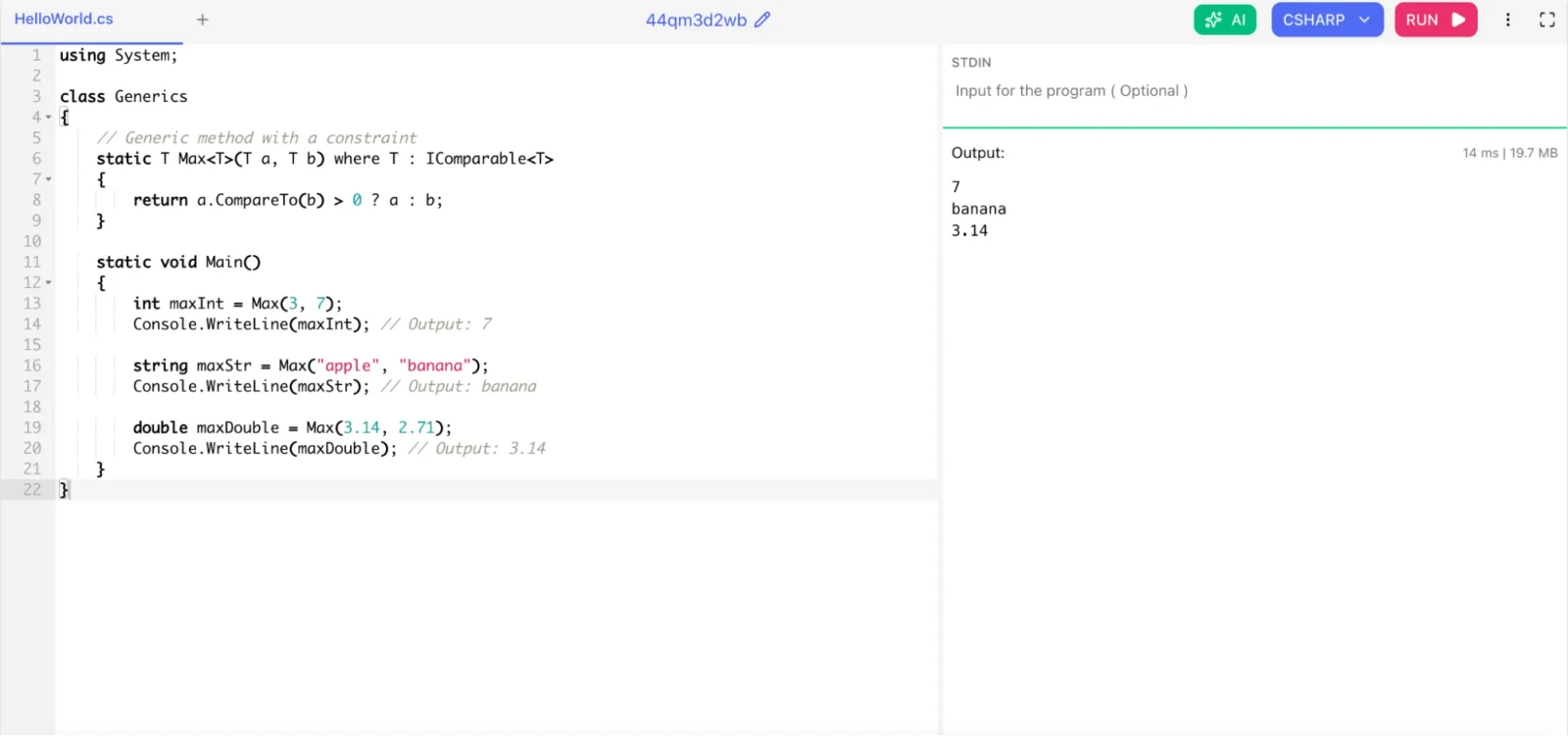
Generics let you write type-safe, reusable code without knowing the specific type at compile time. You define a class, method, or interface with a type placeholder, and the actual type is specified when the code is used.
|
using System; class Generics { // Generic method with a constraint static T Max<T>(T a, T b) where T : IComparable<T> { return a.CompareTo(b) > 0 ? a : b; } static void Main() { int maxInt = Max(3, 7); Console.WriteLine(maxInt); // Output: 7 string maxStr = Max("apple", "banana"); Console.WriteLine(maxStr); // Output: banana double maxDouble = Max(3.14, 2.71); Console.WriteLine(maxDouble); // Output: 3.14 } } |
Without generics, you would use object and cast, which is both slow (boxing/unboxing) and unsafe (runtime cast errors). Generics give you compile-time type safety and better performance.
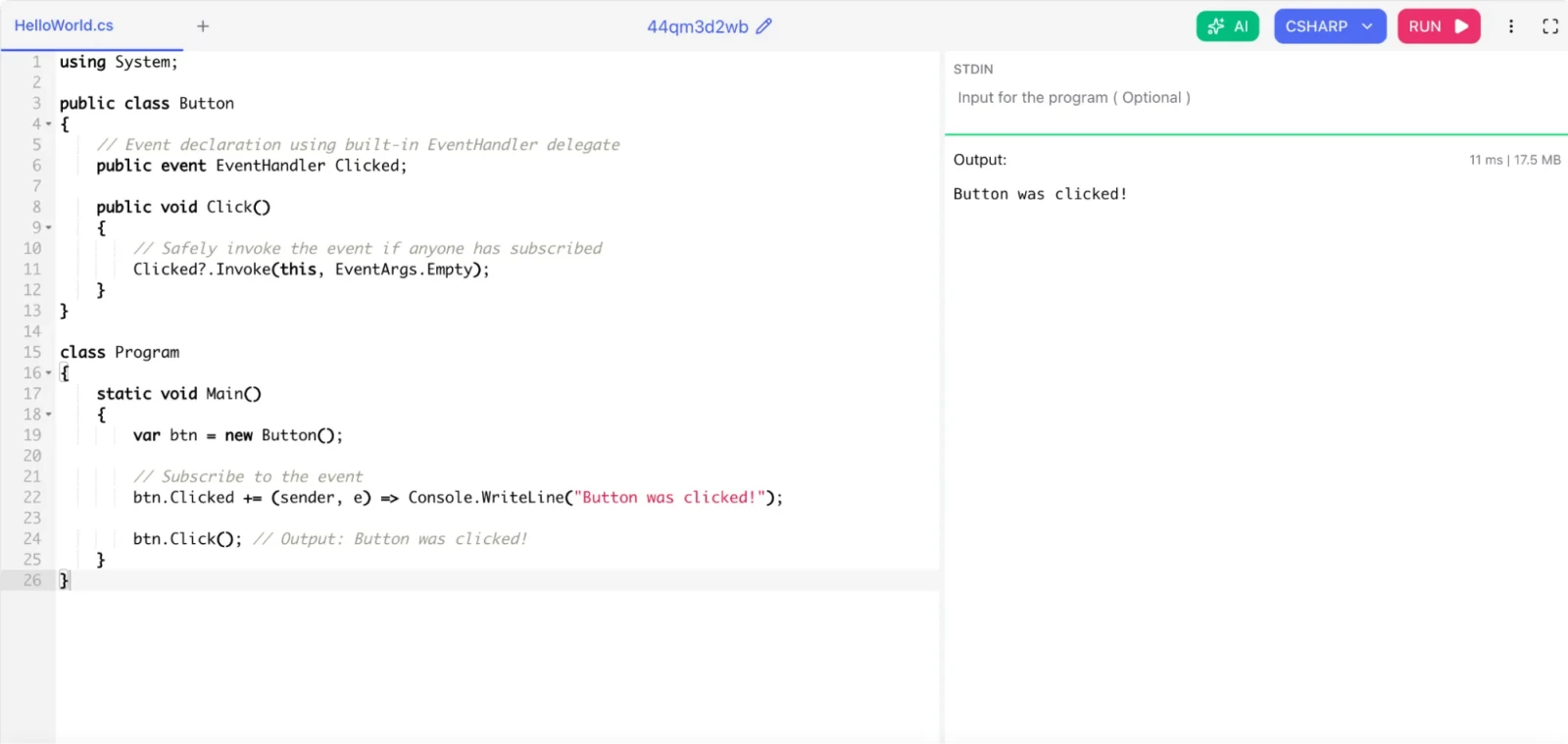
A delegate is a type-safe function pointer. It holds a reference to a method and lets you pass methods as parameters or store them in variables.
An event is a special delegate wrapper. It enforces encapsulation by ensuring that only the class that defines the event can raise it. Other classes can only subscribe or unsubscribe.
|
using System; public class Button { // Event declaration using built-in EventHandler delegate public event EventHandler Clicked; public void Click() { // Safely invoke the event if anyone has subscribed Clicked?.Invoke(this, EventArgs.Empty); } } class Program { static void Main() { var btn = new Button(); // Subscribe to the event btn.Clicked += (sender, e) => Console.WriteLine("Button was clicked!"); btn.Click(); // Output: Button was clicked! } } |
Also Read: What is Software Engineer? What Do They Do?
These advanced C# interview questions target developers with 3 or more years of experience. Expect these in senior developer, tech lead, and architect-level interviews.
Both support LINQ queries, but they work very differently.
IEnumerable<T> processes queries in memory. When you run a LINQ query on an IEnumerable, it loads all data into memory first and then filters it. This is fine for in-memory collections.
IQueryable<T> translates queries into the data source's native query language (like SQL for Entity Framework). Filtering happens at the database level, not in memory. Only the matching records travel over the network.
The .NET GC handles managed memory automatically. But unmanaged resources (file handles, network connections, database connections, COM objects) need explicit cleanup.
The IDisposable interface provides a Dispose() method for this. The standard pattern combines IDisposable with a finalizer for safety.
|
using System; using System.Data.SqlClient; public class DatabaseConnection : IDisposable { private SqlConnection _connection; private bool _disposed = false; public DatabaseConnection(string connectionString) { _connection = new SqlConnection(connectionString); _connection.Open(); } public void Dispose() { Dispose(true); GC.SuppressFinalize(this); // Tell GC not to call the finalizer } protected virtual void Dispose(bool disposing) { if (!_disposed) { if (disposing) { _connection?.Close(); _connection?.Dispose(); } _disposed = true; } } ~DatabaseConnection() { Dispose(false); // Finalizer fallback if Dispose was not called } } class Program { static void Main() { // 'using' guarantees Dispose() is called even if an exception occurs using (var conn = new DatabaseConnection("your-connection-string")) { // Use connection here } // Dispose() is called automatically here } } |
An expression tree represents code as a tree-shaped data structure. Each node is an expression, like a method call or a binary operation. Expression trees let you analyze, modify, and compile code at runtime.
They are the foundation of LINQ-to-SQL and Entity Framework. When you write a LINQ query against a DbSet<T>, your lambda is captured as an expression tree, not compiled code. Entity Framework reads that tree and translates it into SQL.
These concepts control type compatibility in generic interfaces and delegates.
Covariance (out) means you can use a more derived type than specified. It applies to return types. IEnumerable<T> is covariant, so you can assign IEnumerable<Dog> to IEnumerable<Animal>.
Contravariance (in) means you can use a less derived (more general) type than specified. It applies to input parameters. Action<T> is contravariant, so you can assign Action<Animal> to Action<Dog>.
Experienced C# developers are expected to know and apply design patterns. The most common ones are:
Creational patterns:
Singleton: Only one instance of a class exists at runtime. Used for logging, configuration, thread pools.
Factory Method: Delegates object creation to subclasses.
Builder: Constructs complex objects step by step.
Structural patterns:
Repository: Abstracts data access logic from business logic.
Decorator: Adds behavior to an object without modifying its class.
Adapter: Makes incompatible interfaces compatible.
Behavioral patterns:
Observer: One object notifies many subscribers of state changes (C# events are a built-in implementation).
Strategy: Encapsulates interchangeable algorithms.
Command: Encapsulates a request as an object.
In modern C# and ASP.NET Core, Dependency Injection is fundamental and combines Factory and Strategy patterns naturally.
Read Also: What are Programming Languages?
Span<T> is a ref struct introduced in C# 7.2. It provides a type-safe, memory-safe view into a contiguous block of memory without allocating new objects. It can point to stack memory, heap memory, or native memory.
The key benefit is zero-copy slicing. Instead of creating a new string or array for a portion of data, you create a Span pointing to a region of the existing buffer.
C# continues to evolve. Key recent features include:
C# 12 (2023):
Primary constructors for any class or struct, not just records
Collection expressions ([1, 2, 3] syntax for arrays, lists, spans)
Inline arrays for high-performance scenarios
Default lambda parameters
C# 13 (2024):
params collections (not just arrays)
\e escape sequence for the escape character
lock on System.Threading.Lock for better lock objects
New partial features for properties and indexers
Iterator and async improvements
Dependency Injection (DI) is a design pattern where a class receives its dependencies from outside rather than creating them internally. ASP.NET Core has DI built in.
You register services in Program.cs with one of three lifetime options:
Singleton: One instance for the entire application lifetime
Scoped: One instance per HTTP request
Transient: A new instance every time it is requested
|
using System; using System.Threading.Tasks; class Program { static async Task<string> GetDataAsync() { await Task.Delay(1000); return "Hello Async World"; } static void Main(string[] args) { string result = GetDataAsync().GetAwaiter().GetResult(); Console.WriteLine(result); } } |
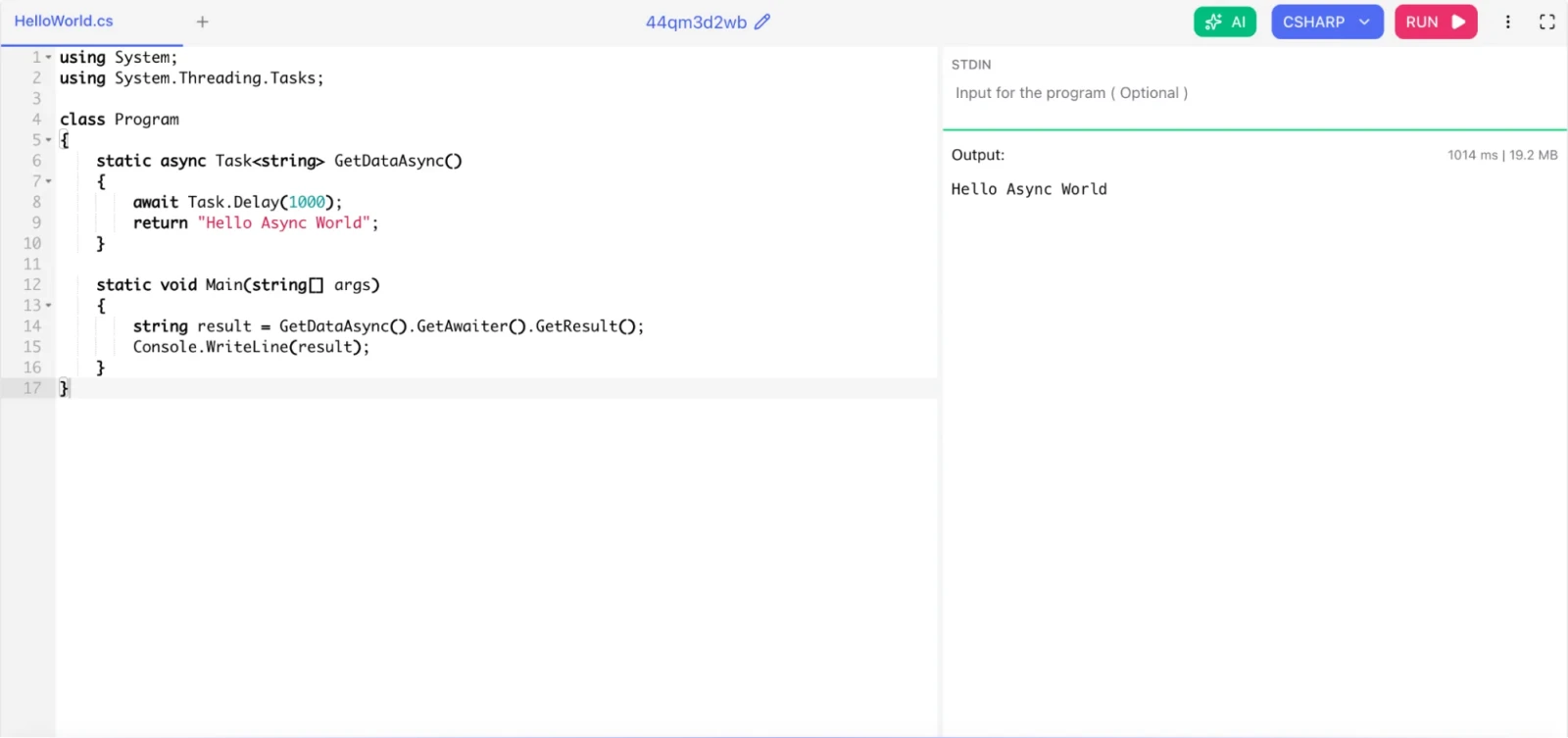
Then your classes declare dependencies through constructor injection:
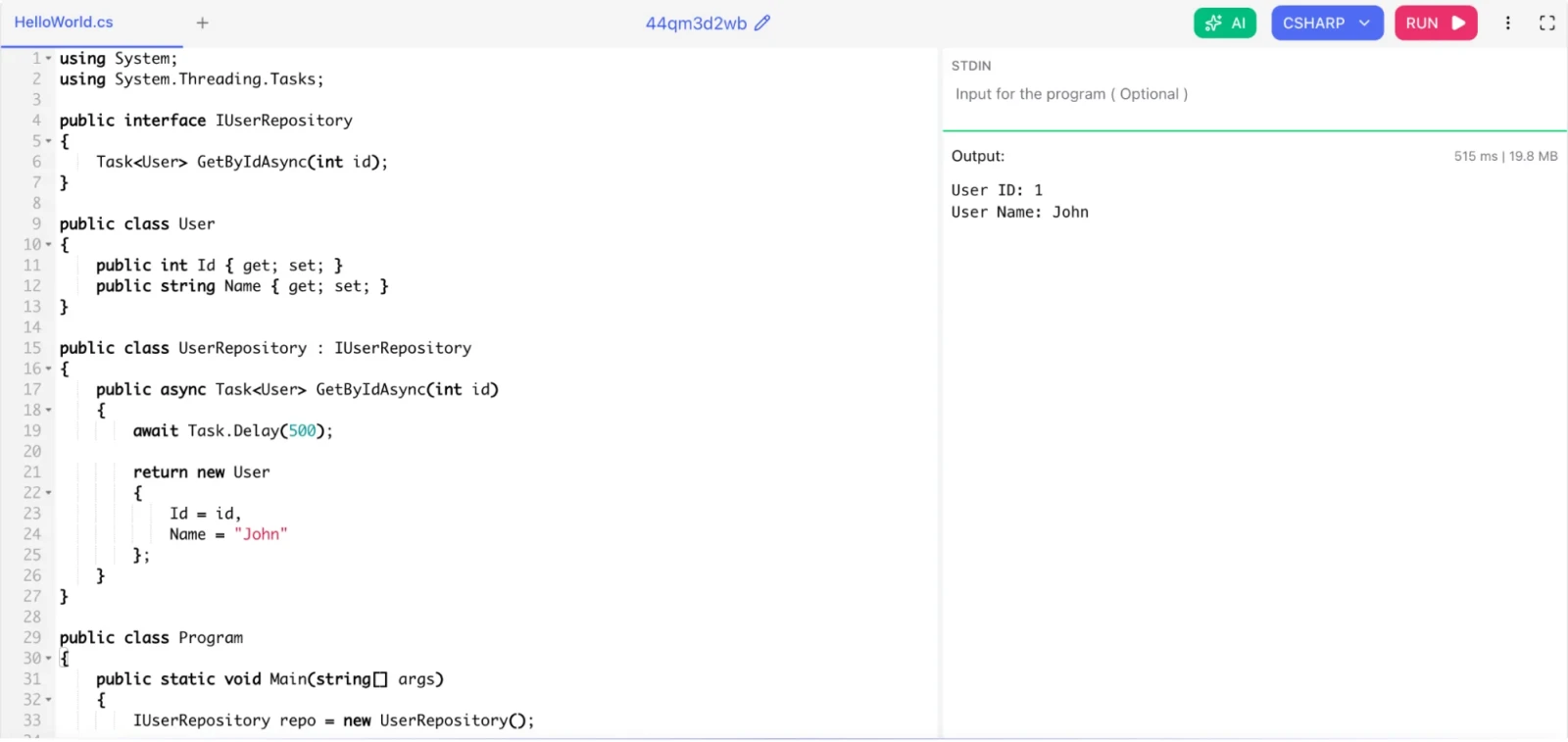
|
using System; using System.Threading.Tasks; public interface IUserRepository { Task<User> GetByIdAsync(int id); } public class User { public int Id { get; set; } public string Name { get; set; } } public class UserRepository : IUserRepository { public async Task<User> GetByIdAsync(int id) { await Task.Delay(500); return new User { Id = id, Name = "John" }; } } public class Program { public static void Main(string[] args) { IUserRepository repo = new UserRepository(); User user = repo.GetByIdAsync(1).GetAwaiter().GetResult(); Console.WriteLine("User ID: " + user.Id); Console.WriteLine("User Name: " + user.Name); } } |
This pattern makes your code testable because you can inject mock implementations during unit tests.
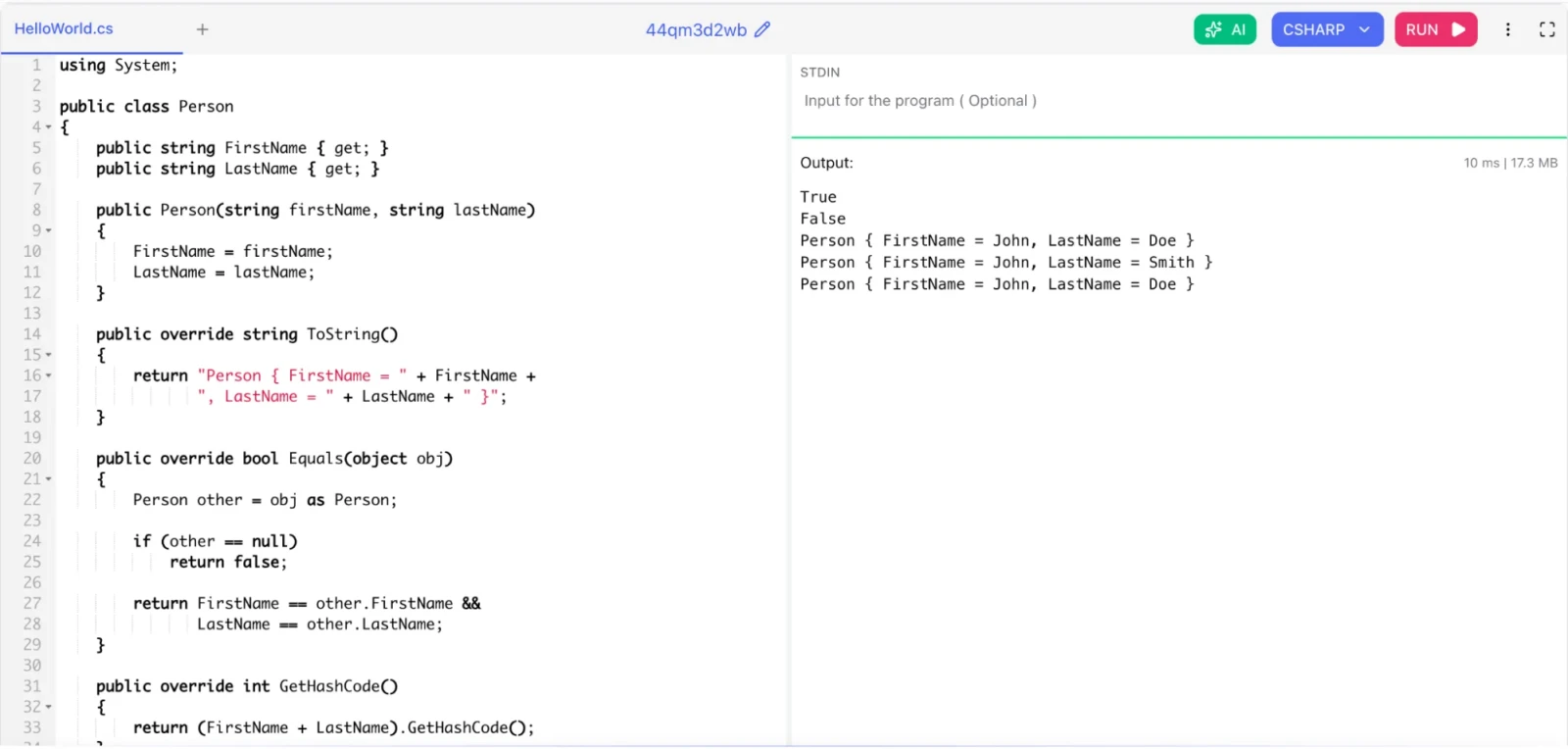
record is a special class type introduced in C# 9 designed for immutable data models. Records give you value-based equality by default, a built-in ToString(), and non-destructive mutation with with expressions.
|
using System; public class Person { public string FirstName { get; } public string LastName { get; } public Person(string firstName, string lastName) { FirstName = firstName; LastName = lastName; } public override string ToString() { return "Person { FirstName = " + FirstName + ", LastName = " + LastName + " }"; } public override bool Equals(object obj) { Person other = obj as Person; if (other == null) return false; return FirstName == other.FirstName && LastName == other.LastName; } public override int GetHashCode() { return (FirstName + LastName).GetHashCode(); } } class RecordDemo { static void Main() { Person p1 = new Person("John", "Doe"); Person p2 = new Person("John", "Doe"); Person p3 = new Person("Jane", "Doe"); Console.WriteLine(p1.Equals(p2)); // True Console.WriteLine(p1.Equals(p3)); // False Console.WriteLine(p1); Person p4 = new Person(p1.FirstName, "Smith"); Console.WriteLine(p4); Console.WriteLine(p1); } } |
C# normally enforces memory safety. The unsafe keyword lets you bypass that safety and work with pointers directly, similar to C or C++. You also need to enable it in your project file with <AllowUnsafeBlocks>true</AllowUnsafeBlocks>.
Read Also: What Is Bash?
Scenario-based questions test how you think and solve problems under real-world conditions. These questions do not have one right answer. The interviewer wants to see your reasoning process.
Start by measuring before optimizing. Use tools like Application Insights, dotnet-trace, or BenchmarkDotNet to find the actual bottleneck.
Common causes and fixes:
Synchronous I/O blocking threads: Replace blocking calls with async/await. Never call .Result or .Wait() on a Task in a web application.
N+1 query problem in Entity Framework: Use Include() to eager-load related data and avoid looping queries.
No caching: Add IMemoryCache for frequently read data that does not change often.
Large object allocations: Profile with a memory profiler. Consider ArrayPool<T> or MemoryPool<T> to reuse buffers.
Missing indexes in the database: Check query execution plans.
Always profile before changing code. Optimization without measurement is guesswork.
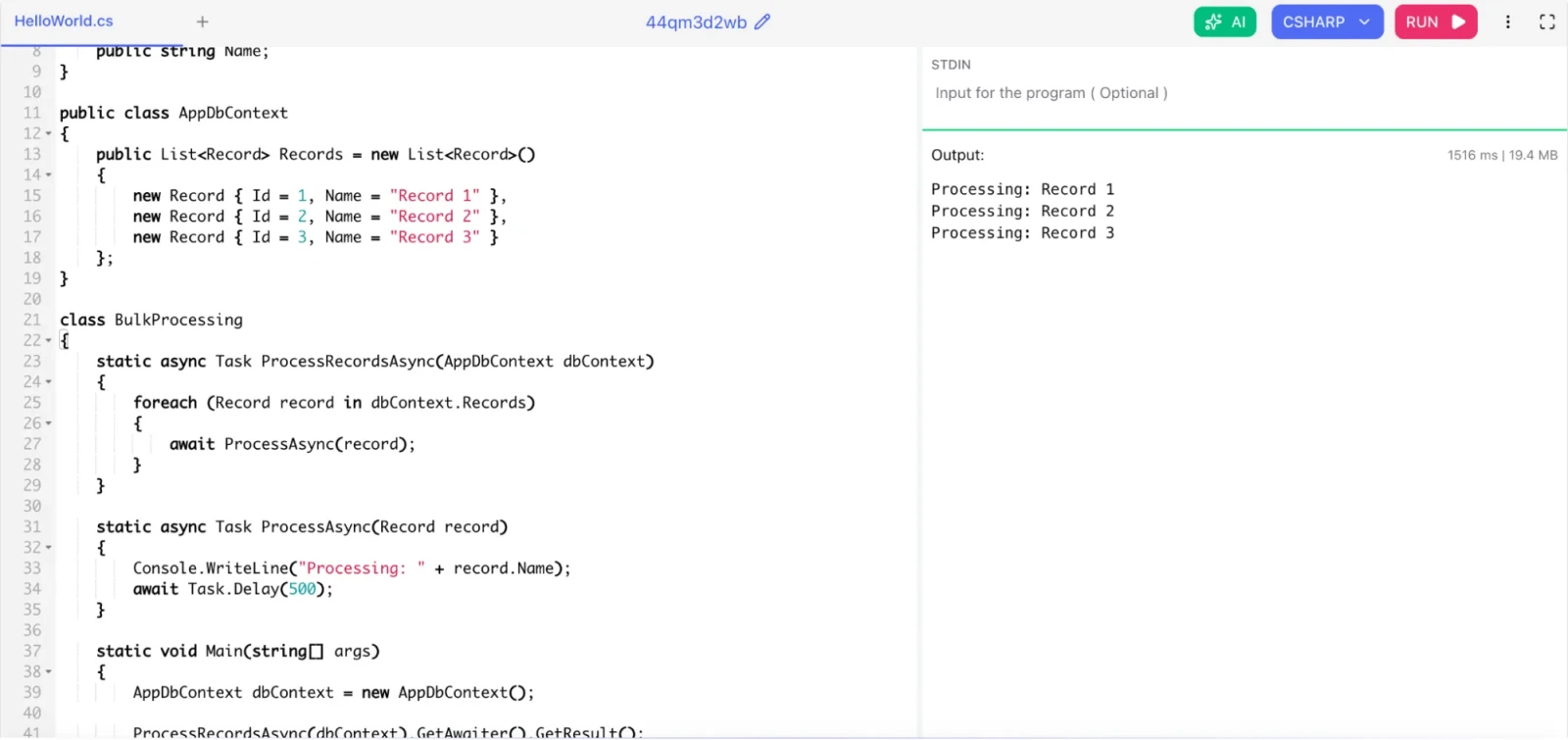
First, never load all 100,000 records into memory at once if you can avoid it. Stream the data.
With Entity Framework Core, use AsAsyncEnumerable():
|
using System; using System.Collections.Generic; using System.Threading.Tasks; public class Record { public int Id; public string Name; } public class AppDbContext { public List<Record> Records = new List<Record>() { new Record { Id = 1, Name = "Record 1" }, new Record { Id = 2, Name = "Record 2" }, new Record { Id = 3, Name = "Record 3" } }; } class BulkProcessing { static async Task ProcessRecordsAsync(AppDbContext dbContext) { foreach (Record record in dbContext.Records) { await ProcessAsync(record); } } static async Task ProcessAsync(Record record) { Console.WriteLine("Processing: " + record.Name); await Task.Delay(500); } static void Main(string[] args) { AppDbContext dbContext = new AppDbContext(); ProcessRecordsAsync(dbContext).GetAwaiter().GetResult(); } } |
For even higher throughput, process records in batches with Chunk() and controlled parallelism using Parallel.ForEachAsync. For bulk database writes, use EF Core Bulk Extensions instead of individual SaveChanges() calls. That one change alone can reduce write time from minutes to seconds.
This is a serious code smell and I would flag it as a blocking issue.
Swallowing exceptions hides bugs. The application continues running in a potentially corrupt state with no indication that something went wrong.
I would explain:
Log the exception at minimum: logger.LogError(ex, "Failed to process record {id}", id);
Only catch exceptions you can handle. If you cannot recover at this level, let it bubble up.
Use specific exception types (SqlException, HttpRequestException) instead of the base Exception class when possible.
Distinguish between expected and unexpected exceptions: A FileNotFoundException when a config file is missing is expected. A NullReferenceException in business logic is a bug.
The approach depends on the data access pattern.
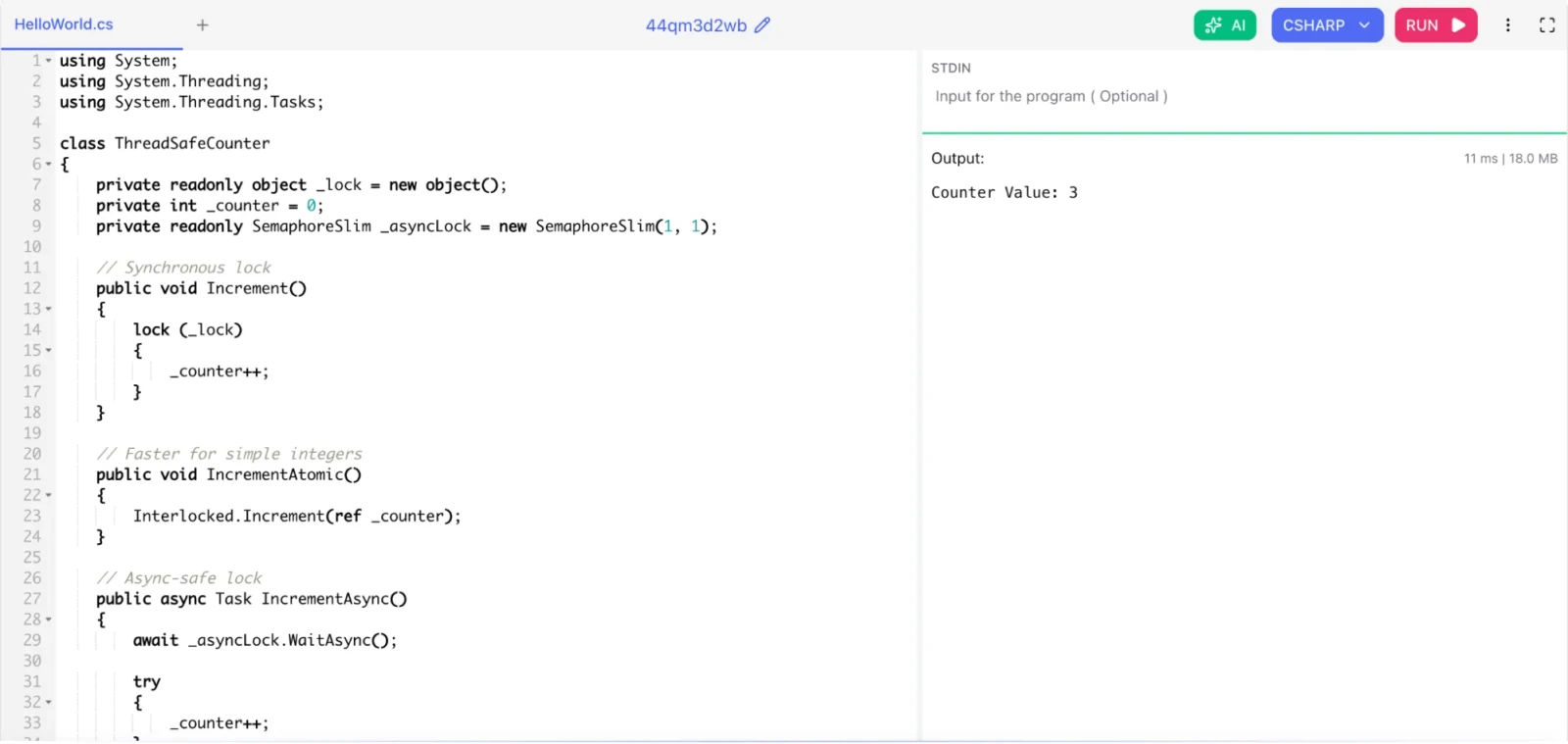
For simple shared state, use lock with a private object and keep the lock scope as small as possible.
For atomic integer operations, use the Interlocked class. It is faster than lock for simple increments and decrements.
For async code, use SemaphoreSlim because lock does not work with await.
|
using System; using System.Threading; using System.Threading.Tasks; class ThreadSafeCounter { private readonly object _lock = new object(); private int _counter = 0; private readonly SemaphoreSlim _asyncLock = new SemaphoreSlim(1, 1); // Synchronous lock public void Increment() { lock (_lock) { _counter++; } } // Faster for simple integers public void IncrementAtomic() { Interlocked.Increment(ref _counter); } // Async-safe lock public async Task IncrementAsync() { await _asyncLock.WaitAsync(); try { _counter++; } finally { _asyncLock.Release(); } } public int Value { get { return _counter; } } } class Program { static void Main(string[] args) { ThreadSafeCounter counter = new ThreadSafeCounter(); counter.Increment(); counter.IncrementAtomic(); counter.IncrementAsync().GetAwaiter().GetResult(); Console.WriteLine("Counter Value: " + counter.Value); } } |
For immutable state, use records or ImmutableDictionary<> from System.Collections.Immutable. Immutable objects eliminate the need for locks entirely because no thread can modify them.
Related Article: What is IDE: Integrated Development Environment
Start by understanding the business-critical paths. Do not try to test everything at once.
Set up a baseline: Run code coverage tools (Coverlet, dotCover) to see where you stand.
Write characterization tests first: Before changing any code, write tests that document what the code currently does. These tests act as a safety net.
Refactor for testability: Legacy code often has tightly coupled dependencies. Introduce interfaces and use constructor injection so you can swap in mock implementations.
Prioritize by risk: Test the code that handles money, user authentication, data writes, and business calculations first.
Use testing frameworks: xUnit or NUnit for unit tests, Moq or NSubstitute for mocking, FluentAssertions for readable assertions.
Add tests to every bug fix: Never fix a bug without writing a test that would have caught it.
Improving test coverage is a gradual, continuous effort. Set a coverage target (like 70%) and enforce it in your CI pipeline.
Start by identifying whether the bottleneck is the database, network, or application code. Use logging and profiling tools to measure query execution time rather than optimizing based on assumptions.
Inspect generated SQL and identify slow queries.
Check whether unnecessary data is being loaded into memory.
Use projection with Select() to retrieve only required columns.
Apply filtering with Where() before materializing the query.
Check database indexes and query execution plans.
Avoid unnecessary calls to ToList(), especially before filtering.
For Entity Framework Core applications, understanding the difference between IQueryable and IEnumerable is particularly important because filtering an IQueryable can allow the database to perform the work instead of loading the entire dataset into application memory.
First, identify the exact line and execution path from the exception logs and stack trace. Do not simply add null checks everywhere, because that can hide the underlying problem.
Capture the complete exception and stack trace.
Identify which object is unexpectedly null.
Trace where that object is created or retrieved.
Check API input, database results, dependency injection, and configuration values.
Add appropriate validation or null handling at the correct boundary.
Create a regression test that reproduces the issue.
The goal is to find why the value became null rather than simply preventing the exception from appearing.
Avoid loading the entire dataset into memory at once. Process the data incrementally using streaming, pagination, or asynchronous enumeration depending on the data source.
For database operations, retrieve records in manageable batches and select only the fields required by the application. For file processing, use streams instead of reading the complete file into memory. In suitable performance-critical scenarios, Span<T> and Memory<T> can also reduce unnecessary allocations.
The key principle is to keep the working set small and avoid creating unnecessary intermediate collections or objects.
A common cause is blocking asynchronous operations. Calling methods such as .Result or .Wait() instead of using await can block threads and reduce application scalability.
Use asynchronous APIs throughout the call chain and configure appropriate timeouts and cancellation tokens. For example, an HTTP request should normally be awaited rather than synchronously blocking the request thread.
Also consider transient network failures, retry policies, connection limits, and slow external services. Logging request duration and failure rates can help determine whether the problem originates inside the application or with the external dependency.
Start by comparing CPU usage before and after the deployment and identify which application process or operation is consuming the CPU. Use profiling and performance-monitoring tools to locate methods with unusually high execution time or excessive invocation counts.
Check application and deployment logs for unusual activity.
Profile CPU-intensive methods and identify hot paths.
Look for inefficient loops, repeated calculations, excessive serialization, or unnecessary LINQ operations.
Check for accidental infinite loops or excessive parallelism.
Compare the new implementation with the previous version.
Fix the bottleneck and verify the improvement with performance testing.
Performance problems should be measured before and after optimization so that changes are based on actual evidence rather than assumptions.
C# is a deep, evolving language. Interviewers test different things at different levels. Freshers get tested on language basics. Intermediate developers get tested on collections, async programming, and patterns. Senior developers get tested on performance, architecture, and real-world problem-solving.
The best way to prepare is to build things. Understand the "why" behind every concept, not just the "what." When you can explain why IQueryable is better than IEnumerable for database queries, or why StringBuilder outperforms string concatenation in loops, you show that you understand how C# works internally.
Keep your fundamentals sharp, follow the .NET release notes, and practice scenario-based thinking. That combination will set you apart from candidates who just memorize answers.
Read Also: What is R Programming Language?
Focus on OOP fundamentals (inheritance, polymorphism, encapsulation, abstraction), data types (value vs reference), collections (List, Dictionary, Array), exception handling, and basic LINQ. These topics appear in almost every fresher interview.
Most technical interviews cover 8 to 15 questions. The format varies. Some interviews ask many short conceptual questions. Others focus on 2 to 3 deep discussions with coding exercises. Prepare for both.
It depends on the role. For backend web development positions, yes, you will need to know ASP.NET Core, middleware, routing, and dependency injection. For general C# roles (game development, desktop apps, data processing), .NET web knowledge is less critical.
Senior developers should know async/await deeply, memory management and IDisposable, Span and performance optimization, LINQ internals (IQueryable vs IEnumerable), design patterns, Entity Framework Core optimization, and dependency injection.