


Preparing to become an Expert in Microsoft Power BI? This Top Power BI MCQs collection is your ultimate resource. It includes frequently asked multiple-choice questions, categorized for comprehensive learning, to evaluate your expertise and identify areas for improvement..
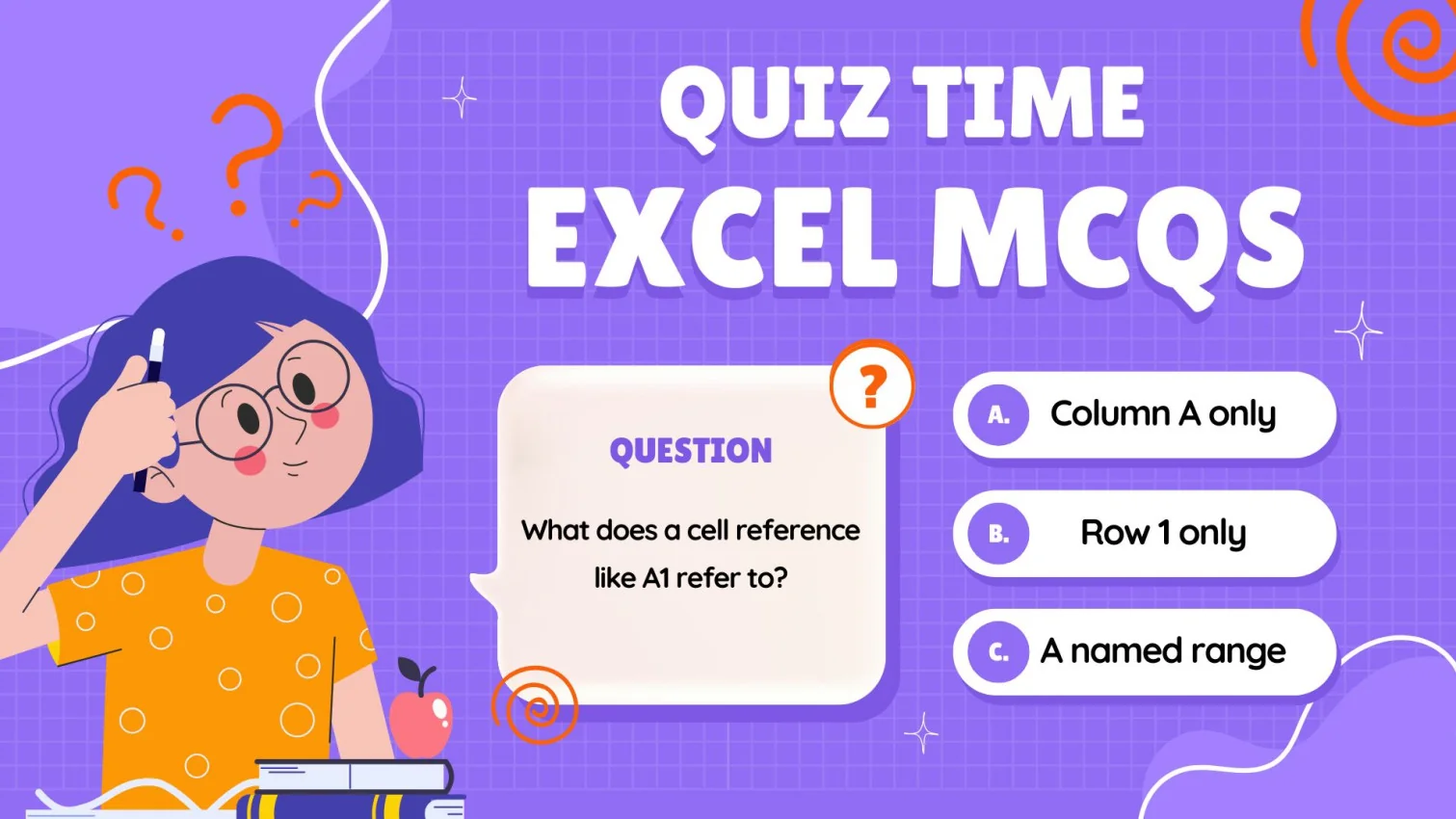
Preparing to become an Excel Expert? This Top Excel MCQs collection is your ultimate resource. It includes frequently asked multiple-choice questions, categorized for comprehensive learning, to evaluate your expertise and identify areas for improvement...
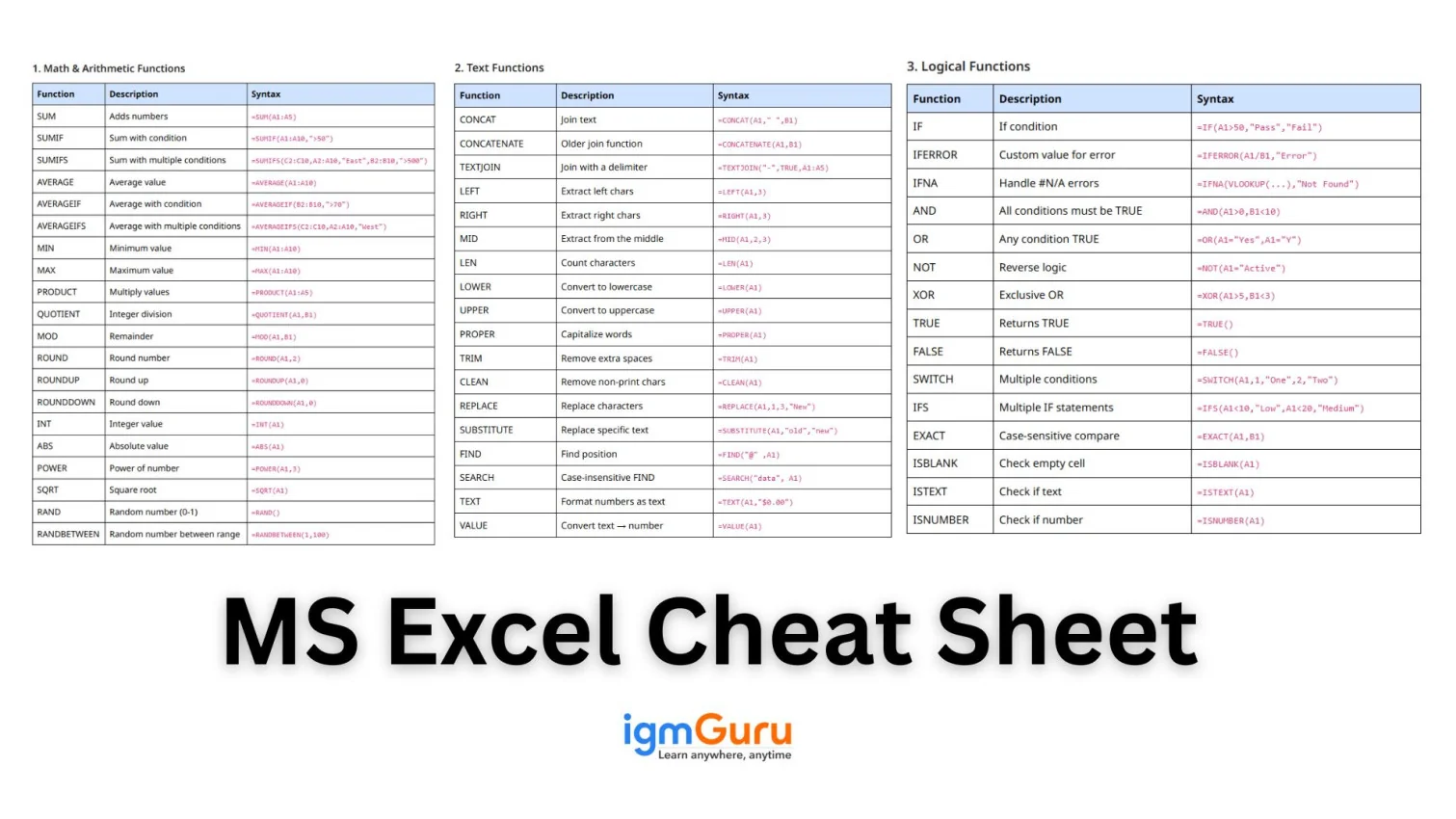
Microsoft Excel is one of the most powerful tools for organizing, analyzing, and visualizing data. Whether you are a beginner working on your first spreadsheet or a professional handling complex datasets, Excel’s functions and formulas can boost your productivity and accuracy. This Excel cheat sheet will help you recall the most commonly used Excel functions quickly and clearly...
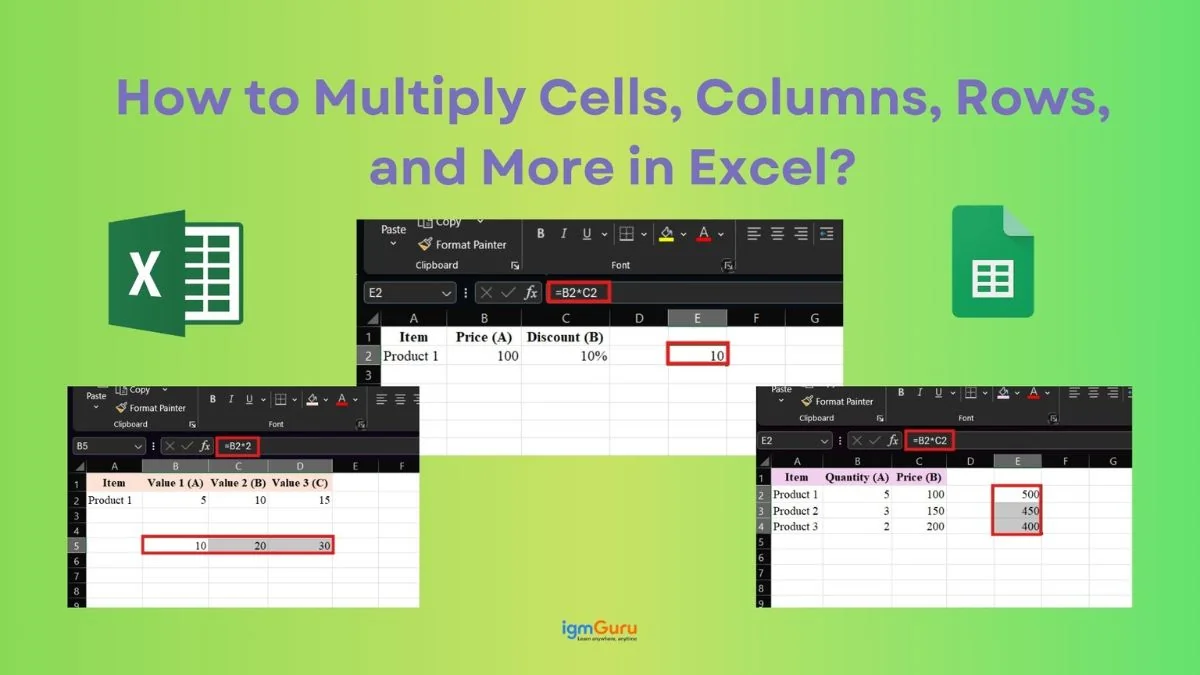
Suppose you are working on a simple Excel sheet, maybe keeping a track of your monthly expenses, calculating product prices, analyzing sales data or anything else. You will quickly realize that so many calculations depend a lot on the Multiplication function in Excel. Whether it is about finding total revenue (price × quantity) or applying discounts, multiplication is everywhere in Excel....
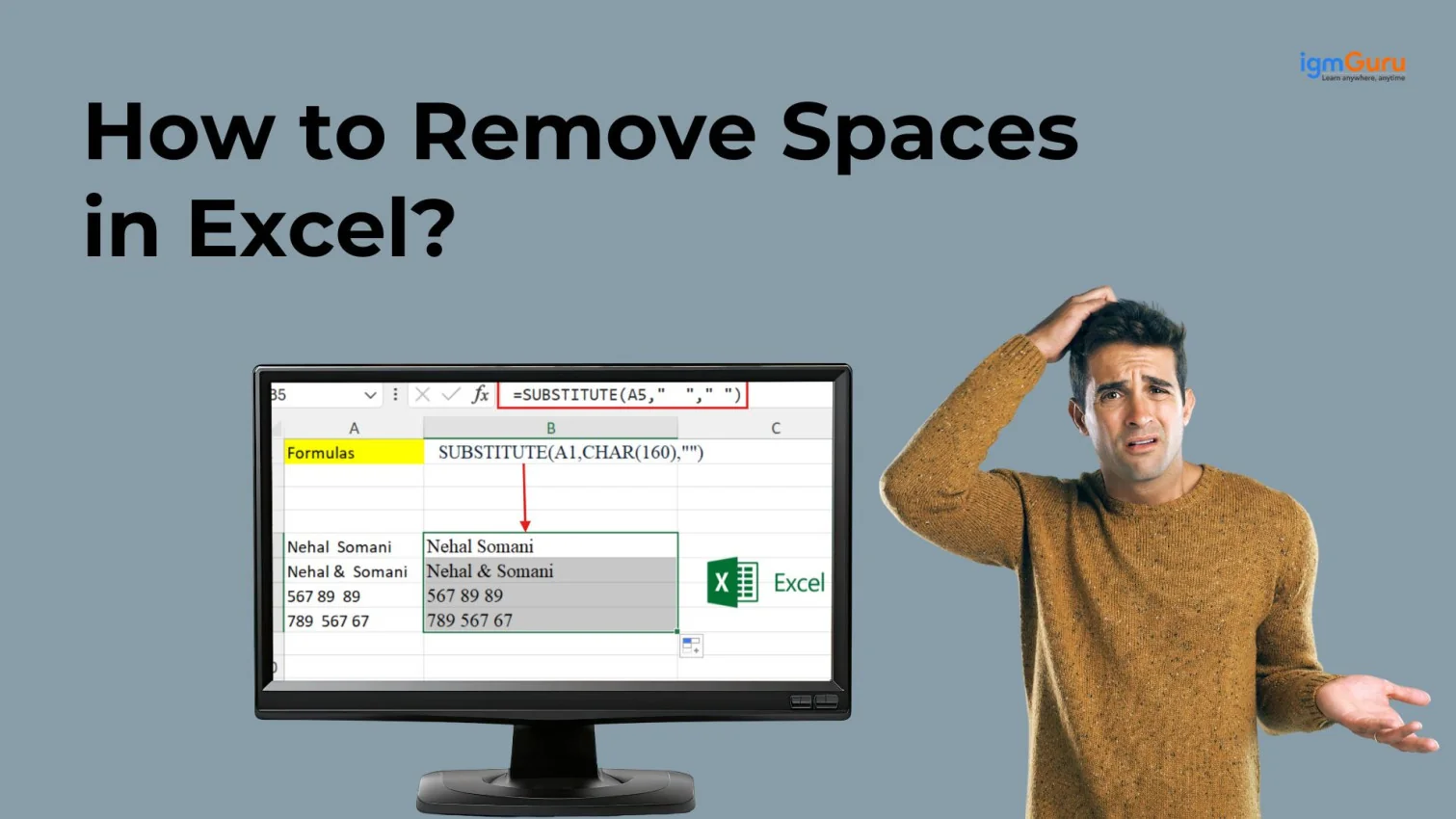
Microsoft Excel is a handy tool for managing large databases, but even a small formatting issue can create big problems when working with thousands of records. Unwanted spaces are one of the most common examples. I was also frustrated with the same problem until I learned the best solutions....
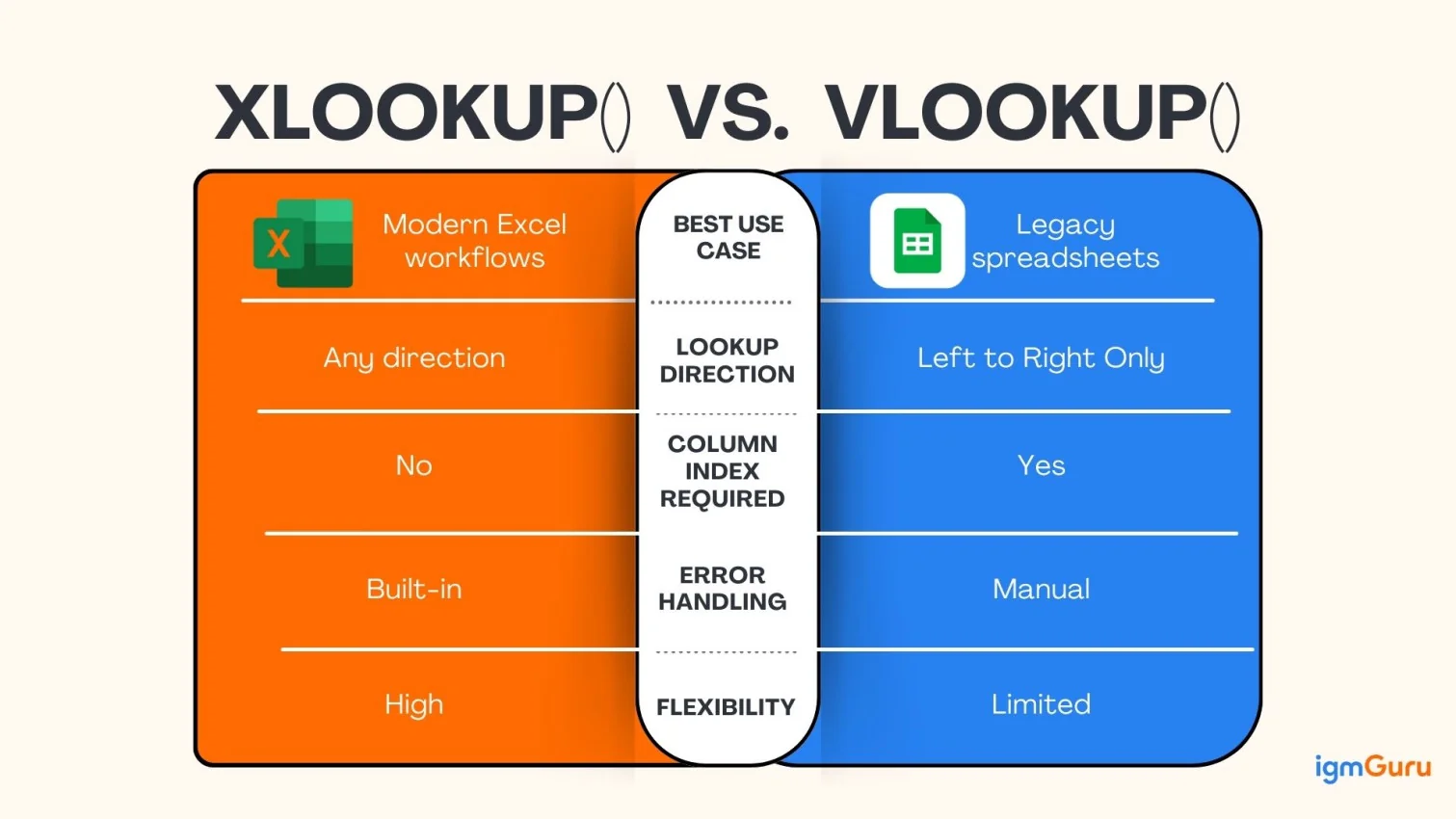
XLOOKUP() vs VLOOKUP() are essential Excel functions for anyone working with data in Excel. They help you search for a value in one part of a dataset and automatically return related information from another part. Since both functions...
Many individuals and companies struggle to organize large amounts of data these days. Microsoft Excel is a solution for them in this instance. We have curated this guide on what is Microsoft Excel specially to inform them about this software..
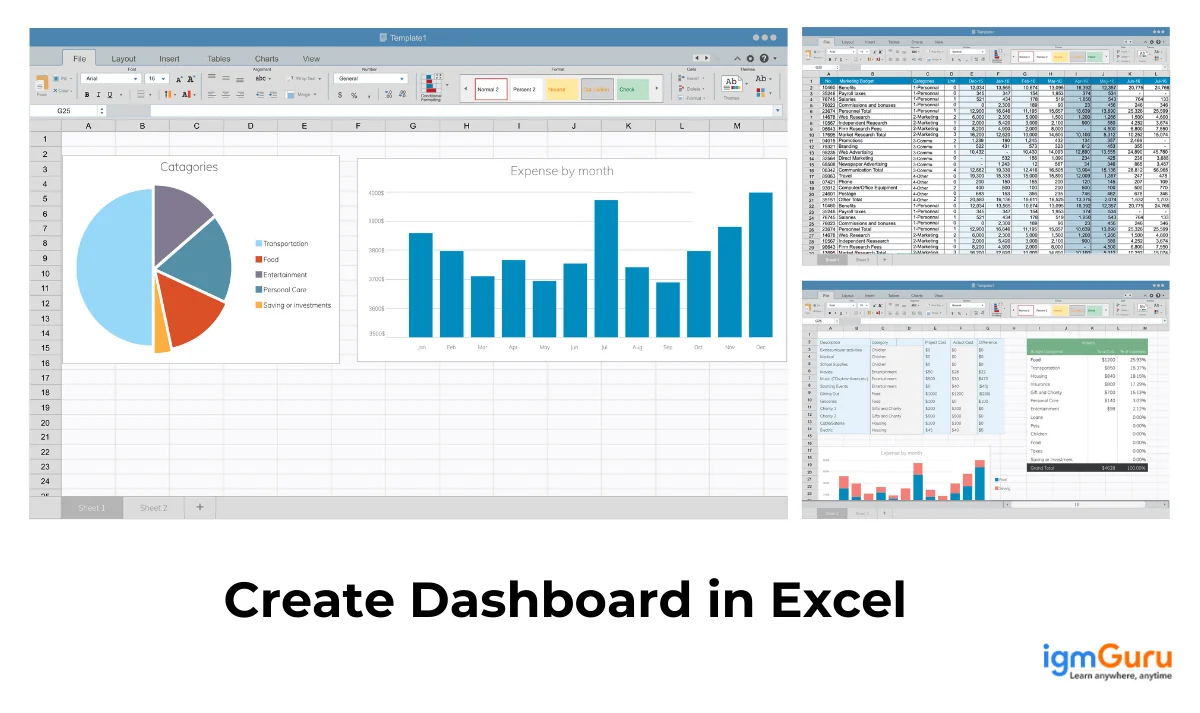
Anyone working on Windows will surely have come across Excel in their experience. It is really a good tool for data consolidation, metrics tracking, and decision making. These are indeed great functions but do you know how to use them..
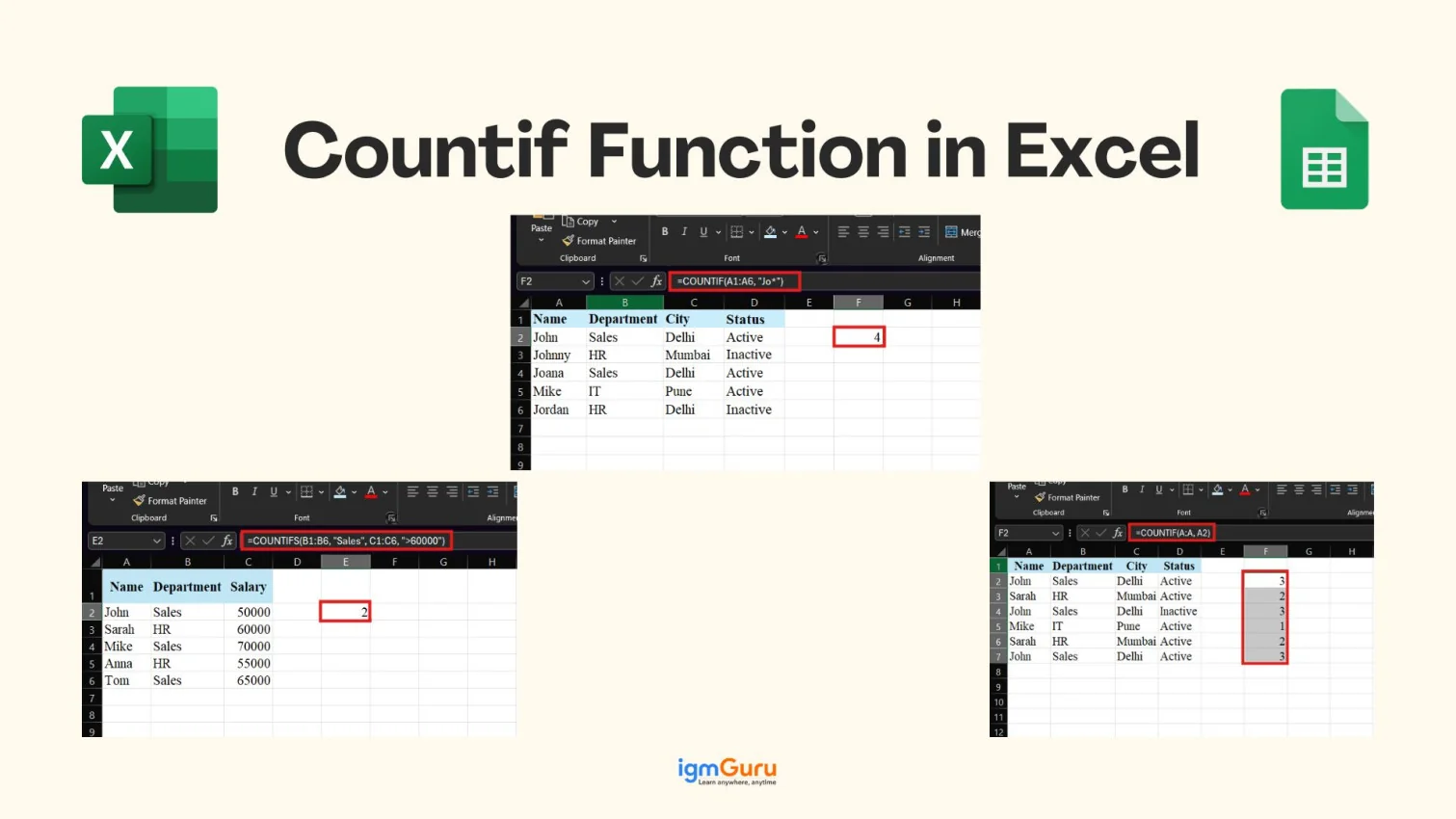
Have you ever found yourself scrolling through endless rows in Excel just to count how many times a value appears? Then, you are not alone in this. For solving this problem, Excel has a built-in function named COUNTIF...
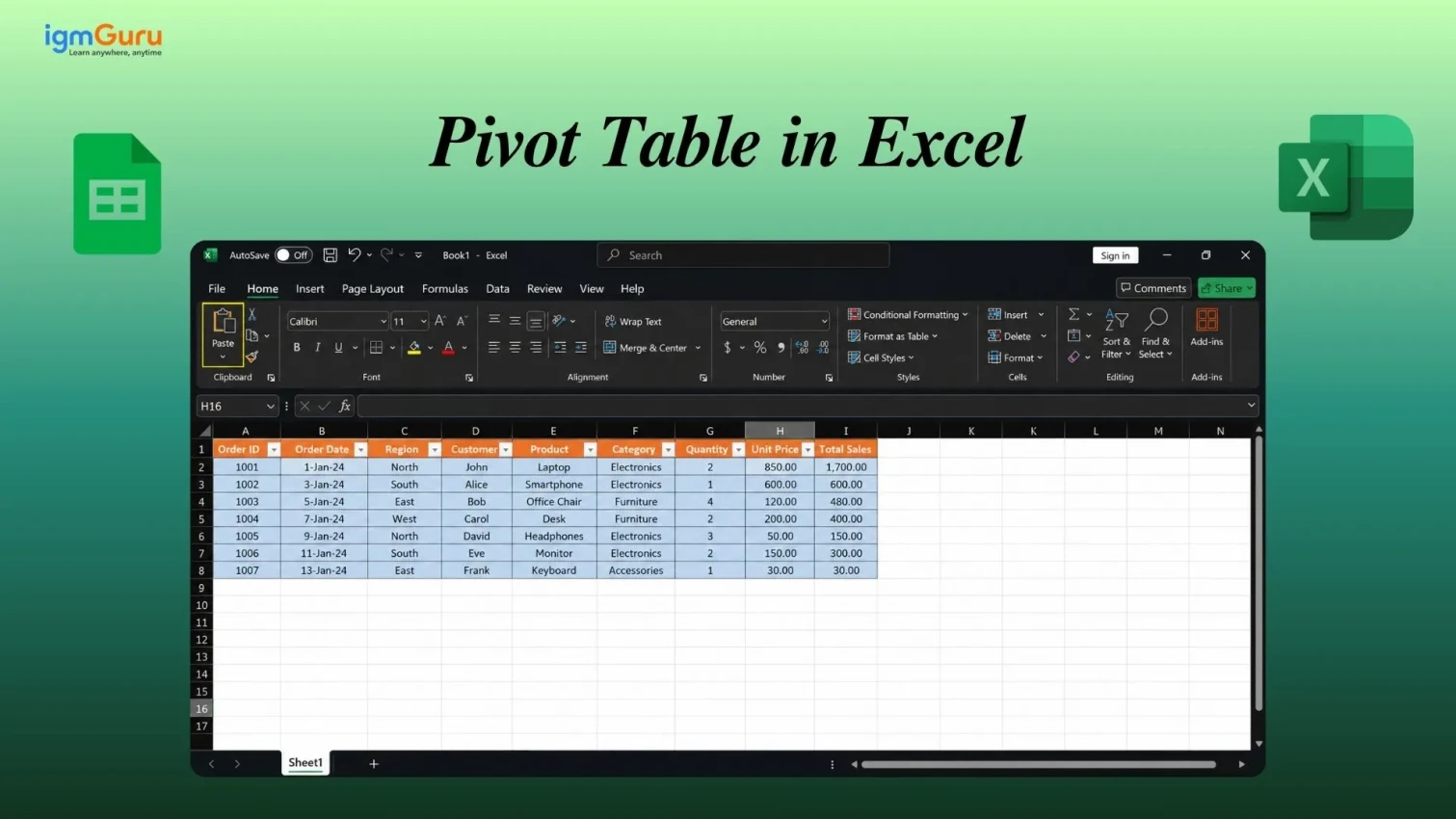
Pivot Tables in Excel provide users with a way to quickly summarize, organize, and analyze large amounts of data in one place. Users can create meaningful reports of the data in different categories, perform calculations such as totaling, averaging, counting and identifying trends very simply and quickly.....
Excel certifications are important for those who want to develop strong data handling and analytical abilities of their own in an extremely competitive job market today. The certifications validate an individual's ability to use Excel, but they also improve the...

Blank rows in Excel can quietly break your workflow. Have you ever sorted data only to see blank rows? These empty-looking rows often hide spaces, formulas or formatting that disrupt sorting, filtering, calculations without warning. It is a common...
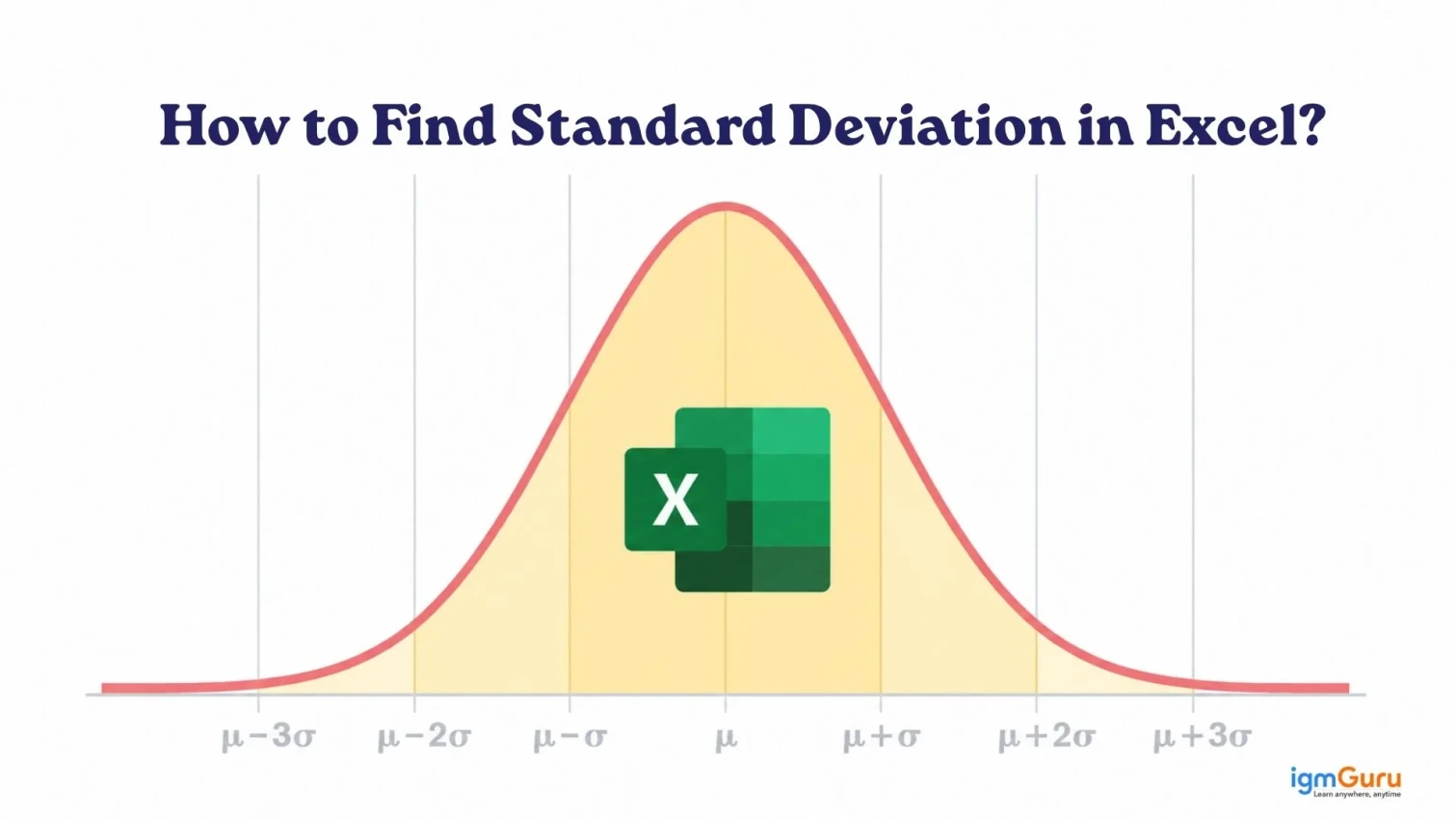
Standard deviation is one of the most important statistical measures in data analysis. It tells you how spread out your data is, whether values are clustered tightly around the average or scattered widely. And while the manual math behind it can be intimidating, Excel makes it remarkably simple....
Power Query in Excel is a great tool for streamlining data operations. It saves a lot of precious time spent on repetitive tasks like data extraction and transfer. Using this tool can simplify a major part of data operations. Do you know how to use Power Query..
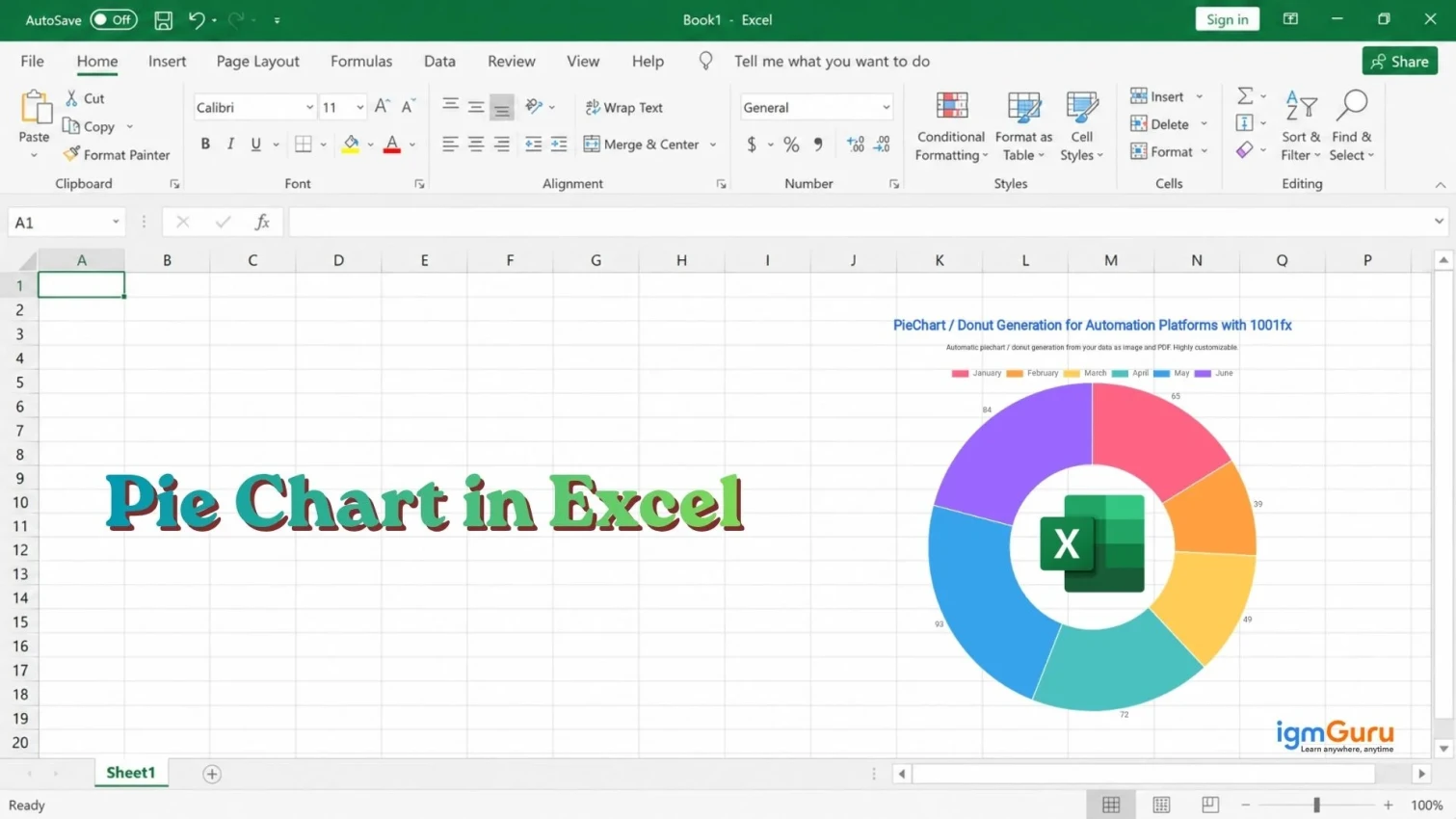
Visual interpretations of numbers can often help us understand the context that numerical data cannot easily convey, because large datasets can often provide us with very complex information to interpret. Visualization tools, including pie charts, allow you to visualize your data in ways that are visually appealing and are much easier to read than just the numbers alone....
One of the most common data cleanup tasks in Excel is splitting a full name into separate columns: first name, last name, and sometimes a middle name or suffix. Whether you have imported a contact list, downloaded a CRM export, or received data from another team, names that are stuck together in a single cell slow down sorting, filtering, mail merges, and analysis....

Microsoft Excel is not just an ordinary tool. It has been a go-to solution for managing data with different features like formulas and functions, pivot tables, charts and graphs, data validation, conditional formatting and macros (VBA). There are approximately..
I still remember the first time I had to compare two columns in Excel. I thought it would be easy. Just place two lists side by side and look for differences. Sounds very simple, right?...
Subtraction is one of the most fundamental operations you will ever perform in Excel. Whether you are calculating profit margins, tracking budget variances, measuring time differences, or comparing sales data, knowing how to subtract in Excel quickly and correctly is a skill every spreadsheet user needs....

Today’s evolving tech space directs businesses to focus on being productive. The tools leveraged by a business makes a huge difference in every aspect of their working.

POML is also known as Prompt Orchestration Markup Language. It is an XML-inspired framework released by Microsoft on August 13, 2025. It is a structured way to design, organize and automate prompts for AI workflows. POML helps you in defining prompts..

Databricks both simplifies and accelerates data management and data analysis. Apache Spark developed this technology to make things easier in the big data and machine learning space..

Working with Excel data becomes confusing the moment you apply filters. Your totals stop making sense, numbers don’t match, and you’re left wondering what went wrong. This is exactly where the SUBTOTAL function in Excel becomes a game-changer. It lets you calculate totals that automatically adjust based on visible data, making your analysis accurate and reliable...
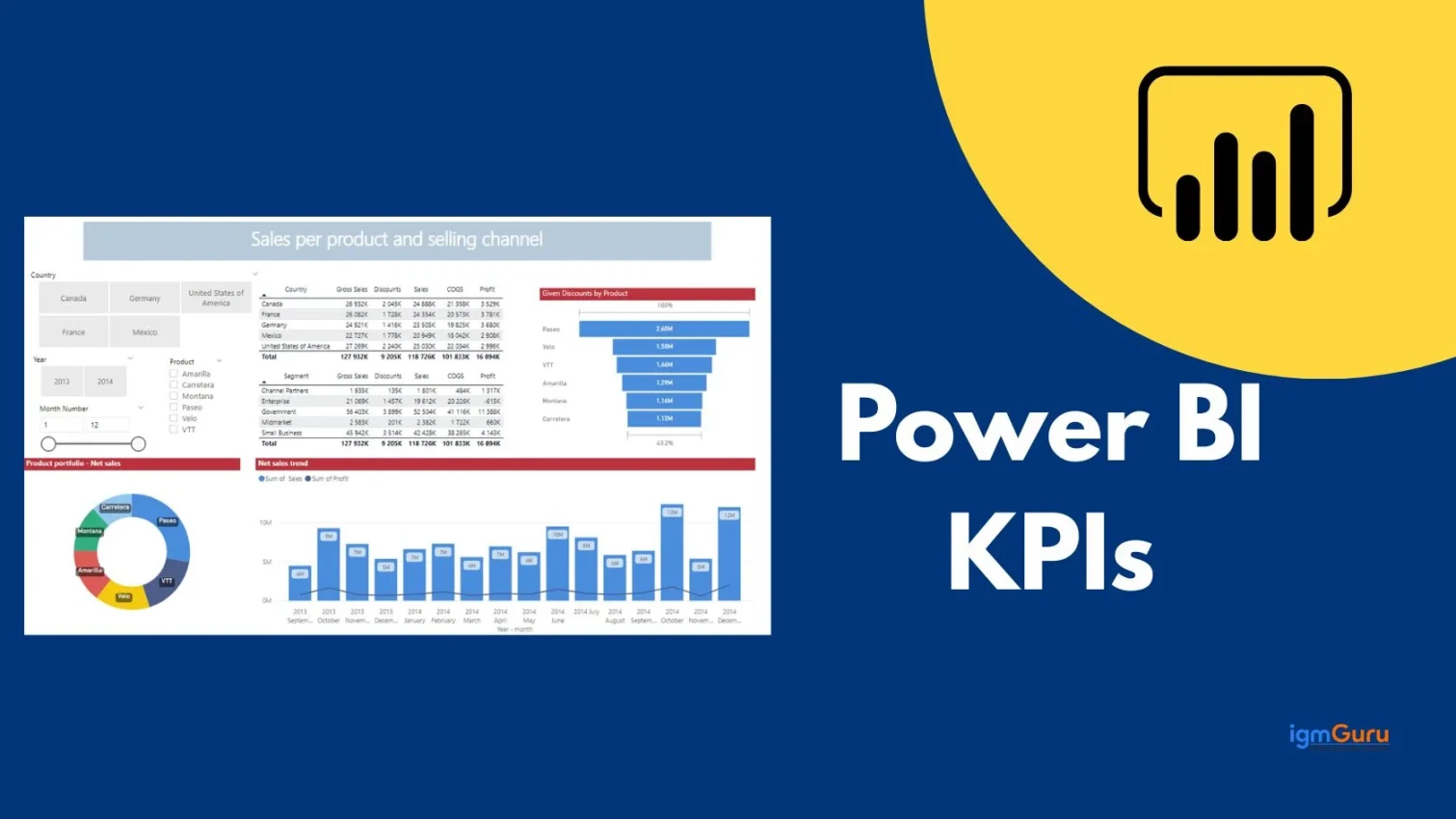
KPI's exist because as a data worker we already know that numbers do not mean anything unless given some kind of context about where they came from. When you combine KPIs with the use of Power BI you effectively have a report that tells both what happened as well as whether it was good/bad, an idea about how far you are from your goals, etc.
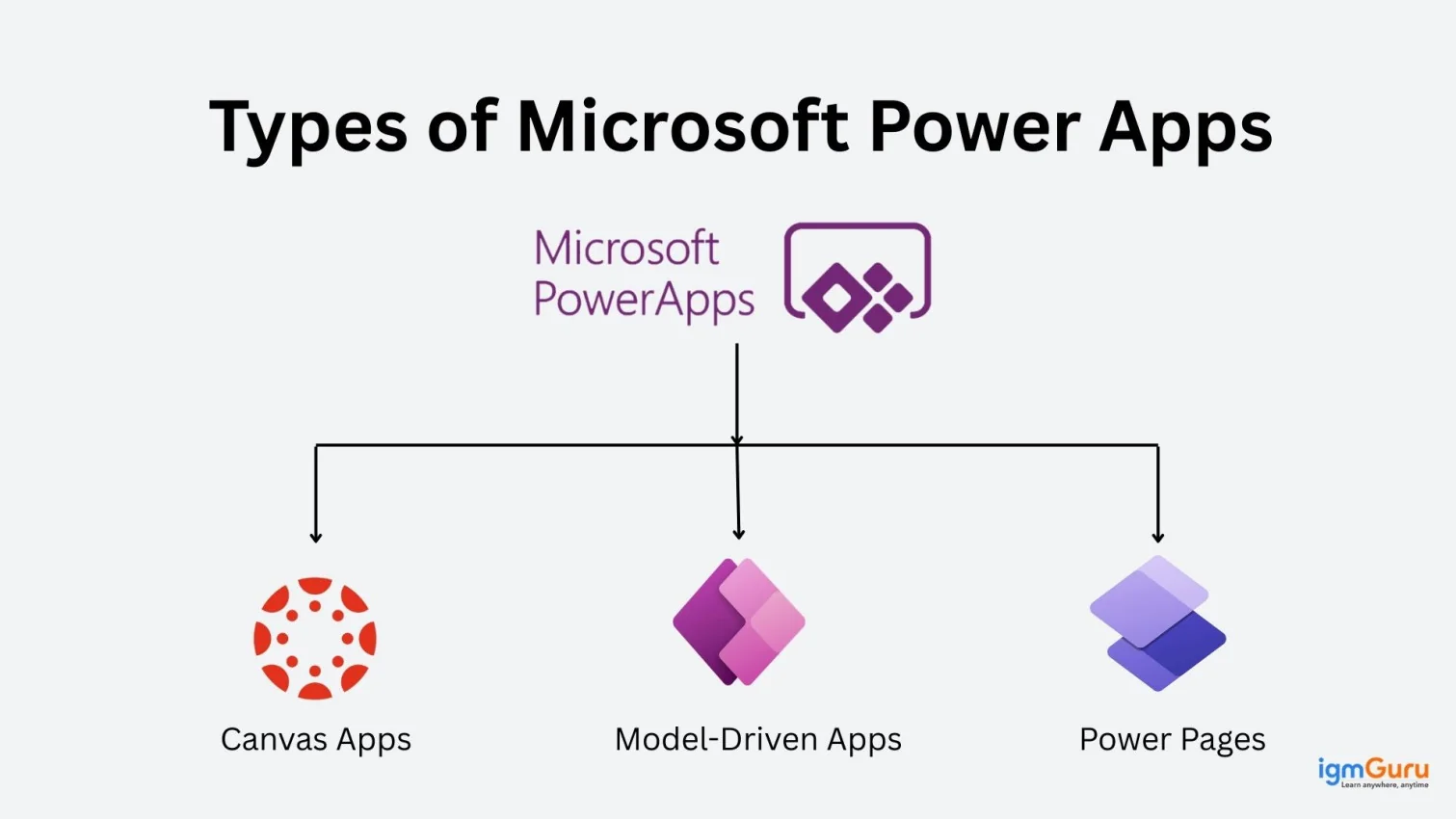
Every organization today has different needs. It becomes very difficult to have a different app and platform to tend to each of those. Amid this, Microsoft has come up with an exceptional offering in association with..
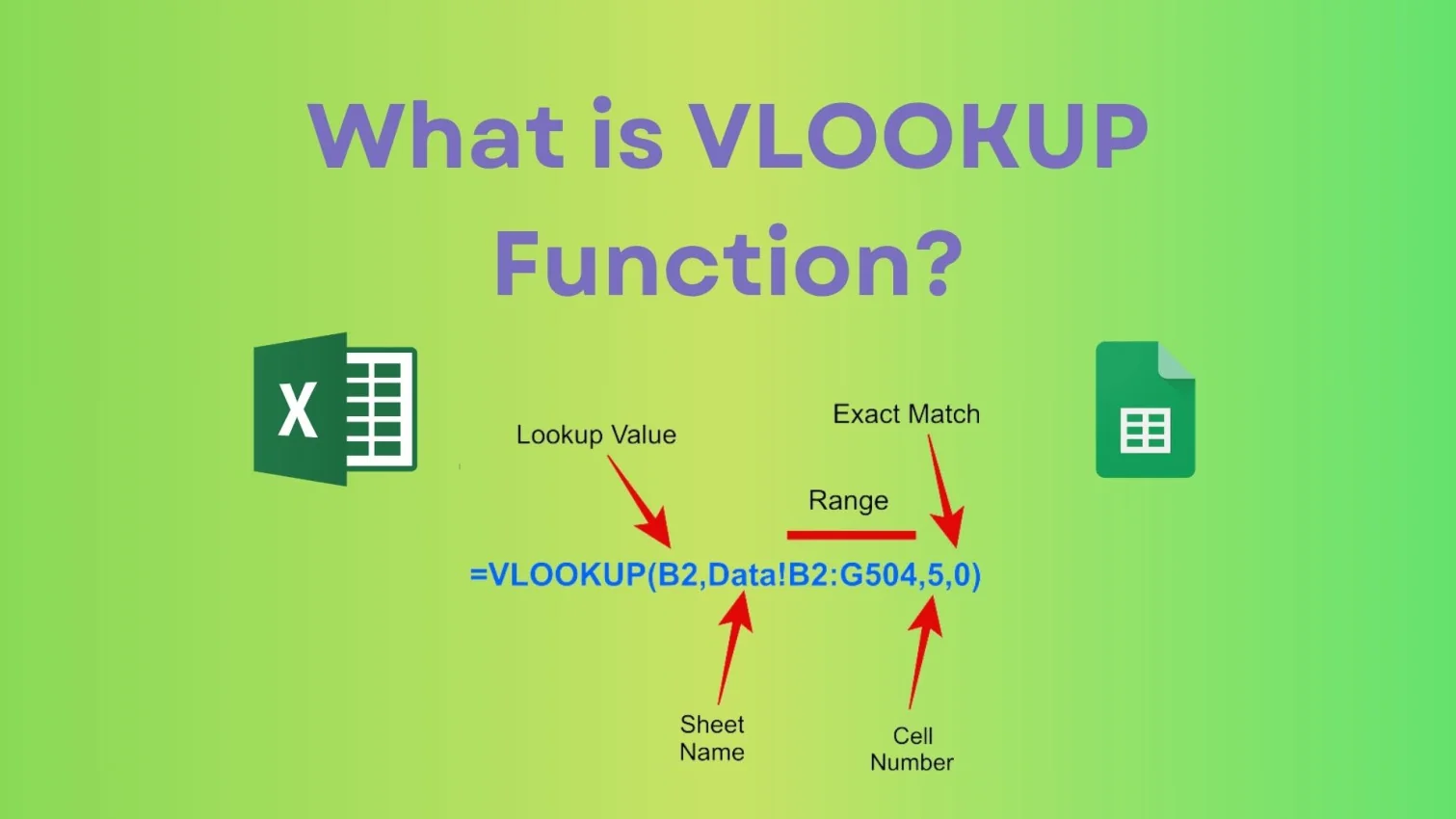
Are you an Excel user struggling to search data manually? Well, it is a common issue for beginners. I have seen people scrolling through hundreds of rows just to find one value. It feels frustrating and it slows your productivity and efficiency....

Preparing for an Azure interview is not an overnight task. Getting the job of your dreams means showcasing an in-depth understanding of Azure concepts, best practices, and services.
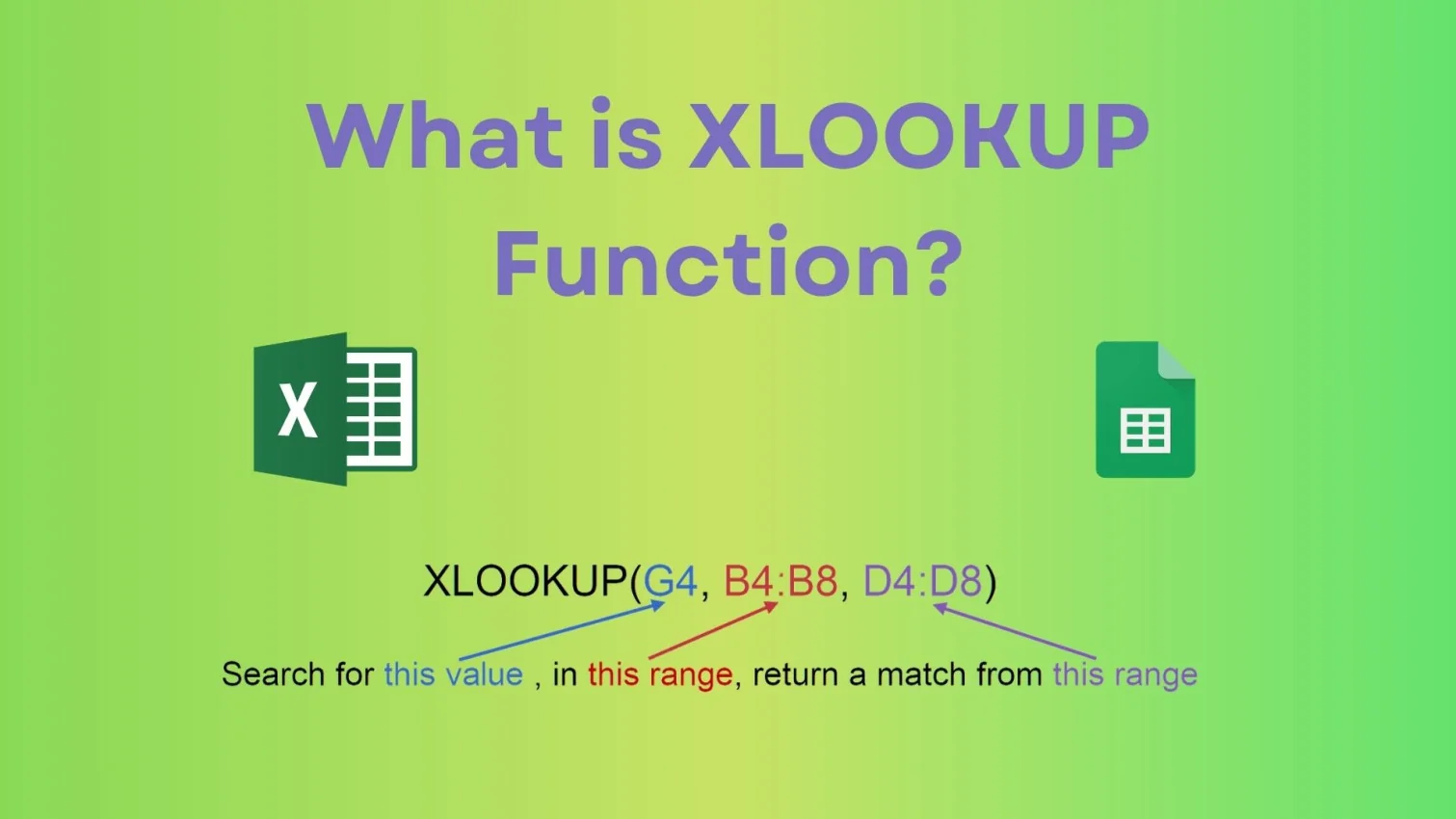
Are you an Excel user working on vast datasets? Well, then you may know how complicated it is to compare two ranges from the same or different datasets. In my opinion, it is one of the most frustrating tasks without using the perfect Excel formula. This is where you should consider using the XLOOKUP formula, which is also an advanced version of the VLOOKUP formula...

When someone sets out to build their home, the architect gives them a blueprint of how the house will finally look like in the end. Without this blueprint, it will all be a mess, with no clear instructions on what to do and how to do it.
Modern business owners have the daily responsibility of figuring out the right way to handle, use and manage their data. Many advanced technologies like Microsoft SQL Server make this responsibility..