In programming, you often need to repeat the same task many times. You may want to print every item in a list, add up a set of numbers, or check each character in a string. Writing the same line of code again and again makes your program long and hard to manage.
This is where the for loop in Python helps you. It lets you repeat a block of code for each item in a sequence, without writing the same line multiple times. It is one of the first concepts every Python beginner learns, and you will use it in almost every program you write.
In this guide, you will learn what a for loop is, how the for loop syntax in Python works, and how to use it with different data types. You will also see common mistakes and best practices that make your loops clean and efficient. Let's begin.
Related Article: Python Classes and Objects
A for loop in Python is a control flow statement that runs a block of code once for each item in a sequence. The sequence can be a list, a tuple, a string, a dictionary, a set, or a range of numbers.
Unlike loops in some other languages, a Python for loop does not need a counter variable to start or stop. It simply goes through each item in the sequence and runs the code block for that item. Once every item is covered, the loop ends on its own.
You can think of it this way: "for each item in this group, do this action." That is exactly how Python reads a for loop.
The following is the basic syntax of a for loop in Python:
|
for variable in iterable: # Code to execute |
Key points to understand about the for loop syntax in Python:
The for keyword starts the loop.
item is the loop variable. It holds the value of the current element on every pass through the loop.
The in keyword links the loop variable to the sequence you want to iterate over.
sequence is any iterable, such as a list, tuple, string, dictionary, set, or range() object.
The line ends with a colon (:).
The indented block below the for statement is the loop body. Python runs this block once for every item in the sequence.
Here is a simple working example:
|
fruits = ["apple", "banana", "cherry"] for fruit in fruits: print(fruit) |
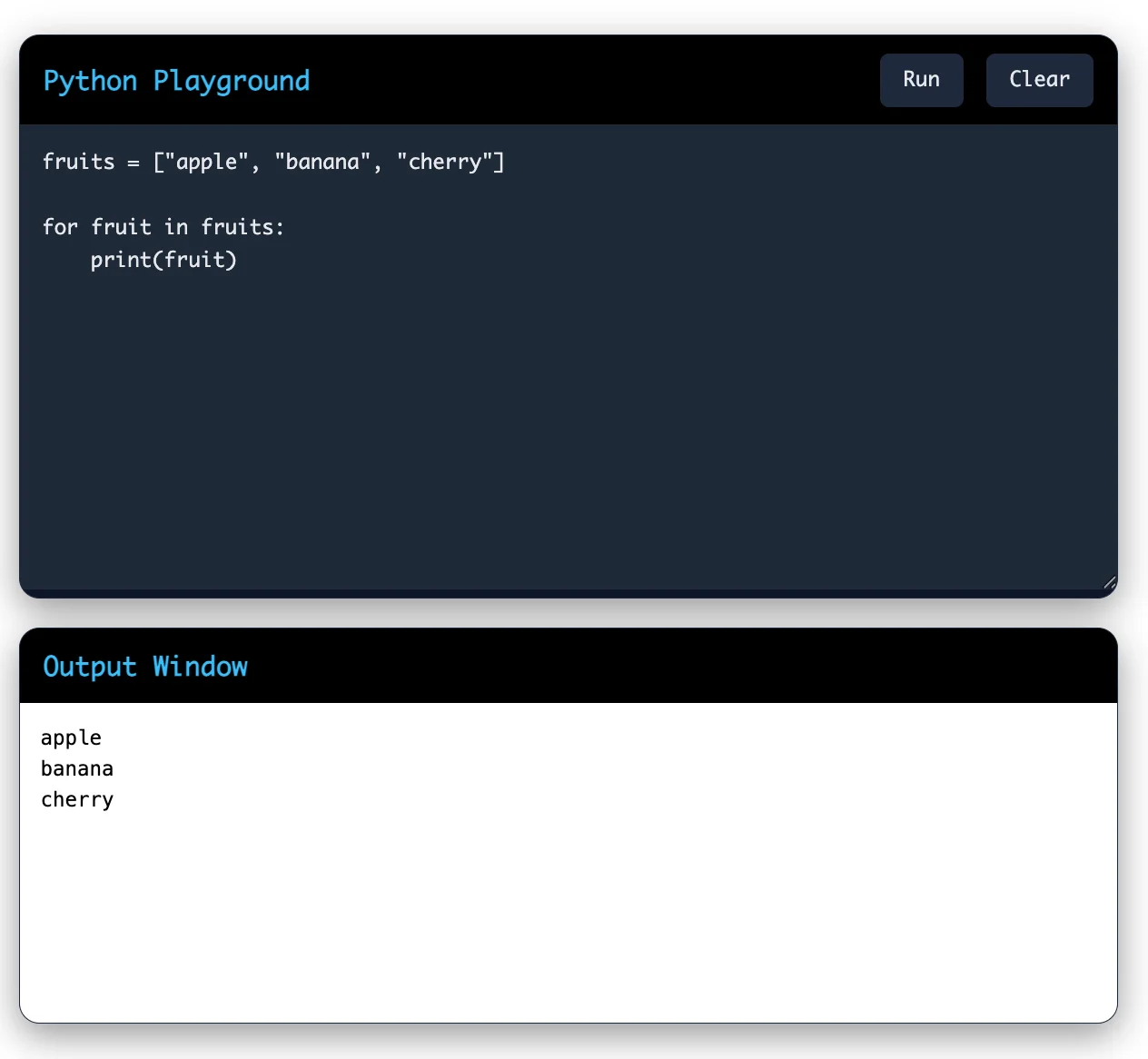
Pro Tip: Python does not use curly braces {} like C or Java. Instead, it uses indentation to define the loop body, so you should keep your indentation consistent. Using 4 spaces is the standard convention.
A for loop follows a simple process each time it runs:
Python picks the first item from the sequence.
It assigns that item to the loop variable.
It runs the indented code block using that value.
It moves to the next item in the sequence.
It repeats steps 2 to 4 until there are no more items left.
Once the sequence is finished, the loop stops automatically. You do not need to write any extra condition to end it.
Read Also: Bottle Web Framework
A for loop in Python is used to iterate (go through) each item in a sequence such as a list, string, tuple, dictionary, or a range of numbers. It helps you perform the same action repeatedly without writing the same code multiple times.
Let's look at how the for loop works with different types of data.
A list is an ordered collection of items. The for loop visits each item one by one.
Code:
|
colors = ["red", "green", "blue"] for color in colors: print(color) |
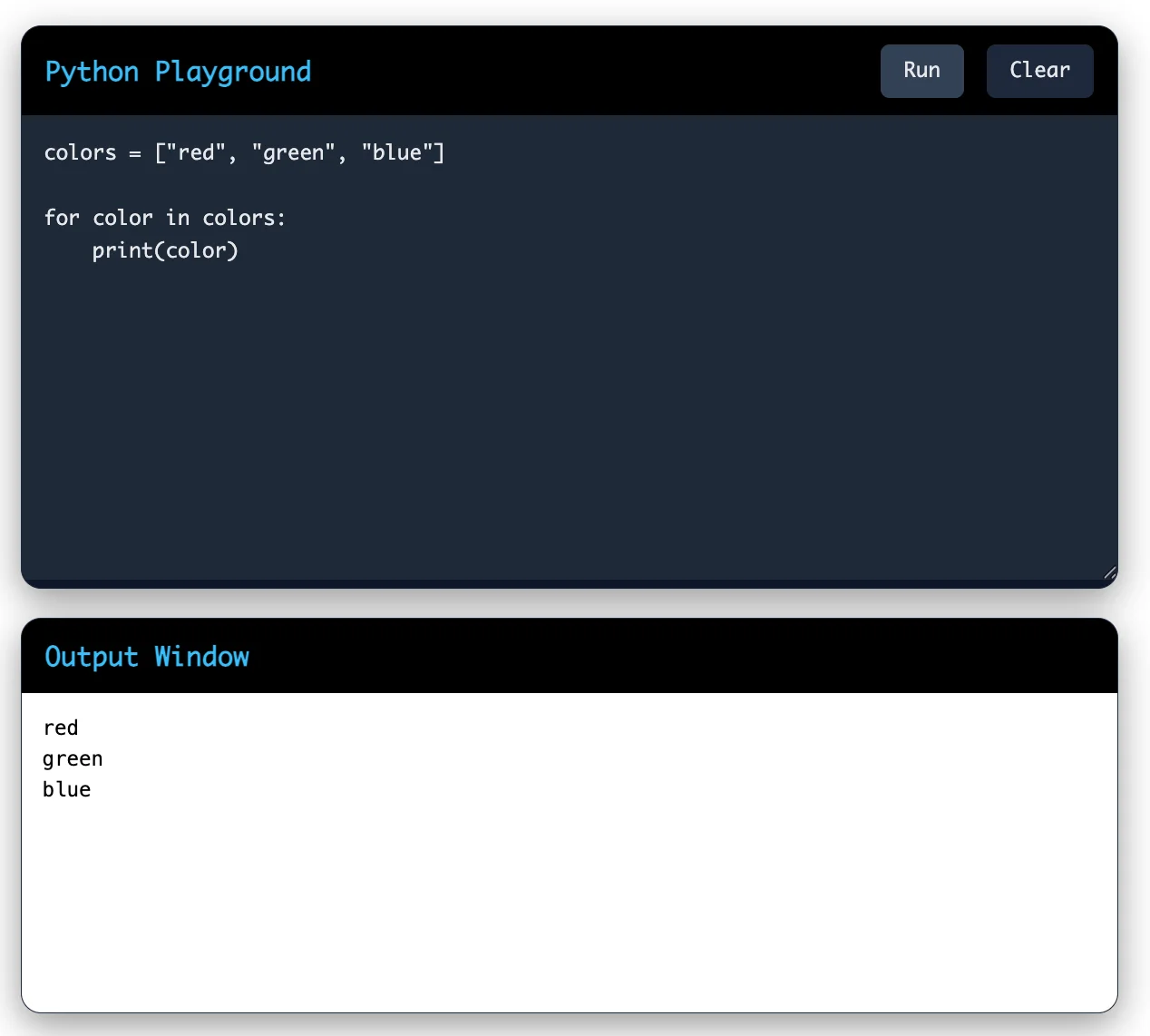
Explanation:
colors contains three elements.
The for loop picks one item at a time.
During each iteration:
First: color = "red"
Second: color = "green"
Third: color = "blue"
print(color) displays the current item.
Read Also: Falcon Framework
A string is a sequence of characters. The for loop processes one character at a time.
Code:
|
text = "Python" for letter in text: print(letter) |
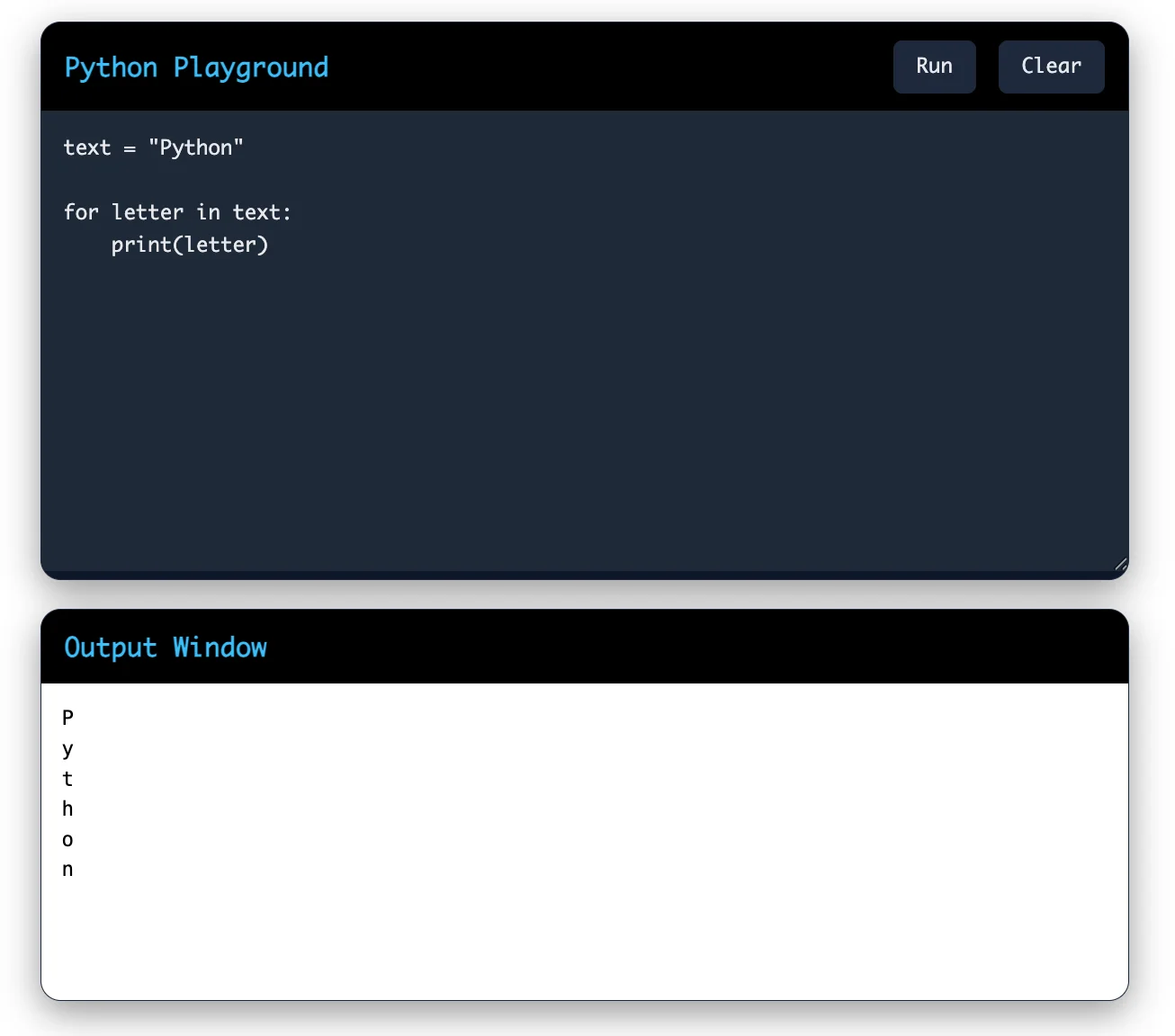
Explanation:
The string "Python" has six characters.
Each iteration stores one character in the variable letter.
The loop continues until all characters have been printed.
A tuple is similar to a list, but its values cannot be changed after creation.
Code:
|
marks = (85, 90, 78, 92) for mark in marks: print(mark) |
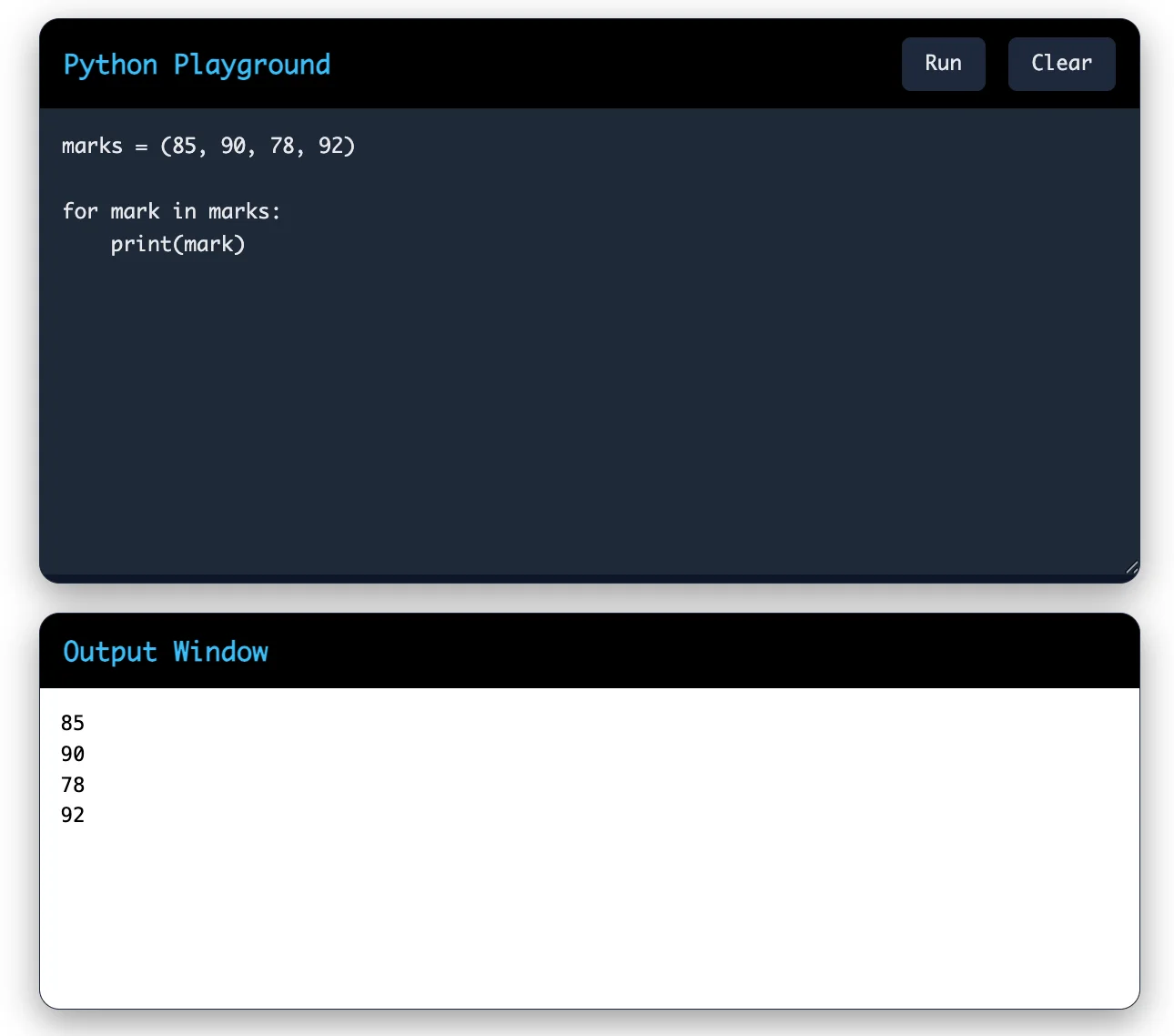
Explanation: The loop accesses each value in the tuple and prints it. Since tuples are immutable, their values cannot be modified.
Also Read: What is Keras?
A dictionary stores data as key-value pairs.
Code:
|
student = { "name": "Zaza", "age": 18, "course": "Python" } for key, value in student.items(): print(key, ":", value) |
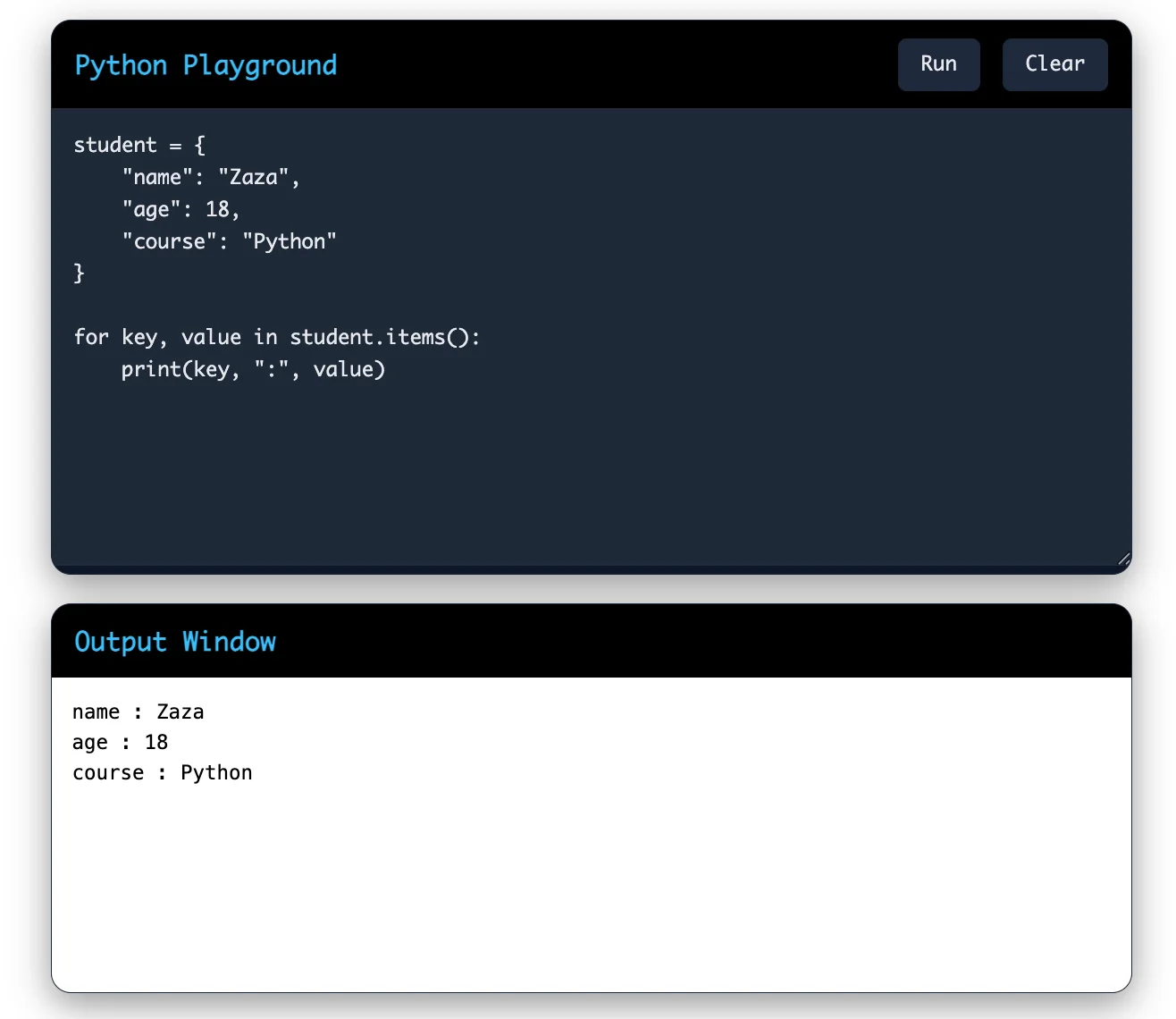
Explanation:
student.items() returns both the key and value.
During each iteration:
key stores the dictionary key.
value stores the corresponding value.
The loop prints each key-value pair.
Related Article: Top Python Frameworks for Web Development
The range() function generates a sequence of numbers. It is commonly used when you know how many times you want the loop to run.
Code:
|
for number in range(5): print(number) |
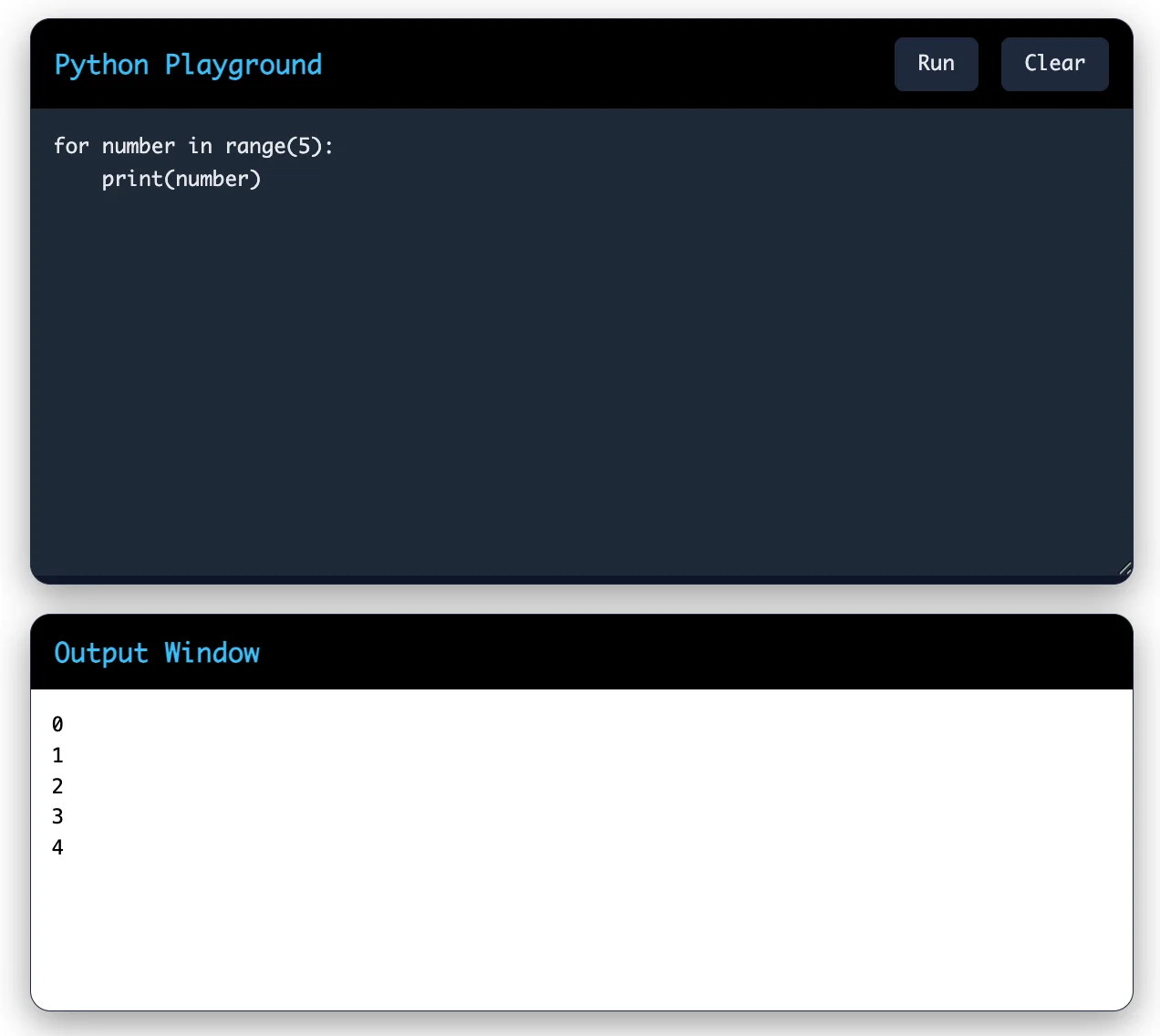
Explanation:
range(5) generates numbers from 0 to 4.
The ending value (5) is not included.
The loop executes five times.
Syntax:
| range(stop) |
Also Read: Seaborn: A Powerful Python Library for Statistical Graphics
You can specify the starting number, ending number, and step size.
Code:
|
for number in range(2, 11, 2): print(number) |
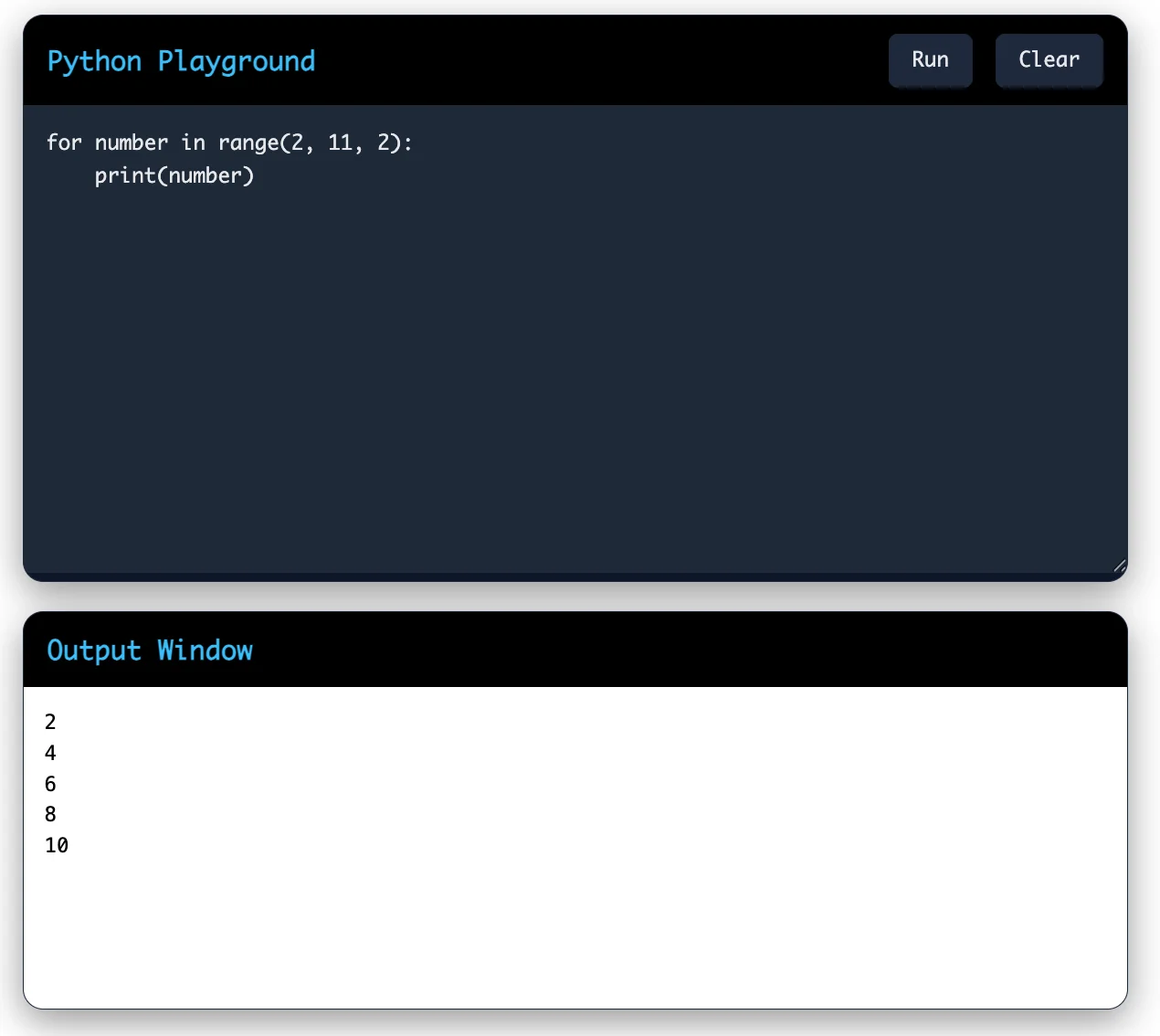
Explanation:
2 → Starting value (included)
11 → Ending value (not included)
2 → Step value (increment by 2)
Another Example (Counting Backward):
|
for i in range(10, 0, -2): print(i) |
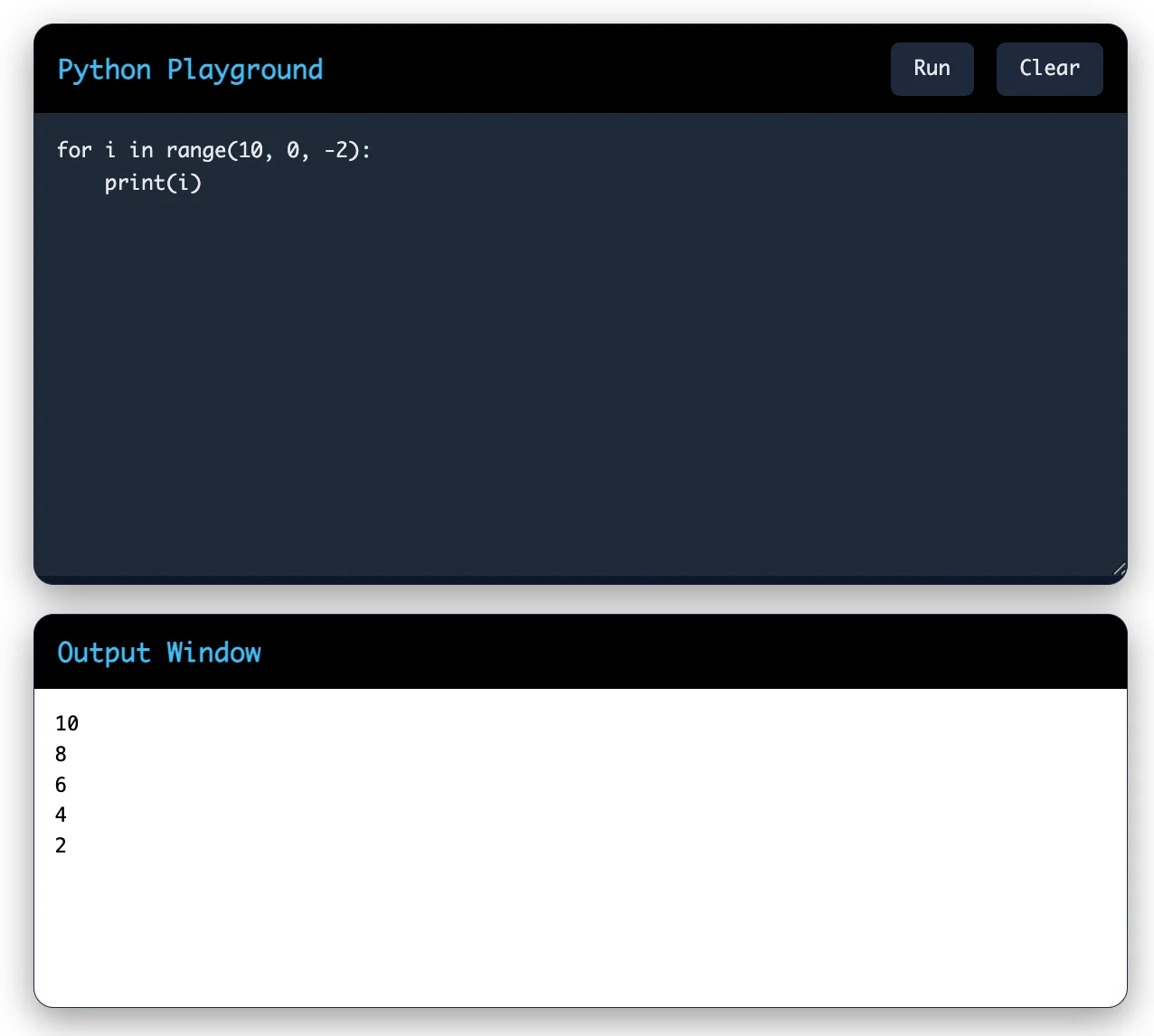
Explanation:
Starts from 10.
Stops before 0.
-2 decreases the value by 2 after each iteration.
Also Read: Python vs JavaScript: A Comparison Guide
| Example | Data Type | What the Loop Iterates Over |
| Iterating Over a List | List | Each list element |
| Iterating Over a String | String | Each character |
| Iterating Over a Tuple | Tuple | Each tuple element |
| Iterating Over a Dictionary | Dictionary | Each key-value pair |
| Using range() | Range | Numbers from 0 to stop-1 |
| range(start, stop, step) | Range | Numbers from start to stop-1 with the specified increment or decrement |
Sometimes you need both the index and the value while looping through a sequence. The enumerate() function gives you both at once.
|
students = ["Aisha", "Rahul", "Neha", "Arjun"] for index, student in enumerate(students): print(index, student) |
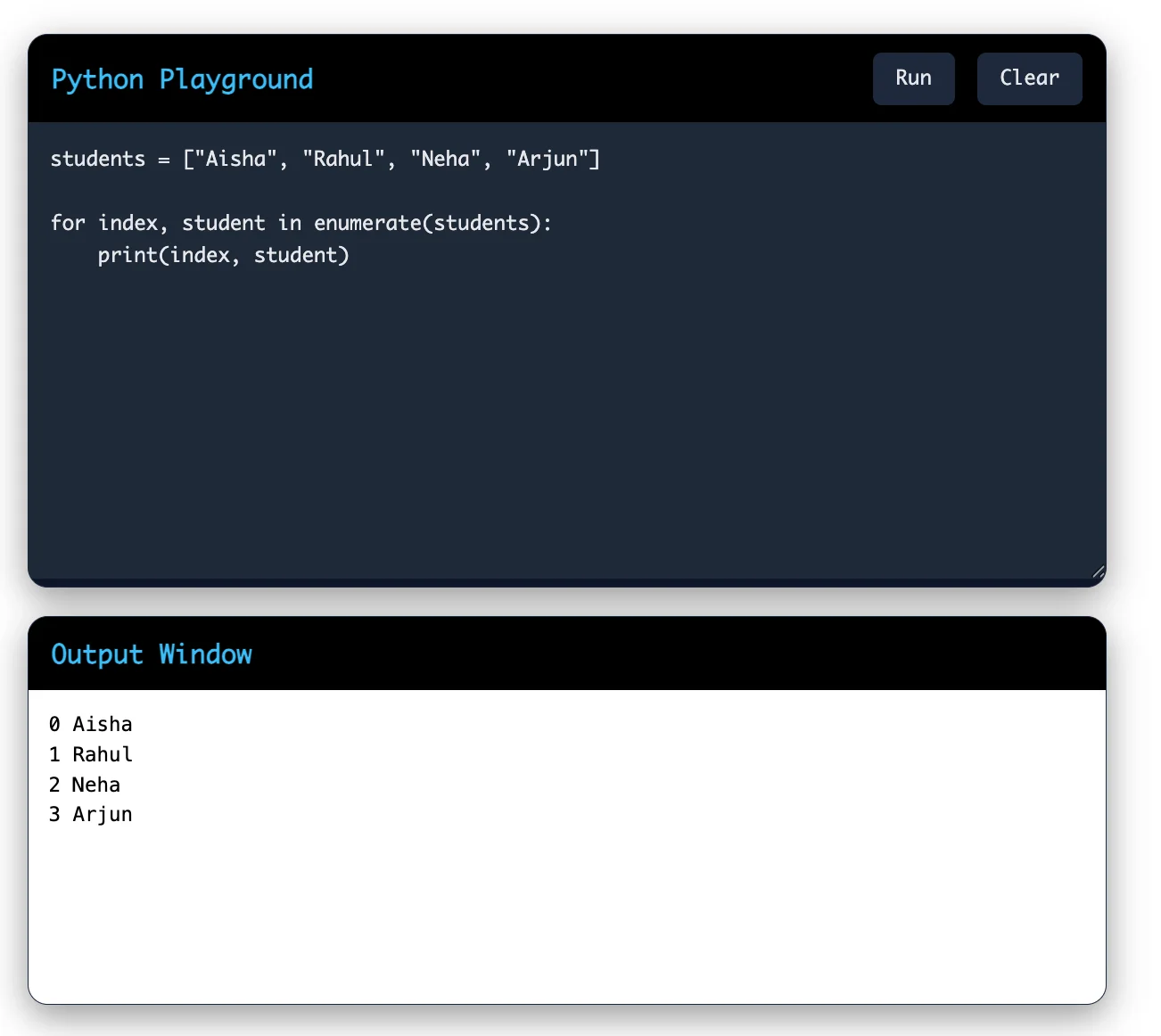
Explanation:
enumerate(students) returns both the index and the student name.
index stores the position of each student.
student stores the actual value.
Read Also: PySpark Tutorial
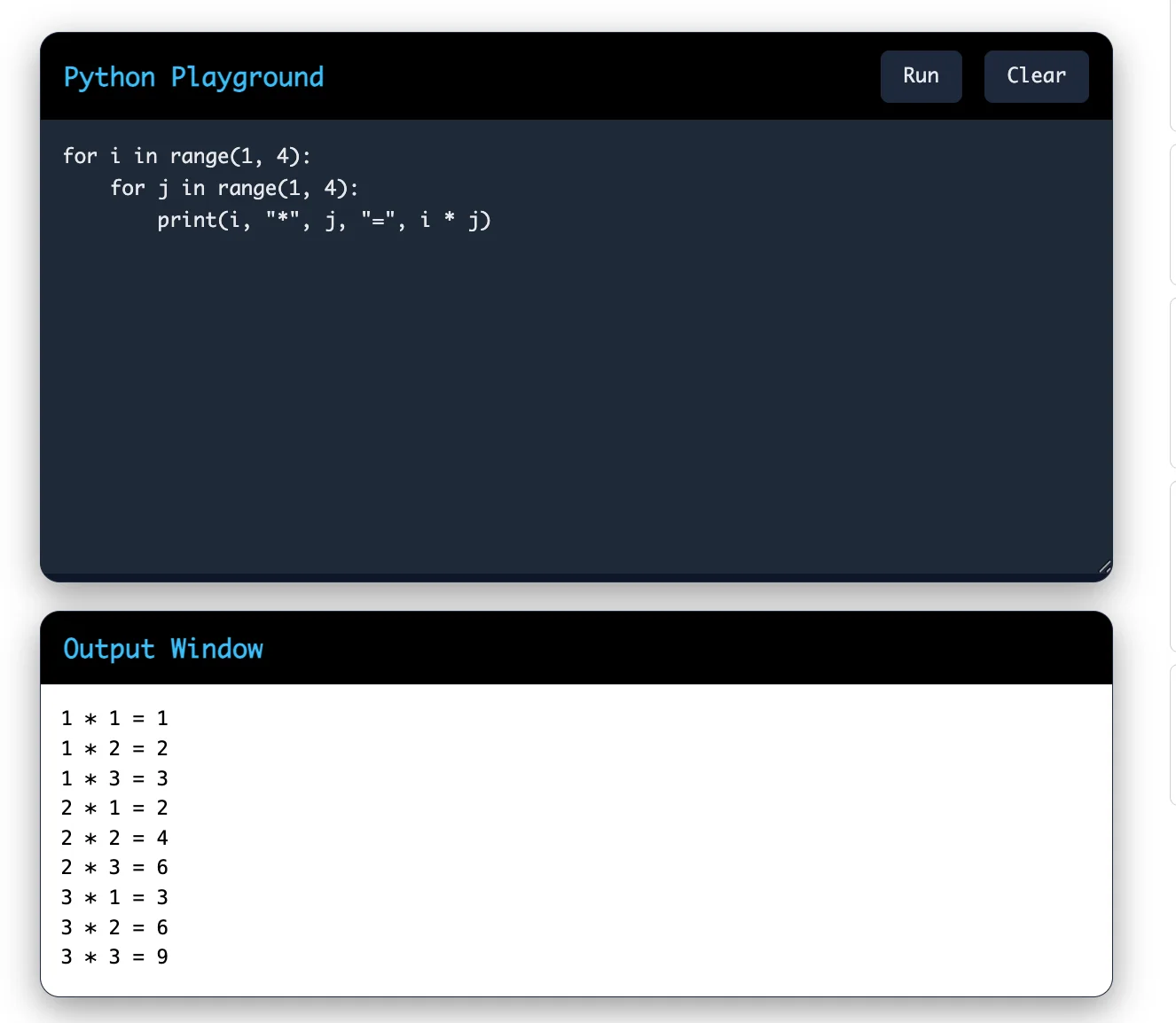
A nested `for` loop is a loop that operates within another `for` loop. During each iteration of the outer loop, the inner loop executes all of its iterations before the outer loop moves to the next cycle.
This is useful when you work with grids, tables, or a list of lists.
|
for i in range(1, 4): for j in range(1, 4): print(i, "*", j, "=", i * j) |
Python allows an optional else block with a for loop. This feature does not exist in most other languages. The else block runs only when the loop finishes without hitting a break statement.
|
numbers = [1, 3, 5, 7] for num in numbers: if num % 2 == 0: print("Even number found") break else: print("No even number found") |
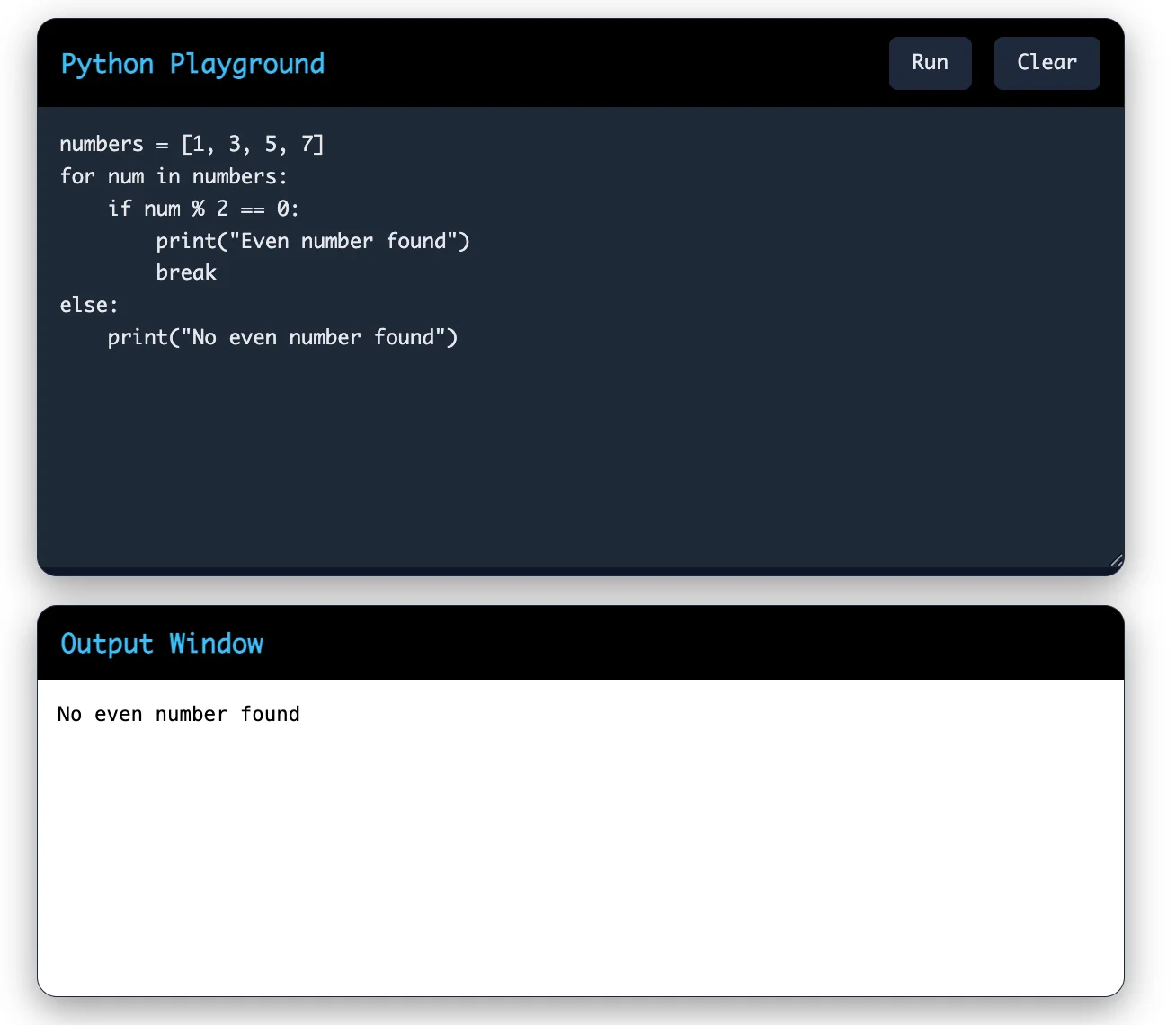
Since the loop completes without a break, the else block runs.
Also Read: Python Modules
You can control the flow of a for loop using two keywords: break and continue.
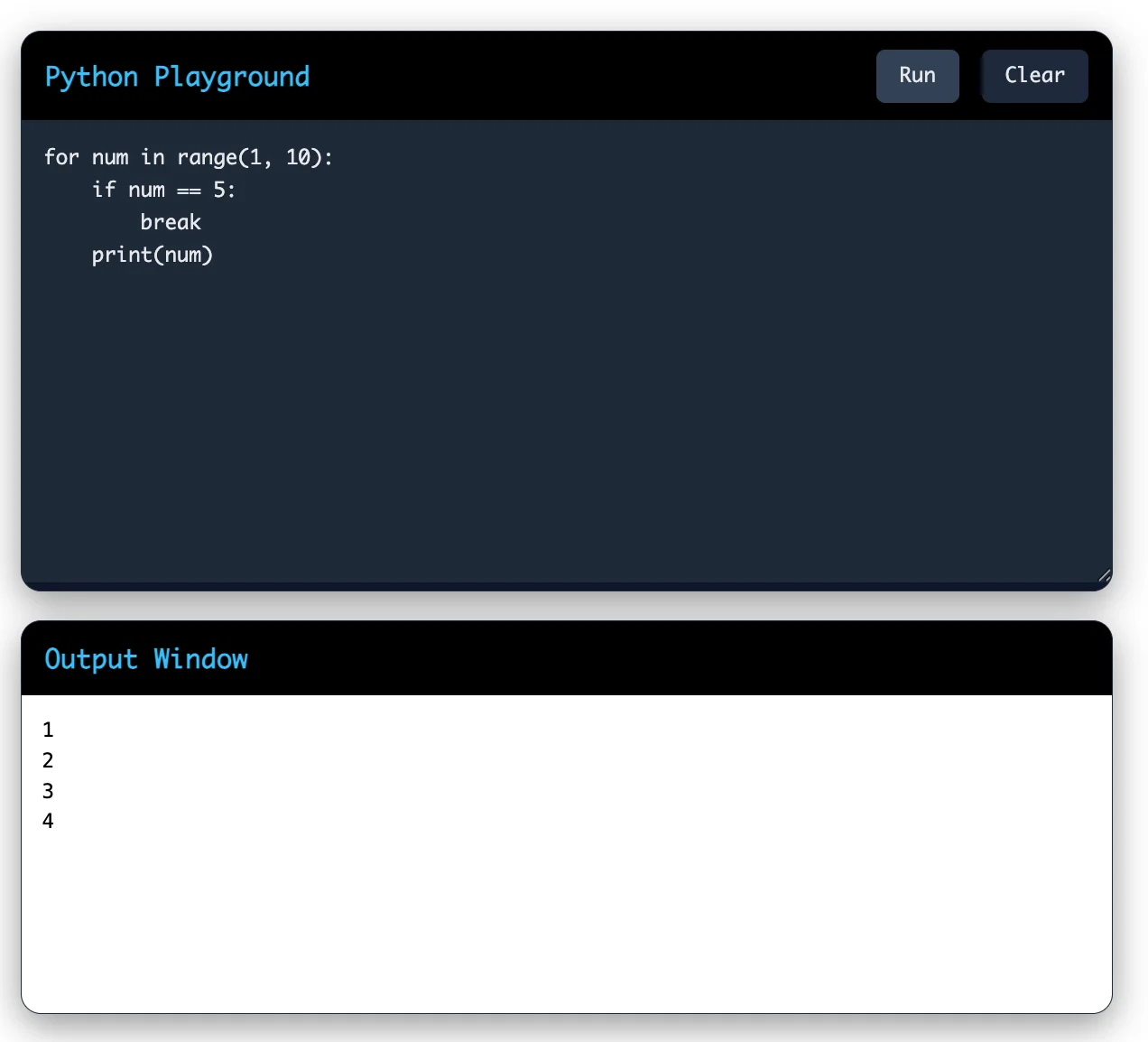
The break statement immediately terminates a loop, regardless of whether there are remaining items or iterations left to process.
|
for num in range(1, 10): if num == 5: break print(num) |
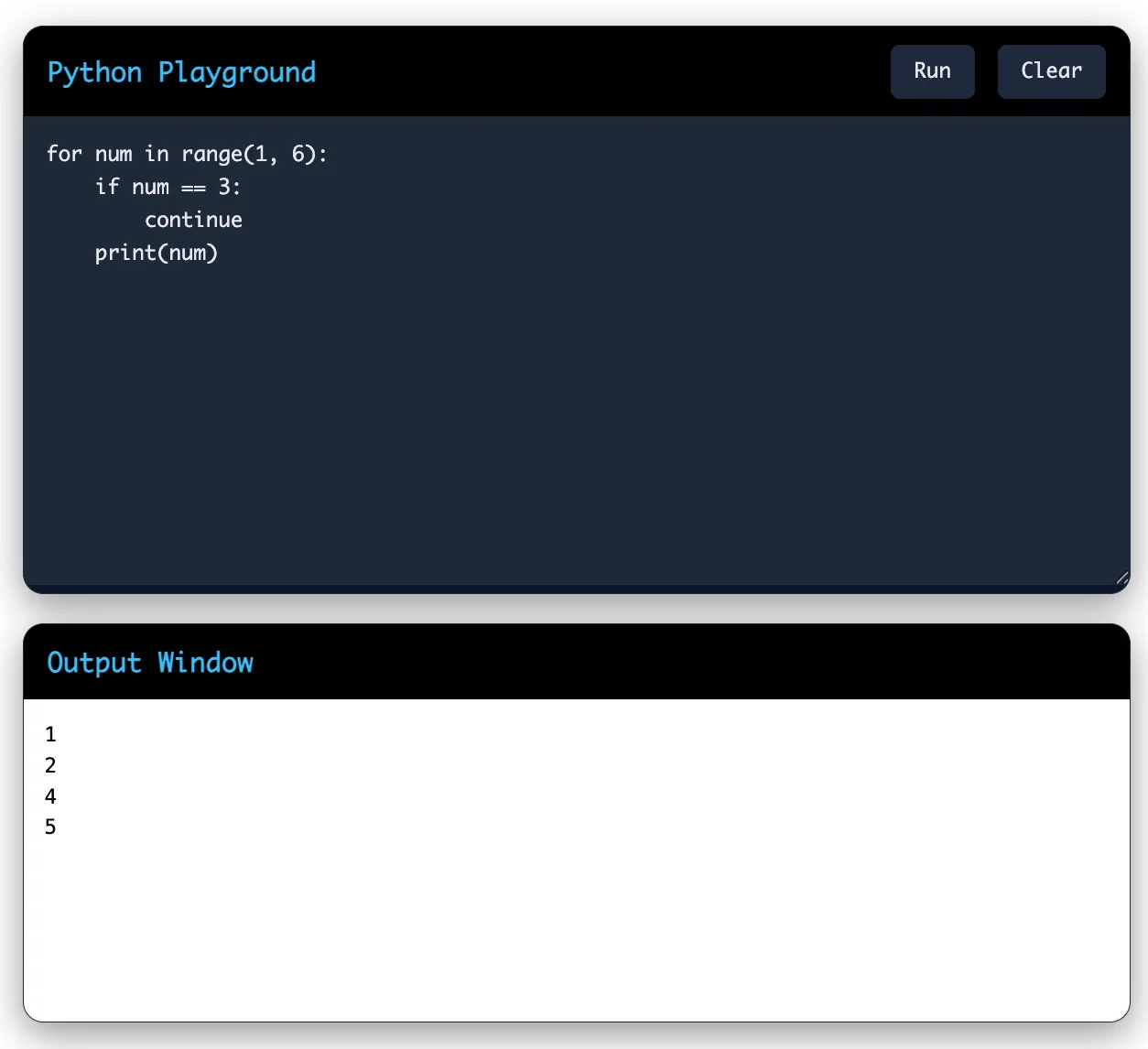
The continue statement skips the current item and moves to the next one. It does not stop the loop.
|
for num in range(1, 6): if num == 3: continue print(num) |
Related Article: How To Become a Python Developer?
Both loops repeat code, but they work differently. This table shows when to use each one.
| Feature | For Loop | While Loop |
| Best used when | You know the sequence or number of repetitions | The number of repetitions is not known in advance |
| Works with | Lists, strings, tuples, dictionaries, ranges | Any condition that returns True or False |
| Structure | Compact, built around iteration | Needs manual initialization and update |
| Common use case | Looping through a collection | Waiting for user input or a condition to change |
Choose a for loop when you already know what you are looping through. Choose a while loop when your program needs to keep running until a condition changes.
When learning the for loop in Python, beginners often make small mistakes that lead to errors or wrong output. Understanding these mistakes will help you write better and cleaner python for loop code.
Python uses indentation to define blocks of code. If indentation is wrong, the loop will not work correctly.
|
for i in range(3): print(i) # Error |
Correct version:
|
for i in range(3): print(i) |
Every python for loop syntax must end with a colon. Missing it will cause a syntax error.
|
for i in range(3) print(i) # Error |
Correct version:
|
for i in range(3): print(i) |
Many beginners get confused with how range() works, especially the stop value.
|
for i in range(5): print(i) |
Output:
| 0 1 2 3 4 |
The number 5 is not included. This can lead to off-by-one errors in your python loop examples.
Read Also: Python Functions
Changing a list while looping through it can cause unexpected results.
|
numbers = [1, 2, 3] for num in numbers: numbers.remove(num) |
This can skip elements or behave incorrectly. It is better to loop over a copy.
Using unclear or same variable names can make your for loop in python confusing.
|
for i in range(3): for i in range(2): print(i) |
This overwrites the variable and creates confusion.
Some beginners do not understand how the loop runs step by step. This leads to logic errors, especially in nested loops or conditions.
Follow these tips to write clean and efficient for loops:
Use meaningful variable names instead of generic letters, especially in nested loops.
Use enumerate() when you need both index and value, instead of tracking the index manually.
Avoid deeply nested loops where possible. They slow down your program and make the code harder to read.
Use list comprehensions for simple loops that build a new list. They are shorter and often faster.
Keep the loop body small. If the logic grows too large, move it into a separate function.
Explore Our Trending Articles:-
The for loop is one of the most used tools in Python. It helps you process data, automate repetitive tasks, and work with collections of any size. Whether you are reading a file, cleaning data, or building a web application, you will use a for loop at some point.
Once you understand the for loop syntax in Python and practice it with different data types, you will find it easier to read and write real Python programs.