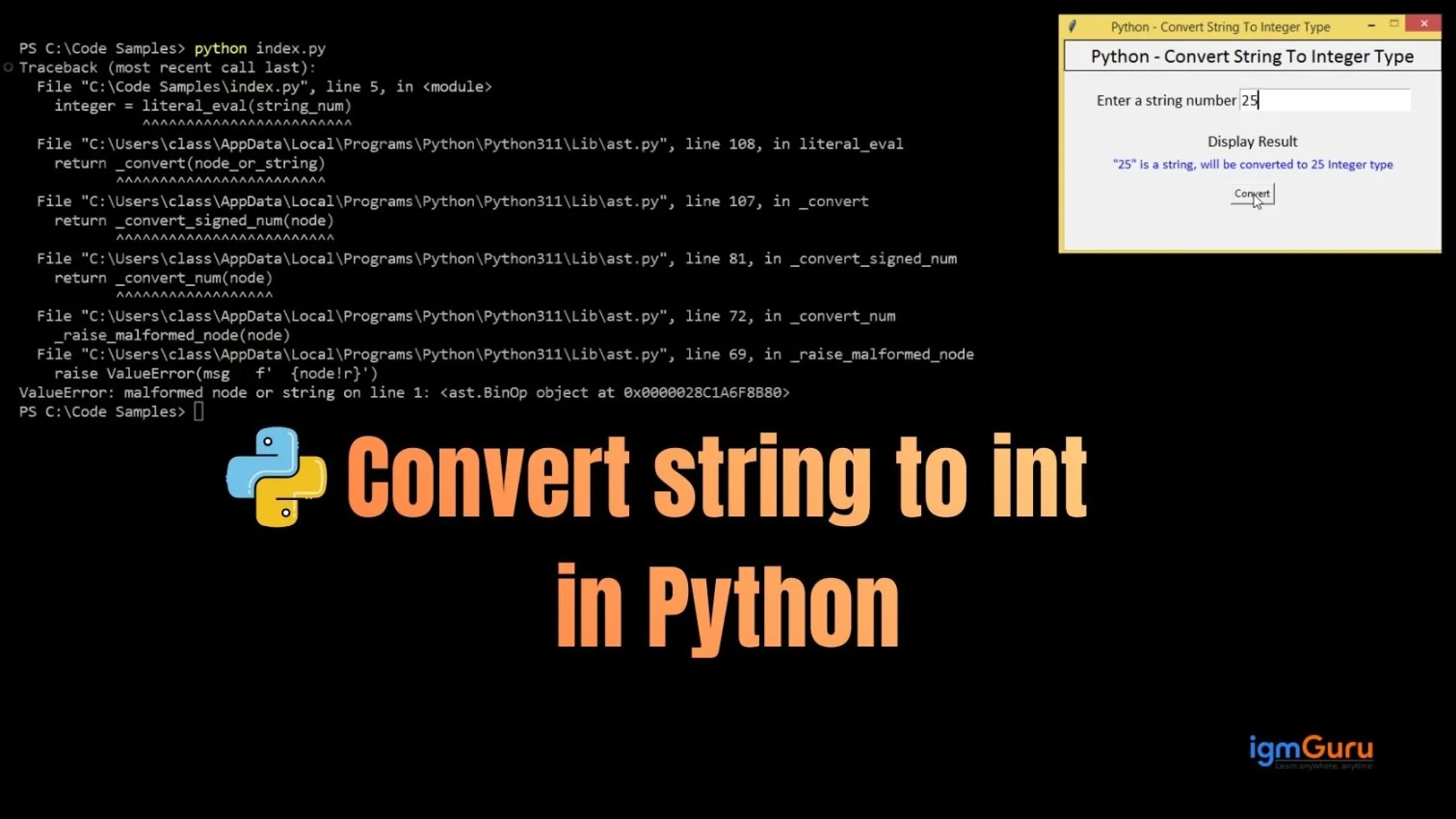
String to int in Python means converting a number which is written as text (like "100") into a real integer value (100) so that Python can perform mathematical operations on it. In simple words, we are turning text that looks like a number into an actual number.
In this article, you will learn how to convert string to integer in Python step by step using the int() function. We will also understand why this conversion is important, where it is commonly used (like user input and files), how to handle errors, and how to safely check if a string is numeric before converting. By the end, you’ll clearly understand how Python string to int conversion works and how to use it correctly in real programs.

A string in Python is simply text. It can contain letters, symbols, or even numbers but if it is written inside quotes, Python treats it as text, not as a number. For instance:
|
In this "10" → string (text) and when we talk about numbers it is written like this 10 → integer. Even though both look the same, Python treats them differently. You can think of it like this:
This difference is very important when we later convert a string to int in Python, because only real integers can be used for mathematical operations.
Now let’s understand why the difference between a string and an integer is important, especially when doing math in Python. Look at this example:
|
|
Why does this happen? Because "10" is a string. Python treats it as text, so instead of adding numbers, it joins both of them together. This joining of text is called concatenation.
Now let’s compare it with a real integer:
|
|
Here, Python performs actual mathematical addition because 10 is an integer. This is why converting a string to int in Python is important when you want to perform calculations.
Read Also: Python Tutorial for Beginners
The most common place this issue appears is user input. In Python, the input() function always returns data as a string, no matter what the user types. For example:
|
Even if the user enters 25, Python stores it as:
|
That means it is always a string, not an integer.
Now if you try this:
|
In this you will get an error. This happens because Python cannot add text ("25") and a number (5). That’s why converting a string to int in Python is necessary when working with user input and performing calculations.
To fix this problem, Python provides a built-in function called int(). This function is used to convert string to int in Python. It means it turns a number written as text into a real integer value. Here’s an example:
|
|
Now it works perfectly because "25" (a string) has been converted into 25 (an integer). Once it is converted, then Python can perform mathematical operations without any errors.
To make this easier to understand, you can think of int() as a converter machine. Imagine you have a text box that contains "50". Even though it looks like a number, Python still treats it as text because of the quotes. Now, when you put it inside the int() function:
|
The converter machine removes the quotes and turns it into:
|
Now it becomes a real integer value that Python can use for calculations. This is exactly how string to int conversion in Python works, it transforms text into a usable number.
Now you might wonder what happens if the string is not a valid number? For instance:
|
Python will immediately stop the program and show:
|
This happens because "hello" is pure text and cannot be converted into an integer. Python’s int() function only works when the string contains a valid whole number. The same issue happens with decimal values as well:
|
This also throws a ValueError. Because int() accepts only whole numbers like 10, 25, or 100. It does not directly accept decimal numbers such as 12.5.
If your string contains a decimal number like "12.5". Then, you cannot convert it directly using int() because it is not a whole number. Python will raise a ValueError if you try. Instead of this, you first need to convert the string to a float and then convert that float to an integer:
|
|
Note: When we convert float to int, Python simply removes the decimal part. It does not round off the number; it just cuts off everything after the decimal point.
In real-world applications, you cannot control what users type. They might enter letters, symbols, or invalid numbers. If you directly use int() and the input is wrong, your program will crash with a ValueError.
To prevent this, professionals use a try-except block to handle errors safely:
|
With this method, if the user enters invalid input, the program will not stop. Instead, it shows a friendly message. This makes your code more reliable and user-friendly when converting string to int in Python.
Read Also: Python Interview Questions And Answers
Before converting a string to an integer, you can first check whether the string contains only numeric digits. Python provides a built-in method called str.isdigit() that helps you validate the string before using int().
Here’s an example:
|
|
The isdigit() method returns True only if the string contains digits from 0 to 9. It will return False for values like "-10" or "12.5" because of the minus sign and decimal point. So, it’s useful for simple positive numbers, but not for negative or decimal values.
Converting string to int in Python is a basic but very important concept. Whenever a number is written as text (like "25"), Python cannot use it for calculations until you convert it using int().
In this guide, you learned what strings and integers are, why they behave differently, how to convert them properly, how to handle errors using try-except and how to check numeric values using str.isdigit(). Once you understand this, working with user input, files, and real-world data will become much easier and safer for you.
You get a ValueError when the string contains letters, symbols, or decimal numbers that int() cannot convert directly.
You can use the built-in int() function like this:
|
The input() function always returns user input as a string. That is why you must convert it to an integer before doing calculations.
Explore Our Trending Articles-