A ServiceNow Developer Instance (PDI) is a free version of the ServiceNow platform for developers. It works as a fully featured environment where they can freely build, test and refine applications without the constraints of a live environment. The PDI gives you an environment that is free of risks for you to experiment and innovate with your ideas. I have created this blog to help you understand its essence along with helping you learn how to set up ServiceNow developer instance.
TL;DR
A ServiceNow Developer Instance (Personal Developer Instance - PDI) is a free, fully functional sandbox environment provided by ServiceNow that allows developers to build, test, automate, and experiment with applications without affecting live business systems. This article explains the different types of ServiceNow instances, key features and use cases of a developer instance, how to create and manage a PDI, and best practices for maximizing its value during learning and development. It belongs to the ServiceNow, IT Service Management (ITSM), and Application Development category.
A ServiceNow Developer Instance is also known as a Personal Developer Instance (PDI) offered by ServiceNow for developers. It is a resolute sandbox environment to develop, explore, experiment and test applications. You must also note that it is meant for the development of applications but not for live business operations. It gives you a fully functional ServiceNow setup where you can perform the following tasks -
A number of instances are offered by ServiceNow to cater to different organizational needs. They are designed to support different use cases from development to production environments. Here are some more types of instances in ServiceNow -
This is where the live business operations take place as businesses use this live instance for their regular operations. In this live instance, workflows are not just tests as they are actively used by users. Keep in mind that any changes made from your side in the production instance would affect the actual users.
A non-production instance can also be called a sub-production, sandbox, UAT/test/dev. Any ServiceNow instance that is not a live (production) environment can be called a non-production instance. They can vary based on different requirements. Non-production instances are used to design, configure, experiment and validate changes safely before pushing them into production.
A demo instance is a read-only ServiceNow instance, which means you cannot modify or make configuration changes. It is used to display the platform's features and services. It allows teams or users to view how applications, modules, flows, etc, work without making any real-time changes in the system. A demo instance is mainly used for stakeholder reviews, training sessions or product demonstrations.
All developers who are registered in the ServiceNow Developer Program get this self-contained environment for free. This instance allows developers to learn, experiment and test custom applications. It is ideal for beginner developers looking to work on self-paced projects.
Individual developers get this free and fully functional non-production ServiceNow environment via the ServiceNow Developer Program. You get complete admin access to explore features, build applications, refine skills and more without any risk to liveplatform.
Read Also: ServiceNow Tutorial For Beginners
Let's get to know the key features of a ServiceNow developer instance to understand what this sandbox has to offer-
You would have complete control over your instance, which would allow you to manage user roles, customize the environment and configure system settings to suit your development needs.
You can use the ServiceNow JavaScript API, Integration Hub and Flow Designer to design and test custom applications. You can also automate workflows and integrate with external systems.
You can install and test various applications from the official ServiceNow store. This allows you to test new features, discover different solutions and how new applications integrate with your platform before considering them for a production environment.
You are going to get updates related to the latest features and new improvements by regularly updating your instance. This way, new tools and capabilities would be available for you to use as they launch.
Use pre-set applications and sample data to speed up your development process. It helps you understand how applications work in real-world settings by providing a realistic context for experimentation and testing.
You will get a number of assets, including tutorials, documentation and community forums to get familiar with the ServiceNow platform in the best way possible, along with improving your development skills.
Explore new configurations, updates and ServiceNow modules within a secure environment. This allows you to understand and test features without affecting live frameworks.
This is all you can build using a ServiceNow developer instance-
Use REST and SOAP APIs to connect your PDI with external systems. This is done to replicate real-world integrations while ensuring smooth functionality and data exchange.
Assess role-based access control (RBAC) configurations and security protocols to assure data protection and compliance with organizational policies.
You can build and test custom applications designed to fulfill different basic requirements. The PDI allows you to build applications from the starting point, define data models and implement business logic using tools like Script Includes.
You can experiment with integrating AI models like ChatGPT to improve user interactions and automate responses.
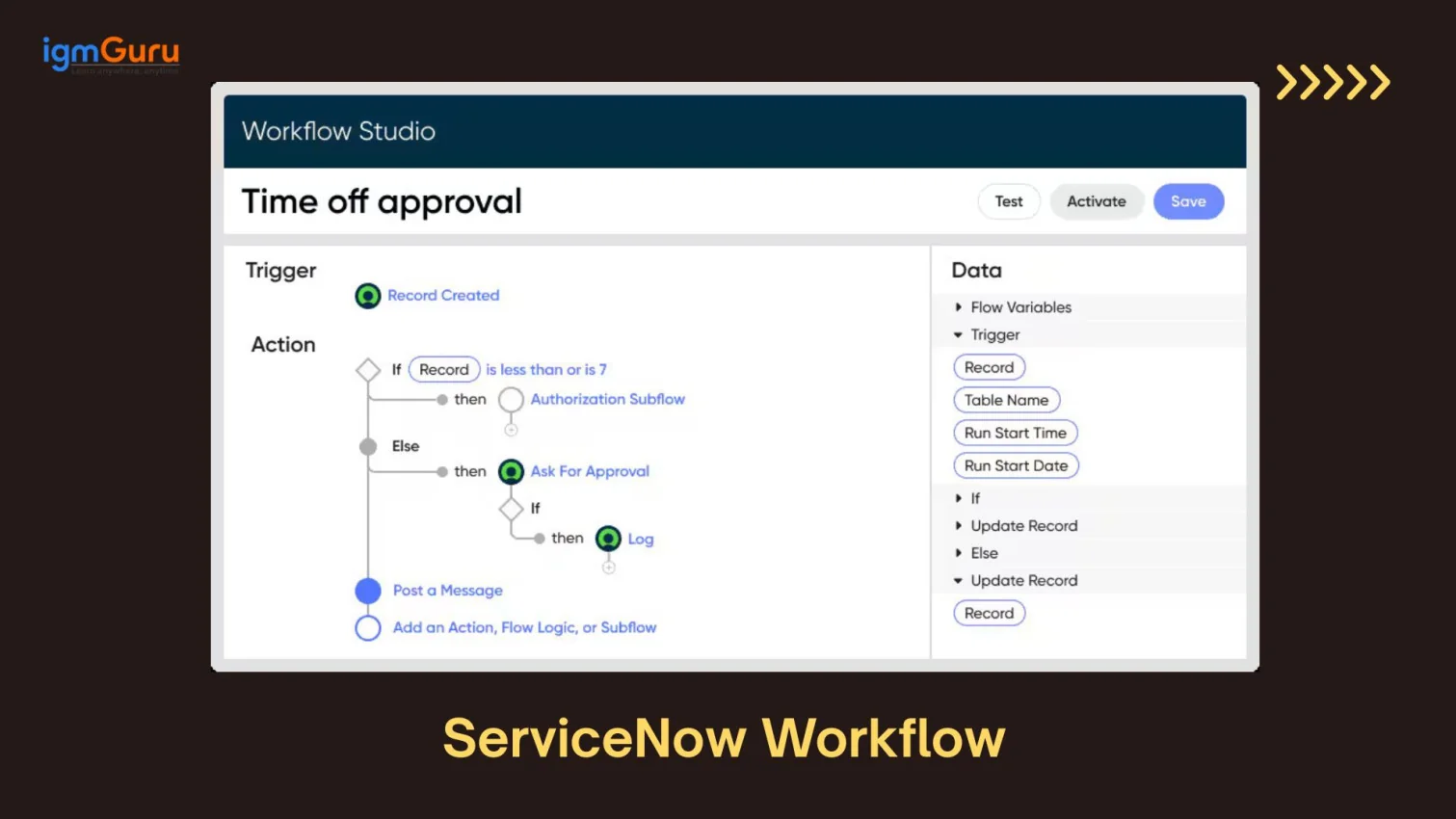
Experiment with automating workflows to streamline processes. Utilize Flow Designer, Business Rules, and UI Actions to automate tasks such as incident management, change requests, and approvals.
Develop prototypes or Minimum Viable Products (MVPs) to validate ideas before full-scale implementation. This is especially useful for startups or developers exploring new concepts.
Let me guide you on how you can get a ServiceNow developer instance through the following steps -
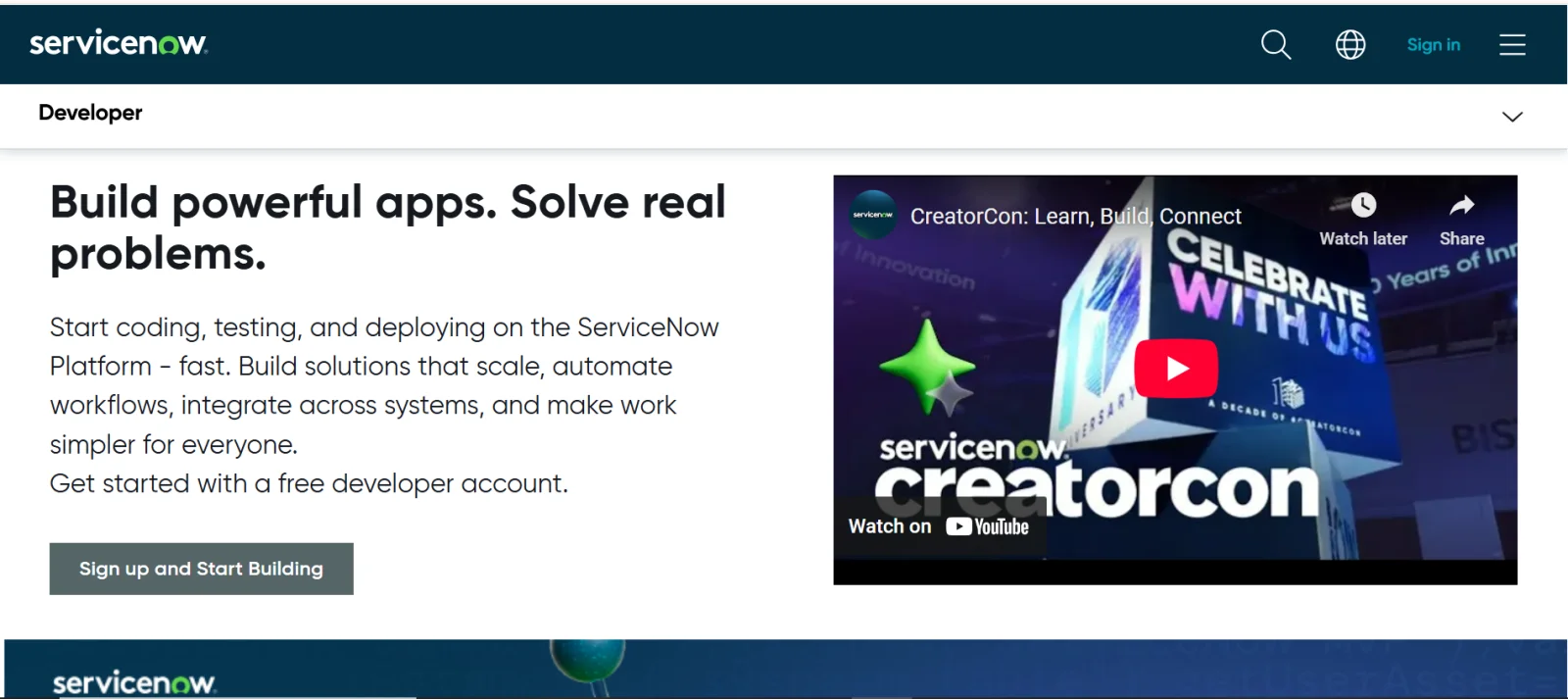
I am going to first visit the official ServiceNow developer site and click on the 'Sign up and Start Building' option to sign up.
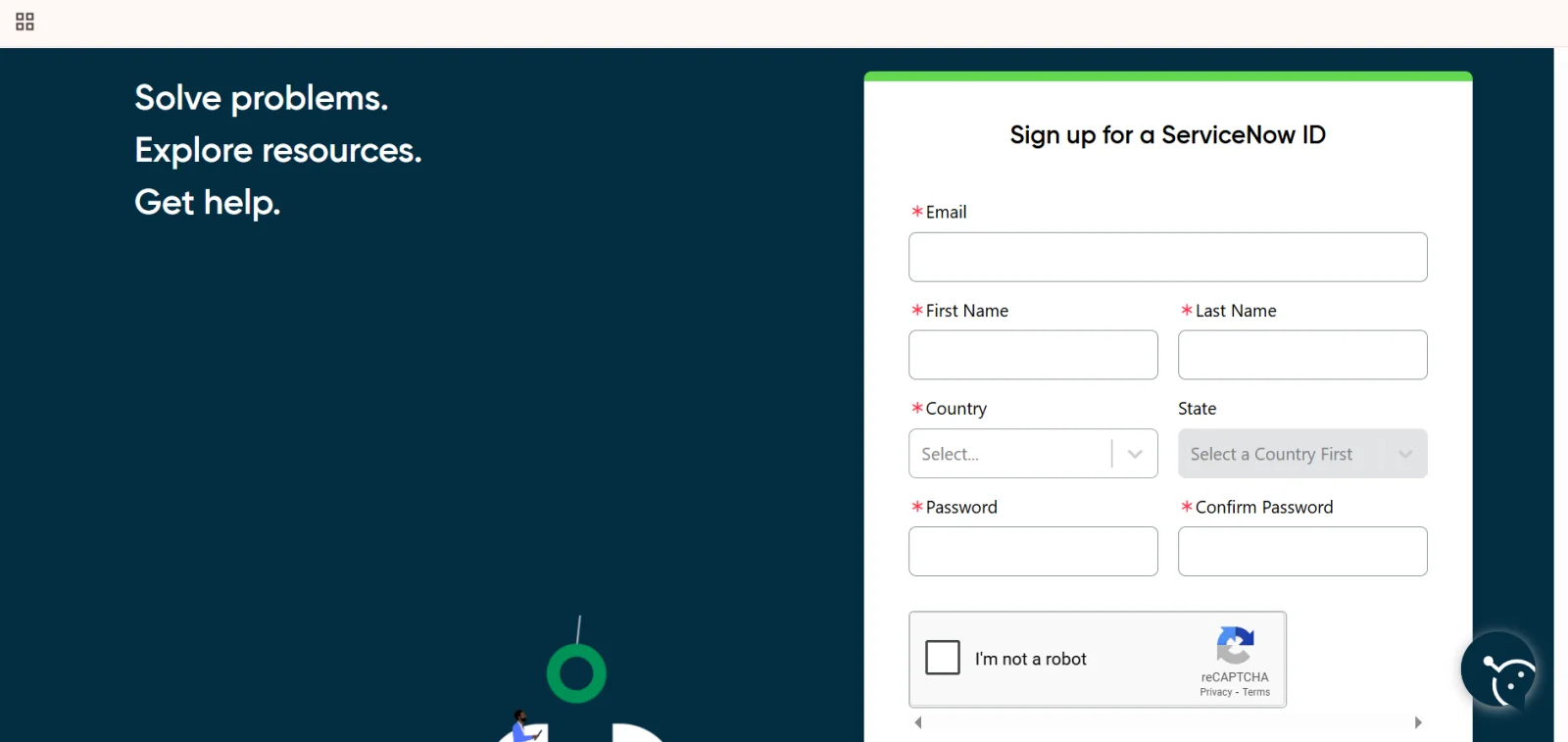
The next step is to fill in your personal details to set up your account. All you have to give is your name, country, email address, and then set a strong enough password to keep it secure.
As you can see, I am done signing up for my account, and all I have to do is now check my email address for verification.
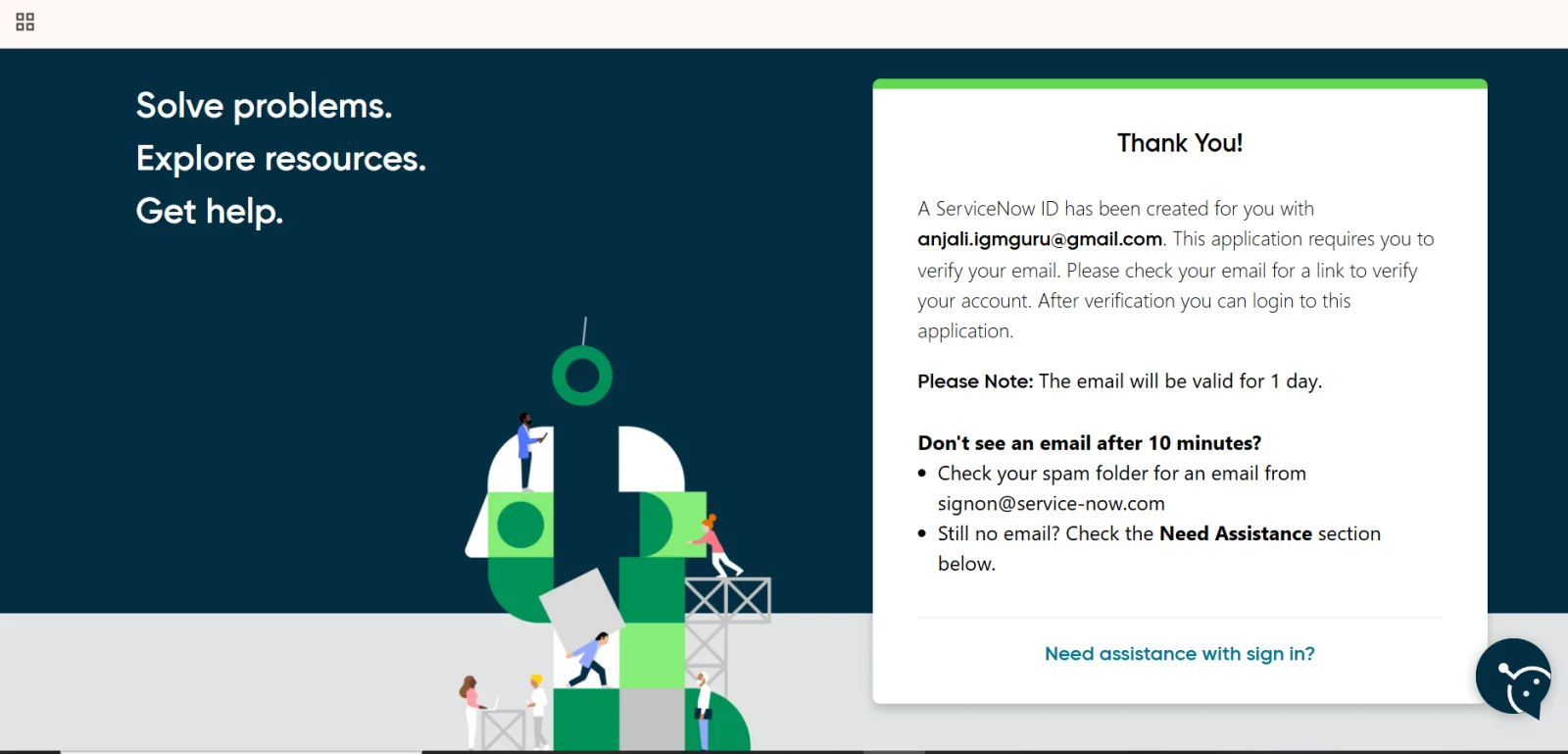
I have successfully created a ServiceNow instance by signing up. Now, I will let you know how to manage instances in ServiceNow-
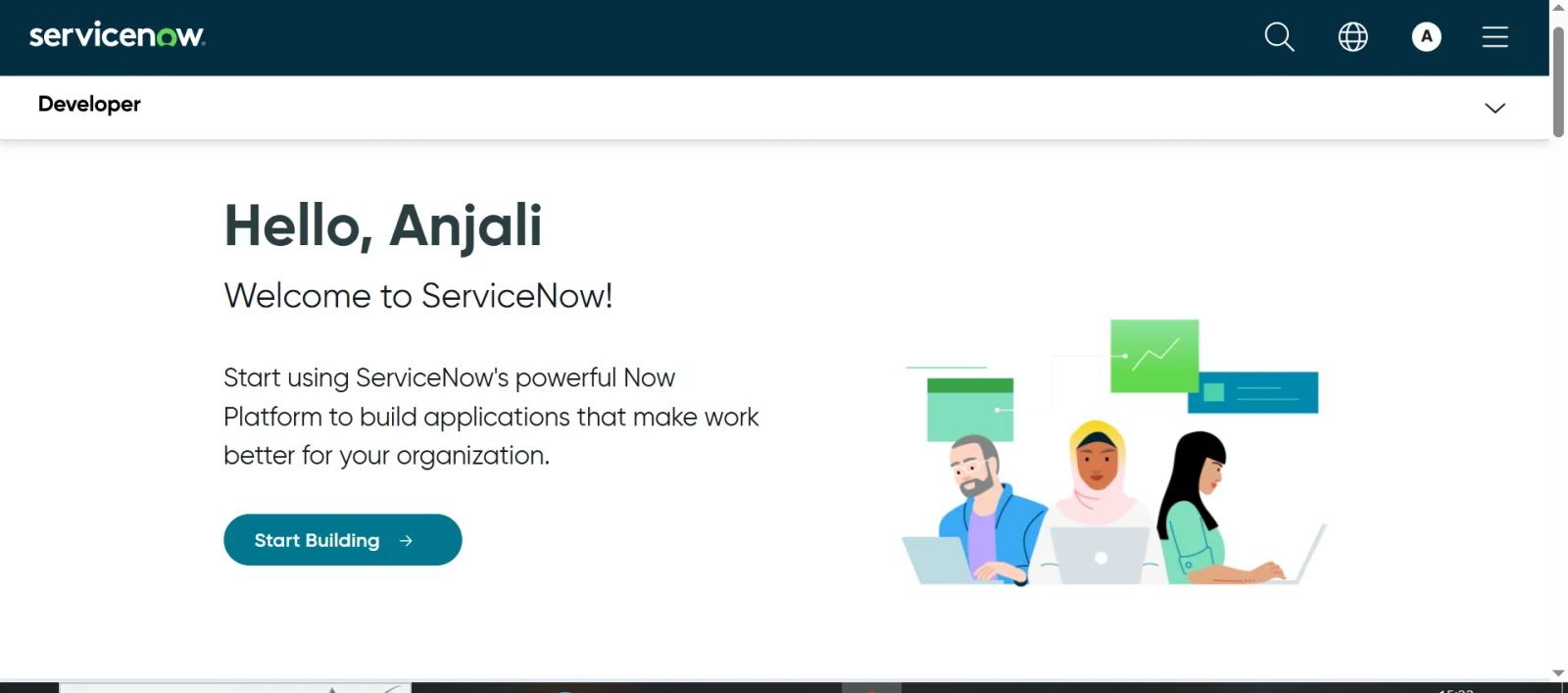
This is your developer homepage, where you have to click on the arrow that would lead you to the following 2 options-
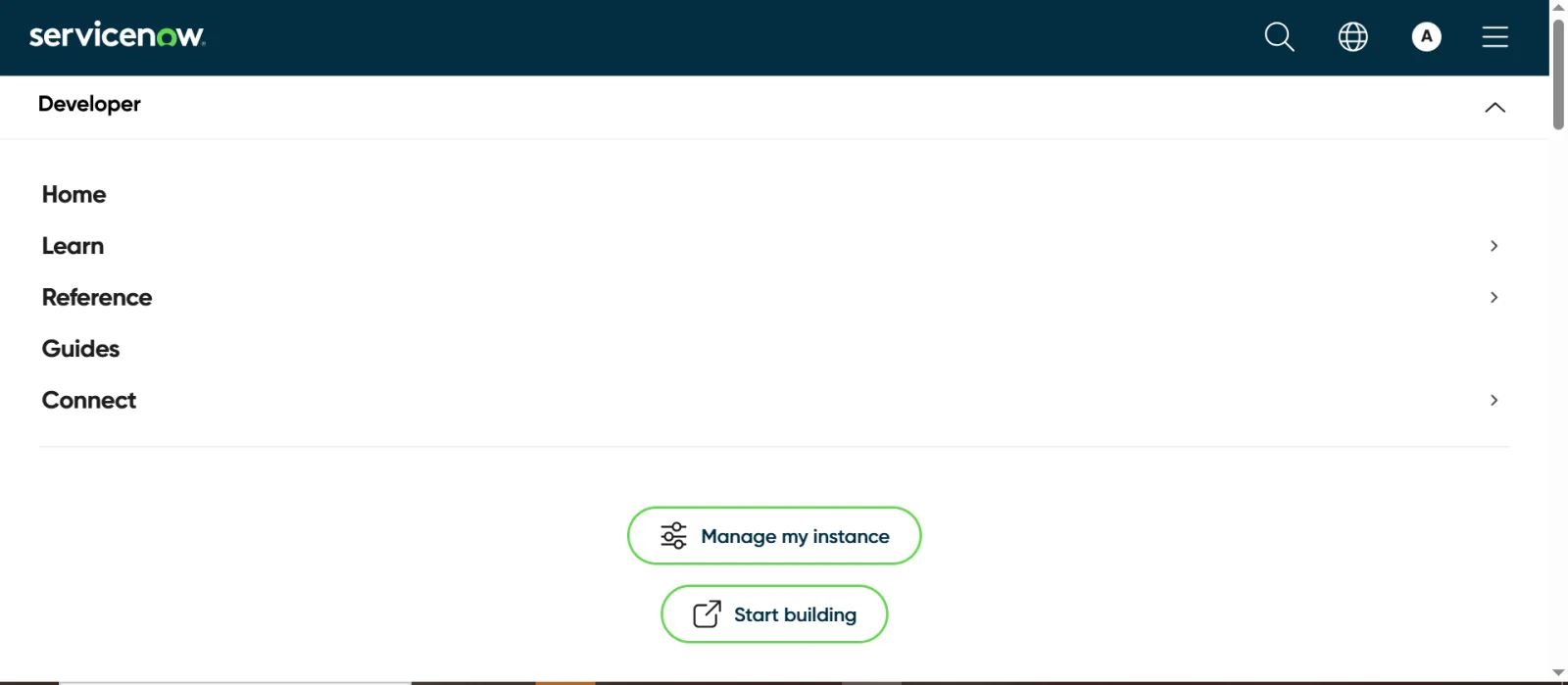
Click on manage my instance and this is what you will get-
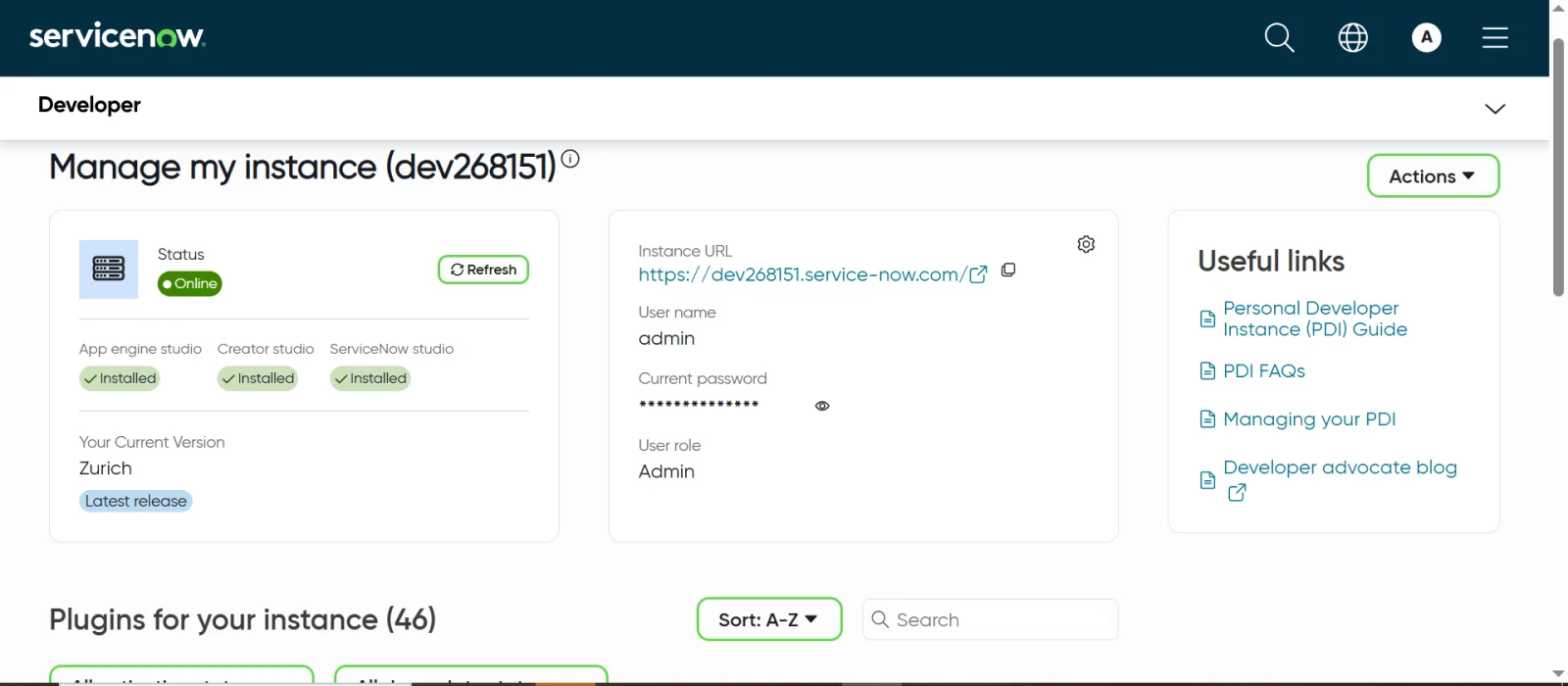
1. App Engine Studio Creator for building applications using drag-and-drop, low/no-code tools.
2. Admin for full permissions to access everything including ServiceNow Studio for more advanced or custom development.
ServiceNow may reset instances sometimes because of high demand, you could lose your work such as scripts, configurations, and workflows. If you don't save them, use version control like Git, export “update sets,” or save your apps so you can restore them later.
ServiceNow often rolls out new versions with better features and bug fixes. Read the release notes so you know what's new, and upgrade your instance when possible to take advantage of improvements.
Your instance is like a playground: you can experiment freely with workflows, automations, and scripting without worrying about messing up live systems. But make notes of what works and what doesn't so you can remember and reuse what you've learned.
Join ServiceNow forums, discussion groups, or the developer community. Asking questions, sharing what you discover, and seeing what others have built will give you ideas and help solve problems faster.
A developer instance gives you a safe place to practise for ServiceNow certifications like the Certified System Administrator (CSA) or Certified Application Developer. Doing your projects there gives you hands-on experience and helps you feel more confident.
Read Also: Top ServiceNow Interview Questions And Answers
It is safe to conclude that a ServiceNow developer instance is your personal environment to explore, build and experiment without risking real production systems. You basically get all the tools of a full-scale ServiceNow setup in a safe sandbox and absolutely free of cost. Understanding what is ServiceNow developer instance means acknowledging it not just as a tool but as a gateway towards being innovative.
ServiceNow may hibernate or reclaim your ServiceNow account if it remains inactive. It may also result in losing data if you have not backed them up. Regular login or regular use will prevent this from happening.
Select the 'upgrade instance' on your developer portal and choose your version. You may also release your current instance if you want a lower version. You must back up your data before you do this to prevent it from being lost.
It helps them build and test applications without affecting real systems.
Yes, it is free for learning and testing.
Course Schedule
| Course Name | Batch Type | Details |
| Servicenow Training | Every Weekday | View Details |
| Servicenow Training | Every Weekend | View Details |