The Java programming language is extensively used in every corner of the world these days. It is used to build desktop applications, web interfaces, scientific supercomputers, gaming consoles and many more. It is among the most popular programming languages on the TIOBE Index. Do you want to become a Java developer? Learn to create your first Java program: Hello World, with this article as your first step toward this career.
Implementation of a Java program involves creating, compiling and running. We will discuss every process here with proper examples. It will make you able to create your own code.
Let's get started.
It is important to have a development environment before creating the first Java program. This means individuals have to download and install the Java Development Kit and set the path of the JDK/bin directory. Then they can create and run a program on their machine using this setup. This package is available on the official Oracle website.
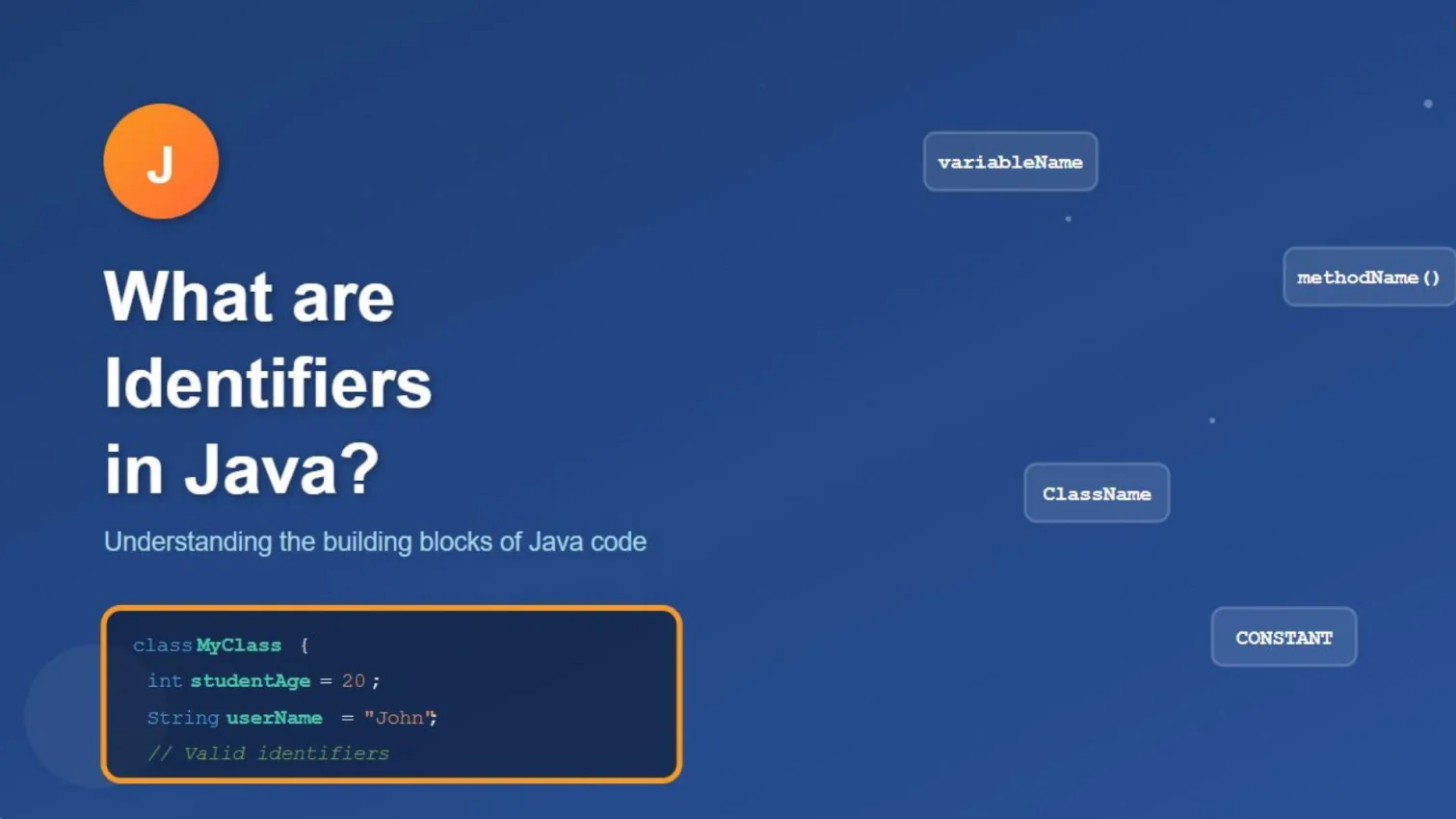
A standard Java program syntax includes many elements and components. Developers define all the variables and logic of code using these elements. The following eight are the main elements of a standard code -
It gives the basic information about a code. This element includes the date of creation, version, author name, company name, program name, and more. It is used as a comment, as shown below -
//Single line comment Or /*Multiline line comment*/ Or /**Documentation comment*/ |
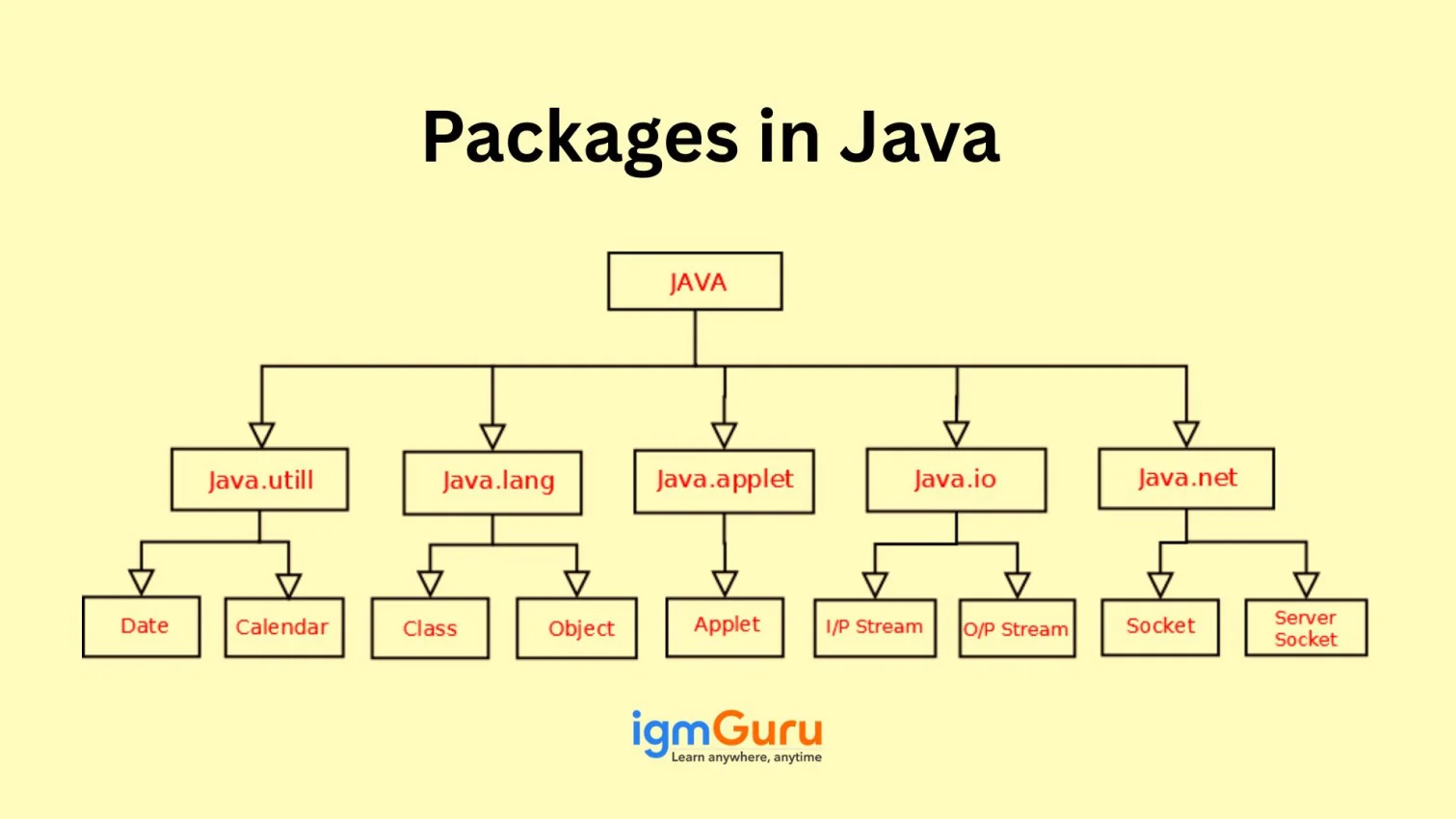
It is available just after the documentation section. This element declares the package name with a class. There will be only one package declaration in the entire code. This is why it is defined before any interface or class declaration.
package igmGuru; //the package name package com.igmguru; //the root directory and igmguru of subdirectory |
The JDK has many classes and interfaces useful in different types of programs. Developers can call any class or interface using import statements. Each class has its own statement representing the class from other packages. These are also known as import keywords.
import java.util.Scanner; //it imports the Scanner class only import java.util.*; //it imports all the class of the java.util package |
This section is not mandatory to use in a Java program. Developers use this wherever they need to build an interface. They use interface keywords for this purpose. It is slightly different from the class and contains only methods and constant declarations.
interface car { void start(); void stop(); } |
This element defines the class. Developers can not create a class without this element. They can use it more than once to define different classes. It includes information on user-defined methods, constants and variables.
class Student //class definition { } |
This section defines the variables and constants of the program. It is used just after the class definition. Variables and constants contain values of the parameters.
class Student //class definition { String sname; //variable int id; double percentage; } |
This section defines the main() method. The execution of a program starts from this method only. Here is an instance of using the main() method -
public class Student //class definition { public static void main(String args[]) { //statements } } |
It defines the functionality of a program by using its methods. The method contains a set of instructions that developers want to perform. These instructions run to perform a special task.
public class Main { static void display() { System.out.println("Welcome to igmguru"); } public static void main(String[] args) { display(); } } |
Related Article - Methods in Java
There are many programs one can create with this programming language. Beginners often start by creating a Hello World program. The Java program is written in a text editor like Notepad or an IDE like NetBeans. We have already discussed the syntax in the above section. Let us create your first Java program: Hello World.
class Test { public static void main(String[] args) { System.out.println("Hello World"); } } |
This program will return the output Hello World after the compilation. Do not forget to store this as d:\Test.java file. Now let's move on to the compilation process.
It is important to compile the program before running it. This involves saving the code with a class name. The class name and code name should be the same and case-sensitive; otherwise, it will show an error. Then use the javac FileName.java command to compile the program. This generates a new .class file, which holds the bytecode of your program.
Explore top Java Interview Questions to get into your dream job.
We need to use the Java Interpreter to execute our Hello World. The process of running this code requires a file that we have already created, compiling it in a command window, and executing it by typing its name on the terminal. Let's take an instance of the Hello World program to understand it better -
1. Start by writing a program in any text editor and save that file with the HelloWorld.java name.
// This is a simple Java program. // FileName : "HelloWorld.java". class HelloWorld { // Your program begins with a call to main(). // Prints "Hello, World" to the terminal window. public static void main(String[] args) { System.out.println("Hello, World"); }} |
2. Now use the compiler to specify the source file using the following command line -
| javac HelloWorld.java |
3. Now call JVM (Java Virtual Machine) to specify the class file. This will execute the program and return the result.
| java HelloWorld |

Creating the first Java program is not a hard nut to crack. Anyone with a basic knowledge of code syntax and elements can create one. You might face challenges when performing some advanced programming. This requires an in-depth knowledge of programming languages. It will be best to use some additional learning resources, like online courses, in this journey.
Configuring the first Java program involves setting up the necessary environment, writing, compiling, and executing the program properly. This article has already discussed all these steps in detail.
The file name must match the class name. This means the name of a HelloWorld class will be HelloWorld.java. The program will result in an error in case the file name is not correct.
Many errors can occur while creating the first Java program. These are typically classified into three categories, which are -