Today, in the era of Artificial Intelligence, one in three people uses AI tools to get many things done. Gone are the days when we had to manually search for everything, prepare long reports for meetings from scratch, ask experts to solve the problem/query, or spend hours replying to emails one by one.
Now, Generative AI tools are here for everything. Yes, you heard it right? They can help you create human-like content, generate reports, suggest ideas, summarize long reports, and even write professional responses within seconds.
And one thing is very clear. Human creativity isn't going anywhere- but with generative AI, it's getting a serious upgrade. From writing persuasive copy and generating hyper-realistic images to automating workflows and prototyping ideas in minutes, generative AI tools are quietly reshaping how we work.
I've been using these generative AI tools for quite some time now, and based on my experience, they're truly worth your time. Some are powerful, some are surprisingly fun, and a few might just change how you approach your daily tasks.
Let's get started.
The term Generative AI often feels a bit broad, and honestly, it is. It covers a wide range of technologies that can create something new rather than just analyze or process existing data.
In this guide, we're focusing specifically on generative AI tools that are designed to produce original content or significantly improve what you already have. These tools go beyond simple automation- they can generate text, images, videos, audio, and even complete digital experiences based on simple inputs.
Whether you're writing a blog, designing visuals, creating videos, or building an app, Generative AI tools can help you move faster while maintaining quality. The tools featured below are particularly good at creating fresh, usable content across different formats.
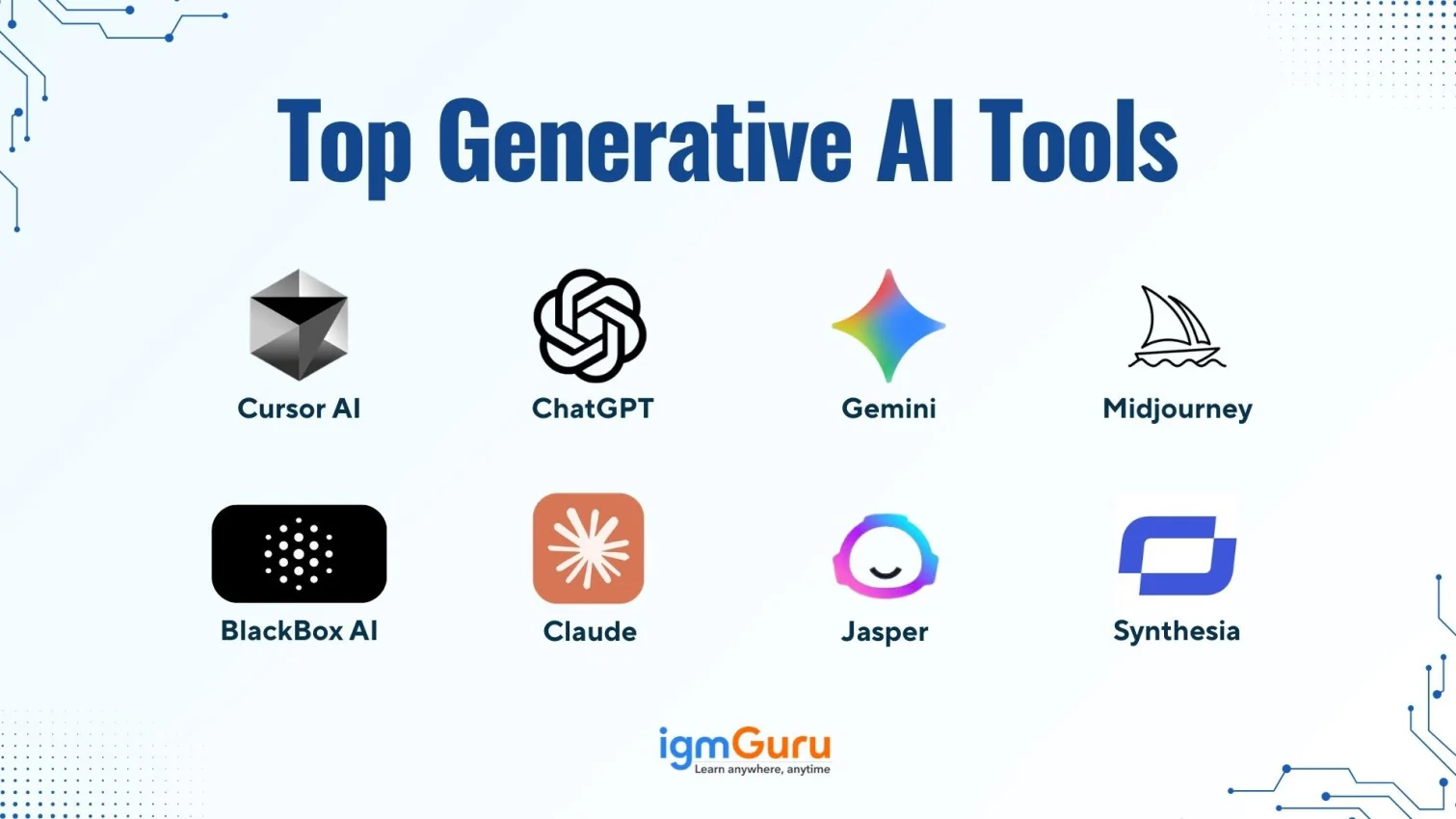
Here is the quick overview of the top Generative AI tools.
| Tool Name | Company | Category | Primary Strength | Best For | Rating |
|---|---|---|---|---|---|
| ChatGPT | OpenAI | Text & Conversational AI | Context-aware content generation and Coding | Writers, professionals, students, developers | 4.8 / 5 |
| Gemini | Text & Multimodal AI | Deep Google Workspace integration | Corporate teams, analysts | 4.6 / 5 | |
| Claude | Anthropic | Text & Analytical AI | Long-document processing and Coding | Legal, research, enterprise teams, developer teams | 4.5 / 5 |
| Jasper | Jasper AI | Marketing AI | Brand-consistent content creation | Marketing & SEO teams | 4.4 / 5 |
| Midjourney | Midjourney | Image Generation | Artistic, cinematic visuals | Designers & creatives | 4.7 / 5 |
| DALL·E 3 | OpenAI | Image Generation | Accurate prompt-based visuals | Marketing & product teams | 4.6 / 5 |
| Stable Diffusion | Stability AI | Image Generation | Open-source customization | Developers & AI researchers | 4.5 / 5 |
| Runway | Runway | Video Generation | Text-to-video & AI editing | Content creators | 4.5 / 5 |
| Synthesia | Synthesia | AI Avatar Video | Script-to-presenter videos | Corporate training teams | 4.4 / 5 |
| GitHub Copilot | GitHub | Coding AI | Real-time code suggestions | Developers & engineering teams | 4.7 / 5 |
| Cursor AI | Cursor | Coding AI | Codebase-level AI editing | Full-stack developers | 4.6 / 5 |
| Blackbox AI | Blackbox | Coding AI | Fast code generation & search | Students & developers | 4.4 / 5 |
| Canva AI | Canva | Design & Content AI | AI-powered visual design | Designers, marketers, students | 4.5 / 5 |
| Claude Code | Anthropic | Coding AI | Reasoning-based code generation | Developers, learners | 4.5 / 5 |
| Codex | OpenAI | Coding AI | Natural language to code | Developers, engineers | 4.6 / 5 |
While the term “Generative AI” may still sound confusing to many people, the technology itself is already part of our daily lives. From writing emails and creating images to generating ideas and code, we are using it more often than we realize.
Now, let's take a look at some of the most popular Generative AI tools available today.
In today's time, ChatGPT is one of the most widely used GenAI tools globally. ChatGPT was publicly launched in November 2022. It is designed to understand instructions, context and follow-up questions within a conversation. It can generate detailed articles, reports, summaries, explanations, strategies, and even structured frameworks. ChatGPT reduces writing time, improves productivity, and generates first drafts that can later be refined.
DeepMind was founded in 2010 and later became part of Google AI. Gemini was introduced in December 2023. It is Google's advanced multimodal AI system.
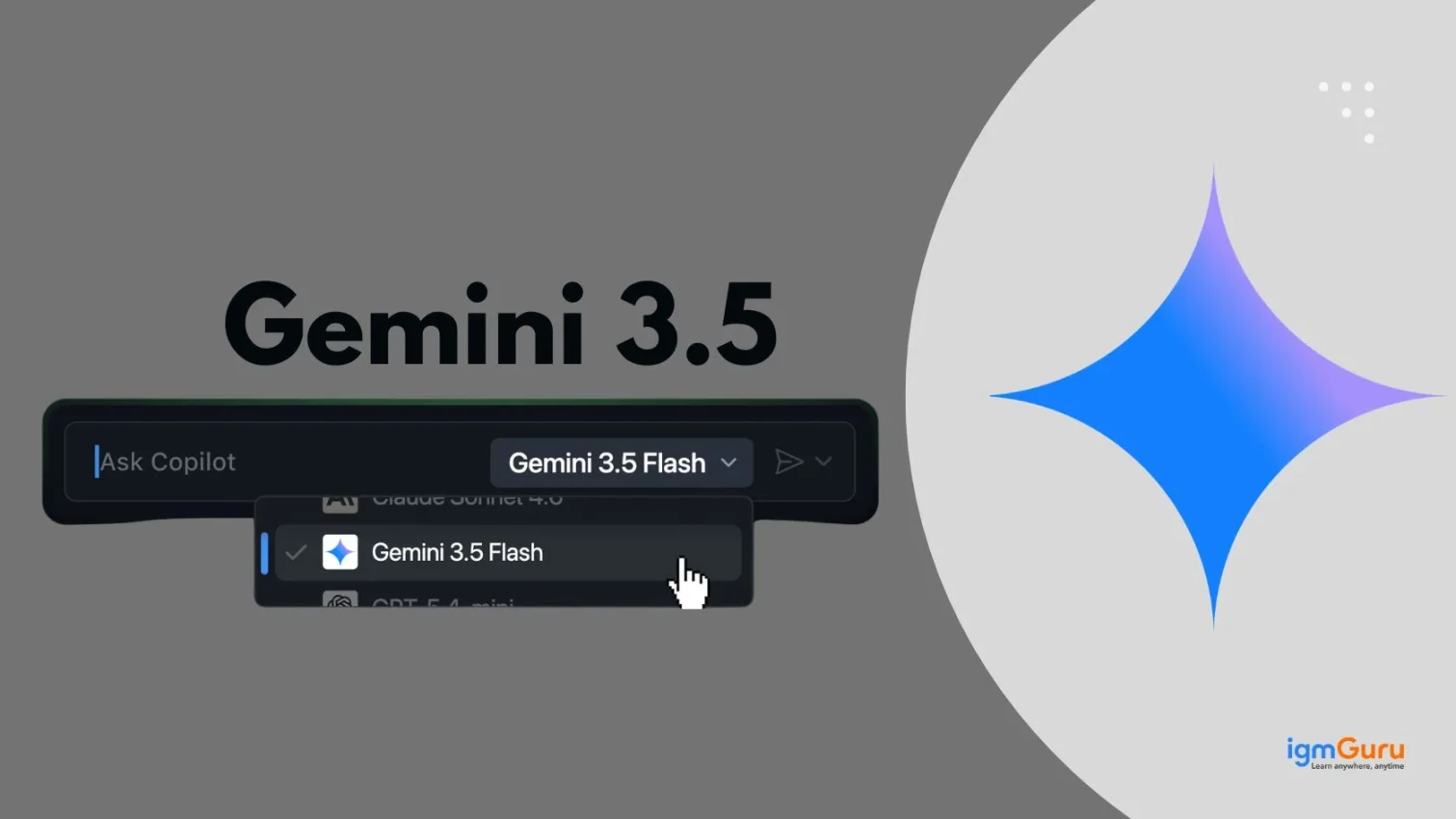
Gemini is designed to work smoothly inside the Google ecosystem. It can perform tasks such as reading documents, analyzing spreadsheets, understanding images, and summarizing information quickly. Gemini is integrated with Google Workspace. It helps in simplifying daily tasks such as email drafting, meeting preparation, and document review. It also introduced a new model (Gemini 3.5 Flash) recently, which is best for agent and coding related tasks.
Claude became publicly available in 2023. It was built with a focus on safety, clarity, and the ability to process large volumes of text in a single session.
Claude can handle long documents such as legal contracts, research papers, compliance guidelines, and corporate policies. Its responses are usually structured and organized, making it useful in formal writing. Many enterprises prefer Claude when they need careful wording and analytical summaries. It is usually used for reviewing large text files and extracting meaningful insights without losing context.
Also Explore: Best Claude Alternatives
Jasper AI was founded in 2021. It became widely adopted in 2022 as a marketing-focused AI writing tool. Jasper is specifically built for businesses that need consistent brand messaging.
It provides ready-made templates for advertisements, blog posts, email campaigns, and social media captions. It also allows teams to define a brand voice so that all generated content maintains the same tone and style. Marketing agencies and e-commerce businesses often use Jasper to scale content production without sacrificing consistency.
| Tool | Context Window | Tone & Style | Free Tier | Best Unique Strength | Ideal User |
|---|---|---|---|---|---|
| ChatGPT | Large (128K tokens) | Conversational & Flexible | Yes (limited) | Plugin ecosystem & multimodal support | Writers, students, and general professionals |
| Gemini | Very Large (1M tokens) | Formal & Analytical | Yes (limited) | Google Workspace integration | Corporate teams using Google tools |
| Claude | Very Large (200K tokens) | Structured & Precise | Yes (limited) | Long document processing & safety | Legal, research, enterprise teams |
| Jasper | Standard | Brand-consistent & Marketing | No | Brand voice customization | Marketing agencies, SEO teams |
Related Article: How To Learn Generative AI
Midjourney was founded and launched in 2022. It quickly gained popularity among designers and creative professionals because of its ability to produce highly stylized and artistic visuals.
Midjourney focuses more on creativity and visual depth rather than strict realism. It can generate images with strong lighting effects, textures, and cinematic compositions. Many designers use it to explore creative changes before finalizing projects. It is usually used for branding visuals, concept art, and storytelling imagery where artistic style is important.
DALLE was first introduced in 2021, and DALLE 3 was launched in 2023 with better prompt understanding and image accuracy.
DALLE 3 is designed to generate detailed and accurate images from text descriptions. It is useful when the user needs specific objects, layouts, or scenes generated exactly as described. Because it integrates with conversational AI tools, users can refine prompts easily to improve results.
Read Also: Top Generative AI Applications
Stable Diffusion was released in 2022 as an open-source generative image model.
Stable Diffusion can be customized and even deployed locally. Developers can fine-tune the model for specific styles or use cases. This flexibility makes it popular in technical environments where privacy, customization, and control are important.
Canva AI is a generative AI-powered design tool built into Canva that helps users create visual content, presentations, and even code-like layouts with ease. It combines design automation with AI-generated text, images, and layouts, making it a versatile tool for both technical and non-technical users.
Canva AI is especially useful for developers, marketers, and content creators who want to quickly design UI mockups, presentations, or visual assets without deep design skills.
| Tool | Output Style | Prompt Difficulty | Open Source | Commercial Use | Best For |
|---|---|---|---|---|---|
| Midjourney | Artistic & Cinematic | Medium | No | Yes (paid plans) | Designers, creatives, branding |
| DALL·E 3 | Realistic & Accurate | Low | No | Yes | Marketers, bloggers, product teams |
| Stable Diffusion | Highly Customizable | High | Yes | Yes (with conditions) | Developers, AI researchers |
| Canva AI | Template-based & Clean | Low | No | Yes | Beginners, marketers, students |
Runway was founded in 2018. Its AI video tools gained strong recognition around 2022-2023 with generative video capabilities.
Runway allows users to create and edit videos using AI features such as text-to-video generation, background removal, and visual effects. It simplifies video production by reducing the need for complex editing software. Content creators and marketing teams use it to quickly produce promotional and creative videos.
Synthesia was founded in 2017, and its AI avatar video platform became widely adopted between 2020 and 2022.
Synthesia allows users to generate presenter-style videos from text scripts using AI avatars. It removes the need for filming equipment, actors, and studio setups. Companies use it for training and internal communication because it saves both time and cost.
Related Article- Generative AI Tutorial
| Tool | Video Type | Ease of Use | Avatar Support | Starting Price | Best For |
|---|---|---|---|---|---|
| Runway | Text-to-video, AI editing | Medium | No | $12/month | Content creators, creative agencies |
| Synthesia | Script-to-presenter video | Easy | Yes (AI avatars) | $30/month | Corporate training, HR, e-learning |
GitHub was founded in 2008, and GitHub Copilot was introduced in 2021 in collaboration with OpenAI.
Copilot works inside code editors and suggests code in real time based on context. It can generate entire functions, suggest logic improvements, and reduce repetitive coding tasks. Developers use it to increase speed and focus more on problem-solving instead of writing boilerplate code.
Cursor AI is an AI-powered coding assistant built directly into a modern code editor. It is designed to understand your entire codebase, not just a single file. Developers can write instructions in plain English, and Cursor can generate, edit, refactor, or explain code instantly.
Unlike traditional autocomplete tools, Cursor works at a deeper level. It can fix bugs, restructure large sections of code, and even help developers understand unfamiliar projects. It acts more like an intelligent coding partner rather than just a suggestion tool.
Blackbox AI is a generative AI coding assistant that helps developers write code faster through intelligent suggestions and code search. It supports multiple programming languages and works across different IDEs and browsers.
Blackbox is especially useful for developers who want quick code generation and snippet discovery. It can convert natural language instructions into working code and also extract code from videos or screenshots. This makes it a practical tool for learning, debugging, and rapid development.
Claude Code is an AI-powered coding tool developed by Anthropic. It allows developers to write structured and clean code in just a few seconds. It is built on advanced language models designed to understand complex programming logic and provide reliable coding support across multiple use cases. It also helps developers in breaking down complex problems, generating clean code, and assisting with documentation.
Codex is a powerful Gen AI coding tool developed by OpenAI that can understand and generate code from natural language instructions. It is the underlying technology behind tools like GitHub Copilot and is designed to assist developers in writing code efficiently across various programming languages.
Codex is highly effective for translating plain English instructions into working code. It helps developers automate repetitive tasks, generate functions, and even build entire applications with minimal input. This makes it a valuable tool for both beginners and experienced developers aiming to boost productivity.
| Tool | IDE Integration | Codebase Awareness | Natural Language to Code | Free Plan | Best For |
|---|---|---|---|---|---|
| GitHub Copilot | Excellent (VS Code, JetBrains) | File-level | Good | No | All-level developers, engineering teams |
| Cursor AI | Built-in editor | Full codebase | Excellent | Limited | Full-stack developers, large projects |
| Blackbox AI | Multiple IDEs & browsers | Limited | Good | Yes | Students, quick snippet generation |
| Claude Code | Limited | Strong (reasoning-based) | Excellent | Yes (limited) | Complex logic, documentation, learning |
| Codex | Via API & integrations | Limited | Excellent | Limited | Developers, rapid prototyping |
Choosing the right generative AI tool isn't about picking the most popular name. Really? It's about picking the one that actually fits the way you work.
Start with clarity. What exactly do you want the tool to do? It's my opinion. If you want a tool that helps you in writing blogs, creating reports, or writing emails, then a conversational AI tool makes sense here. If your goal is to create visuals for marketing or branding, then an image generation tool will serve you better. Developers, on the other hand, may benefit more from AI coding assistants that work directly inside their editor.
Next, think about integration. Does the tool fit into your existing workflow? For example, if your team lives inside Google Workspace, choosing a tool that integrates smoothly can save hours every week. The right AI should feel like an extension of your workflow, not an extra step.
Budget matters too. Some tools are affordable for individuals, while others are clearly built for enterprise teams. Don't just look at monthly pricing- consider usage limits, feature access, and scalability.
There is a long list of things associated with Gen AI, what it is, what are its types, models, applications, and whatnot. Since we are only beginning to uncover the true meaning and potential of Generative AI, we are yet to completely understand what it can do.
While there is still a lot of stigma around its usage, there will come a time when it will be a part of everything. When we already have this knowledge, why not make the most of it? Enroll in a good Generative AI training program to understand what it is all about.
Ans. There are quite a lot of differences between Generative AI and normal AI. Generative AI or Gen AI, focuses on creating new data and content, whereas traditional AI uses predefined rules for solving specific tasks.
Ans. ChatGPT has become so famous because it understands human-like text. Thus, simple prompts can yield big results in generating content, engaging in conversations, offering explanations, and answering questions.
Ans. Generative AI is a great thing to learn and work with, as it offers many free and user-friendly tools such as ChatGPT, Quillbot, Jasper, etc.
Ans. The most appropriate way to learn Gen AI is by enrolling in our Generative AI training online. Since our trainers are working professionals, they have updated information, knowledge, and skills to help you become an expert in this technology.
Course Schedule
| Course Name | Batch Type | Details |
| Generative AI Training | Every Weekday | View Details |
| Generative AI Training | Every Weekend | View Details |