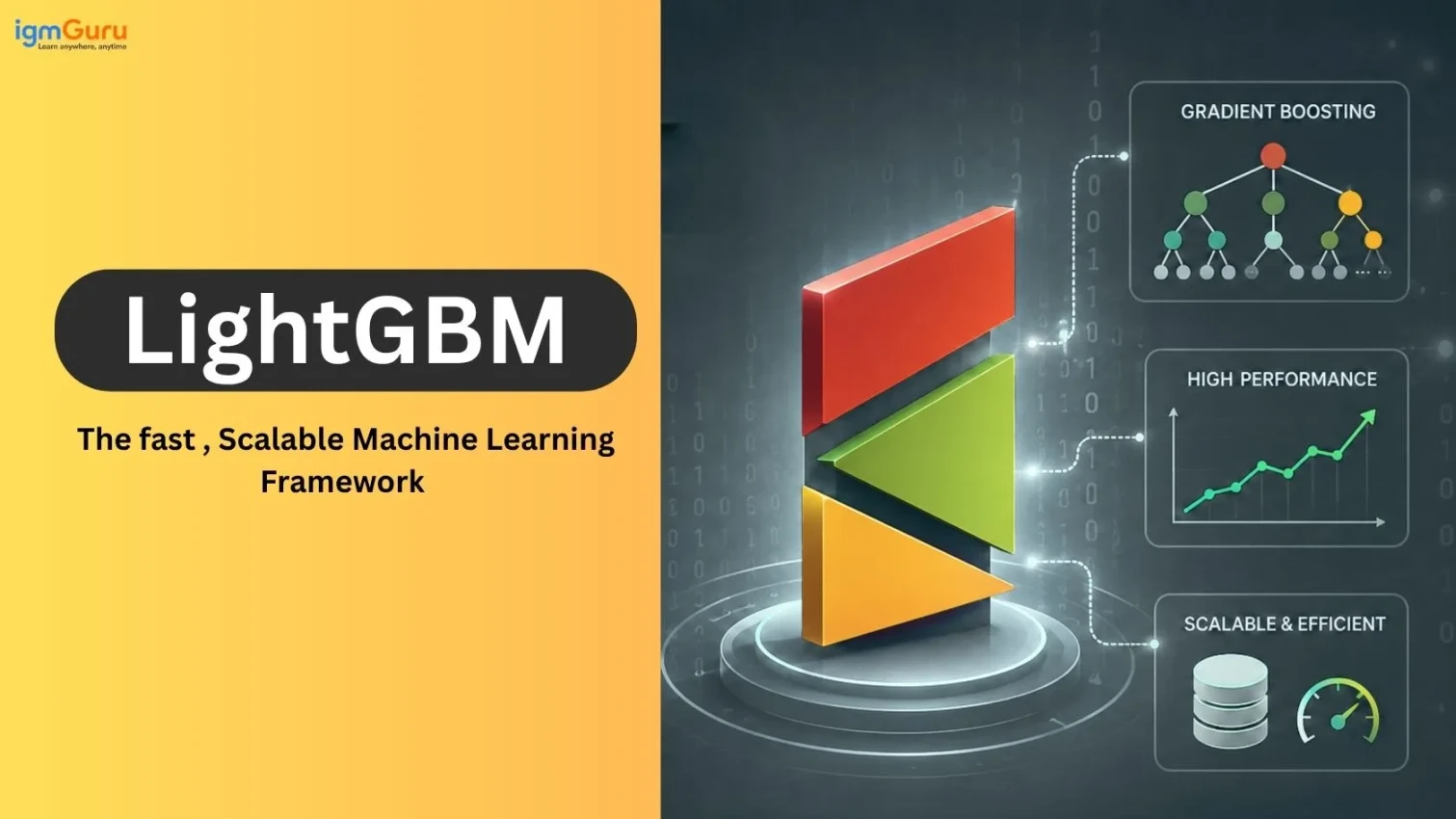
When it comes to large-scale tabular data and gradient boosting frameworks, model performance and iteration speed can be impacted immediately by the choice of framework. LightGBM is now one of the most popular choices among data scientists and machine learning engineers due to its fast training capabilities, efficient memory usage, and competitive accuracy for large-scale data processing. Many production systems (including finance, e-commerce, and advertising) across multiple industries utilize LightGBM, and it continues to perform exceptionally well in both benchmarking studies and in highly competitive environments like Kaggle.
I have worked with numerous machine learning models on real datasets that included high-volume tabular data containing between hundreds of thousands and millions of rows. From my experience, LightGBM delivers significantly faster training times while still providing a high level of accuracy than gradient boosting algorithms in production environments. It also leads to much faster experimentation cycles, less complexity in hyperparameter tuning, and more streamlined deployment pipelines than traditional gradient boosting methods.
This guide will provide you with both an excellent understanding of LightGBM as a machine learning library and how to apply it effectively for any level of expertise.
LightGBM, short for Light Gradient Boosting Machine, is an open-source, high-performance gradient boosting framework originally developed by Microsoft. It was first released in 2017 and has steadily grown into one of the most trusted tools for structured and tabular data problems.
In March 2026, the project moved from the Microsoft GitHub organization to its own independent home at lightgbm-org/LightGBM on GitHub. The same core maintainers, including LightGBM's original creator, continue to manage the project. This move signals a maturing, community-driven project rather than a corporate-owned one.
The latest stable release as of early 2026 is LightGBM 4.6.0, released in February 2025, with active development continuing under version 4.6.0.99.
At its core, LightGBM is a gradient boosting algorithm. It builds an ensemble of decision trees, where each new tree corrects the errors of the trees before it. What makes LightGBM different from XGBoost or traditional gradient boosted decision trees (GBDT) is its speed, memory efficiency, and ability to scale to massive datasets without breaking a sweat.
LightGBM supports:
It also supports GPU-accelerated training, Dask-based distributed training, and runs on Windows, Linux, and macOS (including Apple Silicon).
Read Also: Machine Learning Tutorial
LightGBM is not a trend. It has proven itself across industry verticals, research papers, and competitive machine learning over the past several years. Here is why practitioners keep choosing it.
LightGBM trains significantly faster than XGBoost and traditional GBDT implementations on large datasets. On datasets with millions of rows, it can be 10 to 20 times faster. This speed advantage comes from a combination of techniques: histogram-based learning, leaf-wise tree growth, and intelligent sampling. All of these are detailed below.
Traditional gradient boosting stores continuous feature values during training, which is expensive. LightGBM converts those values into discrete bins using histograms. This cuts memory usage dramatically and allows you to train on datasets that would otherwise exhaust your RAM.
Speed does not come at the cost of accuracy. After proper hyperparameter tuning, LightGBM consistently delivers results that match or beat other boosting frameworks. Benchmarks published in 2025 confirm that with tuning, LightGBM is the most consistent performer across accuracy metrics like AUC and F1 score on large tabular datasets.
Most gradient boosting libraries require you to one-hot encode categorical features before training. LightGBM handles categorical features natively. It finds the optimal split by sorting categories according to the training objective, which is far more efficient than one-hot encoding, especially for high-cardinality columns.
In 2026, LightGBM works seamlessly with the tools most practitioners already use. You can run it through the scikit-learn API, integrate it with FLAML or Optuna for automated hyperparameter tuning, deploy it on Amazon SageMaker, run it on Spark via SynapseML, or use it on Kubernetes via Kubeflow. The deployment ecosystem has never been more mature.
To use LightGBM well, you need to understand the design decisions that make it different from other boosting frameworks.
Most gradient boosting frameworks use level-wise (depth-first) tree growth. They grow the tree one full level at a time, splitting every node at the same depth before moving to the next level. This is safe and conservative, but it wastes computation on splits that do not reduce loss much.
LightGBM uses leaf-wise growth instead. At each step, it picks the single leaf across the entire tree that will produce the greatest loss reduction, and splits only that leaf. This means the algorithm spends its computation budget where it matters most. The result is lower training error in fewer iterations.
The trade-off is a higher risk of overfitting on small datasets, because leaf-wise growth can create deep, unbalanced trees. LightGBM addresses this with the num_leaves and min_data_in_leaf parameters, which you will tune carefully.
Instead of sorting continuous feature values at every split (which gets expensive as data grows), LightGBM bucketes feature values into a fixed number of discrete bins called histograms. Once it builds these histograms once per tree level, finding the best split becomes a fast lookup over a small number of bins rather than a search over millions of unique values
This single design decision reduces both memory usage and computation time dramatically. It is one of the primary reasons LightGBM is faster than traditional GBDT at scale.
In gradient boosting, every data point gets a gradient that shows how much error the model makes for that point. Data points with large gradients contribute more to learning because the model has not learned them well. Data points with small gradients are already well-predicted and contribute less.
GOSS keeps all data points with large gradients and randomly samples only a small fraction of the low-gradient data points. This reduces the amount of data processed per iteration without meaningfully hurting model quality. The result is faster training with only a negligible loss in accuracy.
Real-world datasets often have many sparse features, especially after encoding. For example, a one-hot encoded categorical feature with 1,000 categories creates 1,000 columns where almost every value is zero at any given row.
EFB identifies groups of features that are mutually exclusive, meaning they rarely have nonzero values at the same time. It bundles those features into a single combined feature. This reduces the effective number of features the algorithm processes, which speeds up training without losing information.
For distributed training, LightGBM uses a voting parallel approach that reduces communication overhead between machines to a constant cost rather than one that scales with the number of features. This makes distributed LightGBM training highly efficient on clusters.
Read Also: Machine Learning Interview Questions and Answers
The 4.6.0 release (February 2025) continued the framework's focus on stability, compatibility, and ecosystem improvements. Key updates include:
For teams running LightGBM in production, upgrading to 4.6.0 is straightforward and the API remains backward compatible.
Getting LightGBM up and running takes less than a minute in most environments. The package supports Python 3.7 and above, and it works on Windows, Linux, and macOS, including Apple Silicon. Depending on how you plan to use it, you can install the base package or pull in optional extras for Dask, pandas, or scikit-learn integration.
Installing LightGBM is simple.
|
For GPU support via conda (auto-detects CUDA from 4.4.0+):
|
For macOS with Apple Clang, install OpenMP first:
|
The three dominant gradient boosting frameworks in 2026 are LightGBM, XGBoost, and CatBoost. Each has a clear sweet spot.
| Factor | LightGBM | XGBoost | CatBoost |
| Tree growth | Leaf-wise | Level-wise | Symmetric (oblivious) |
| Training speed (large data) | Fastest | Slower | Middle |
| Memory usage | Lowest | Medium | Medium |
| Categorical feature support | Native | Requires encoding | Native (ordered boosting) |
| Overfitting risk (small data) | Higher | Lower | Lower |
| Out-of-the-box accuracy | Needs tuning | Needs tuning | Often good defaults |
| Distributed training | Yes | Yes | Yes |
| GPU support | Yes | Yes | Yes |
Current practitioner guidance for 2026:
Read Also: Top Python Frameworks for Web Development
LightGBM has over 100 configurable parameters, but the vast majority of your model's behavior is shaped by fewer than ten of them. Knowing which parameters to tune first, and what each one actually does, saves you hours of trial and error. The table below covers the ones you will reach for on almost every project.
LightGBM has dozens of parameters, but a handful of them drive most of the impact. Master these first.
The most important parameter for controlling model complexity. It sets the maximum number of leaves per tree. Higher values capture more complex patterns but increase overfitting risk. A good starting range is 20 to 150. Never blindly set this high without balancing it with min_data_in_leaf.
Controls how much each tree contributes to the final prediction. Lower values require more trees but generally produce a better-generalized model. Common values range from 0.01 to 0.1. Pair a low learning rate with early stopping to find the right number of trees automatically.
The number of trees to build. Rather than setting this manually, set it high (500 to 2000) and use early stopping to find the optimal value.
Sets a hard limit on tree depth. This works alongside num_leaves. Setting it to -1 means no depth limit and lets num_leaves control complexity alone. Adding a max_depth constraint can help prevent wild tree shapes on noisy data.
Minimum data points required in a leaf node. Higher values prevent overfitting on noisy subsets. A value between 20 and 100 works well for most datasets. This is the primary counterbalance to num_leaves.
Randomly selects a fraction of features for each tree. Values between 0.6 and 0.9 reduce overfitting and add diversity to the ensemble. This is similar to the feature subsampling in random forests.
Enable data subsampling. bagging_fraction controls what fraction of training data is sampled per iteration. bagging_freq sets how frequently this sampling happens. Together they act as regularization. Common values are 0.8 for bagging_fraction and 5 for bagging_freq.
L1 and L2 regularization on leaf weights. They penalize large leaf values to reduce overfitting. Start with values between 0.0 and 1.0 and tune upward if the model overfits.
Minimum gain required to perform a split. Higher values make the tree more conservative. This is useful when you want to prevent the model from making splits that barely improve loss.
Read Also: Top Data Science Interview Questions and Answers
Theory only takes you so far. The best way to understand LightGBM is to run it on a real dataset, read the output, and see how the pieces fit together. This section walks you through a complete binary classification example from data loading to evaluation. You will see both the native LightGBM API and the scikit-learn API so you can choose whichever fits your workflow.
Here is a full binary classification example using the native LightGBM API and the scikit-learn API side by side.
|
|
Native API gives you more control. The scikit-learn API integrates cleanly with pipelines, cross-validation utilities, and tools like GridSearchCV. Both produce identical models.
Read Also: Data Science Tutorial for Beginners
A default LightGBM model is a decent starting point, but it is rarely the best your data can produce. The difference between a tuned and an untuned LightGBM model is often significant, especially on noisy or complex datasets. Optuna has become the go-to tool for this in 2026 because it uses Bayesian optimization to explore the parameter space efficiently rather than brute-forcing every combination.
Manual tuning gets you far, but for production models, automated search finds better configurations faster. Optuna has become the standard tool for LightGBM hyperparameter tuning as of 2026.
|
FLAML is another option. It wraps LightGBM with automated tuning and is particularly useful when you want a fast, low-configuration path to a good model without writing a full tuning loop.
Understanding what drives predictions is essential for debugging, feature selection, and building stakeholder trust. LightGBM supports multiple ways to inspect model behavior.
|
LightGBM provides three important types. Gain measures the total improvement in loss from all splits using a feature and is the most meaningful. Split counts how many times a feature appears in a split. Cover counts how many observations each feature covers. Use gain for feature selection decisions.
SHAP (SHapley Additive exPlanations) has become the standard for explainable AI in gradient boosting models. LightGBM integrates with the shap library natively, and TreeExplainer computes exact SHAP values efficiently for tree-based models.
|
In regulated industries like finance and healthcare, SHAP explanations are increasingly required for model approval. LightGBM's compatibility with SHAP makes it practical for high-stakes production systems.
Read Also: Data Science and Machine Learning- Differences and Similarities
Class imbalance is common in real-world classification tasks like fraud detection, medical diagnosis, and churn prediction. LightGBM gives you several practical tools to handle it.
|
Accuracy is misleading on imbalanced data. Use auc, average_precision, or binary_logloss as your primary metric. Set early stopping against AUC to ensure the model optimizes for what actually matters.
For severe imbalance (more than 50:1 ratio), combine LightGBM's built-in class weighting with SMOTE or random undersampling from the imbalanced-learn library. This tends to produce better calibrated predictions than relying on class weights alone.
LightGBM has gone beyond competitive machine learning. It is powering production systems across industries.
Banks and fintech companies use LightGBM extensively for credit scoring, fraud detection, and risk assessment. A 2025 research paper published in Nature's Humanities and Social Sciences Communications introduced an HBA-LGBM framework that combined LightGBM with an attention-based neural network layer for credit risk assessment, achieving strong results on high-dimensional borrower data.
LightGBM's ability to handle large feature sets and its compatibility with SHAP explanations makes it particularly well-suited for regulated financial applications where explainability is not optional.
A 2025 systematic review published in PubMed covering AI in predictive healthcare found that tree-based ensemble models, including LightGBM, were among the most frequently used approaches for structured clinical data problems. LightGBM handles the high-dimensional, missing-value-heavy nature of electronic health records well, and it trains quickly enough to make iteration on clinical datasets practical.
A 2026 study in Scientific Reports applied LightGBM alongside graph attention networks and temporal convolutional networks to predict cross-border supply chain disruptions with 92.5% accuracy. LightGBM served as the primary structured data learner, extracting node embedding and time-series features through an incremental learning mechanism.
Retailers use LightGBM for demand forecasting, inventory optimization, customer churn prediction, and recommendation ranking. Its speed advantage is especially valuable in e-commerce, where model re-training happens frequently and fast iteration cycles are critical.
LightGBM is used in real-time bidding and click-through rate prediction systems, where low-latency inference and the ability to handle billions of training rows matter. Its memory efficiency makes it deployable on hardware that would not accommodate heavier models.
Read Also: Python Libraries for Machine Learning
LightGBM offers significant advantages when working with large-scale structured and tabular datasets, but it is not the best machine learning framework for every problem. Understanding its advantages and disadvantages can help you decide whether LightGBM is the right choice for your dataset and machine learning project.
Overall, LightGBM is an excellent choice when you need fast training, efficient memory usage and strong predictive performance on large tabular datasets. However, careful tuning and regularization are important, particularly when working with smaller or noisier datasets.
A well-trained model sitting in a notebook delivers zero business value. Deployment is where LightGBM's practical advantages continue to show up. It is fast to load, easy to serialize, compatible with ONNX for cross-platform serving, and natively supported on platforms like Amazon SageMaker. This section covers the most common deployment patterns and what to watch for once your model is live.
Training a good LightGBM model is only half the job. Getting it into production reliably is the other half.
|
If you need to serve the model in a non-Python environment, convert it to ONNX using onnxmltools. This allows LightGBM models to run in Java, C#, Go, or any environment with ONNX Runtime support.
|
For low-latency production serving, Treelite compiles your LightGBM model into optimized C code. The lleaves library uses LLVM compilation for even faster inference. Both are actively maintained ecosystem tools that the LightGBM team recommends for production deployments requiring high throughput.
Amazon SageMaker supports LightGBM natively as a built-in algorithm. You can train and deploy LightGBM models directly through SageMaker without writing a custom training script, which simplifies MLOps workflows for teams already on AWS.
LightGBM models do not adapt to new patterns automatically. If the distribution of features in production shifts away from the training distribution, model performance will degrade quietly. Use tools like Evidently AI or WhyLogs to monitor feature distributions and prediction distributions over time. Set up alerts and retrain on a schedule.
LightGBM gives you a lot of power, and with that comes a few ways to quietly shoot yourself in the foot. These mistakes do not always throw errors. Sometimes they just produce a model that looks fine on training data but fails badly in production. Knowing what to watch for before you run into these issues will save you real debugging time.
Even experienced practitioners make these mistakes. Here is what to watch out for.
LightGBM's leaf-wise growth can overfit aggressively if num_leaves is large and min_data_in_leaf is small. Always balance these two parameters. A good rule of thumb is to keep num_leaves less than 2^(max_depth) and increase min_data_in_leaf proportionally.
Running a fixed number of boosting rounds without early stopping leads to overfitting. Always provide a validation set and use early_stopping. Set stopping_rounds to something reasonable like 50 to 100.
A single train/validation split produces noisy results. Use lgb.cv() or scikit-learn's cross_val_score to get a reliable performance estimate, especially when tuning hyperparameters.
If you pass integer-encoded categories without flagging them, LightGBM treats them as continuous values and misses the optimal categorical splits. Always use the categorical_feature parameter.
|
Accuracy can stay flat even as the model improves on minority class detection. Use AUC or average precision instead.
When you reduce the learning rate, the optimal number of trees increases. Always re-run early stopping after changing the learning rate. Do not just carry over the tree count from a previous experiment.
Read Also: TensorFlow Tutorial for Beginners
LightGBM is powerful, but it is not the right choice for every problem.
SHAP is the gold standard for interpreting LightGBM models in 2026. It gives you both global feature importance and local explanations for individual predictions, which is what regulators, business stakeholders, and ML review boards actually need.
|
SHAP values from LightGBM are computed efficiently by TreeExplainer, which exploits the tree structure rather than using sampling. This makes it practical even on large test sets.
LightGBM remains one of the most reliable and widely used machine learning frameworks available in 2026. Its leaf-wise tree growth, histogram-based algorithm, GOSS sampling, and exclusive feature bundling make it the fastest and most memory-efficient gradient boosting framework for large structured datasets.
The project has matured significantly. With version 4.6.0 delivering improved scikit-learn and CUDA compatibility, Apple Silicon support, and better distributed training, and with the project now operating as an independent open-source effort at lightgbm-org, LightGBM is well-positioned for continued growth.
The latest stable release is LightGBM 4.6.0, released in February 2025. Active development continues under 4.6.0.99. The project moved to its own GitHub organization (lightgbm-org/LightGBM) in March 2026 and is still managed by the original core team.
On large datasets with proper tuning, LightGBM is generally faster and often achieves similar or higher accuracy. On small datasets, XGBoost's level-wise growth is safer and less prone to overfitting. In practice, many teams try both and compare validation scores.
Yes, LightGBM handles missing values natively by learning the optimal direction, left or right, to route missing values at each split. You do not need to impute missing values before training.
Yes, Set device='gpu' in the parameters. From version 4.4.0 onward, conda installs automatically detect and use CUDA if available.
Yes, with some care. LightGBM is not a native time series model, so you need to create lag features, rolling statistics, and time-based features manually. It does not model temporal dependencies automatically the way LSTM or temporal fusion transformers do. But with good feature engineering, LightGBM can be very competitive on tabular time series data.